Gradient Circle Milestone Tracker PowerPoint Template
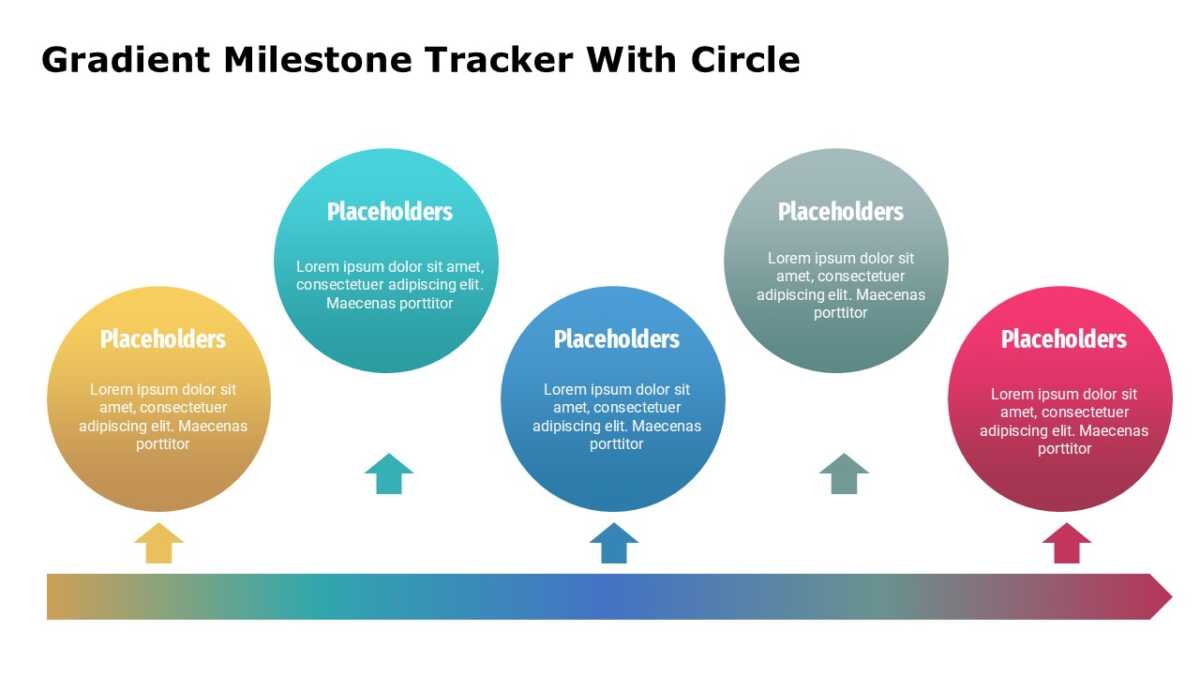
The Gradient Circle Milestone Tracker PowerPoint Template puts the headline figures where they belong, which is first.
Budget conversations turn on comparison and proportion, both of which are visual by nature. Presenting them as text wastes the advantage.
What’s on the slide
- A grid of metric tiles
- A large figure and label in every tile
- A short note field beneath each number
- Consistent tile sizing for clean scanning
- Trend or progress indicators per metric
Recoloring it to your brand takes a minute, because every shape is editable rather than pasted in. 16:9 widescreen, and it travels fine to Google Slides and Keynote.
It lands with FP&A teams first, then controllers, and finance managers run into the same problem often enough to want it. Place it first, so the detail after has something to hang on. If the count is wrong for your content, the other business planning templates cover the same ground.