CRM Automation Categories PowerPoint Presentation
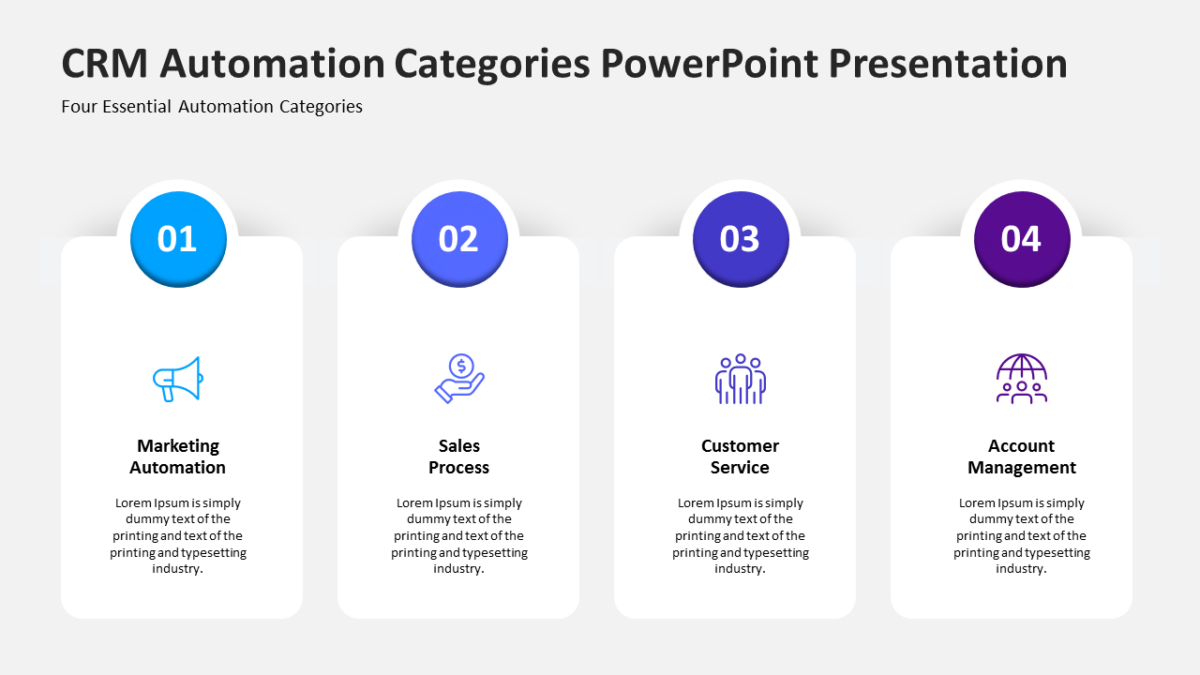
The CRM Automation Categories PowerPoint Presentation replaces the text-heavy slide that always gets skipped.
Customer experience work spans teams that rarely sit in the same meeting. A shared diagram is often the only artifact everyone genuinely agrees on.
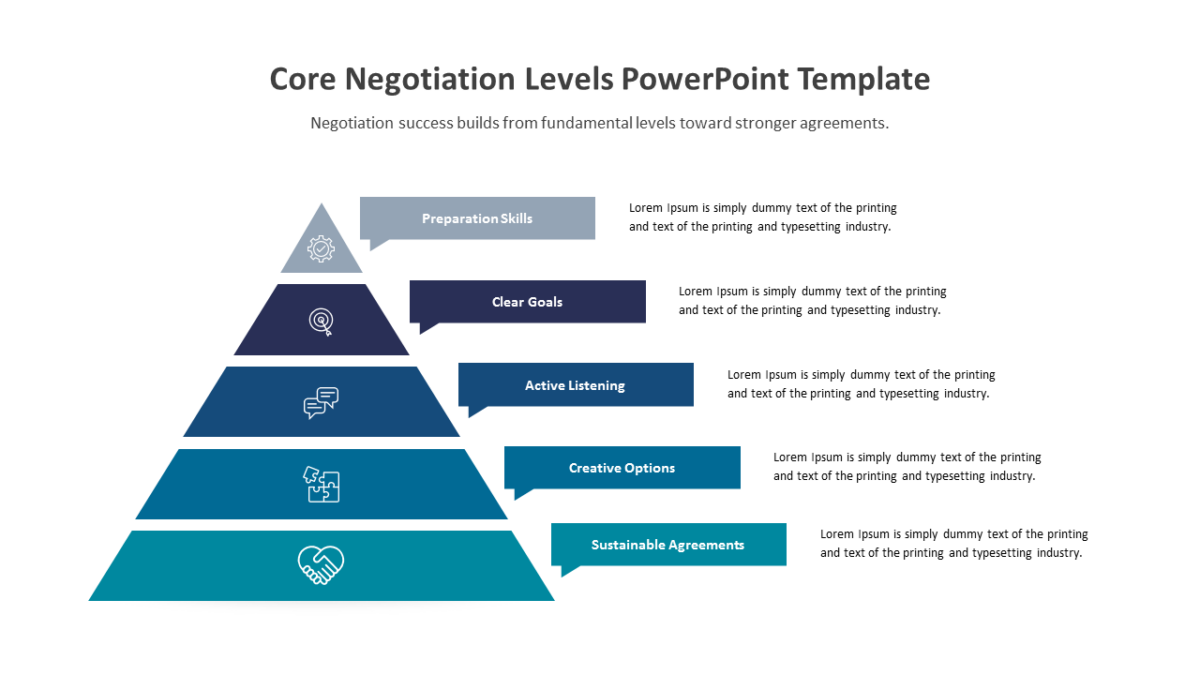
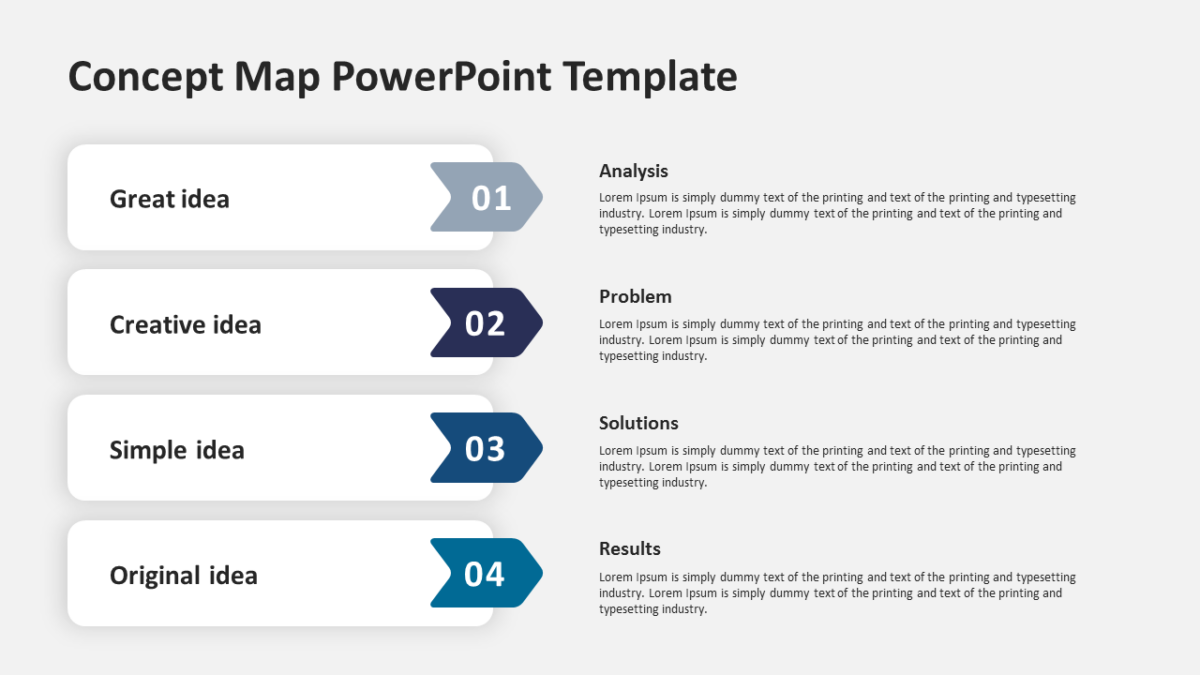
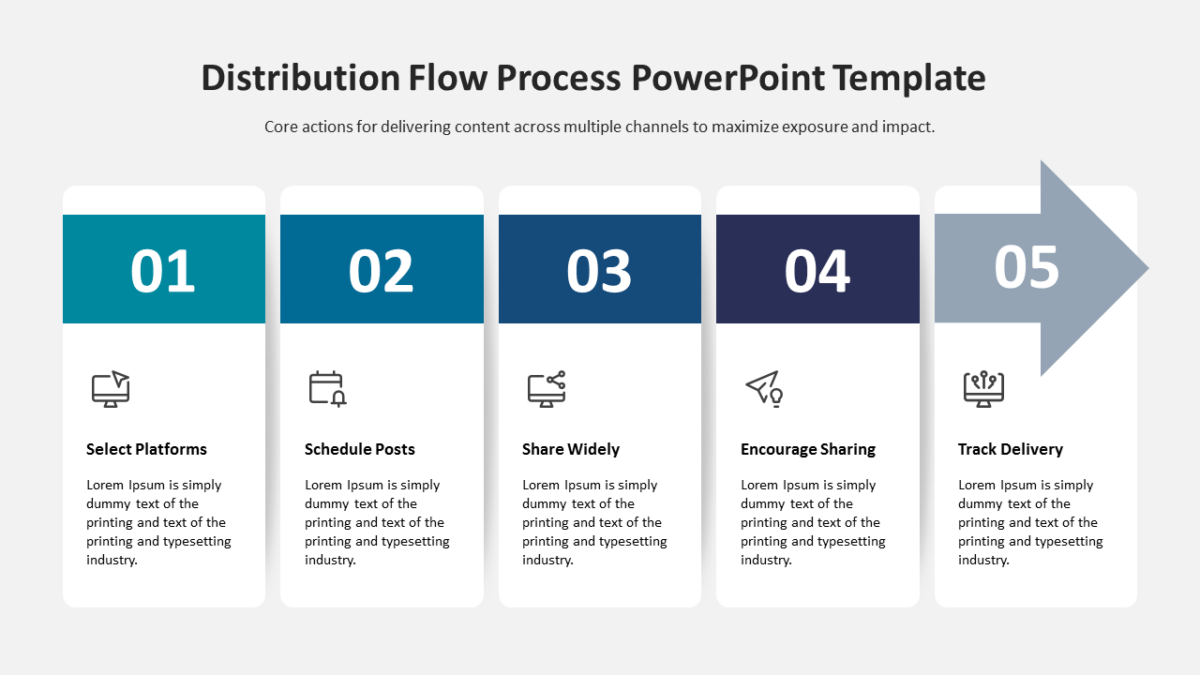
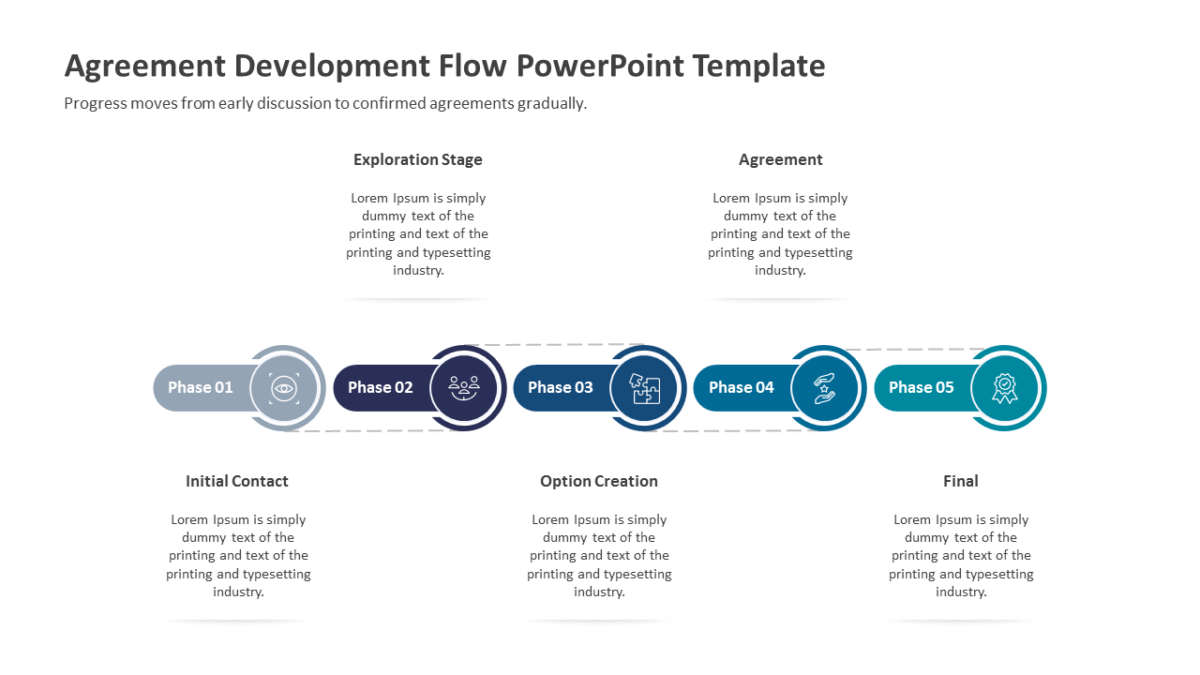
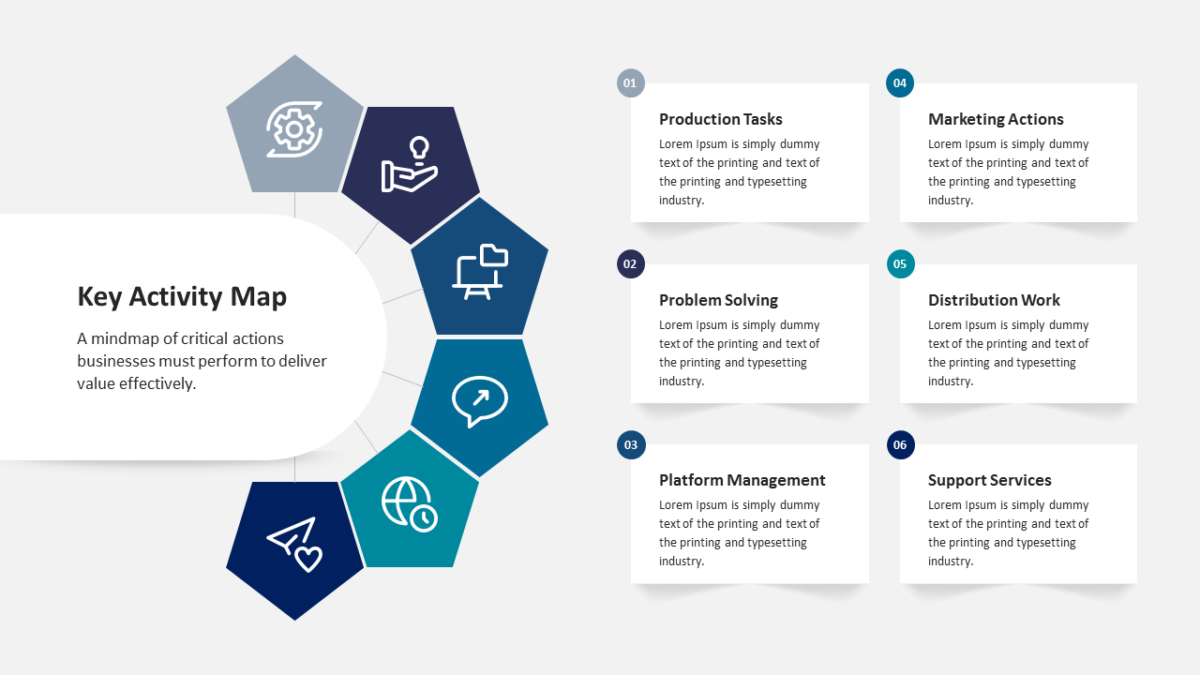
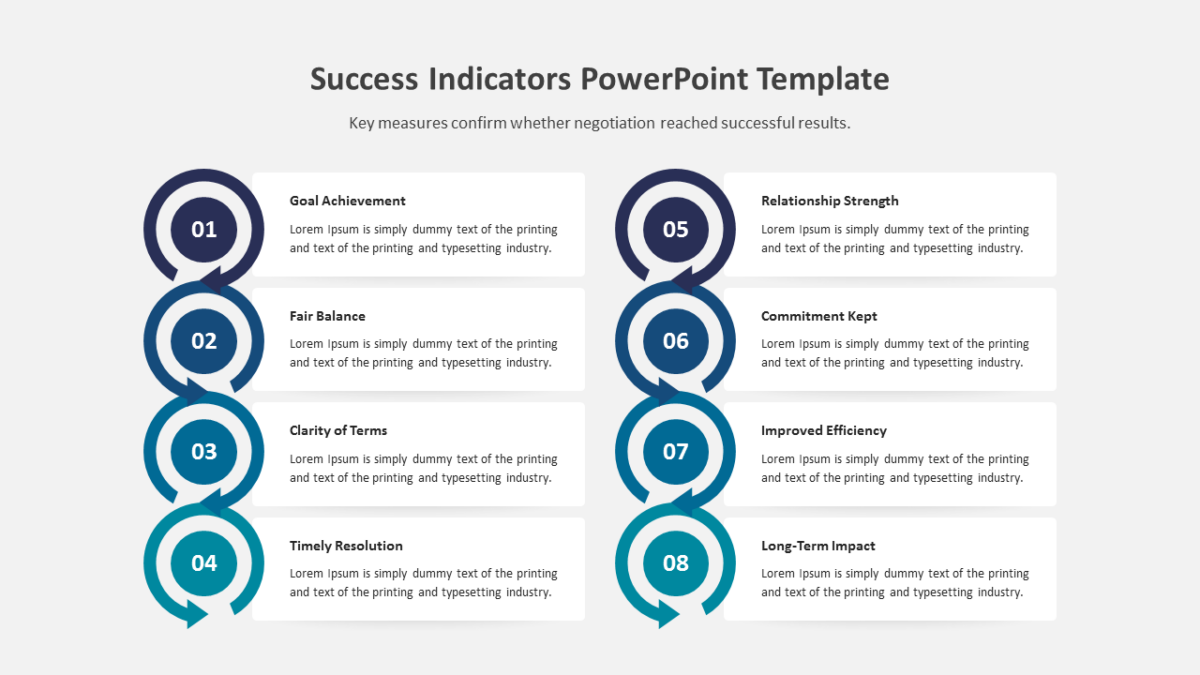
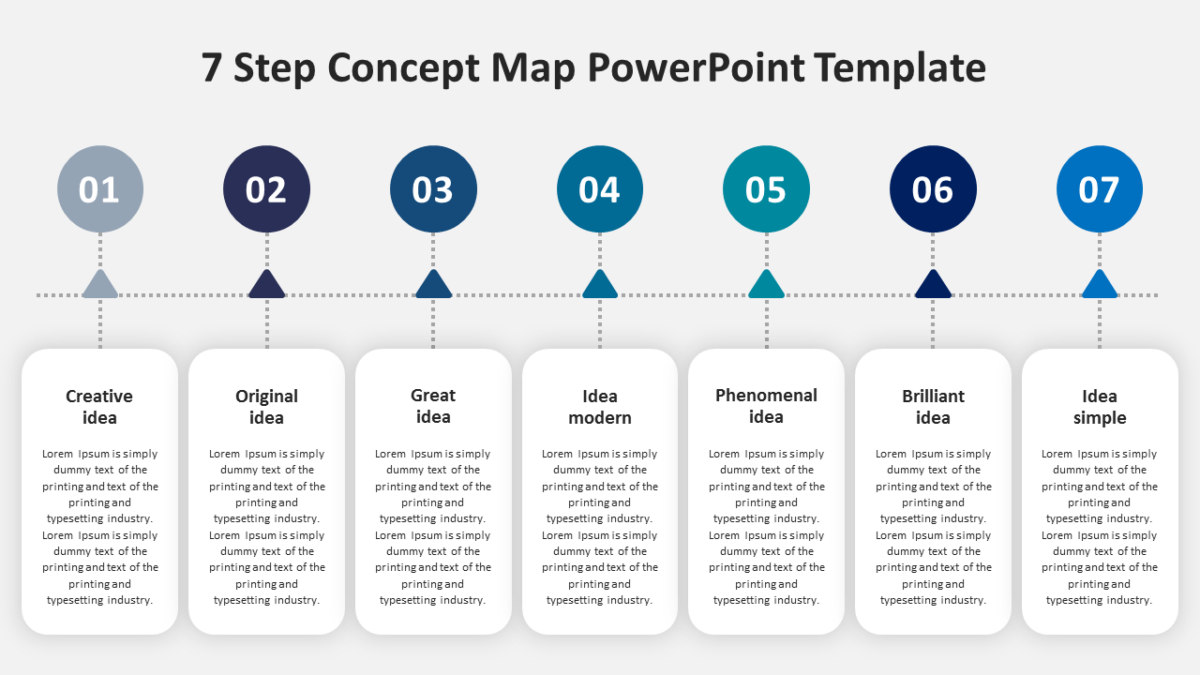
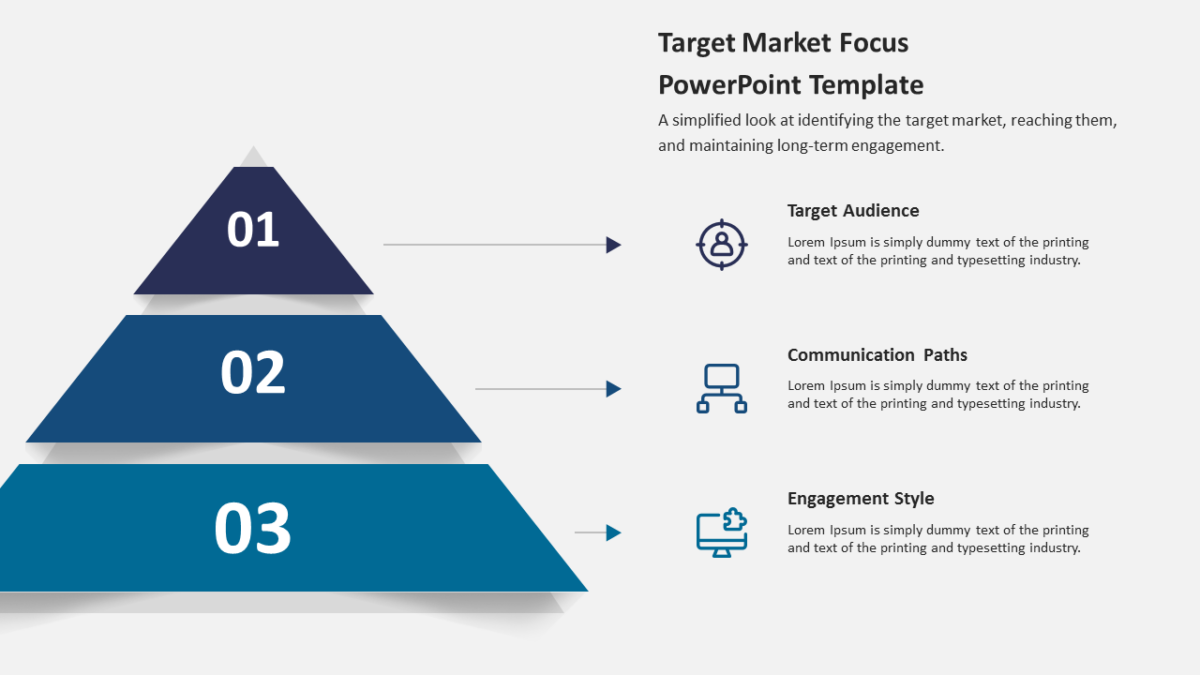
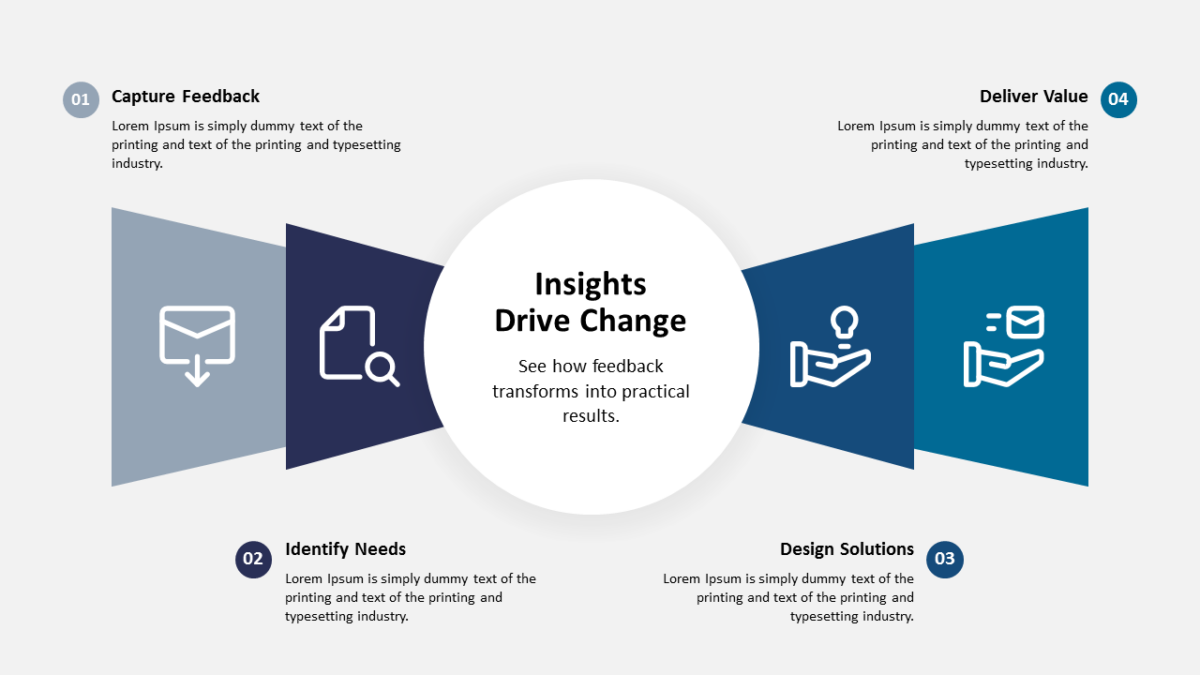
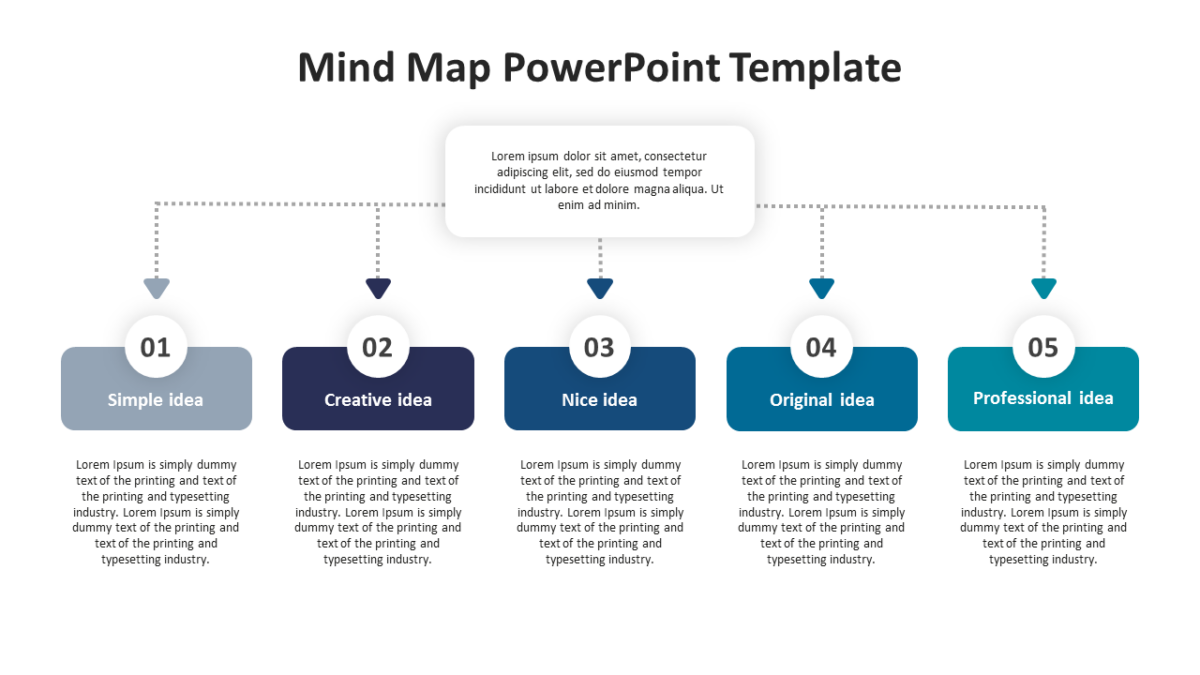
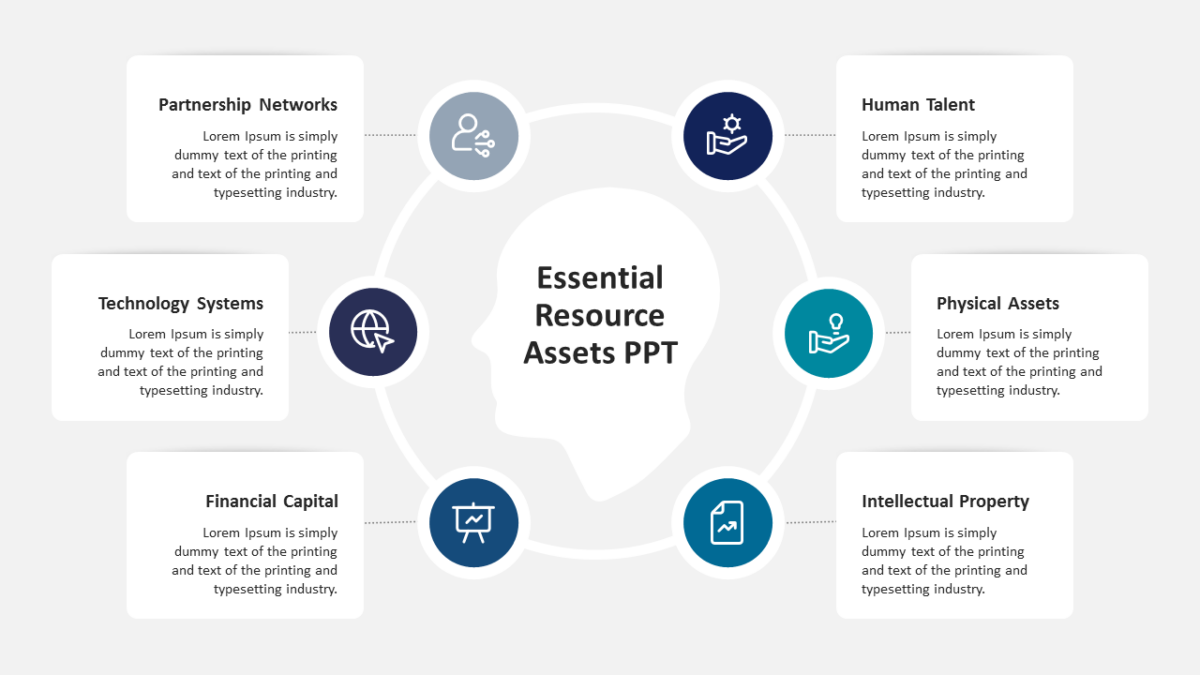
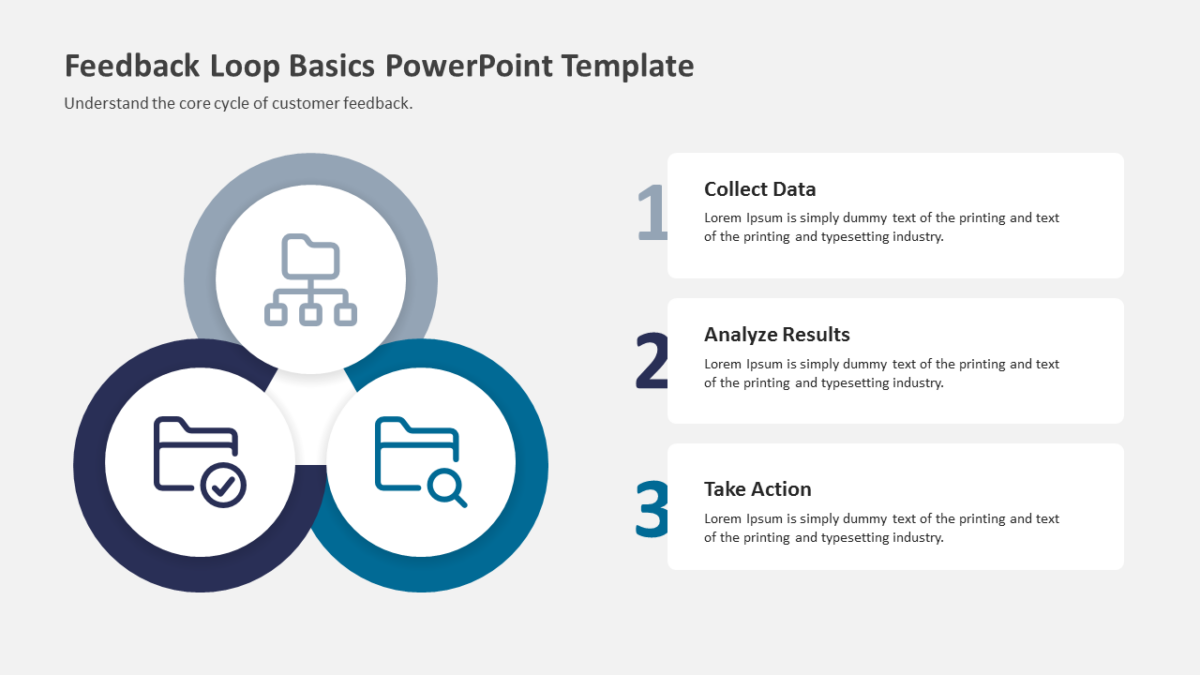
What’s on the slide
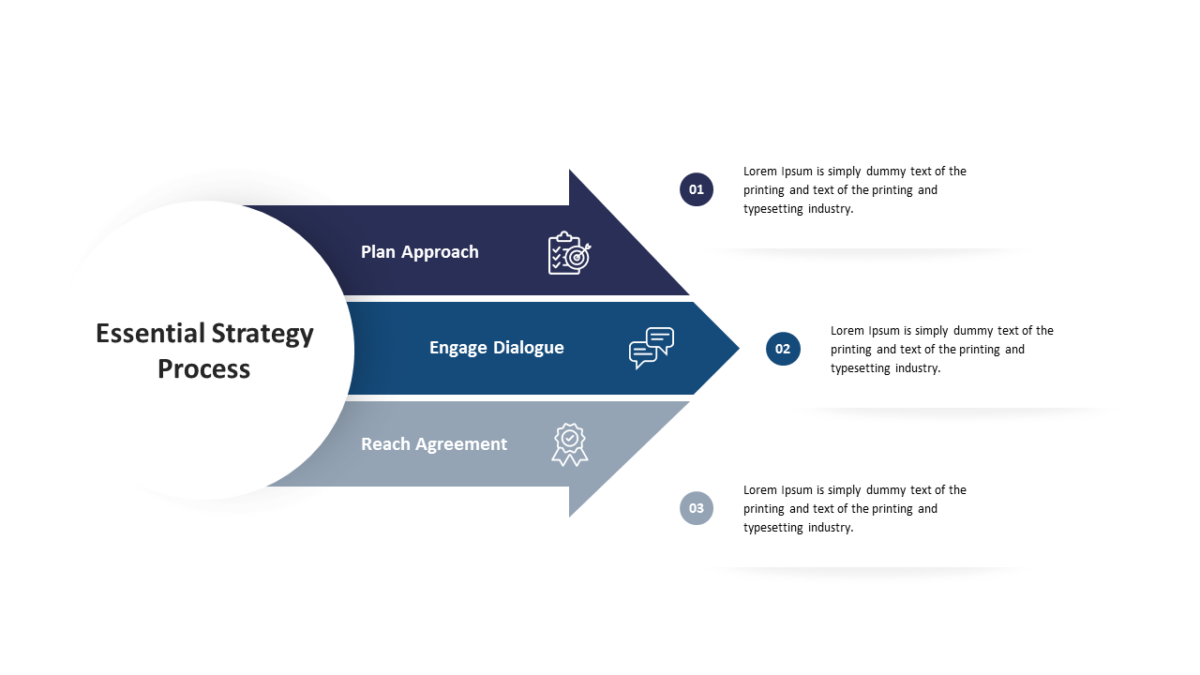
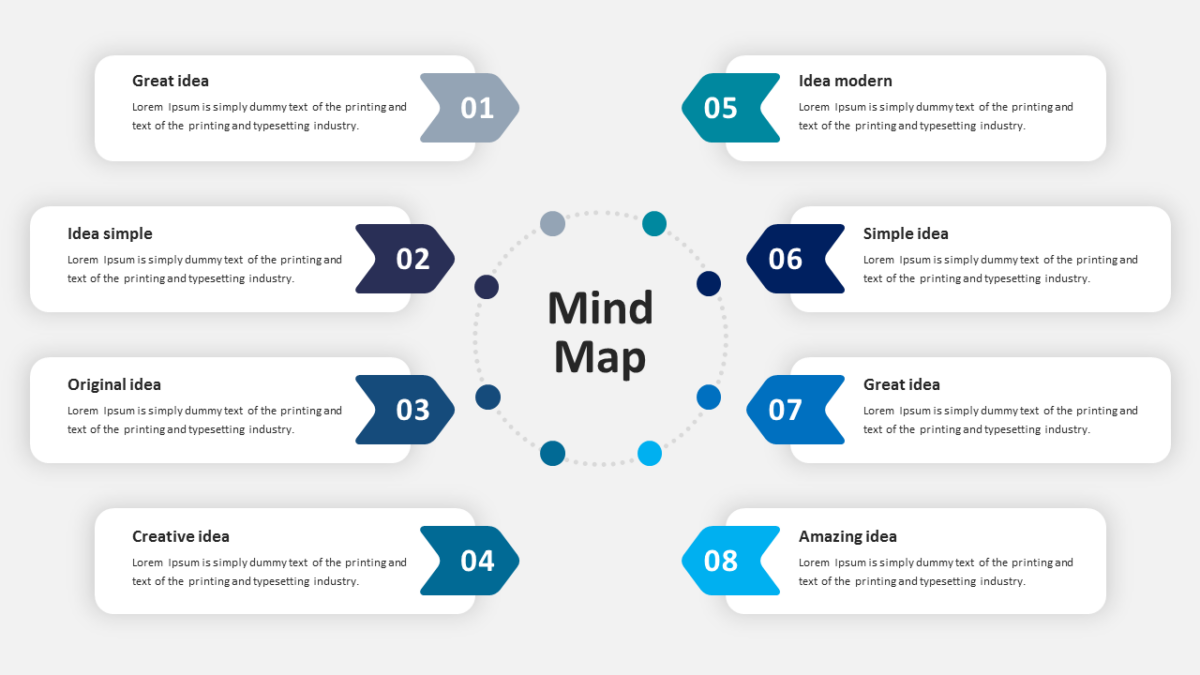
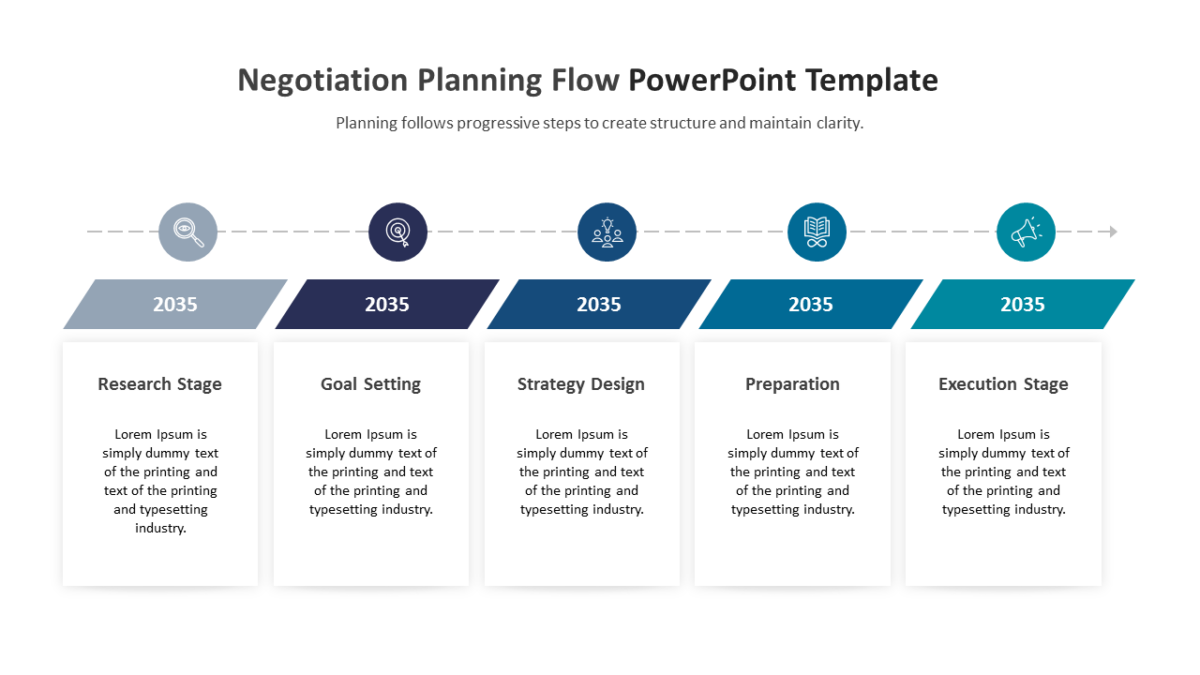
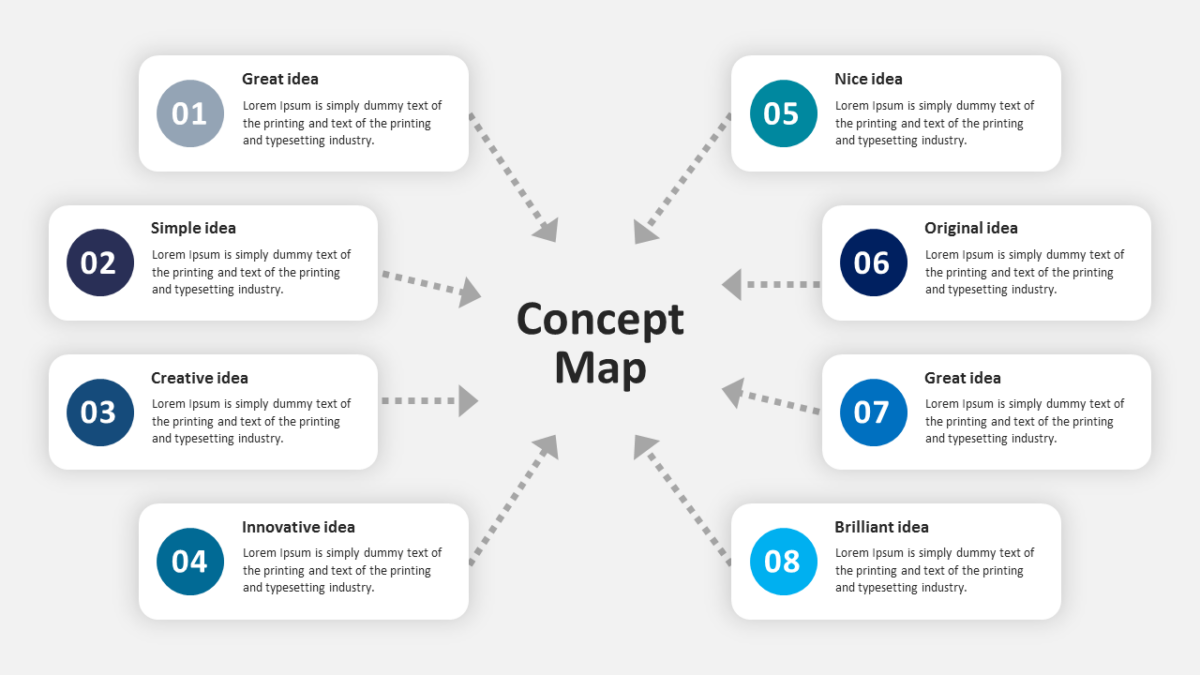
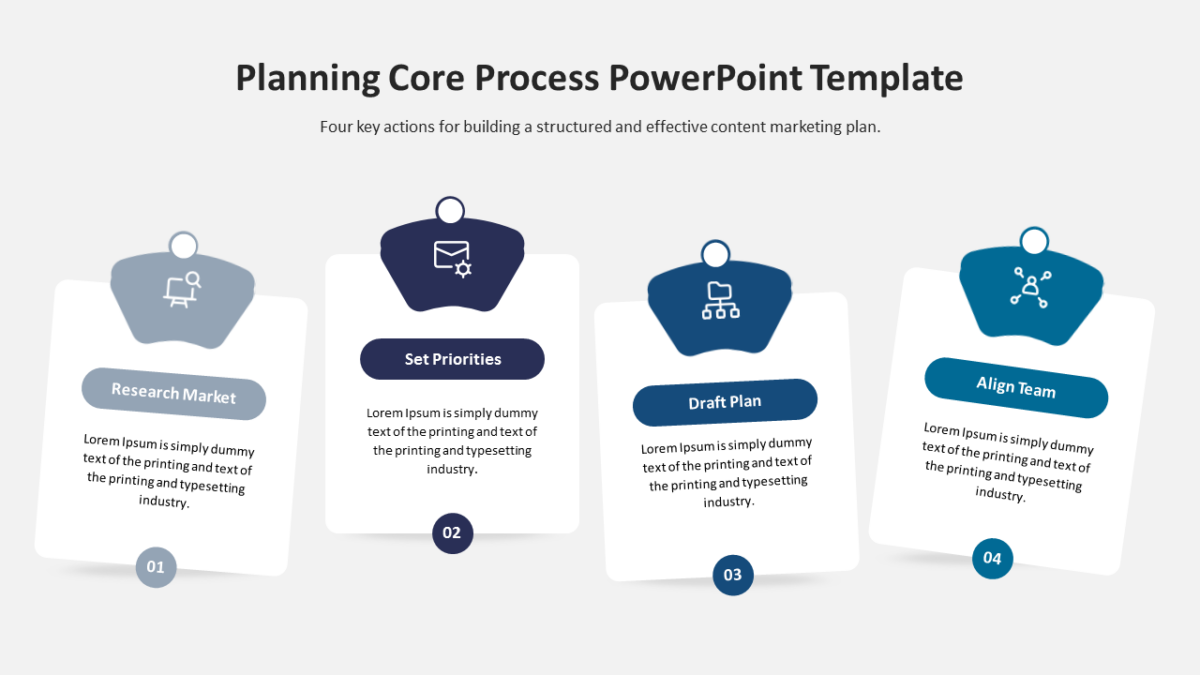
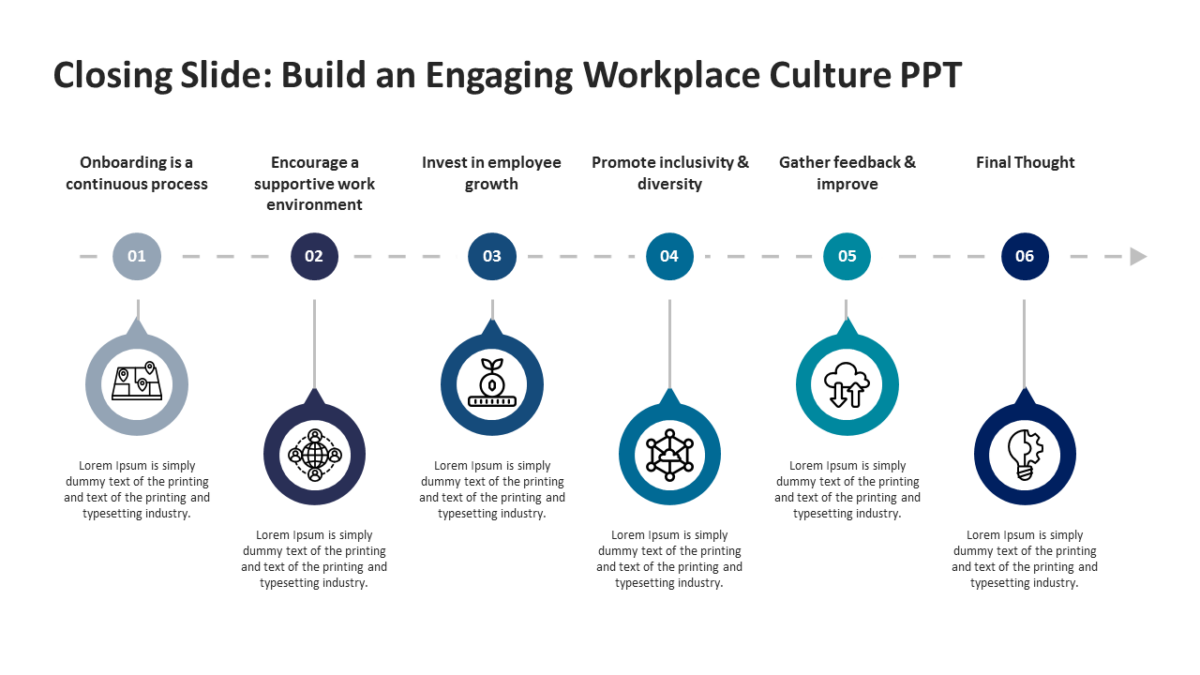
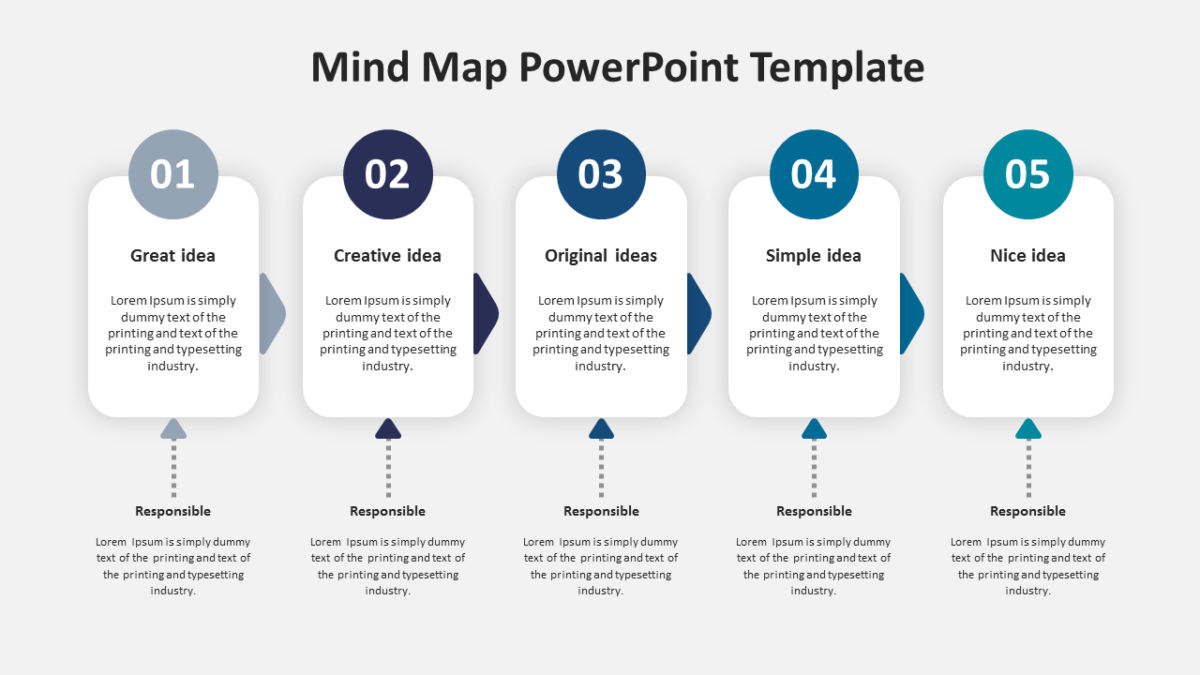
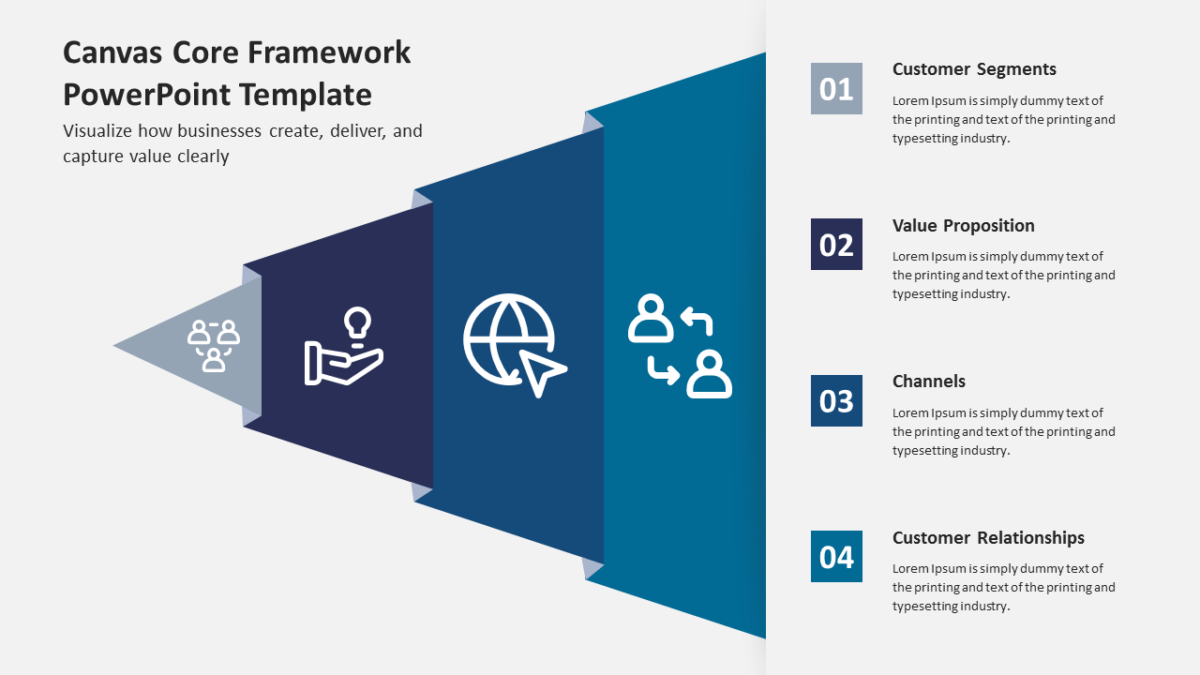
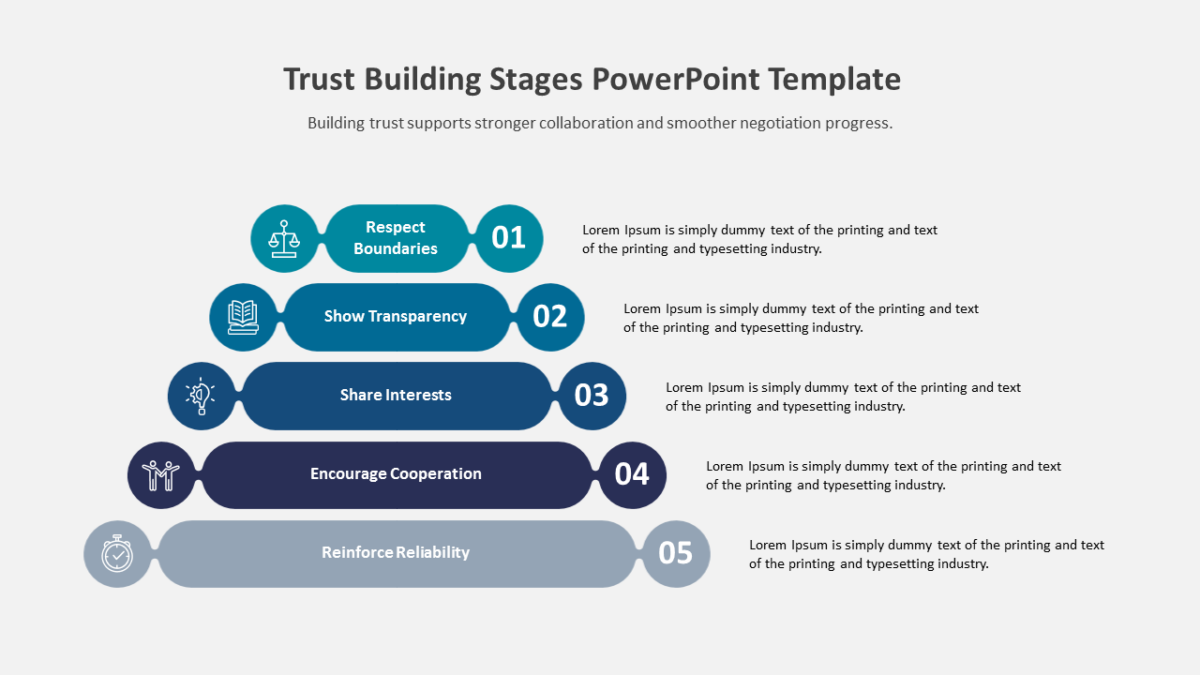
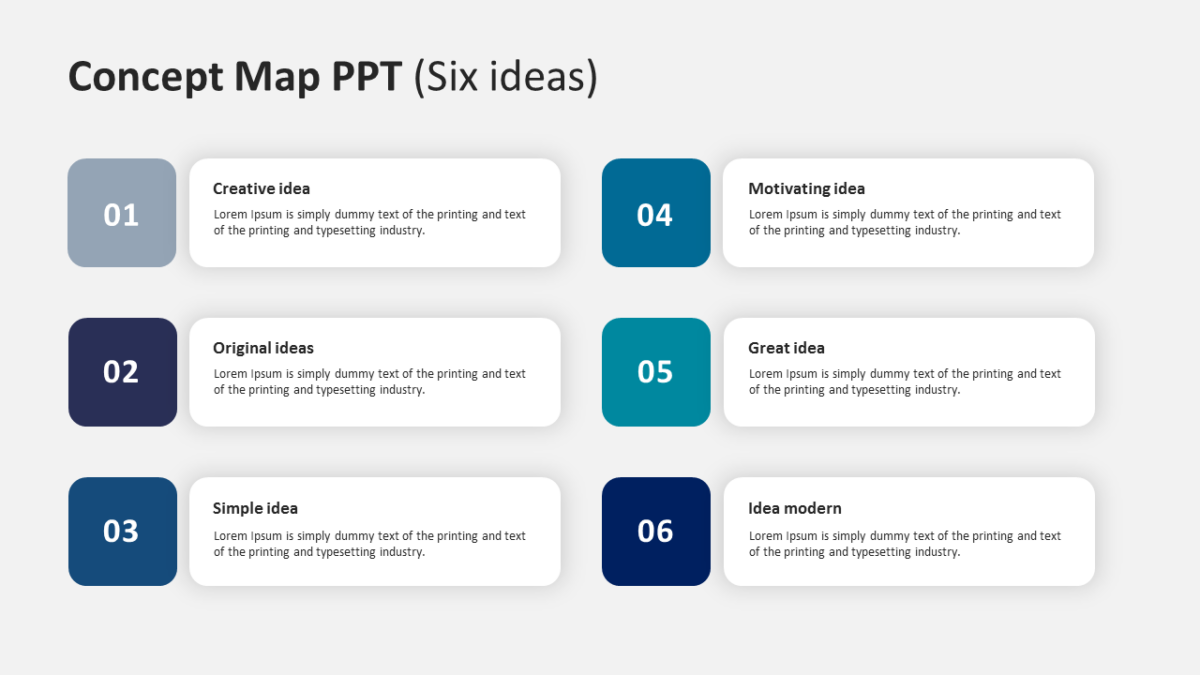
- Balanced visual blocks aligned on a consistent grid
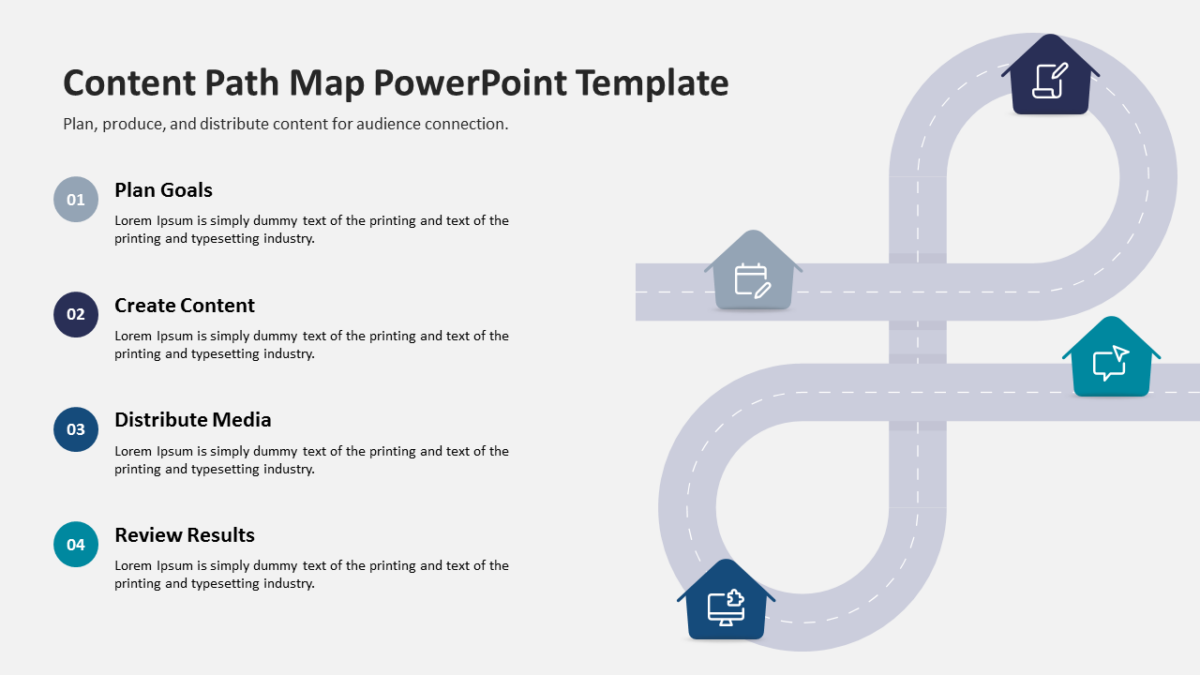
- Title and subtitle area at the top
- Clear visual separation between points
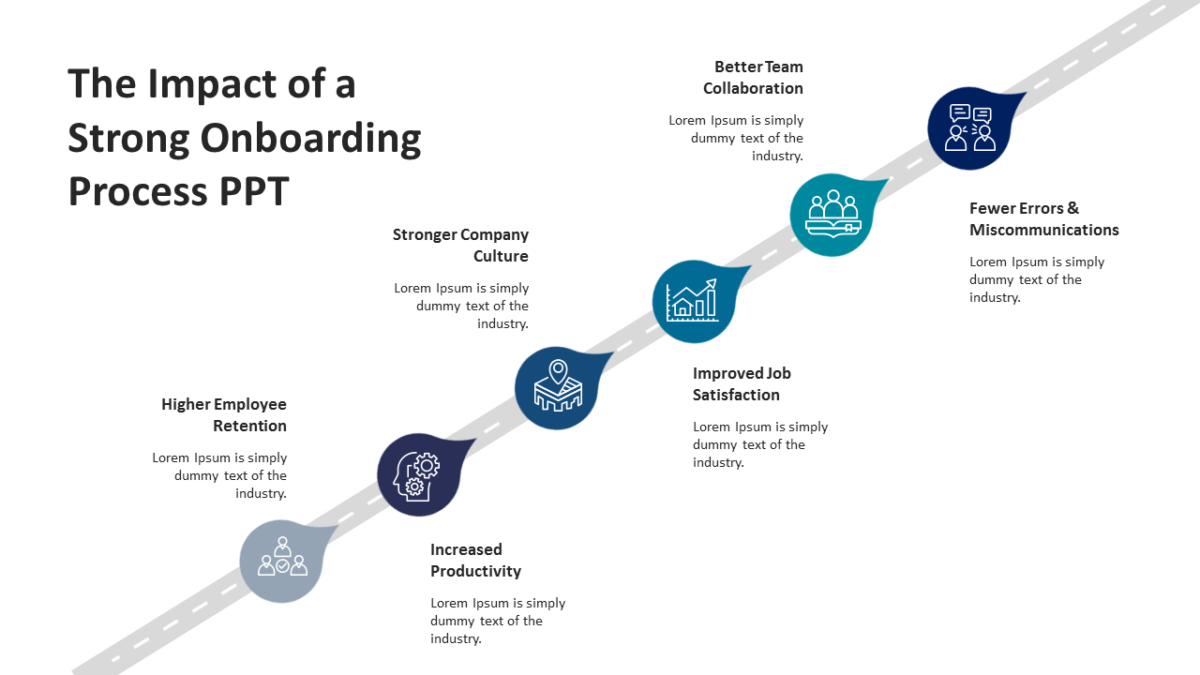
- A heading and short text area per element
- Icon placeholders throughout
Recoloring it to your brand takes a minute, because every shape is editable rather than pasted in. 16:9 widescreen, and it travels fine to Google Slides and Keynote.
It lands with CX teams first, then account managers, and service leads run into the same problem often enough to want it. Use it as an overview before you break the parts out individually. Pair it with anything from the customer experience templates to keep a deck consistent.