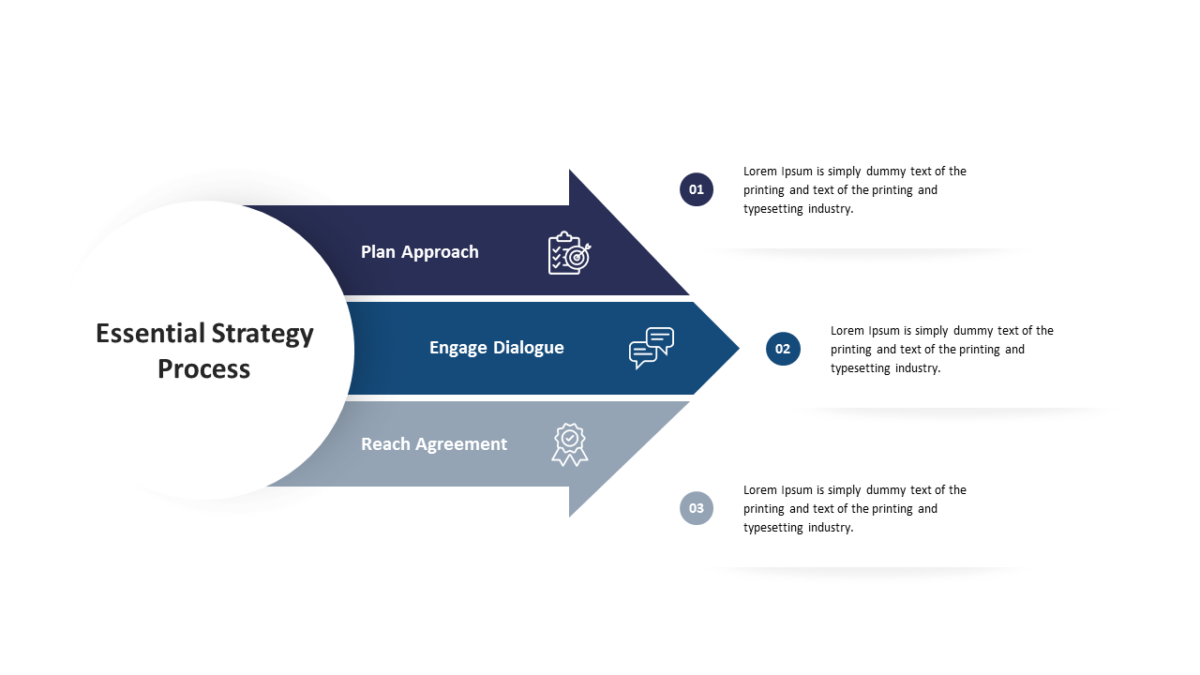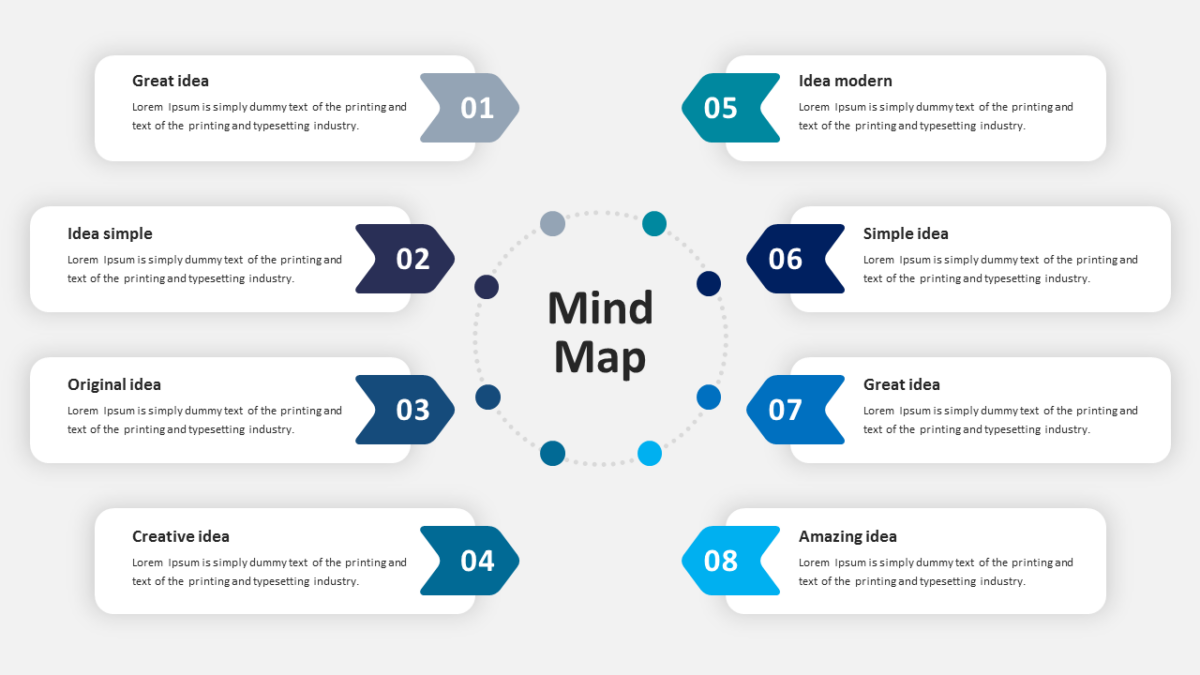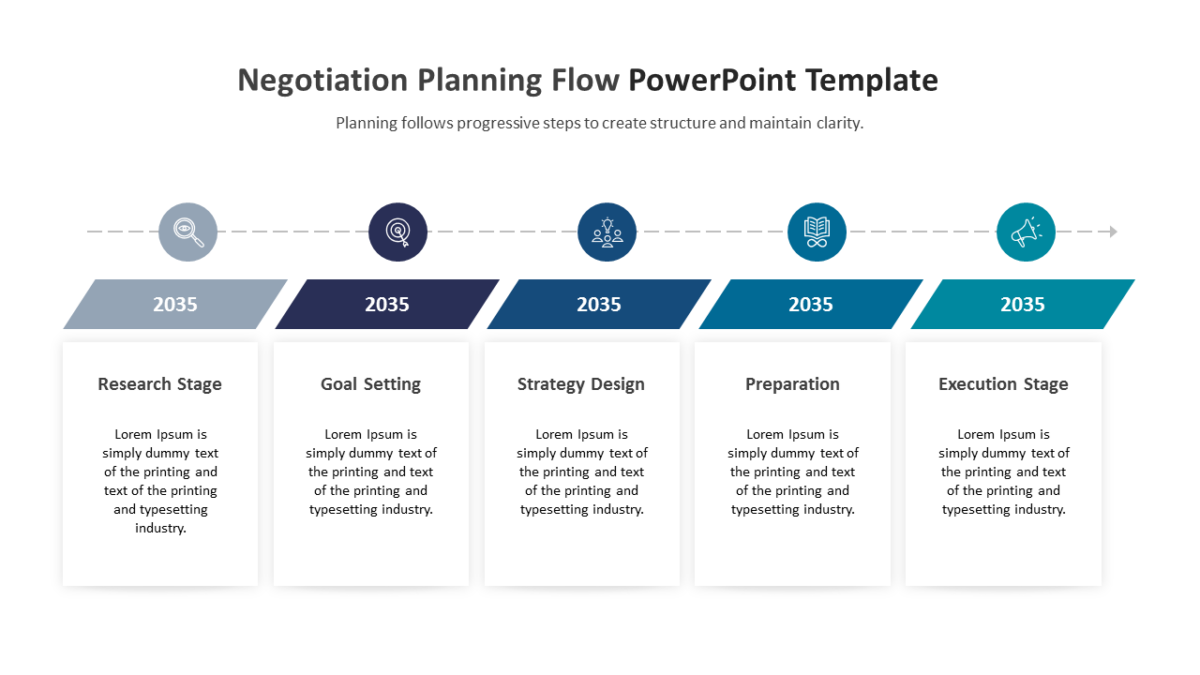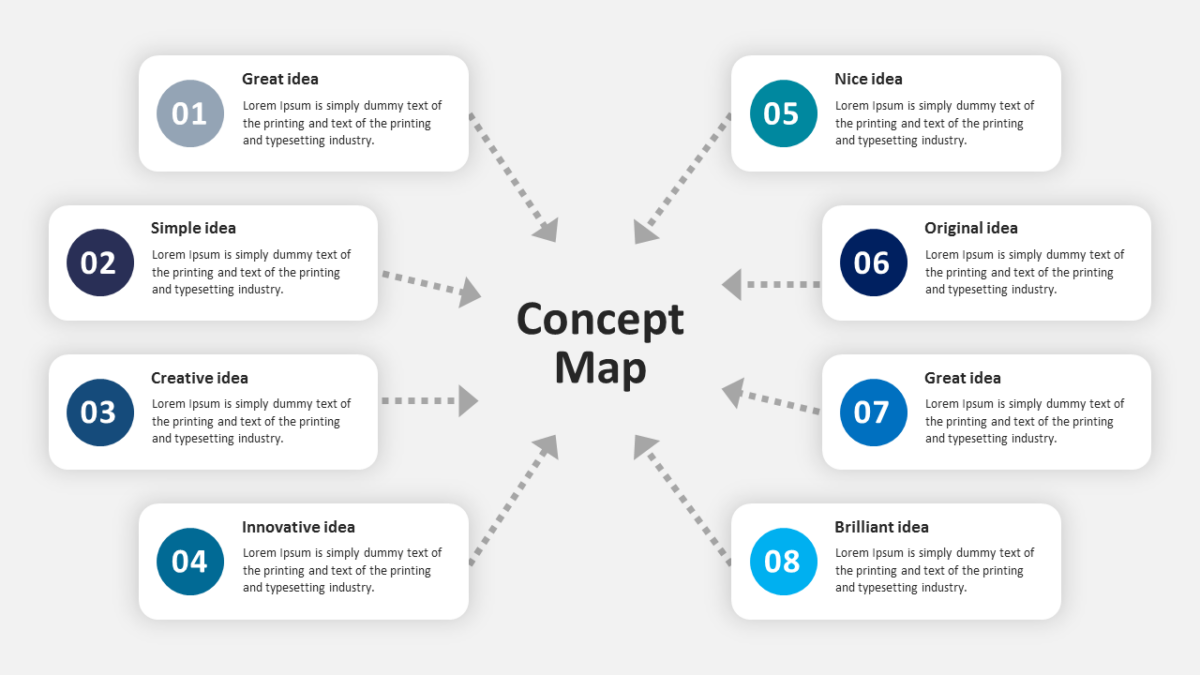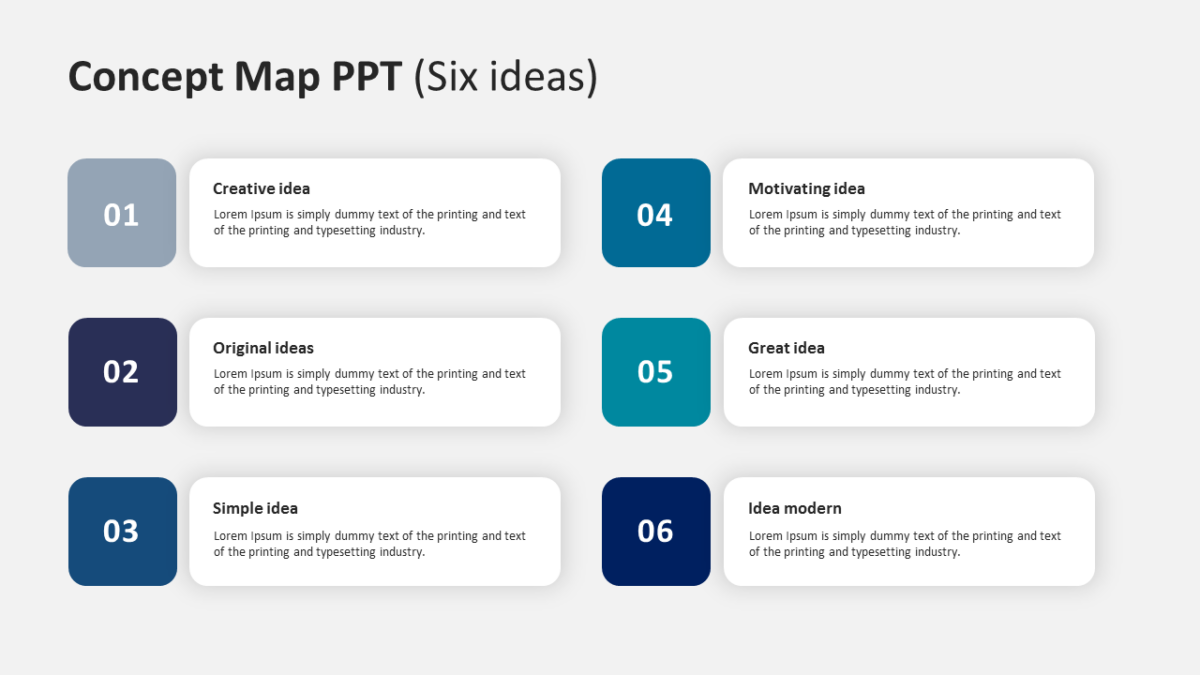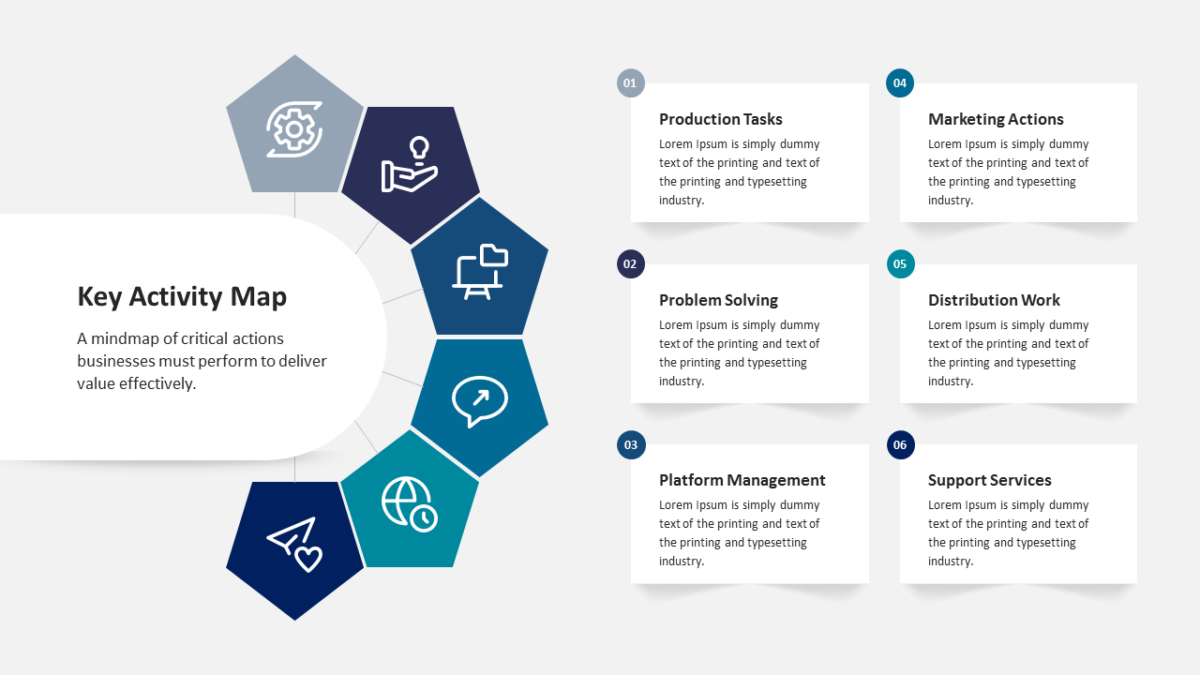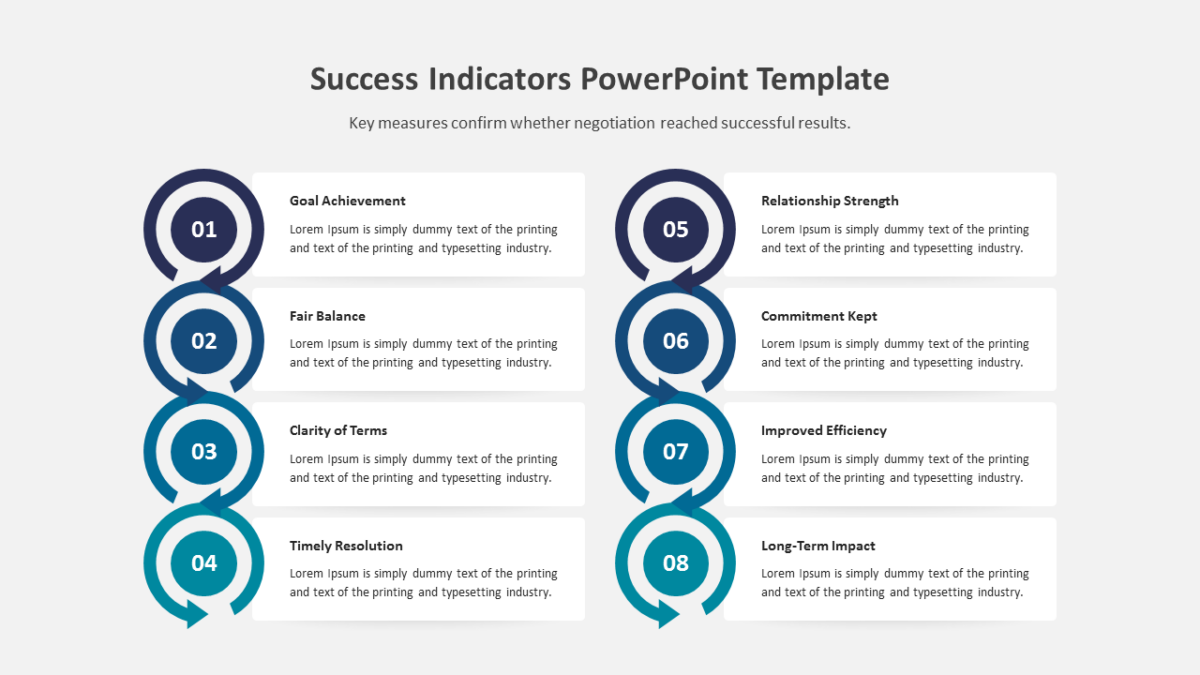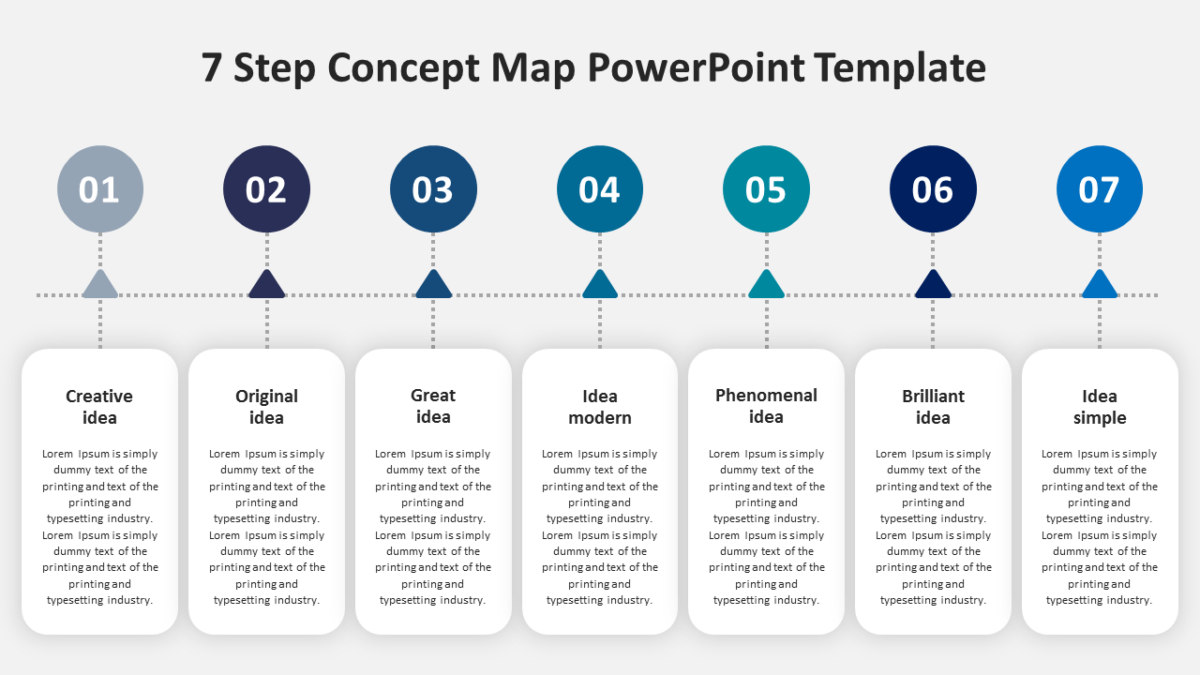
6 Step Circular Diagram for PowerPoint

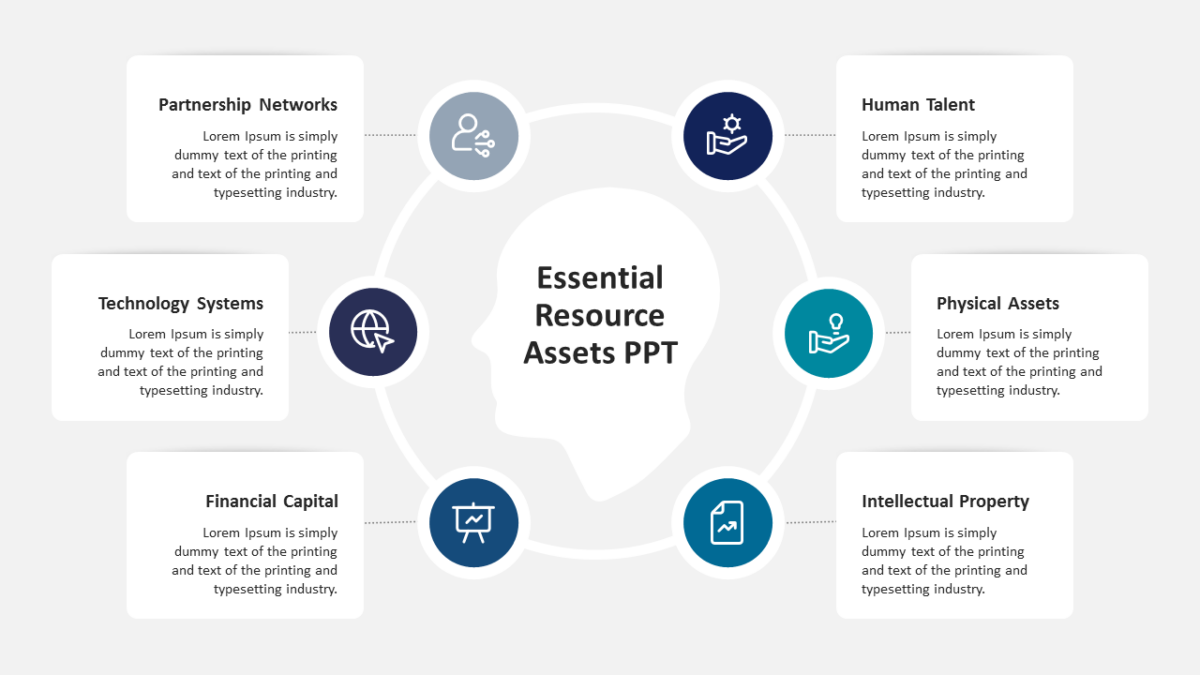
The 6 Step Circular Diagram for PowerPoint draws a loop, which is the honest shape for anything that repeats.
Most decks lose people not through bad content but through slides that ask too much to decode. Good structure removes that tax.
What’s on the slide
- A ring divided into 6 segments
- Distinct fill per segment for quick reference
- An icon and text block for every stage
- Directional arrows carrying the eye around the loop
- Open space at the center for a title or summary
Every element is a native PowerPoint shape, so colors, icons and copy are all yours to change. Sized 16:9, and it opens cleanly in Google Slides and Keynote.
The usual audience is business analysts, with executives and consultants not far behind. Place it mid-deck, as the how-it-works slide. Pair it with anything from the 6 steps templates to keep a deck consistent.