Benefits of Feedback PowerPoint Template
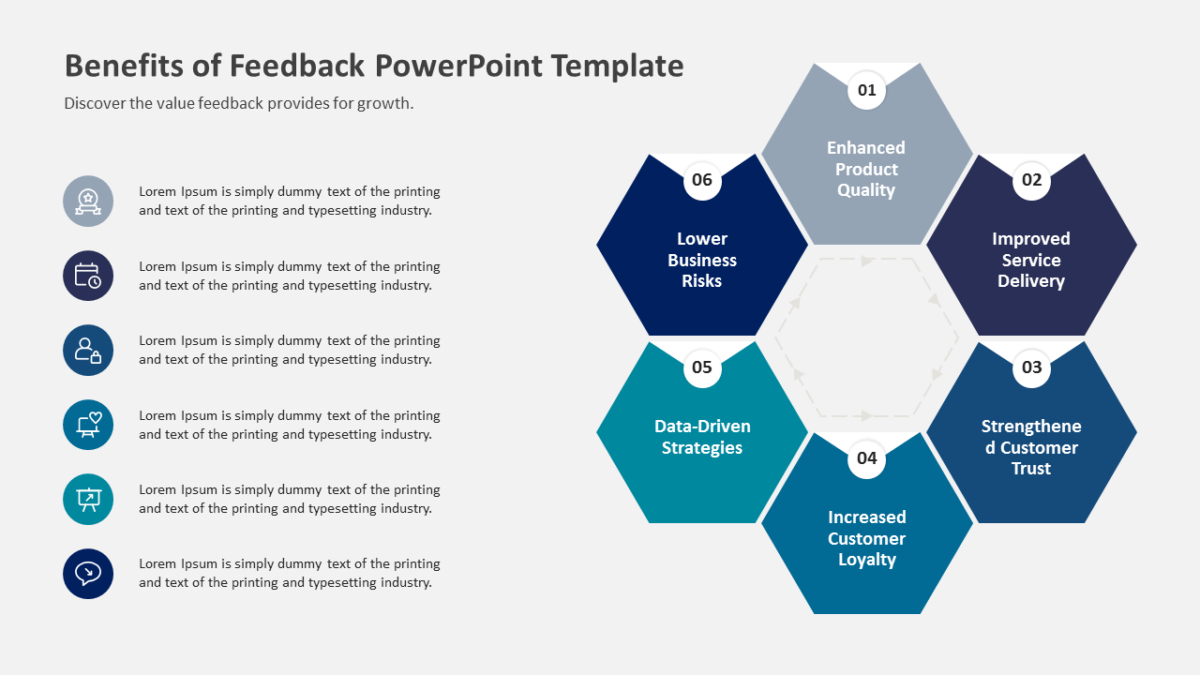
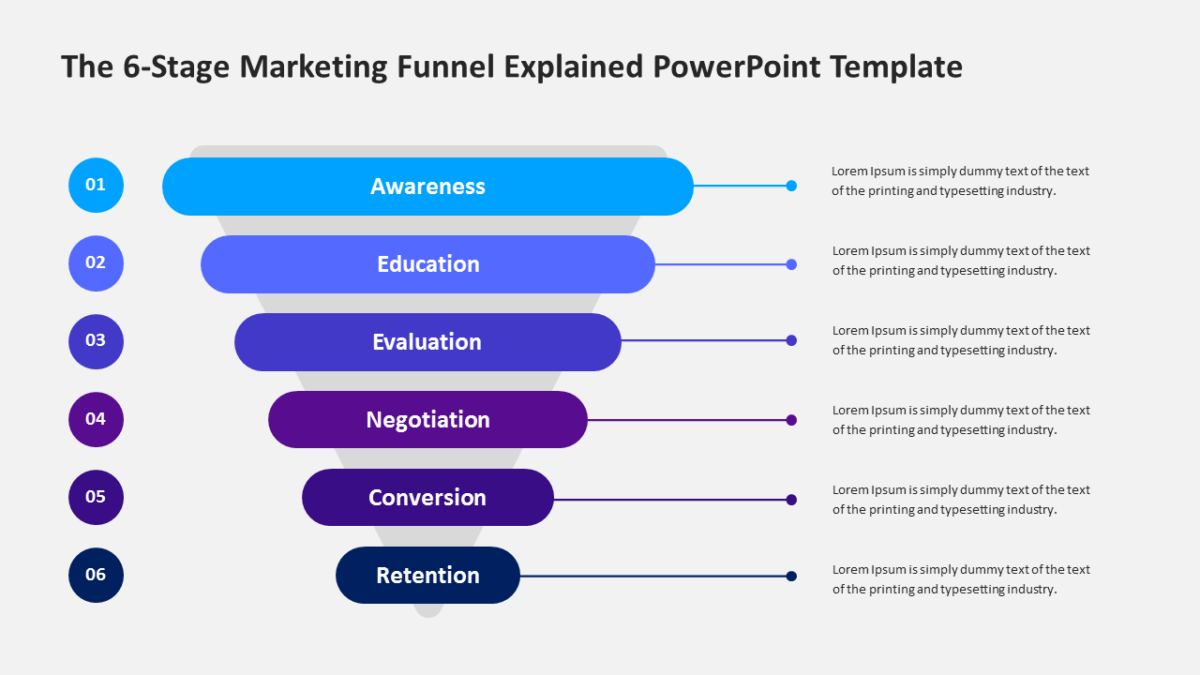
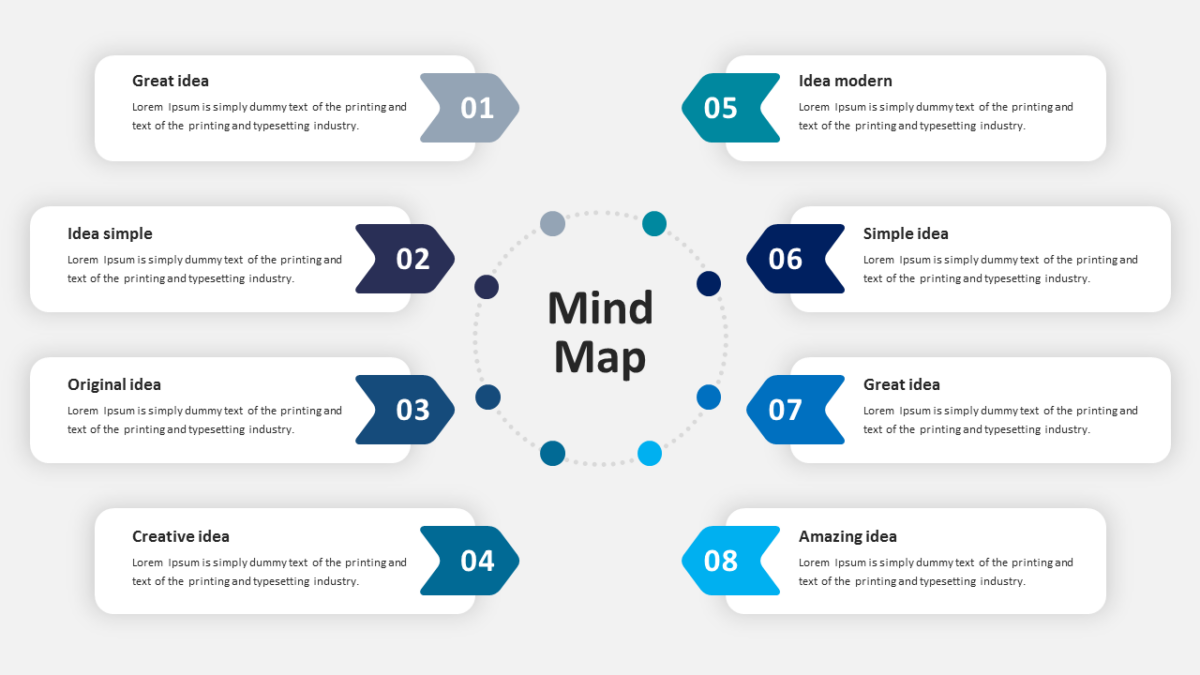
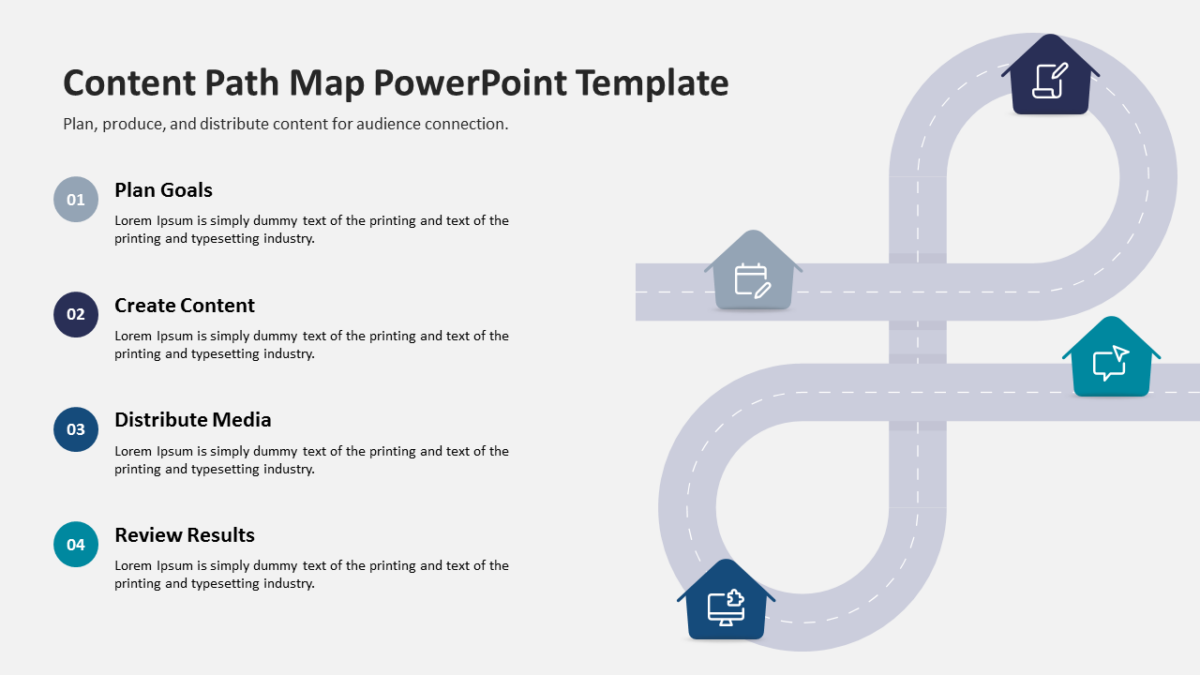
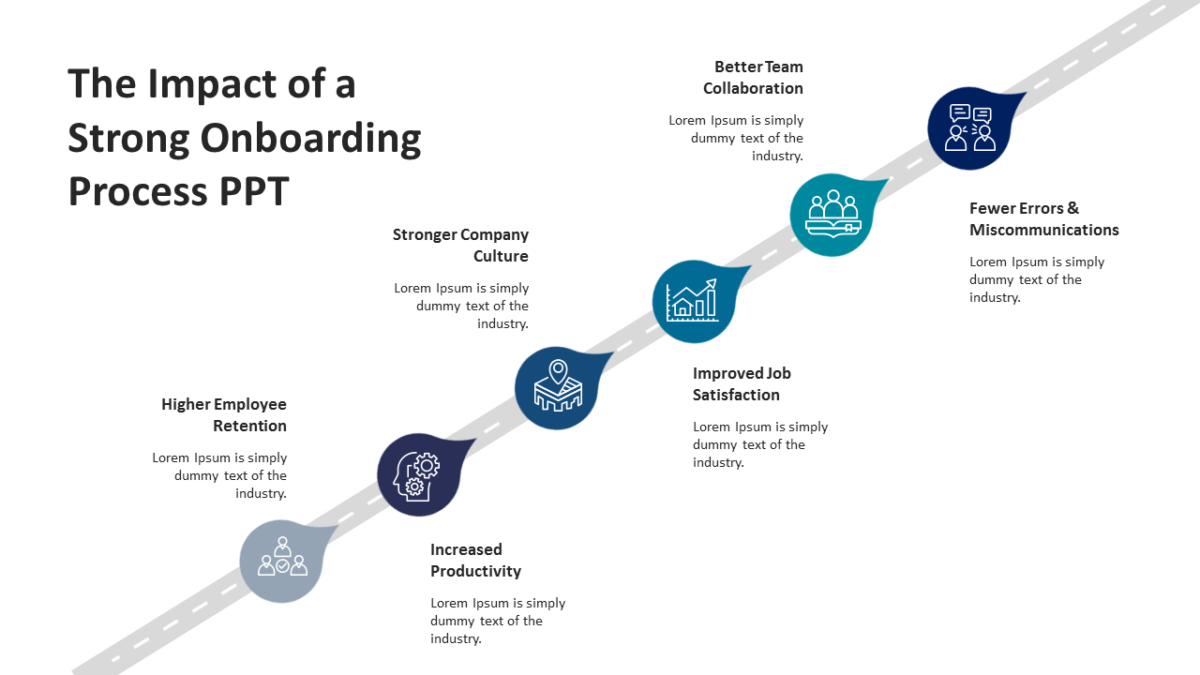
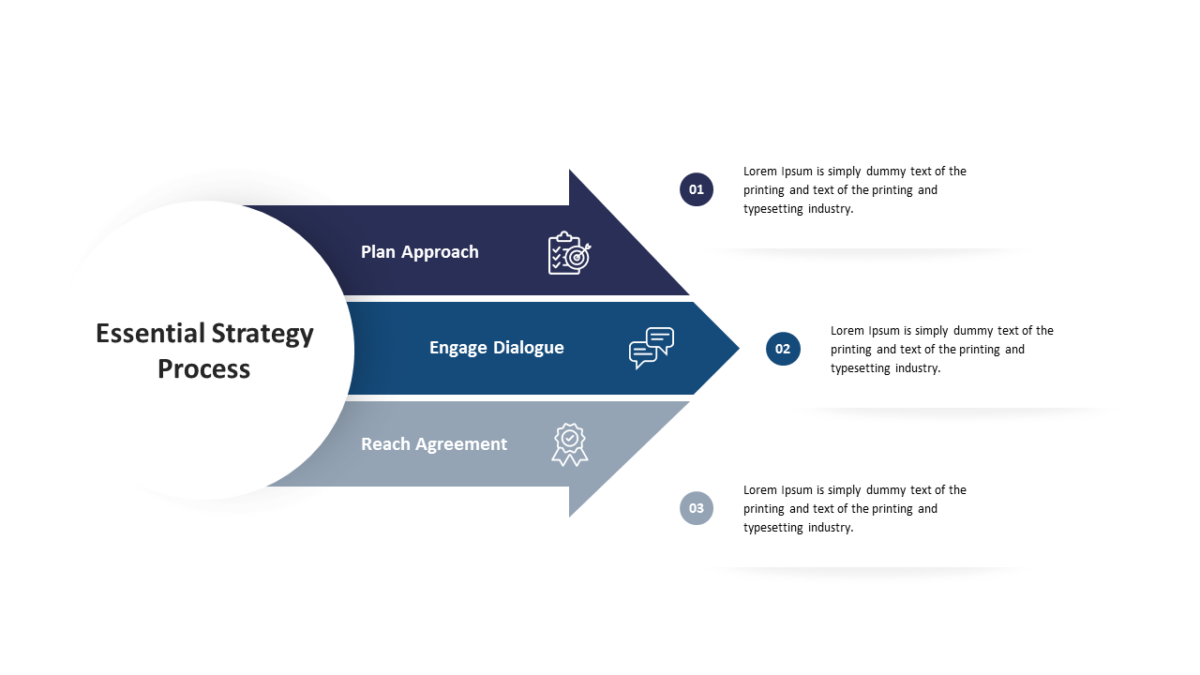
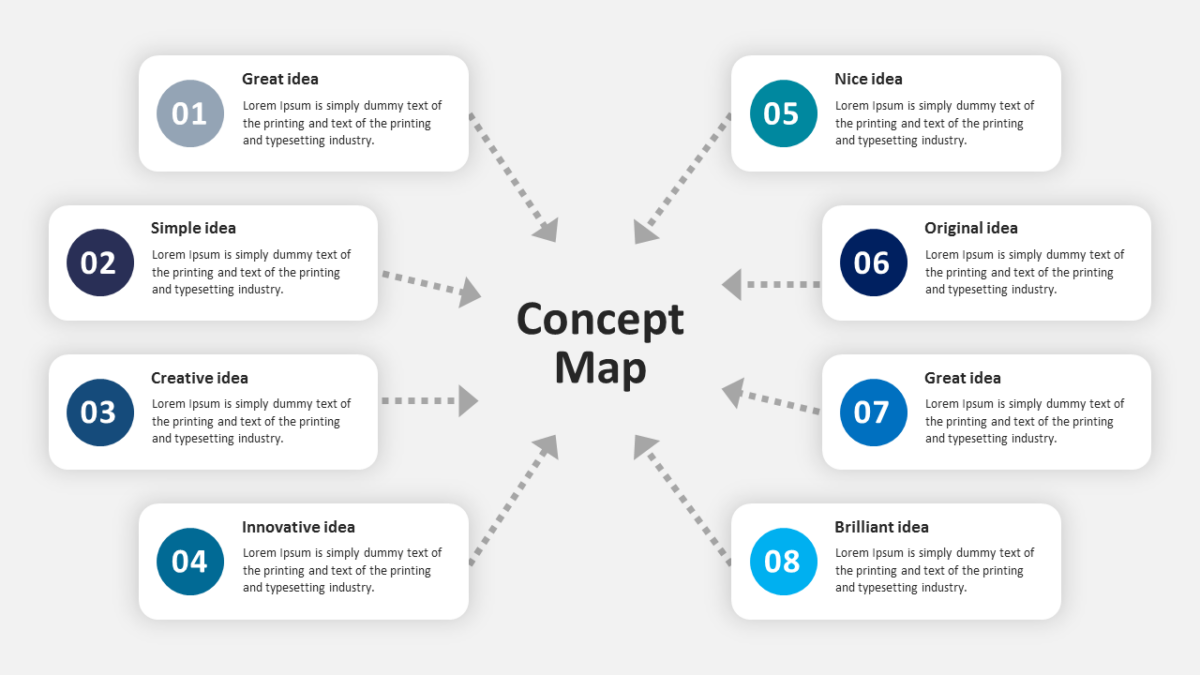
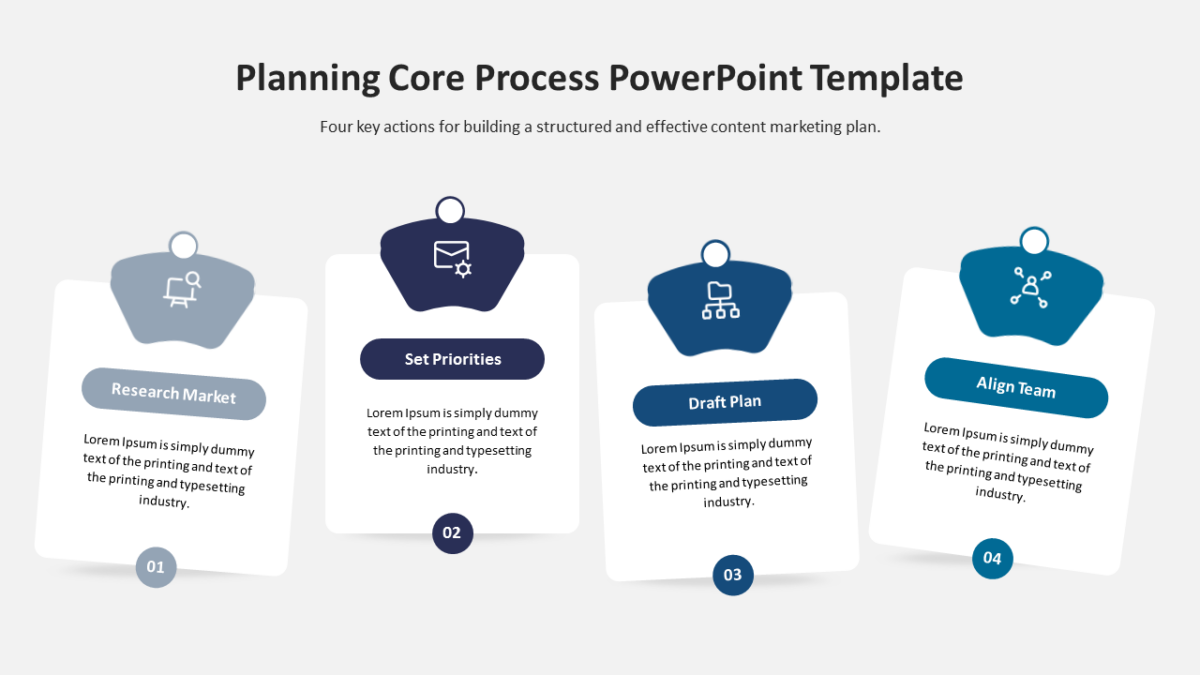
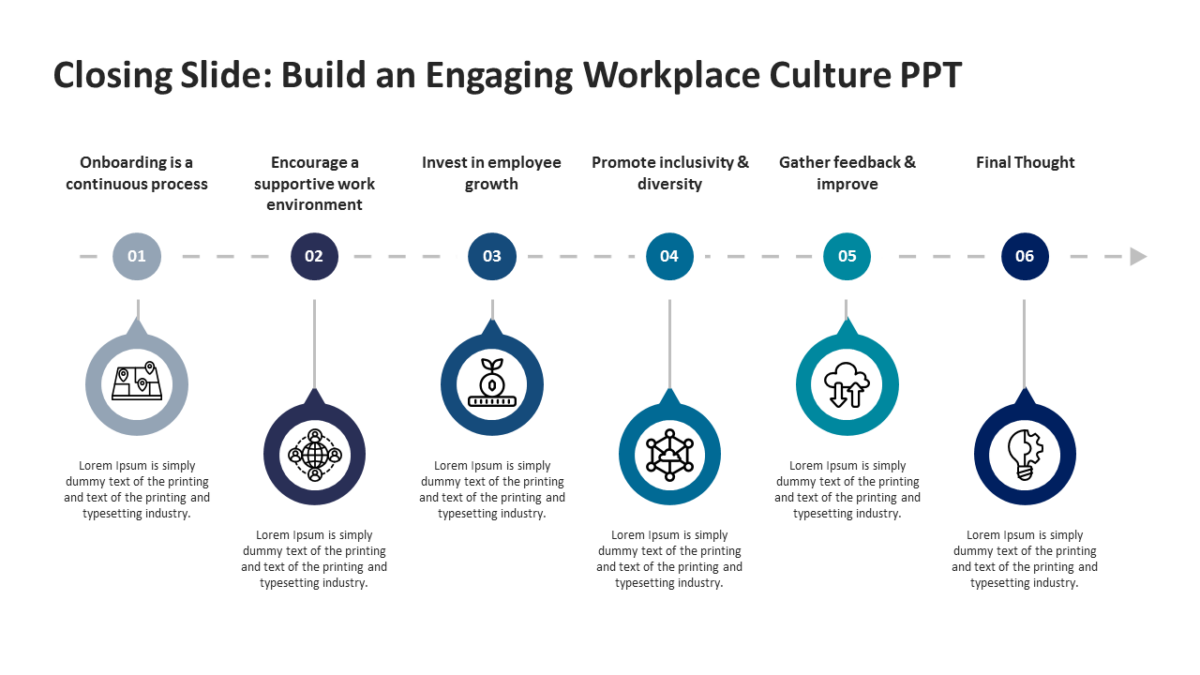
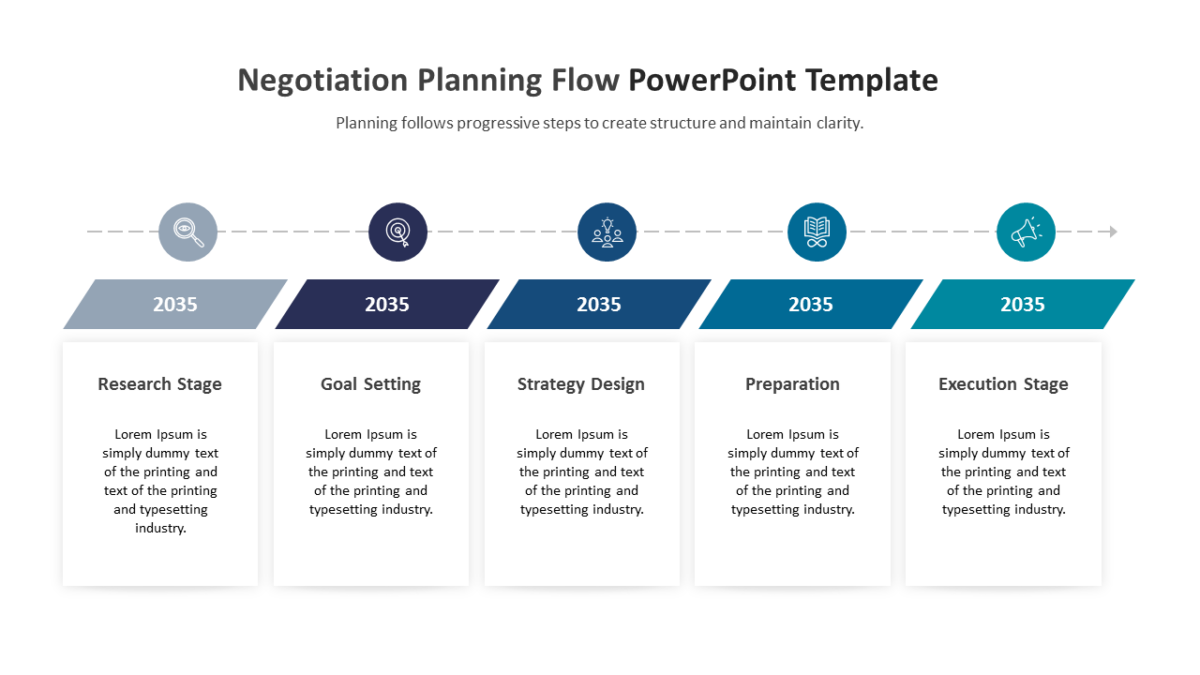
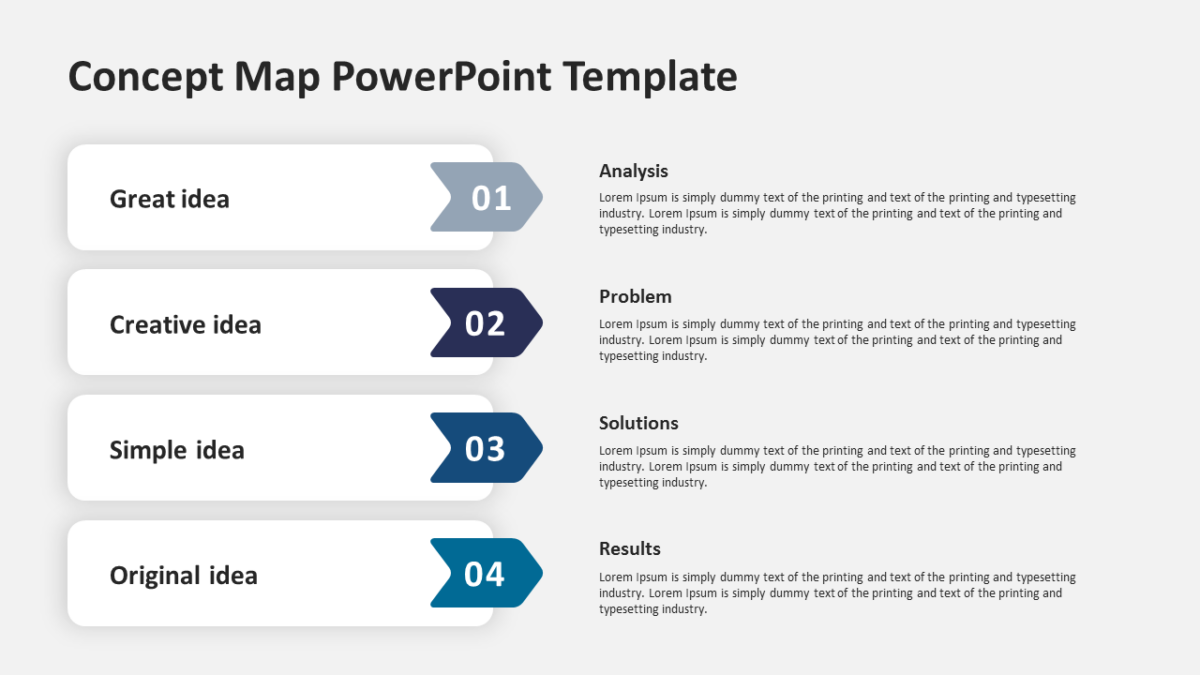
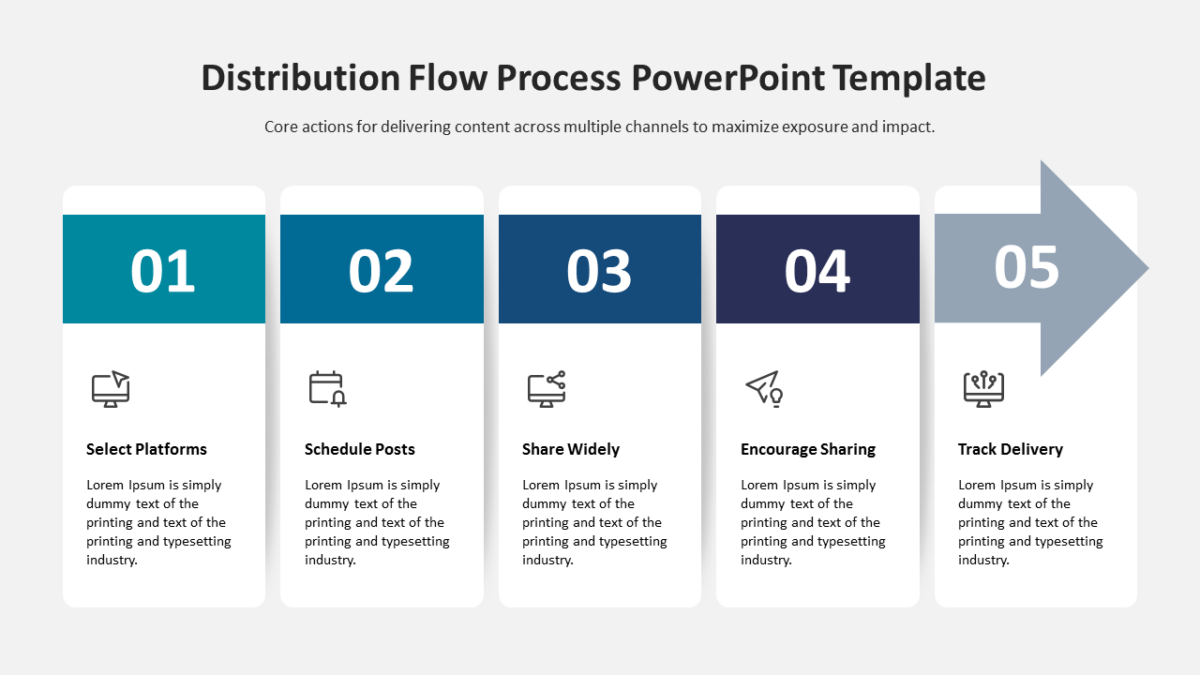
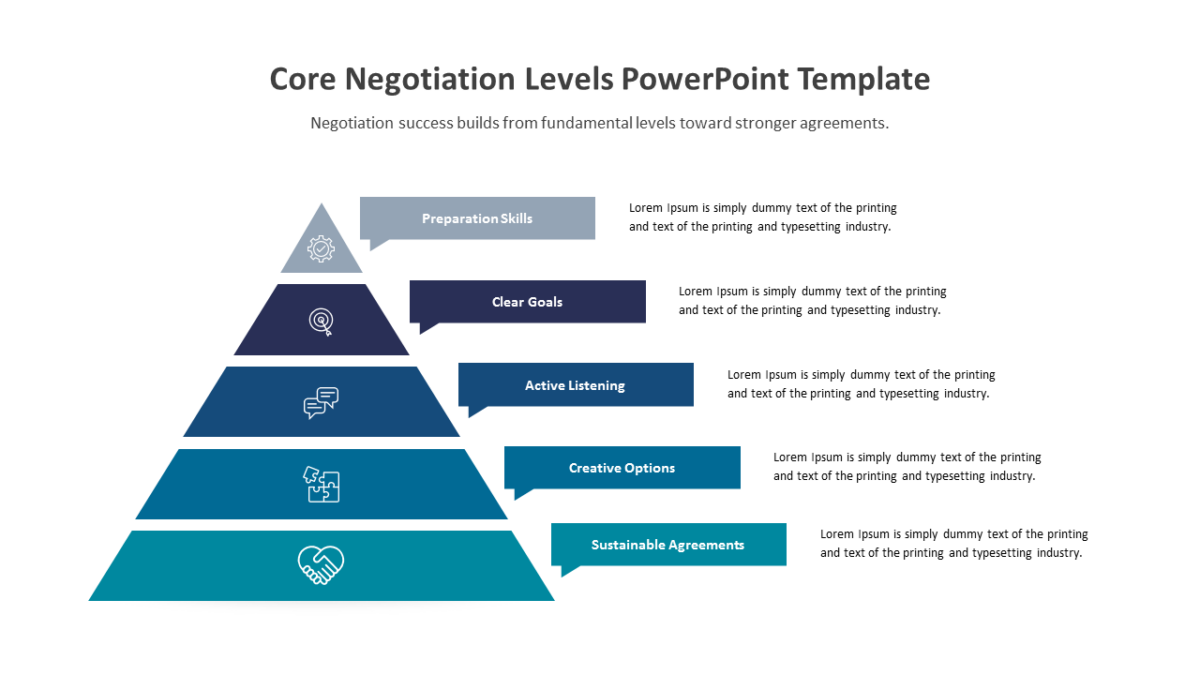
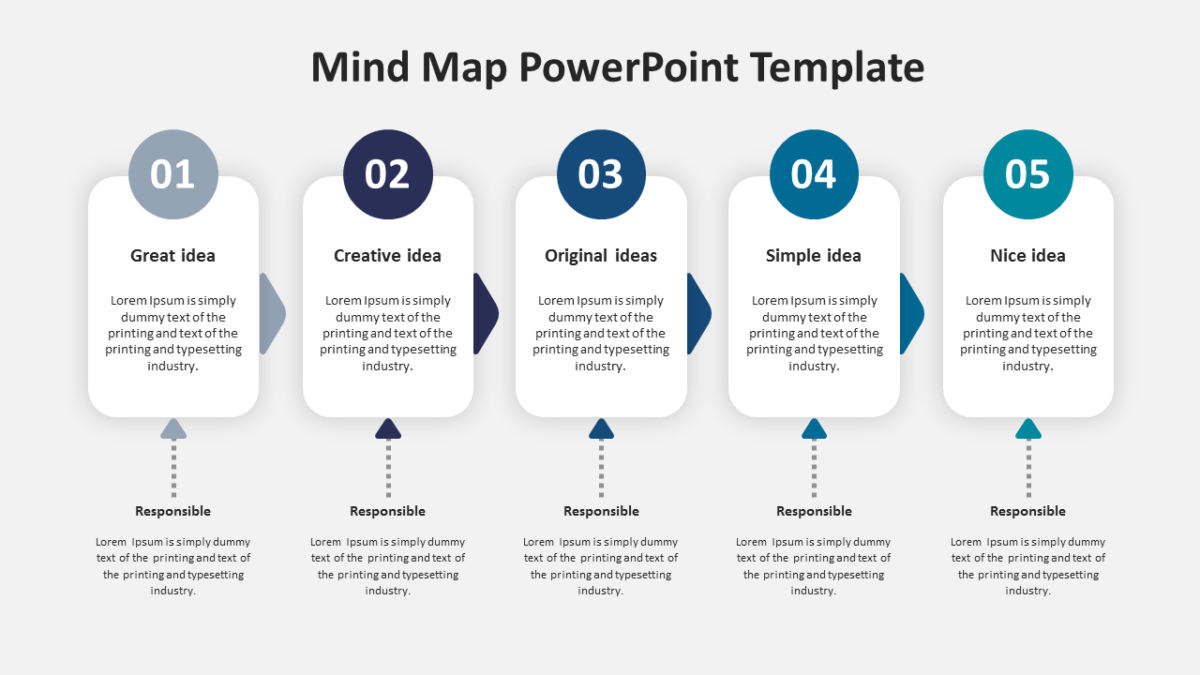
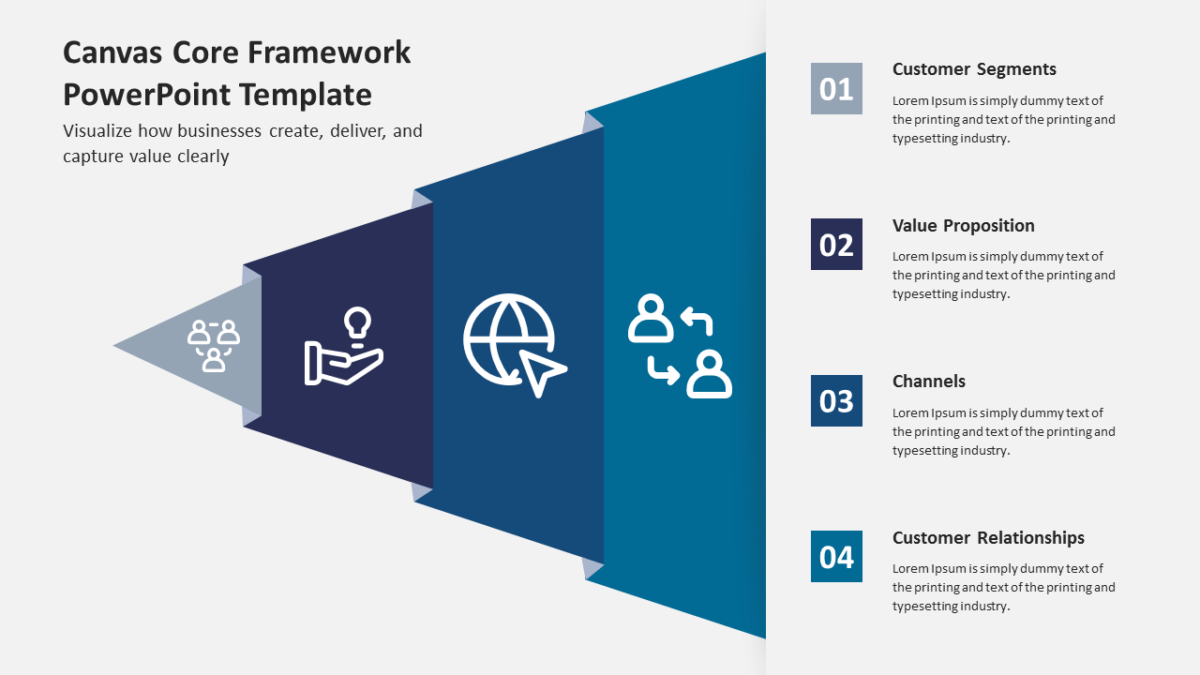
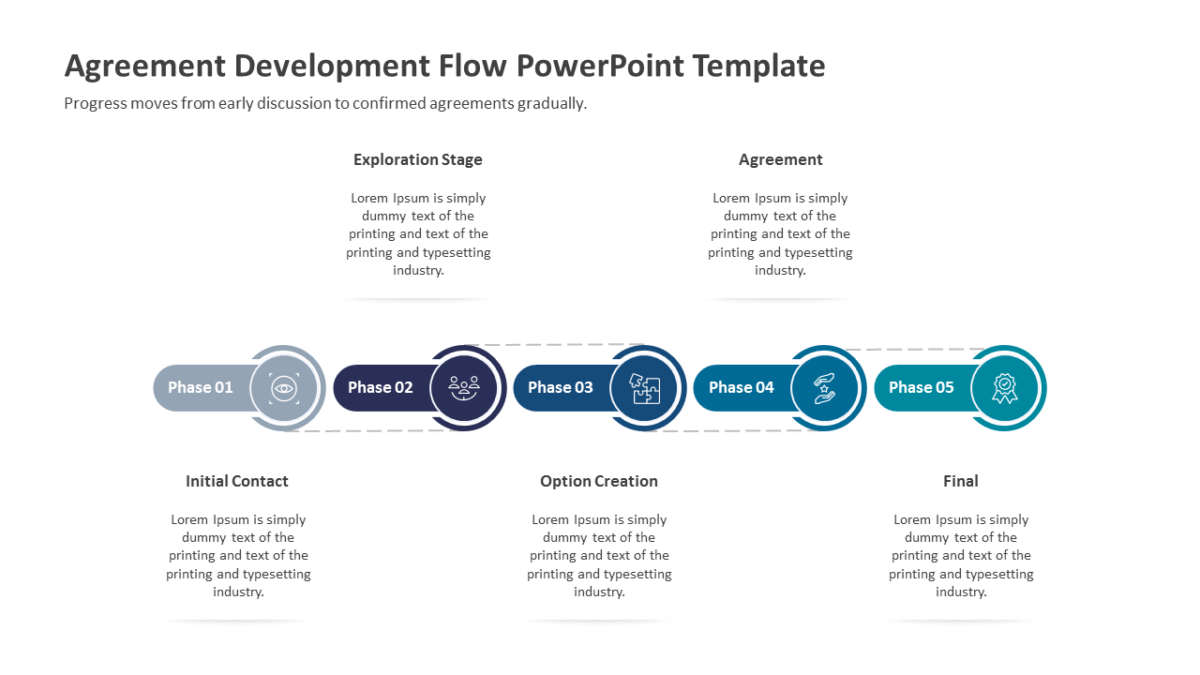
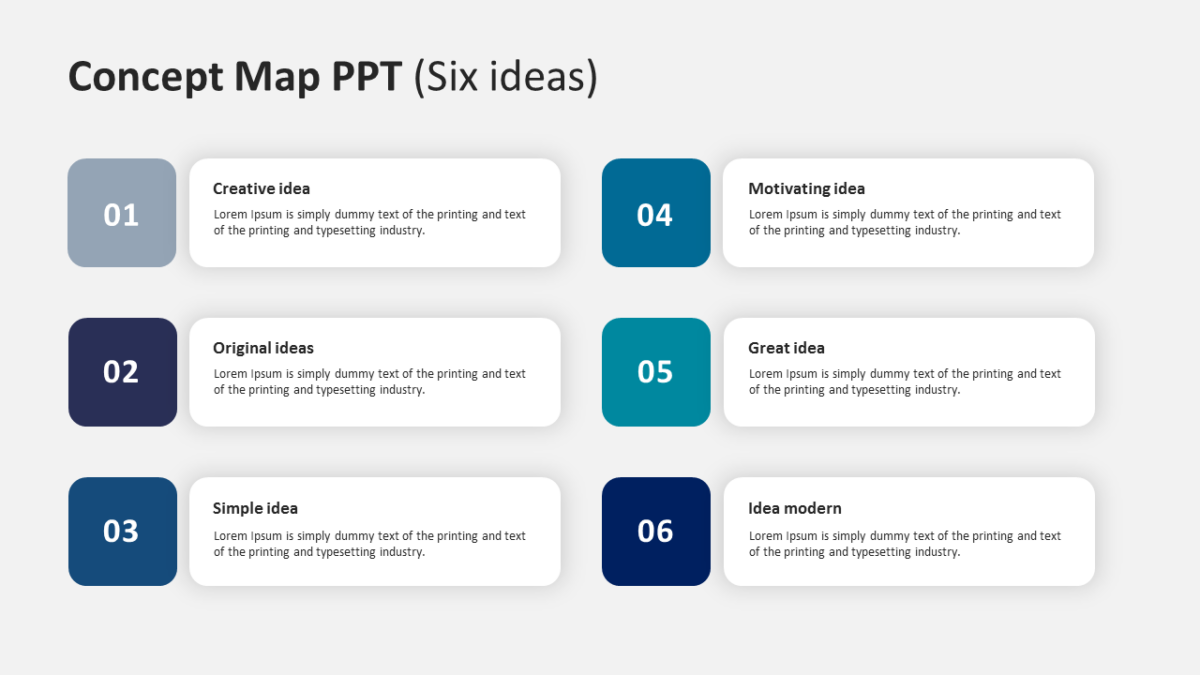
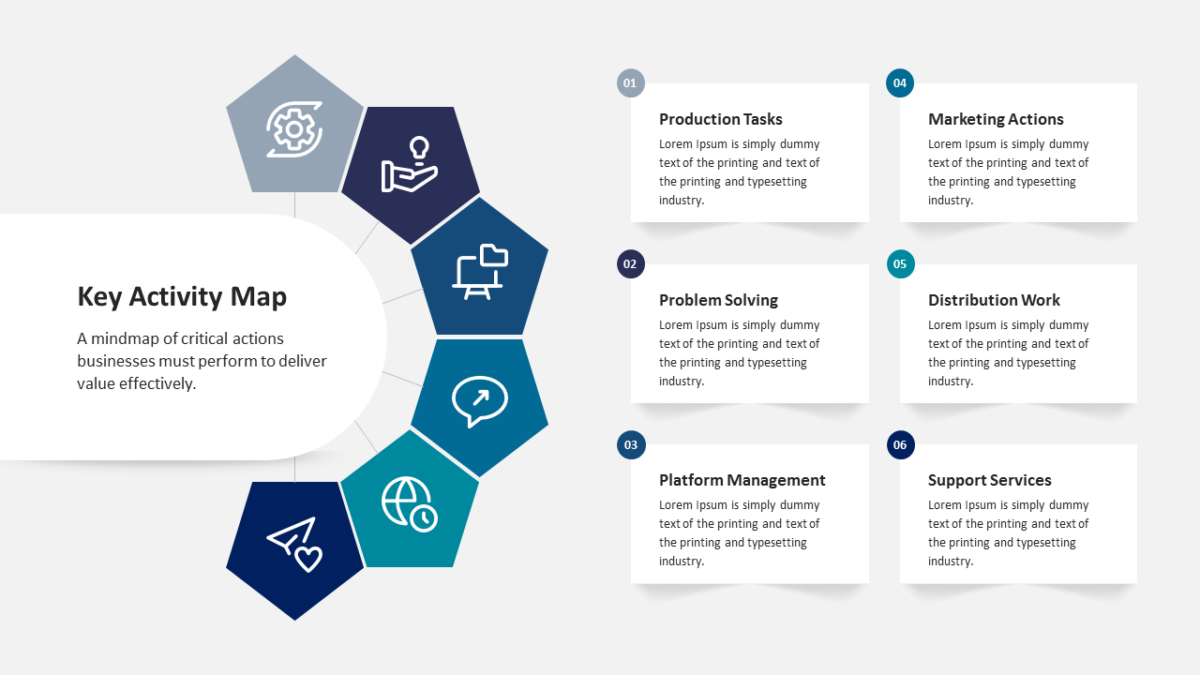
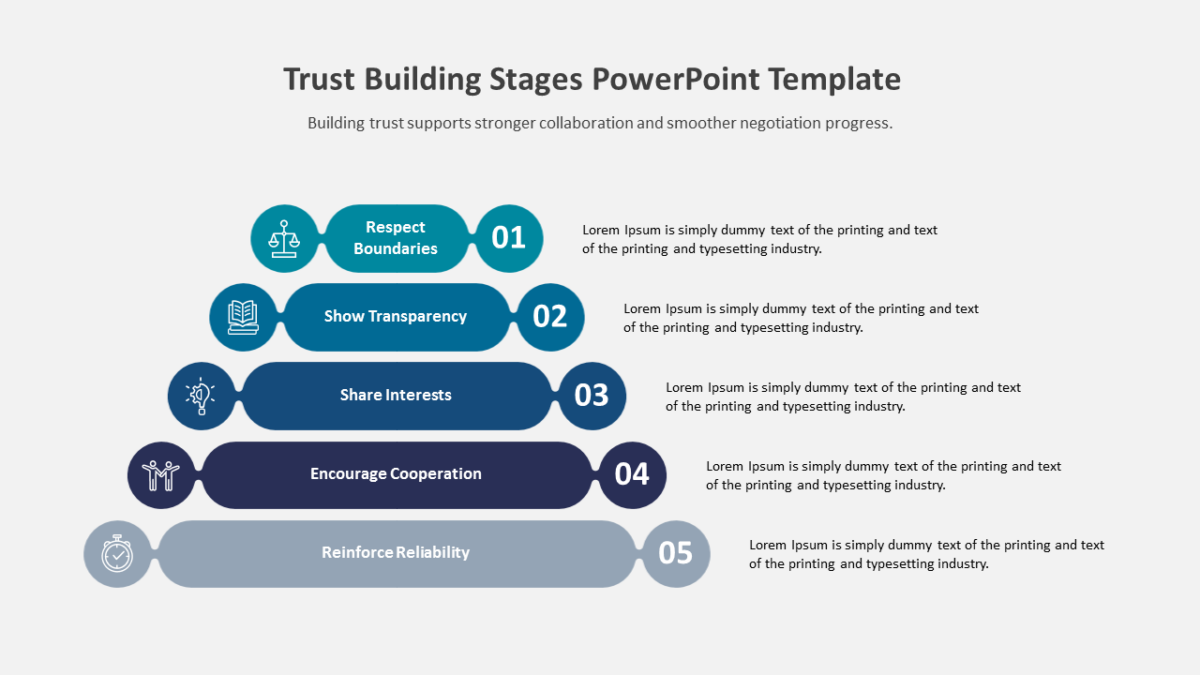
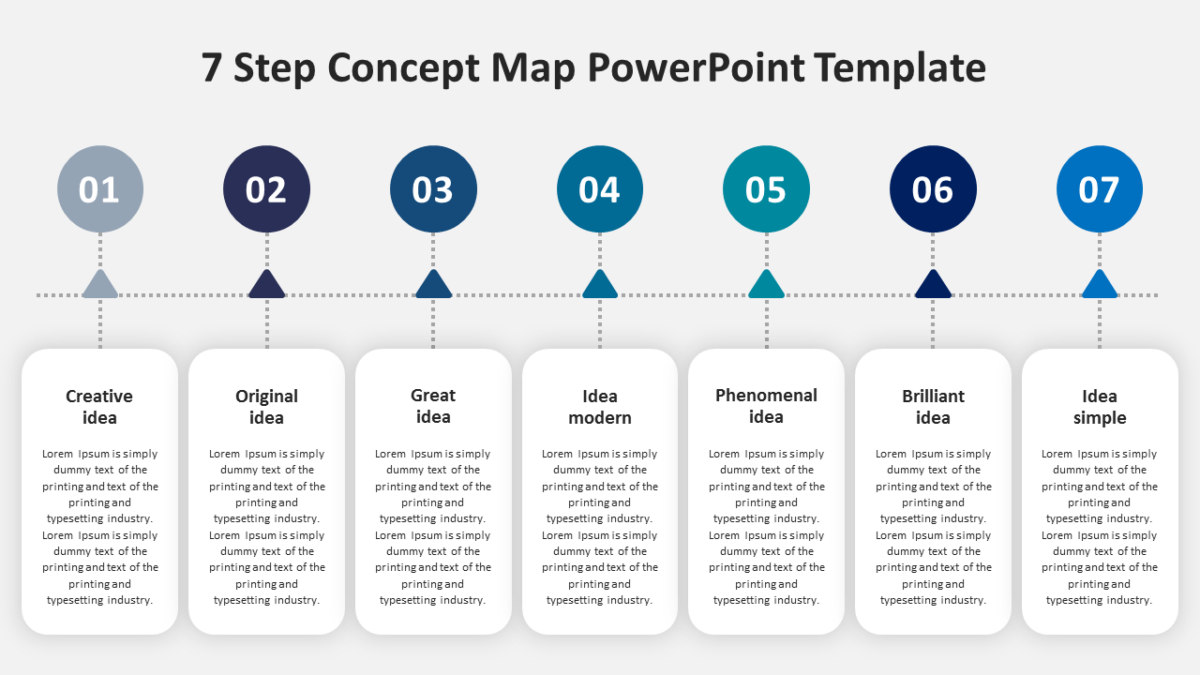
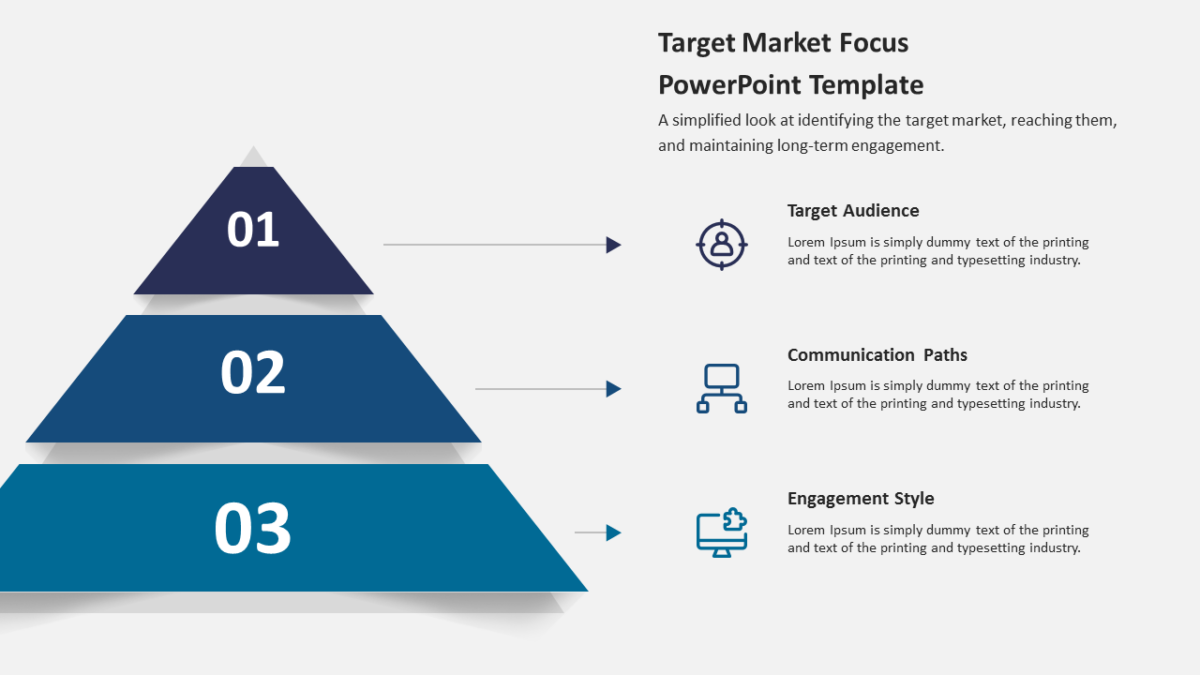
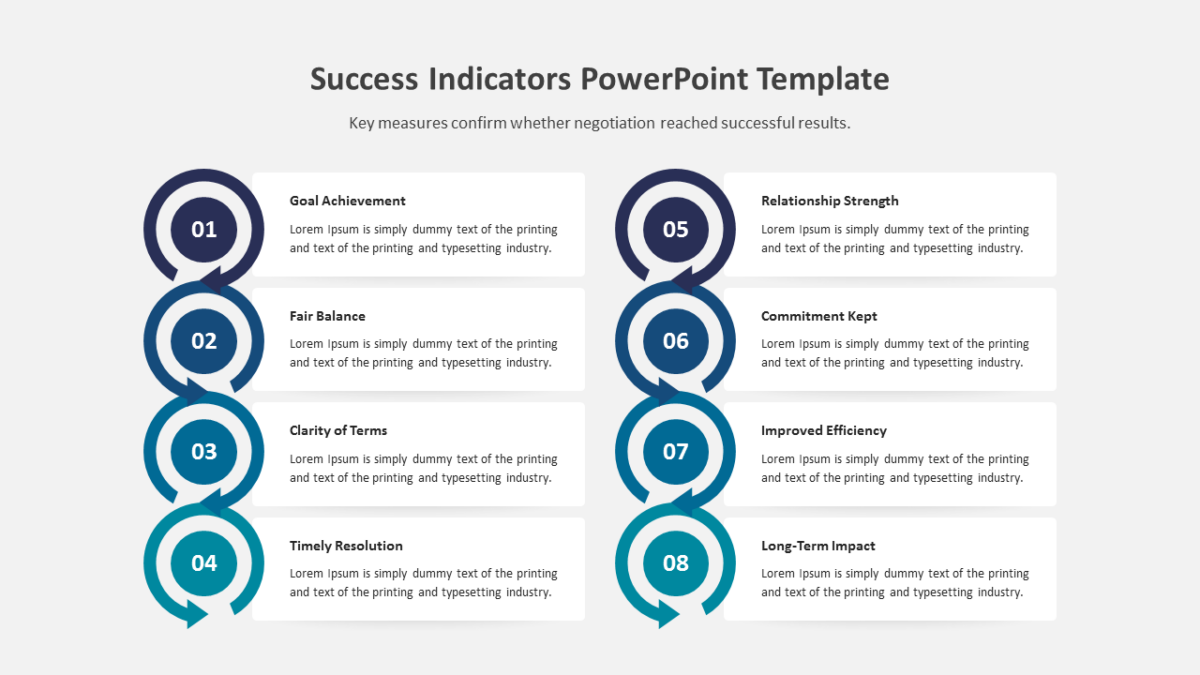
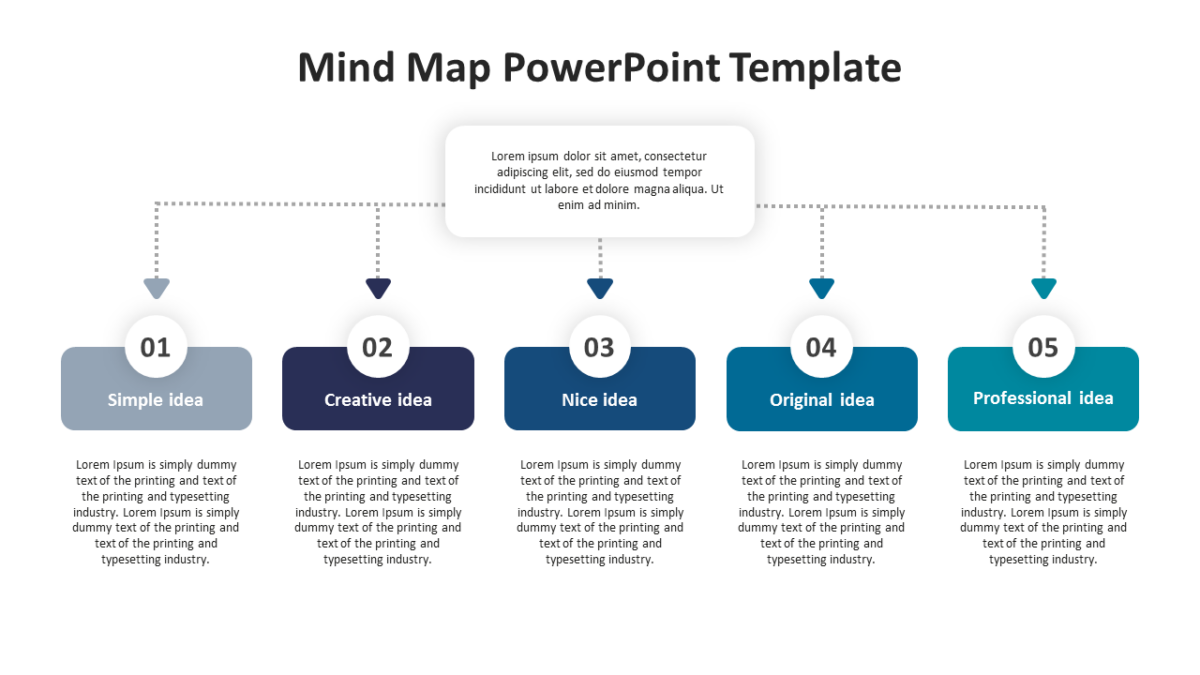
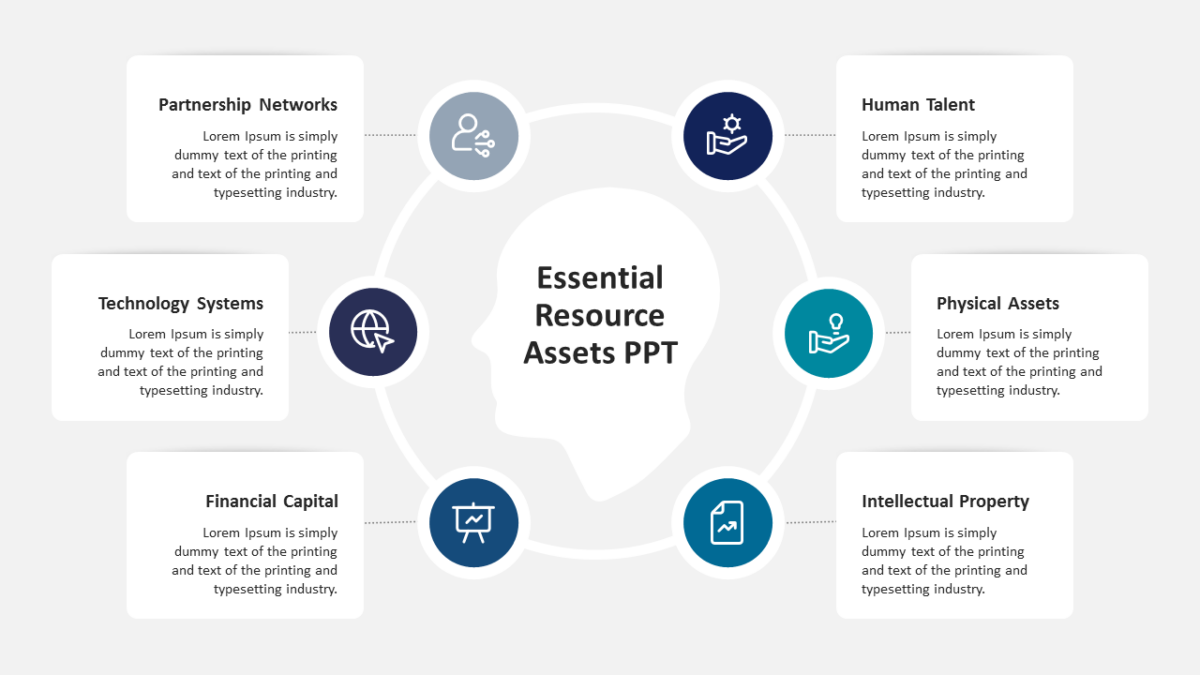
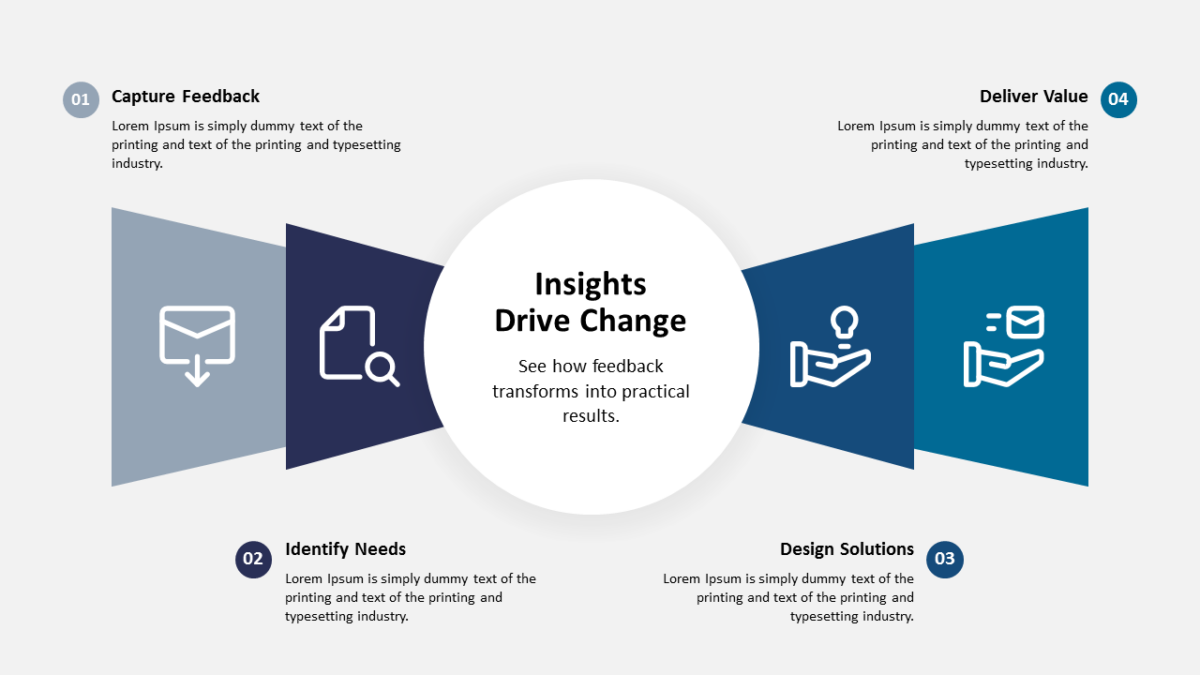
The Benefits of Feedback PowerPoint Template gives multiple points room to breathe without spilling onto a second slide.
Customer experience work spans teams that rarely sit in the same meeting. A shared diagram is often the only artifact everyone genuinely agrees on.
What’s on the slide
- Balanced visual blocks aligned on a consistent grid
- Icon placeholders throughout
- Title and subtitle area at the top
- A heading and short text area per element
The shapes are native objects rather than images, so restyling is quick. 16:9, and it opens properly in both Google Slides and Keynote.
Support leads will use it most often. So will account managers, and it holds up for CX teams too. Use it as an overview before you break the parts out individually. Browse the customer experience templates to compare a few layouts before committing.