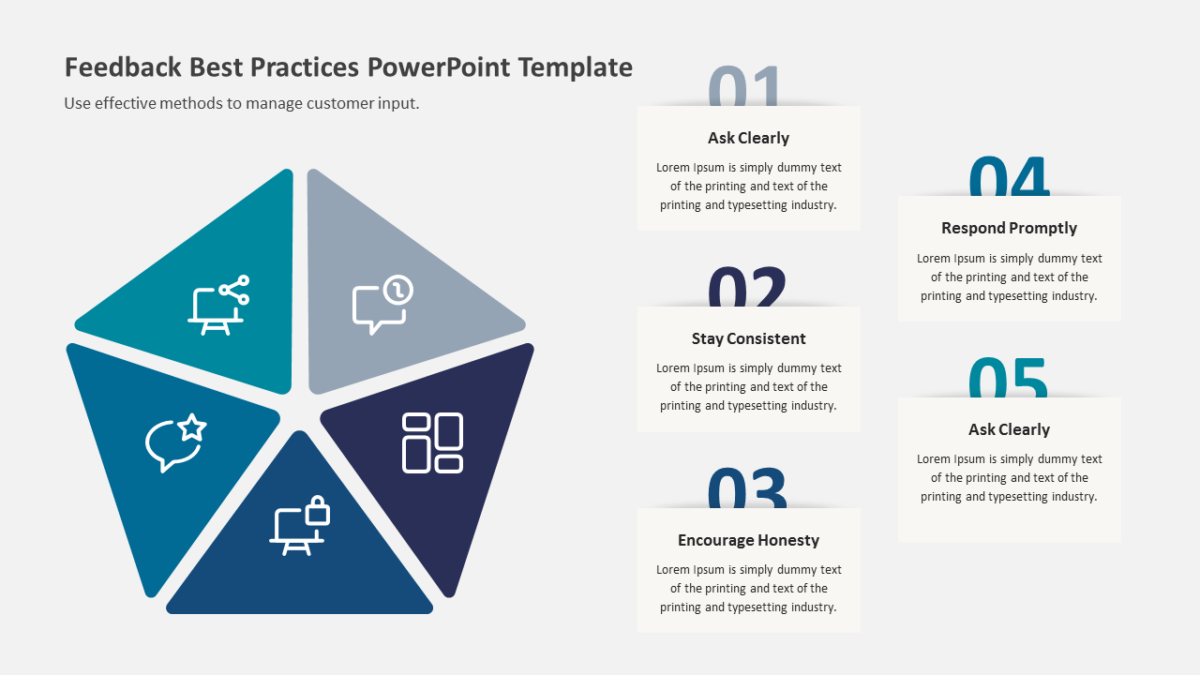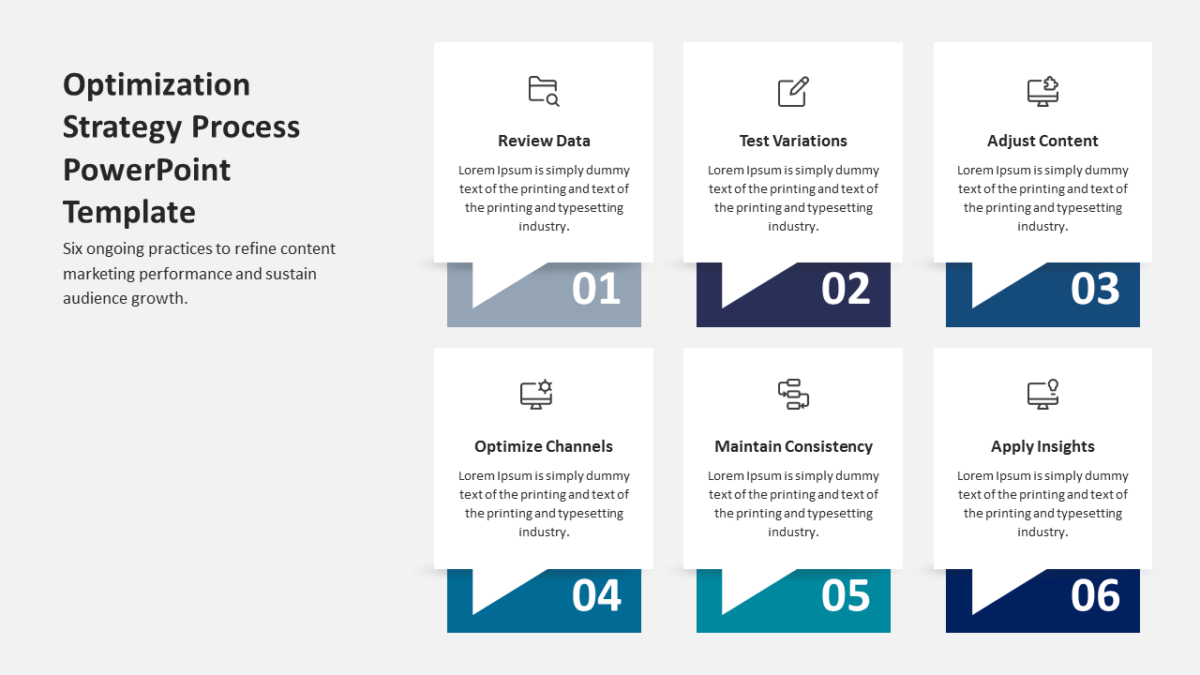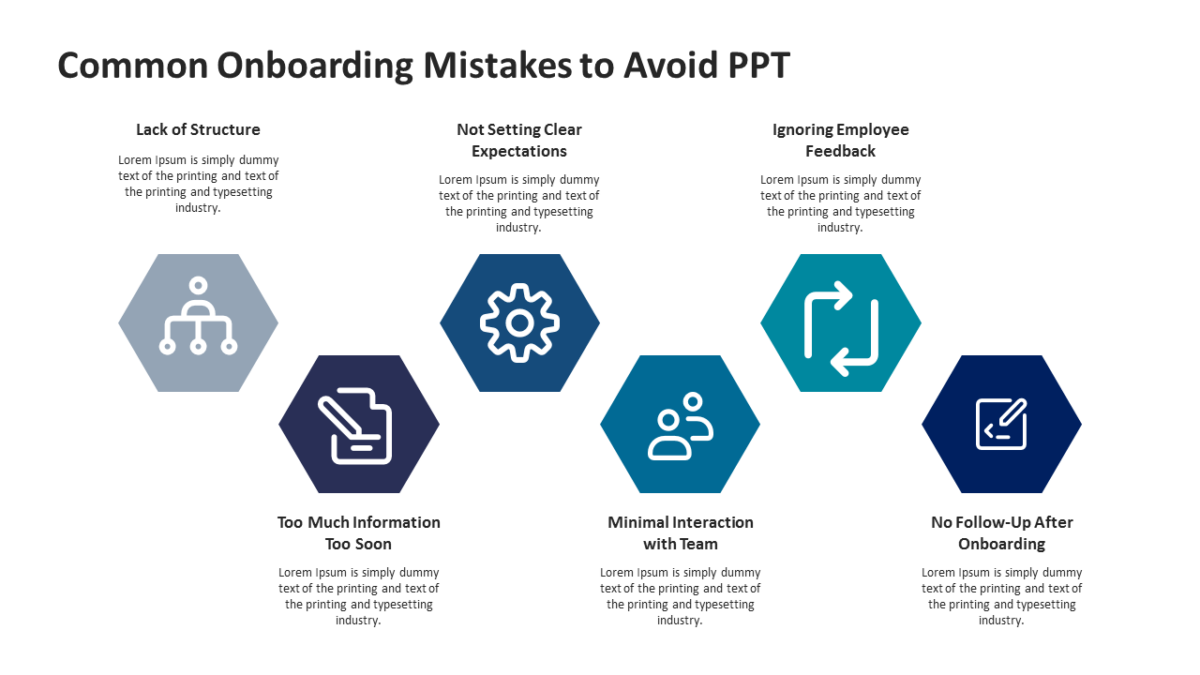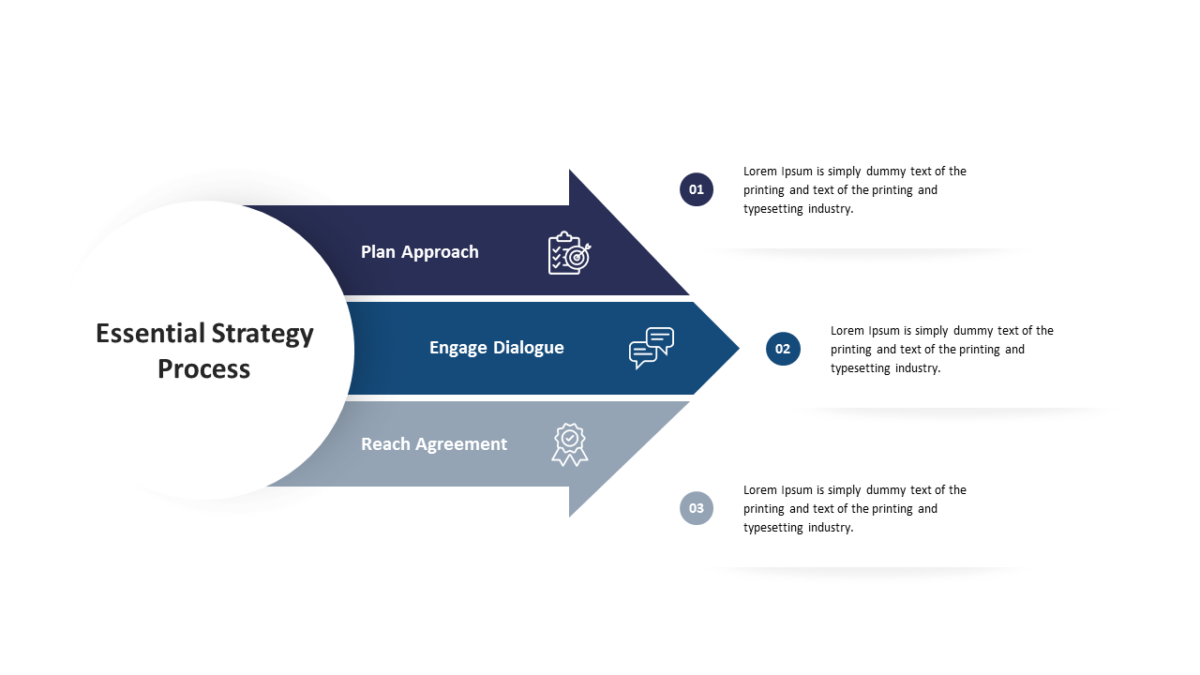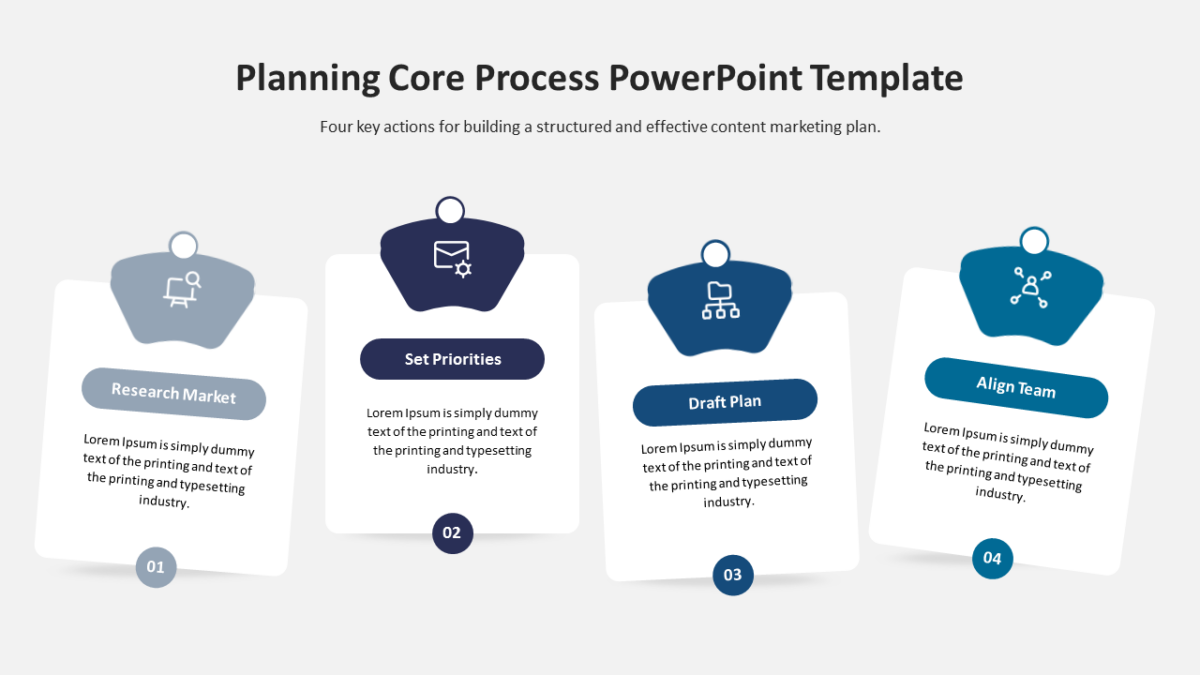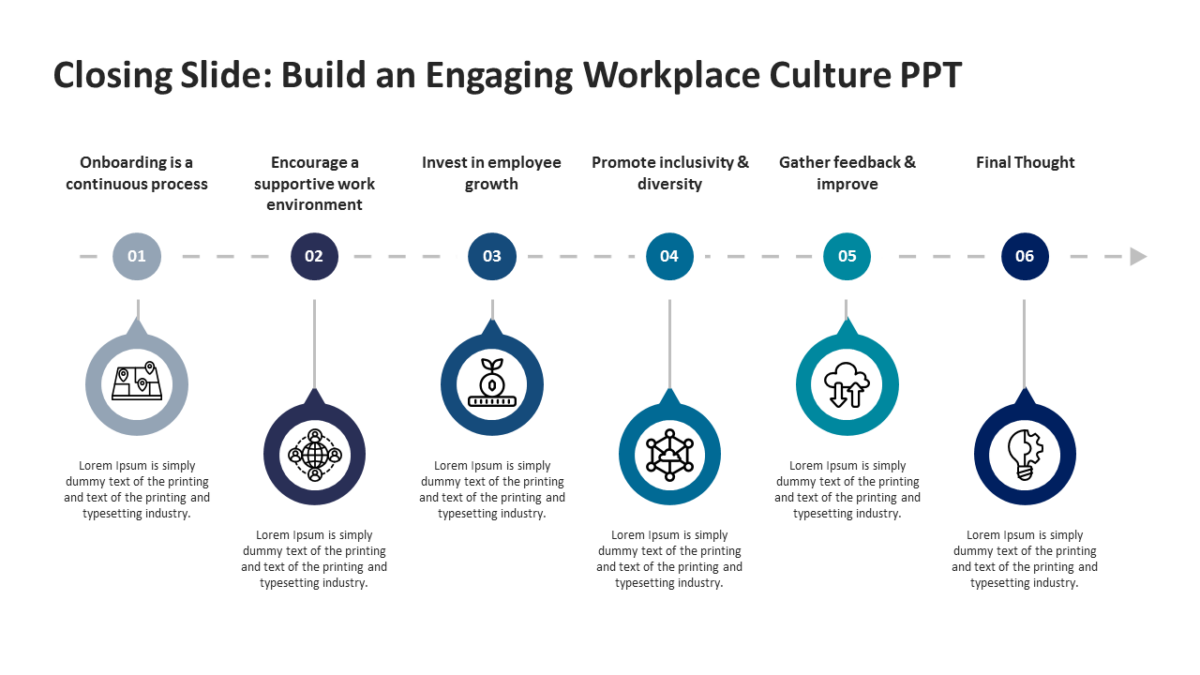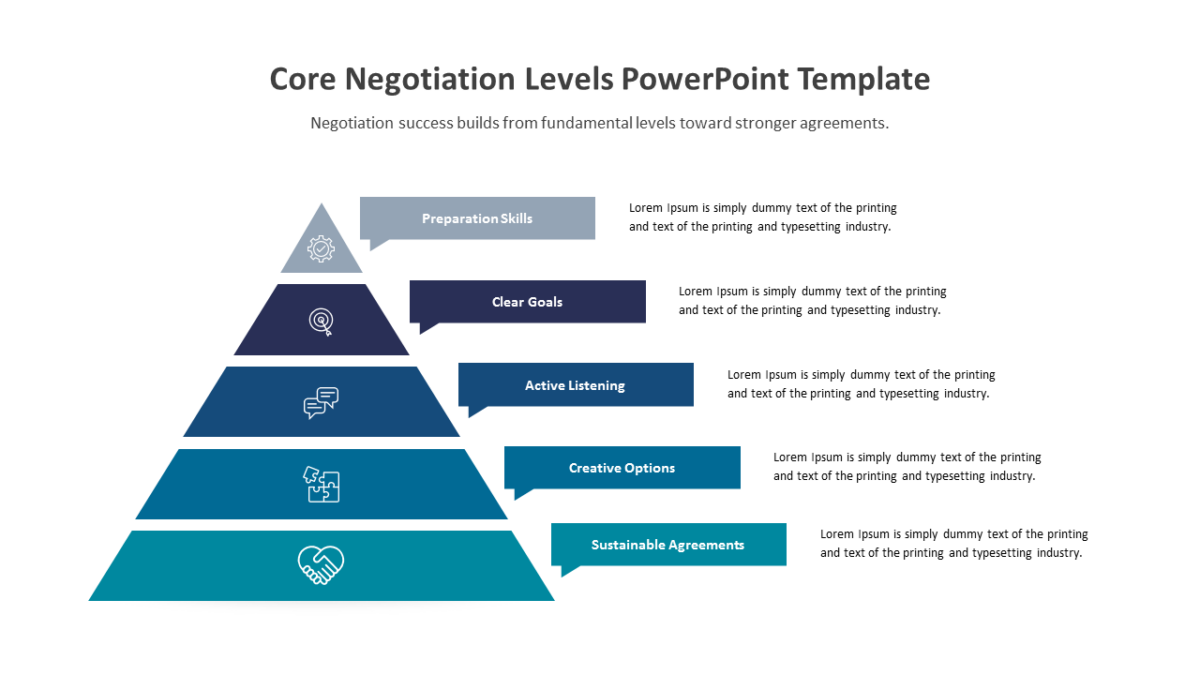
5 Steps Radial Process Flowchart PowerPoint Template
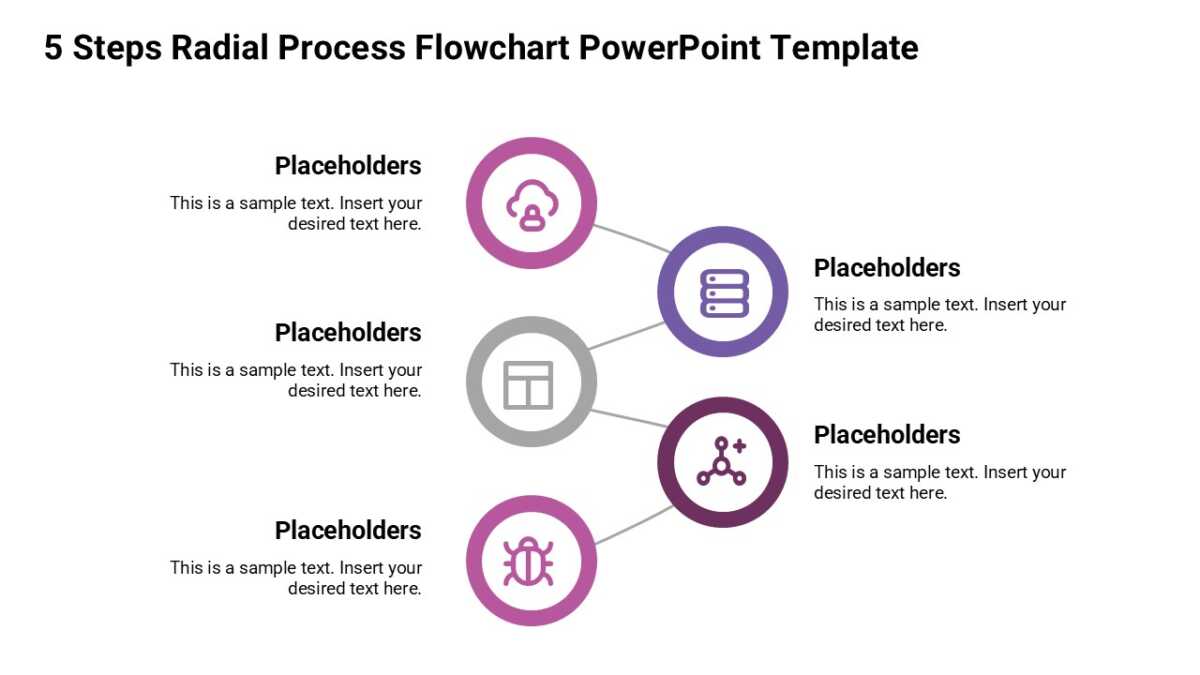
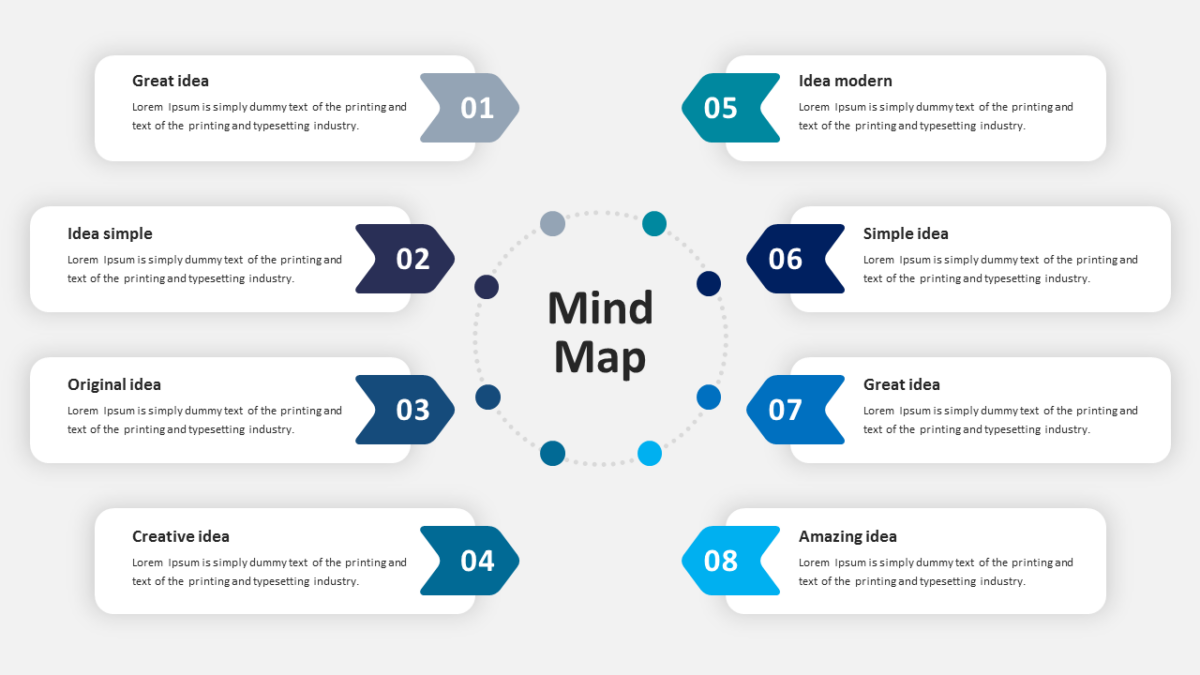
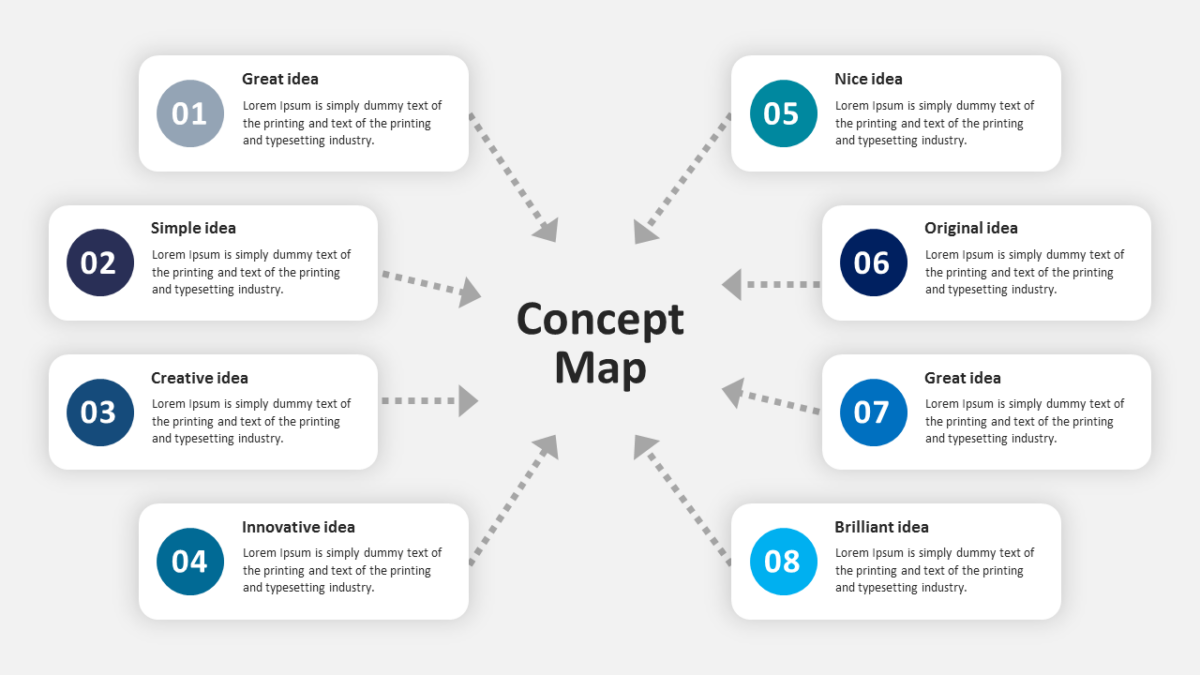
Architecture is easier to grasp radially. The 5 Steps Radial Process Flowchart PowerPoint Template arranges it that way.
Product decisions get made by people with different definitions of the same words. A diagram forces the shared definition that the conversation was missing.
What’s on the slide
- A central labeled node
- Consistent spacing on all spokes
- An icon and heading at every endpoint
- Description panels set around the outer edge
All of it is editable, from the icon set to the fill colors to the text. 16:9 widescreen, compatible with PowerPoint, Google Slides and Keynote.
Product managers will use it most often. So will founders, and it holds up for design leads too. It works as the systems or architecture slide. Similar builds sit among the business strategy templates.