Feature Comparison Grid PowerPoint Templates
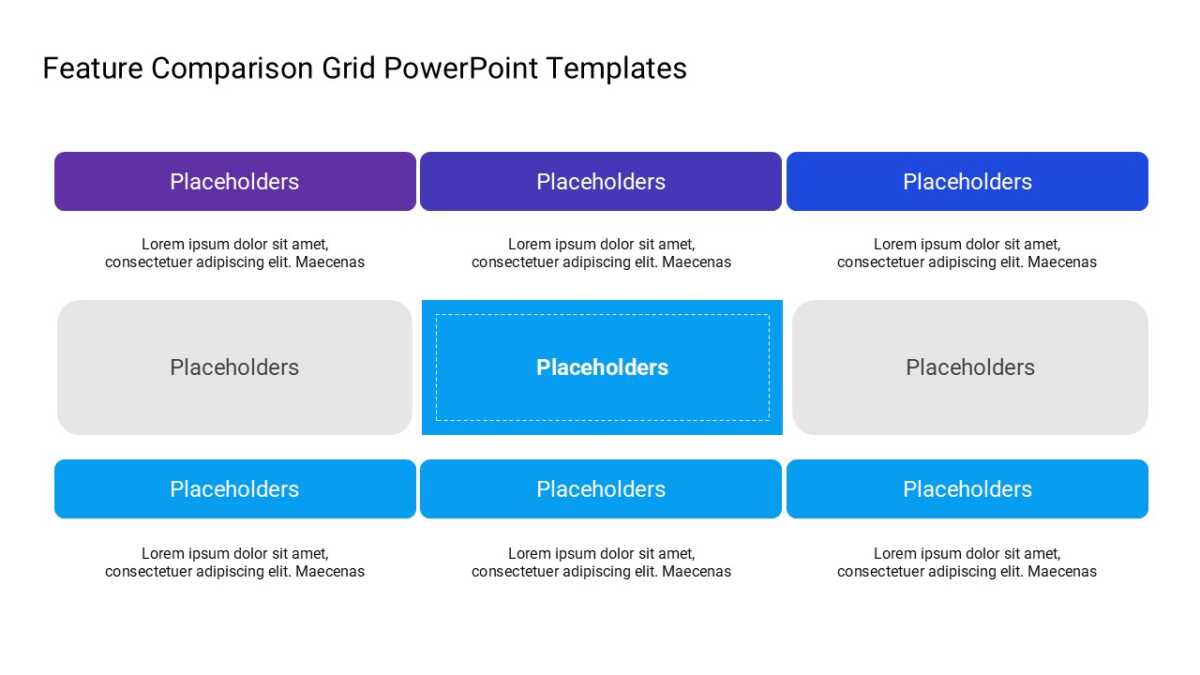
The Feature Comparison Grid PowerPoint Templates forces the comparison rather than politely gesturing at it.
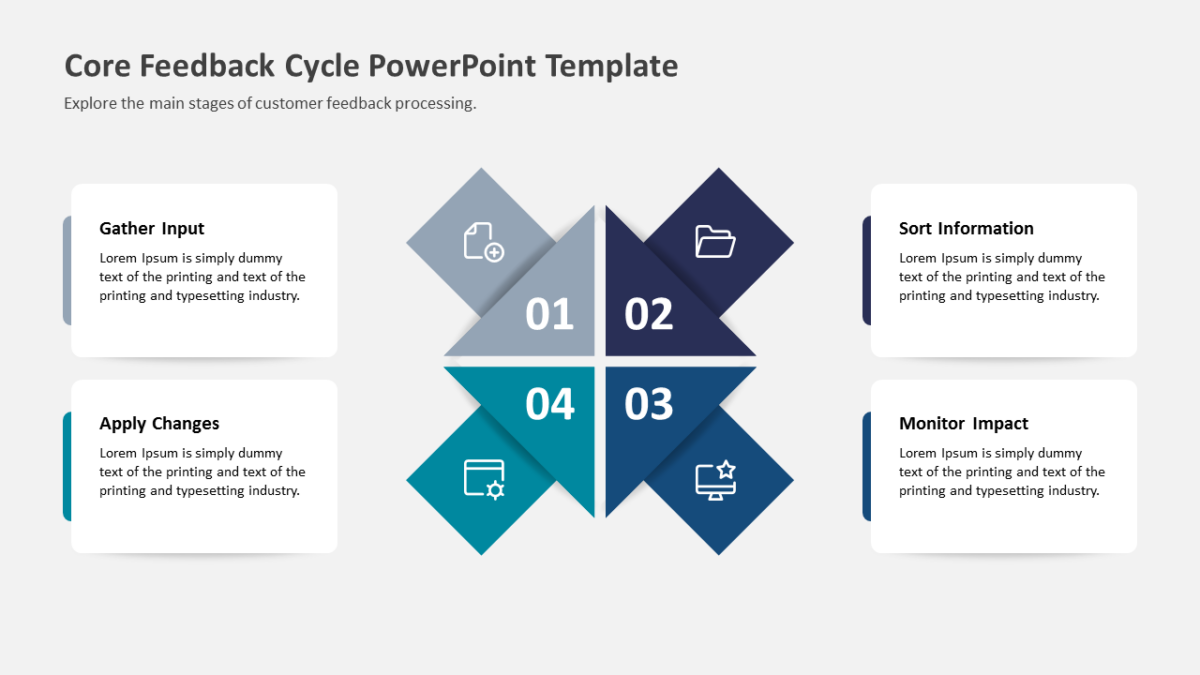
Alignment is a visual problem before it is a communication problem. People agree faster once they are looking at the same diagram.
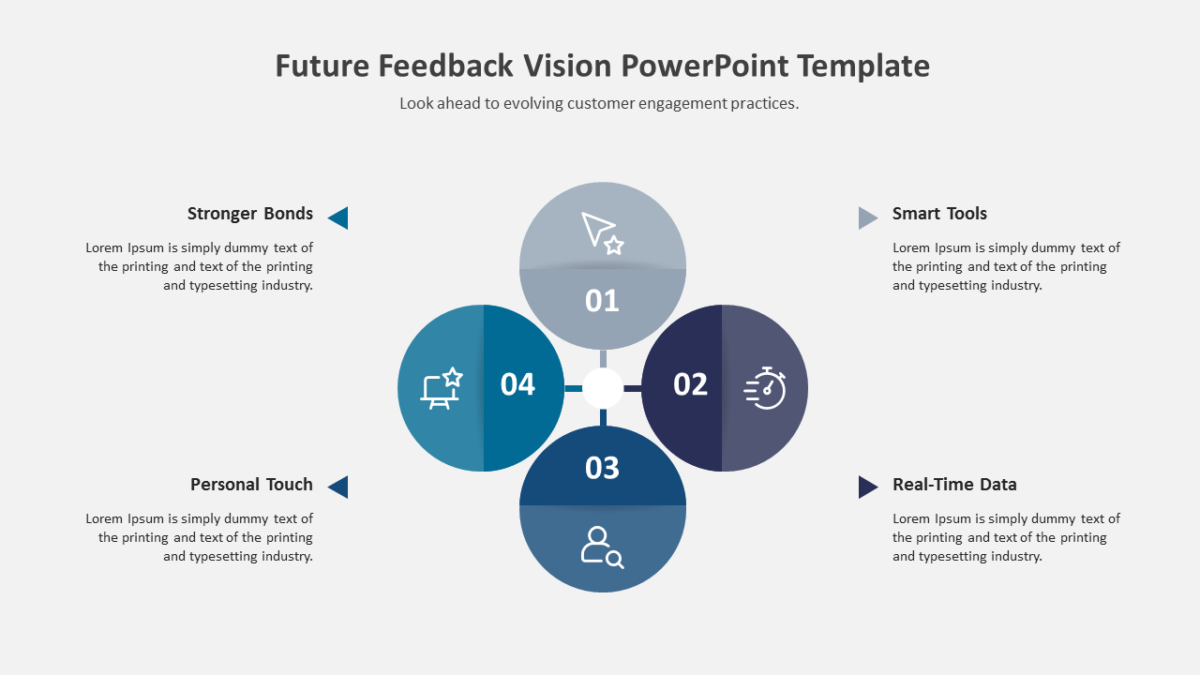
What’s on the slide
- A four-quadrant grid with labeled axes
- Axis labels on both the horizontal and vertical
- A heading and text area inside every cell
- Room for items or icons within each box
Drop in your own copy, swap the palette, resize what you need. Everything is a vector shape. 16:9, and Google Slides and Keynote handle it without issue.
Strategy leads will use it most often. So will management consultants, and it holds up for founders too. It belongs in the analysis section, immediately before recommendations. For a different treatment of the same idea, the rest of the product management templates are worth a look.