4 Segments PowerPoint Diagram
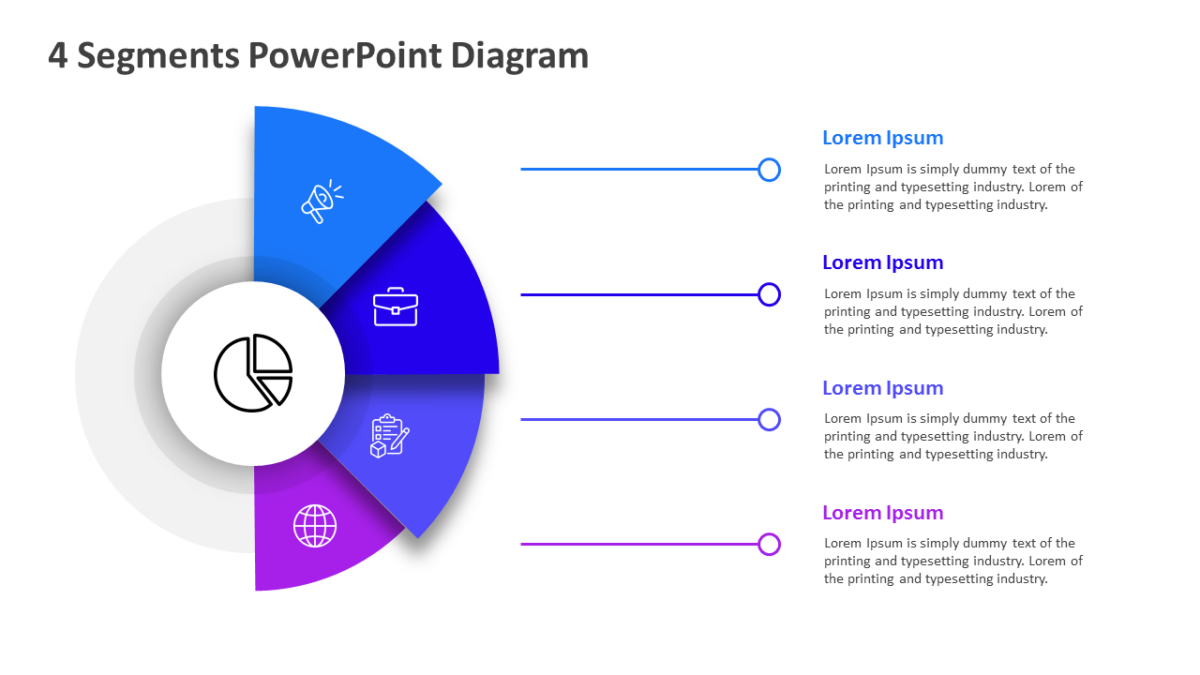
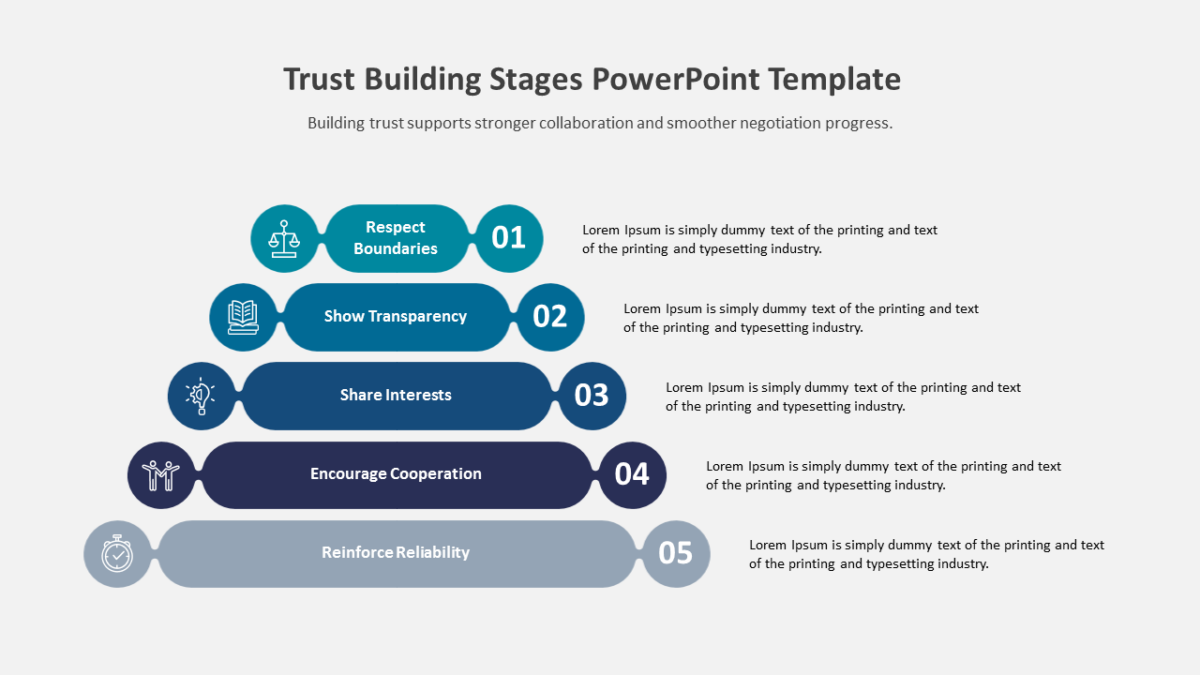
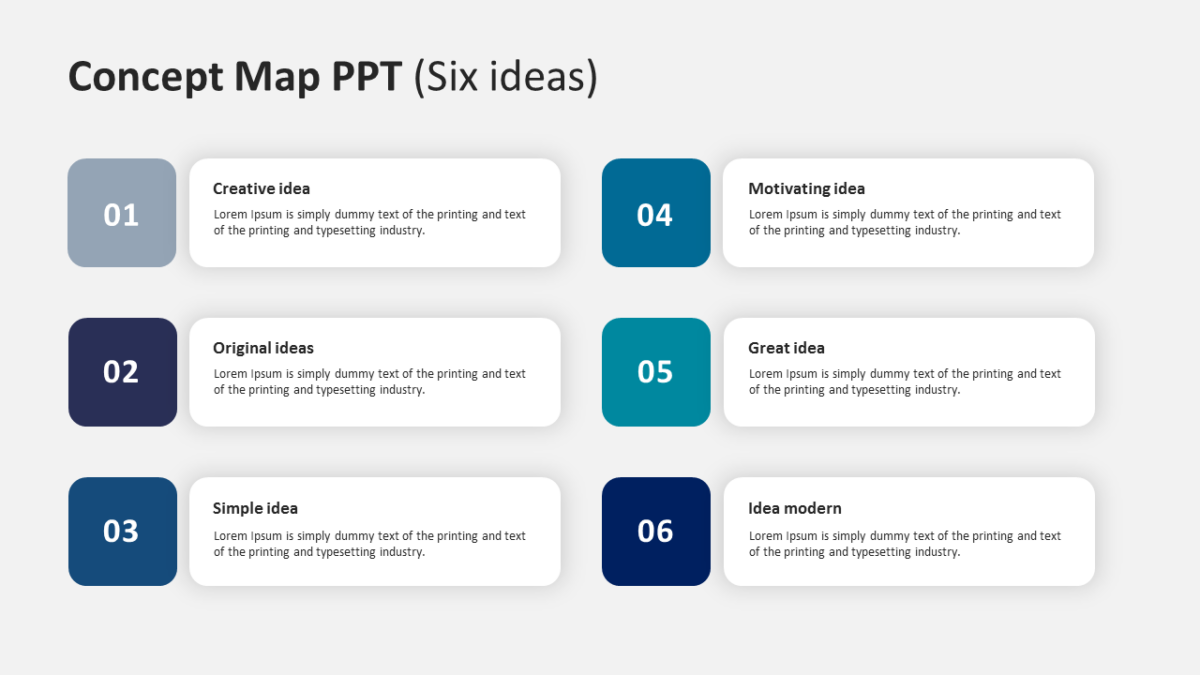
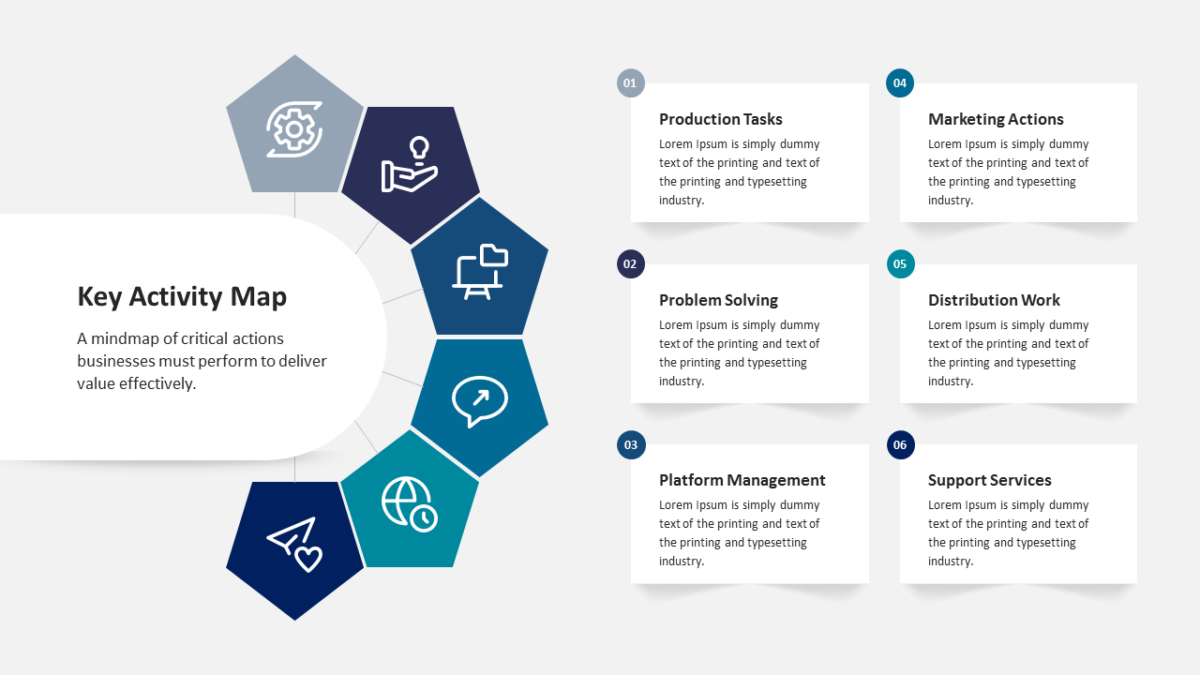
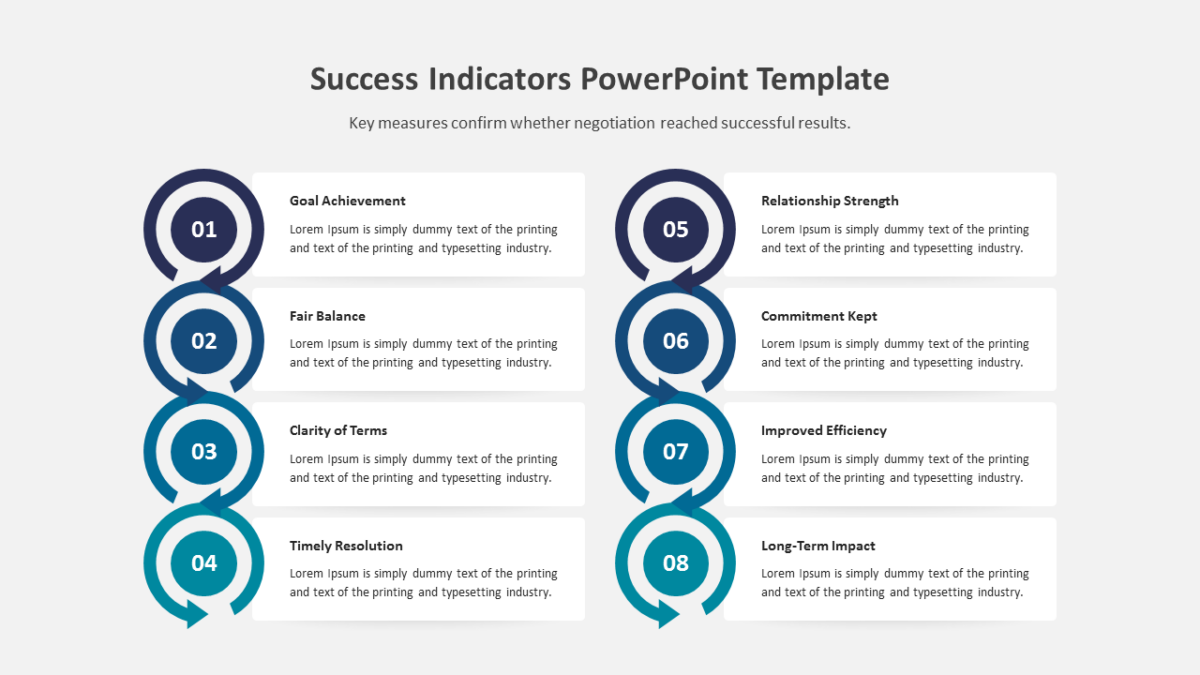
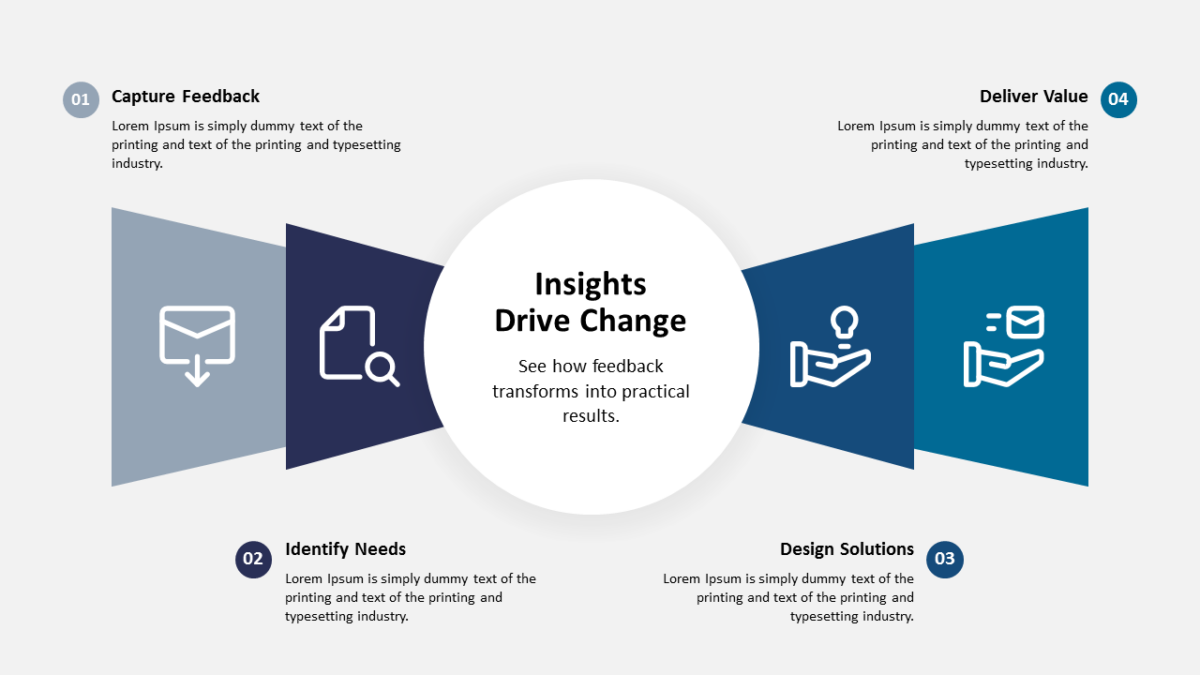
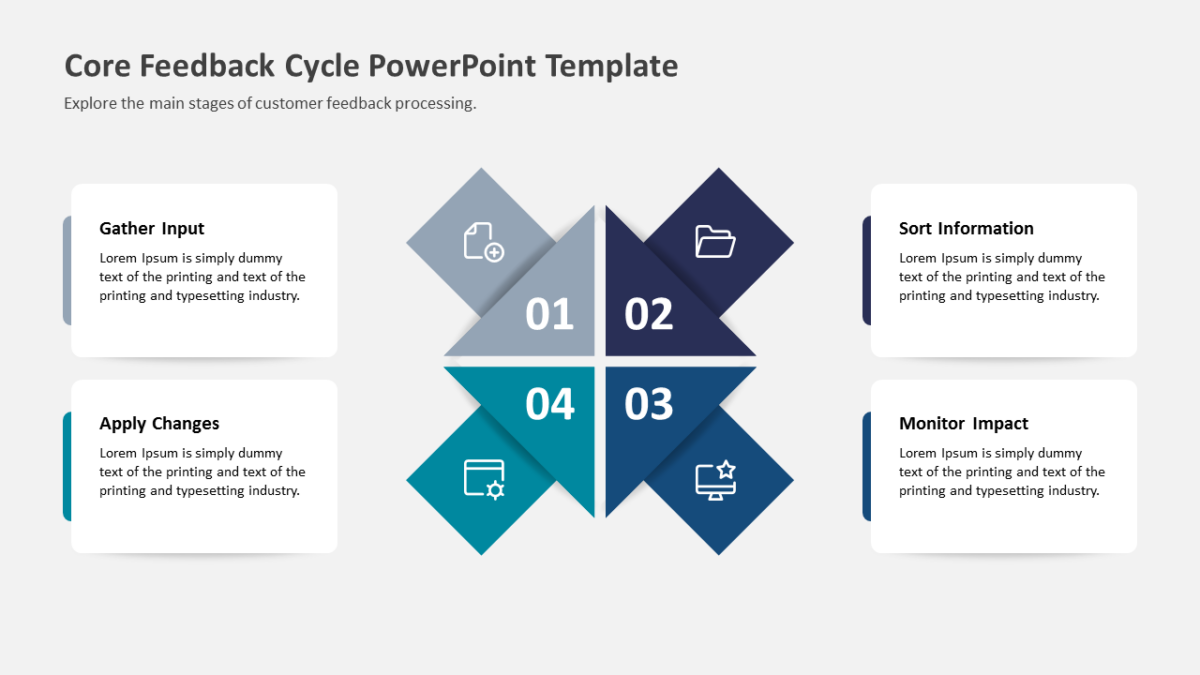
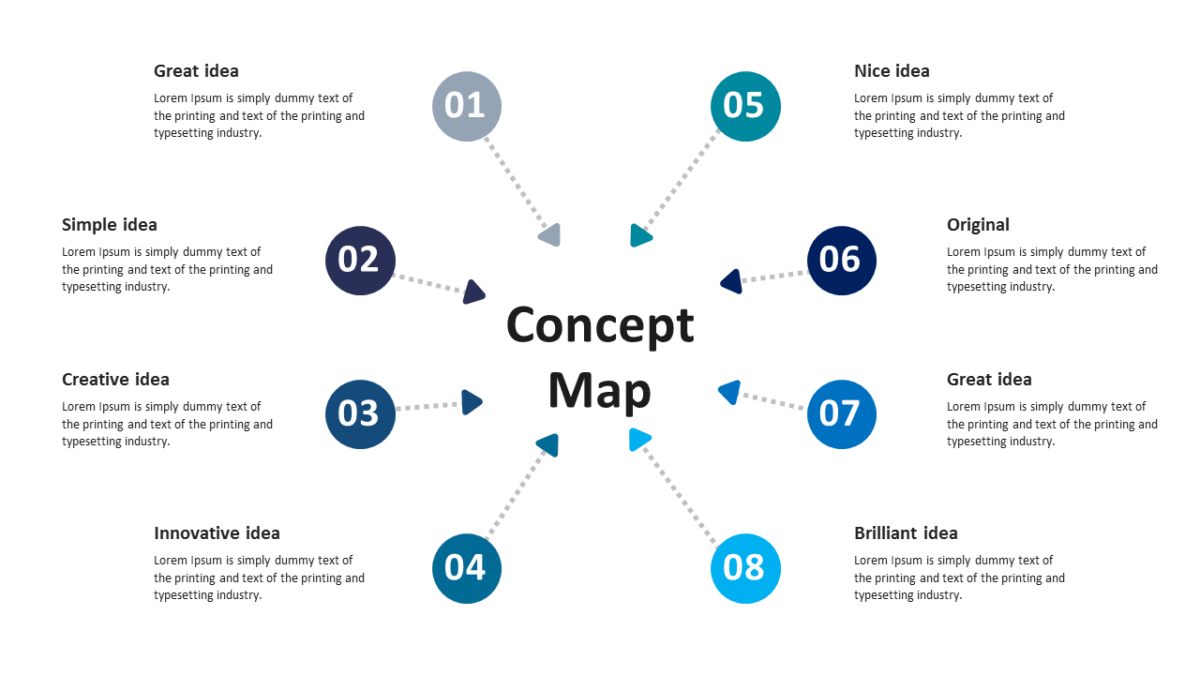
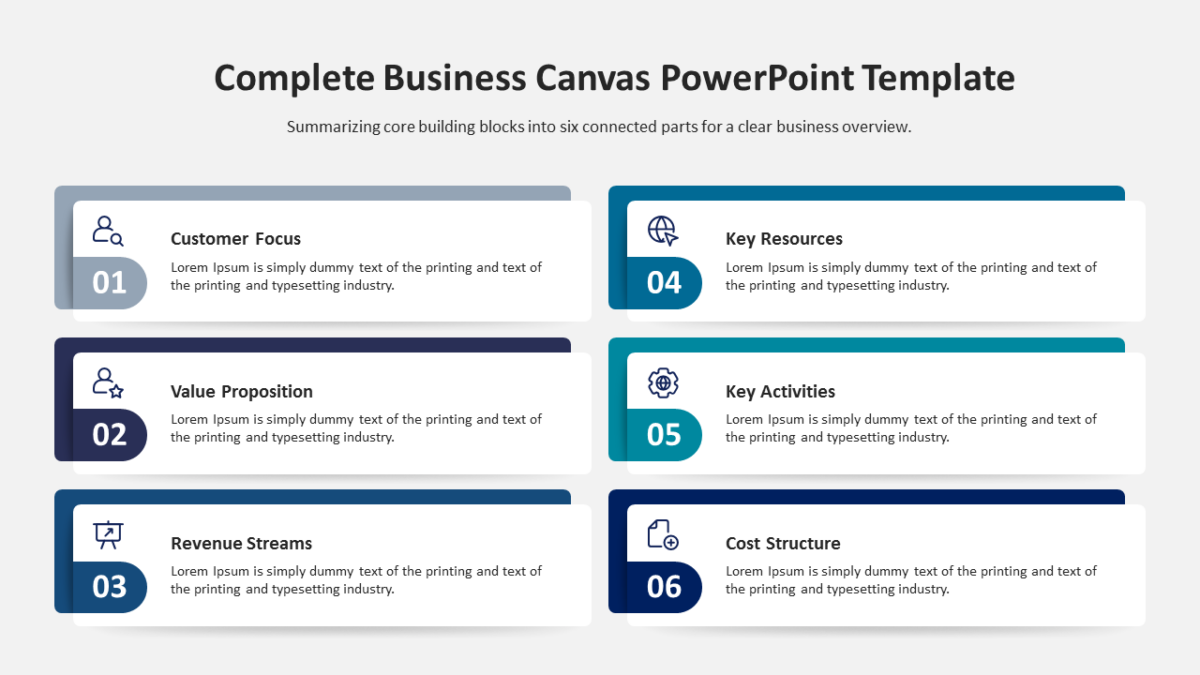
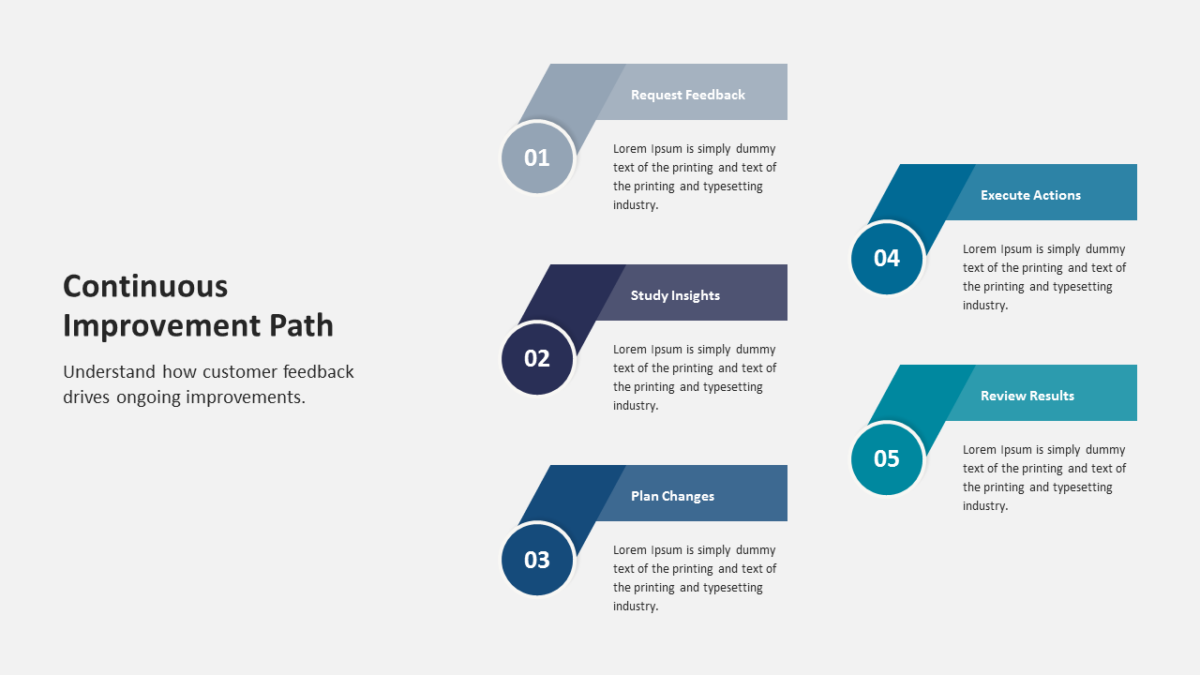
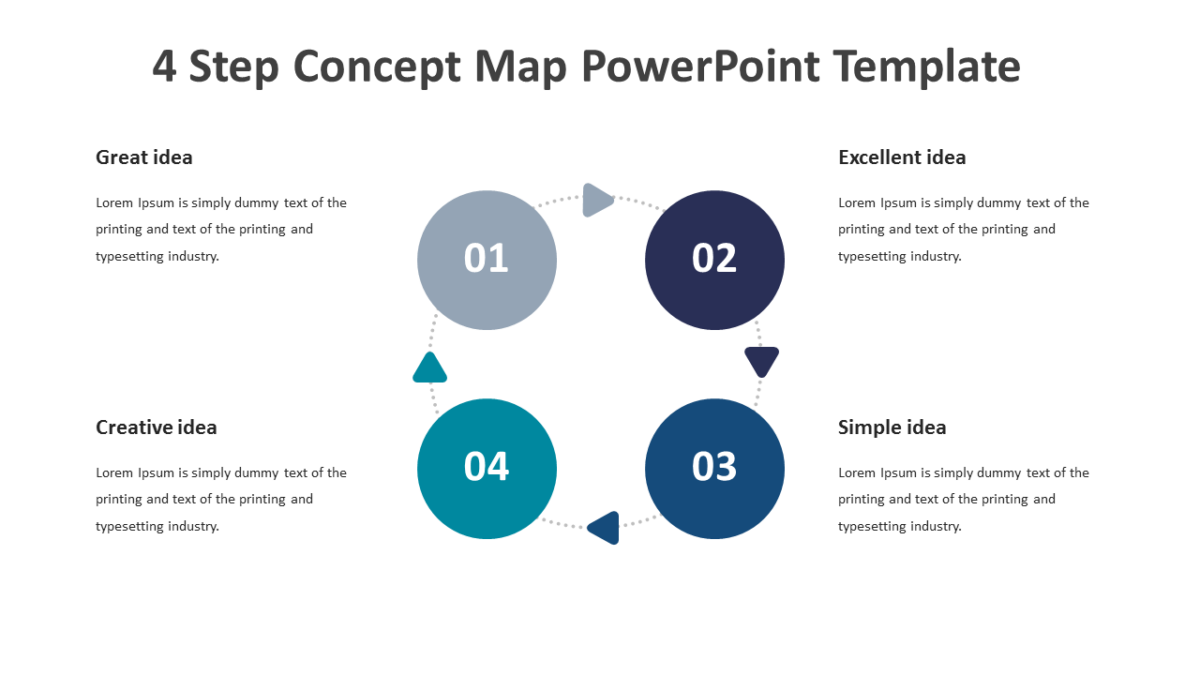
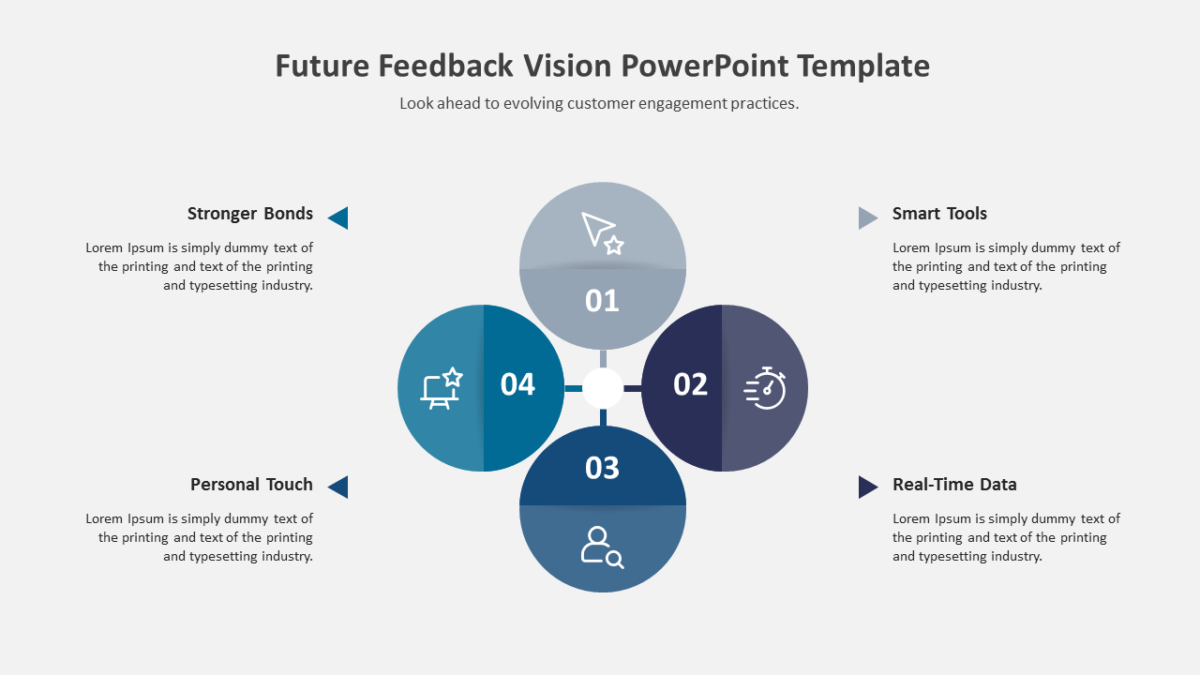
Everything on the 4 Segments PowerPoint Diagram is arranged to be read in one pass.
Business audiences give a slide a few seconds before deciding whether to engage with it. Structure is what wins those seconds.
What’s on the slide
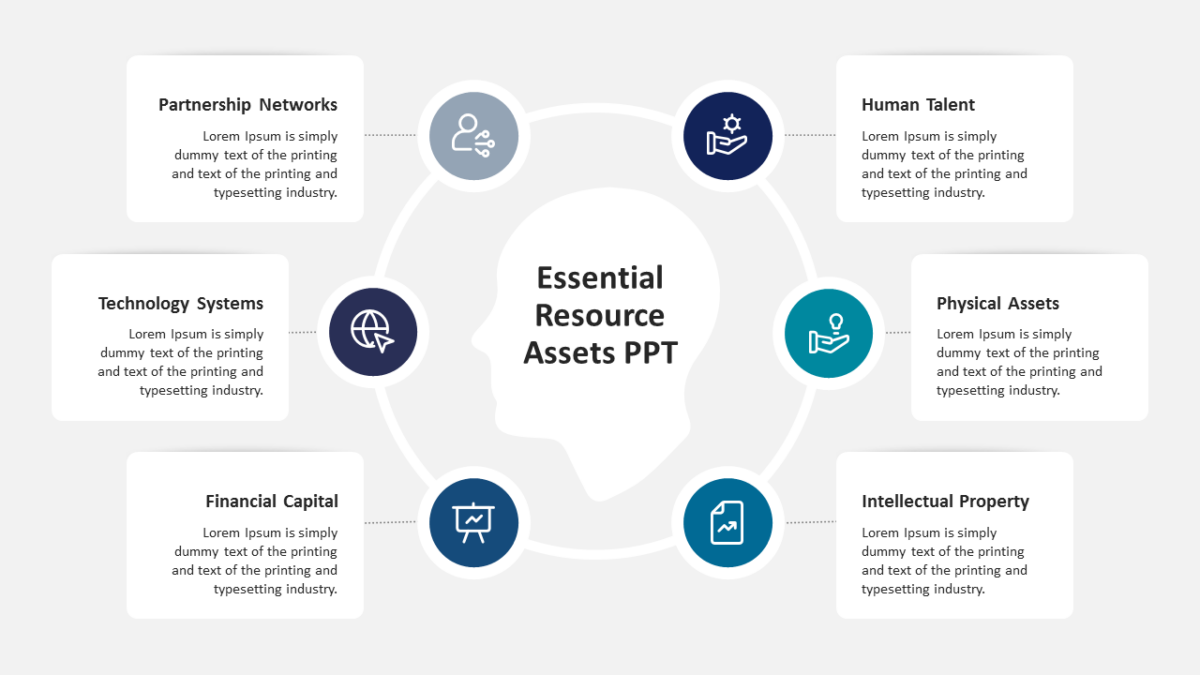
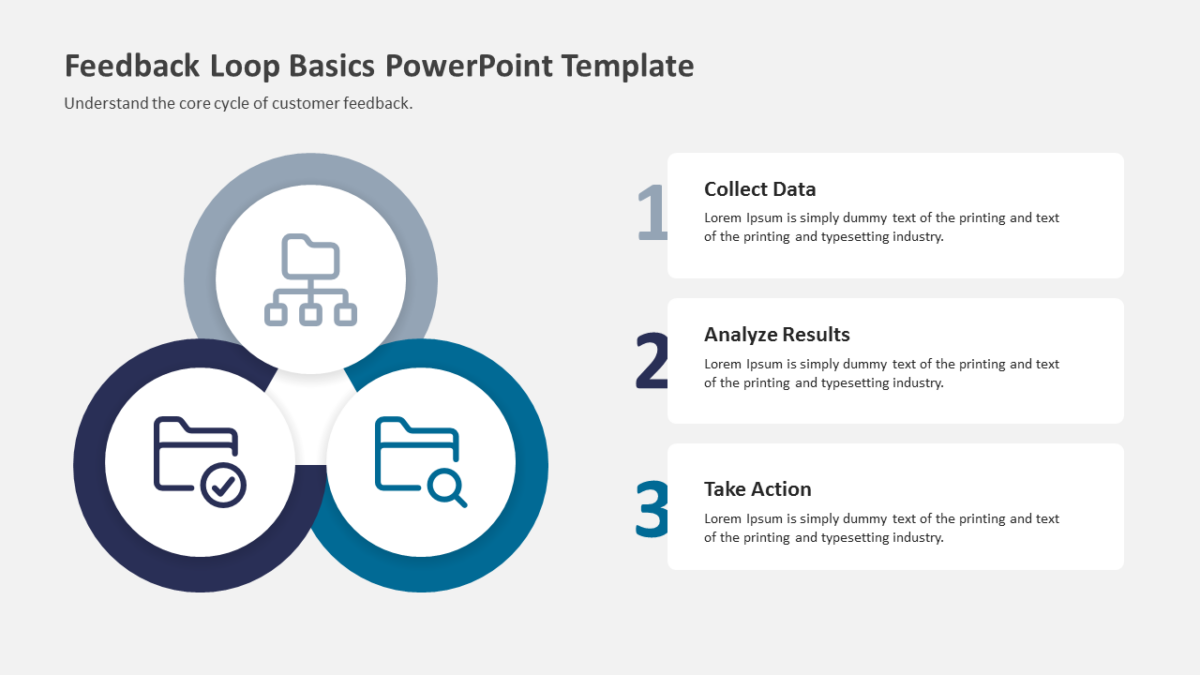
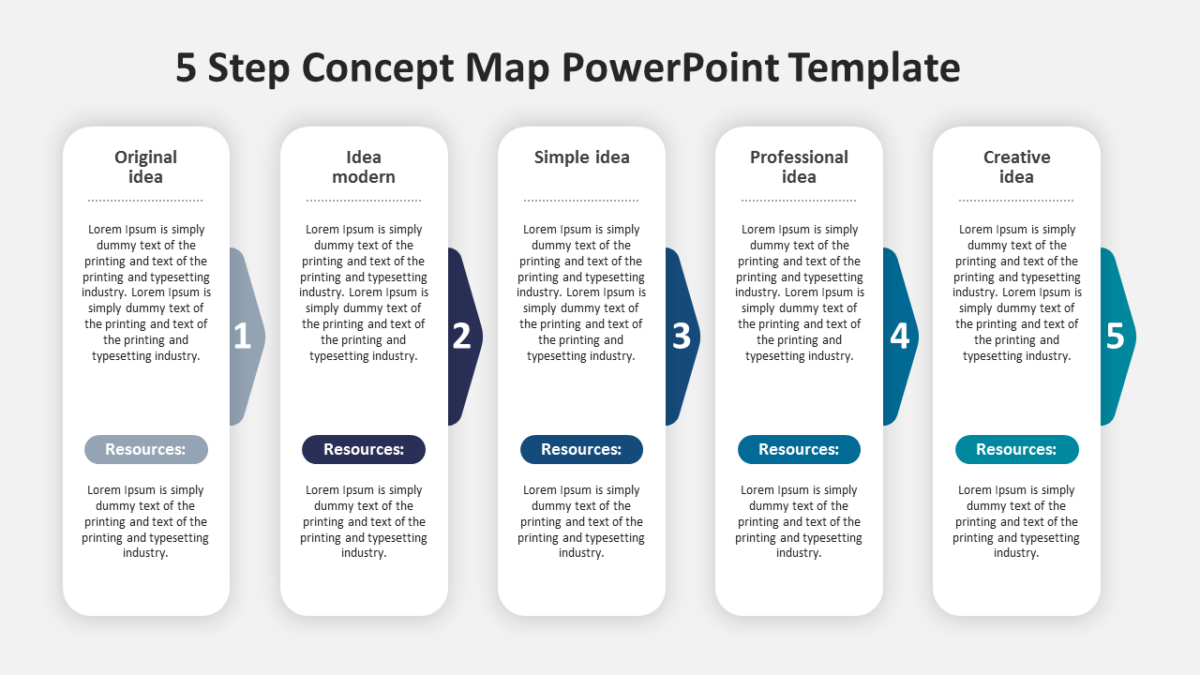
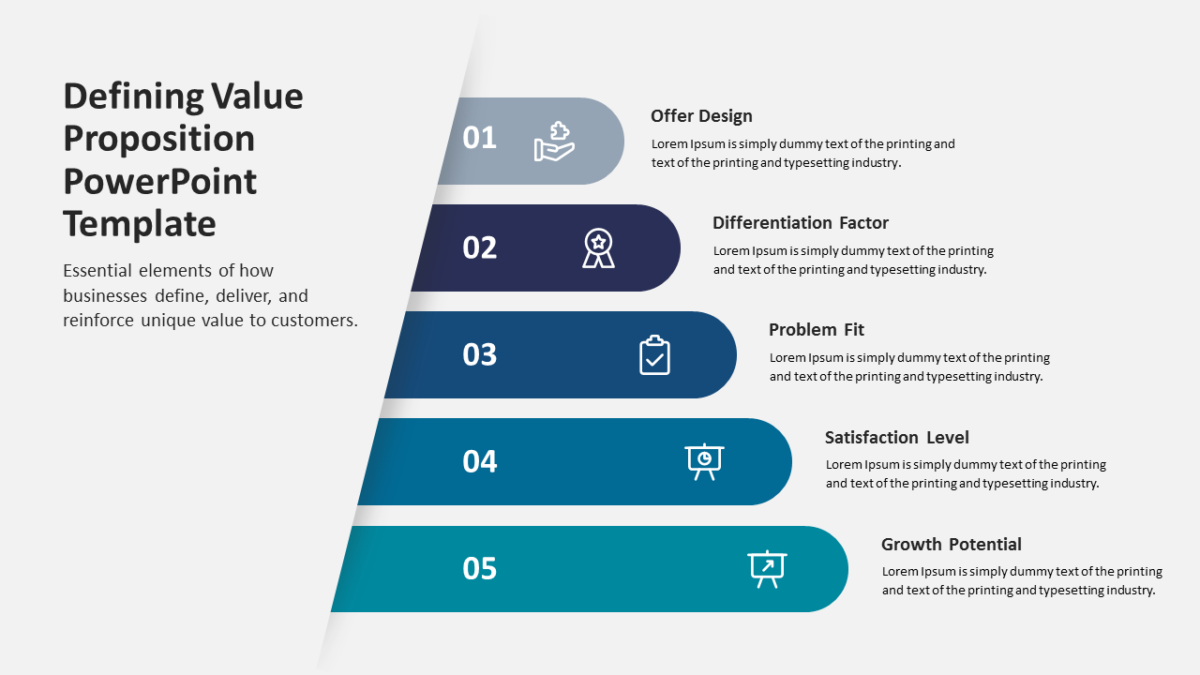
- Balanced visual blocks aligned on a consistent grid
- Icon placeholders throughout
- A heading and short text area per element
- Clear visual separation between points
Fills, labels, icons and body copy are all editable. It ships at 16:9 and survives the trip into Google Slides or Keynote without breaking.
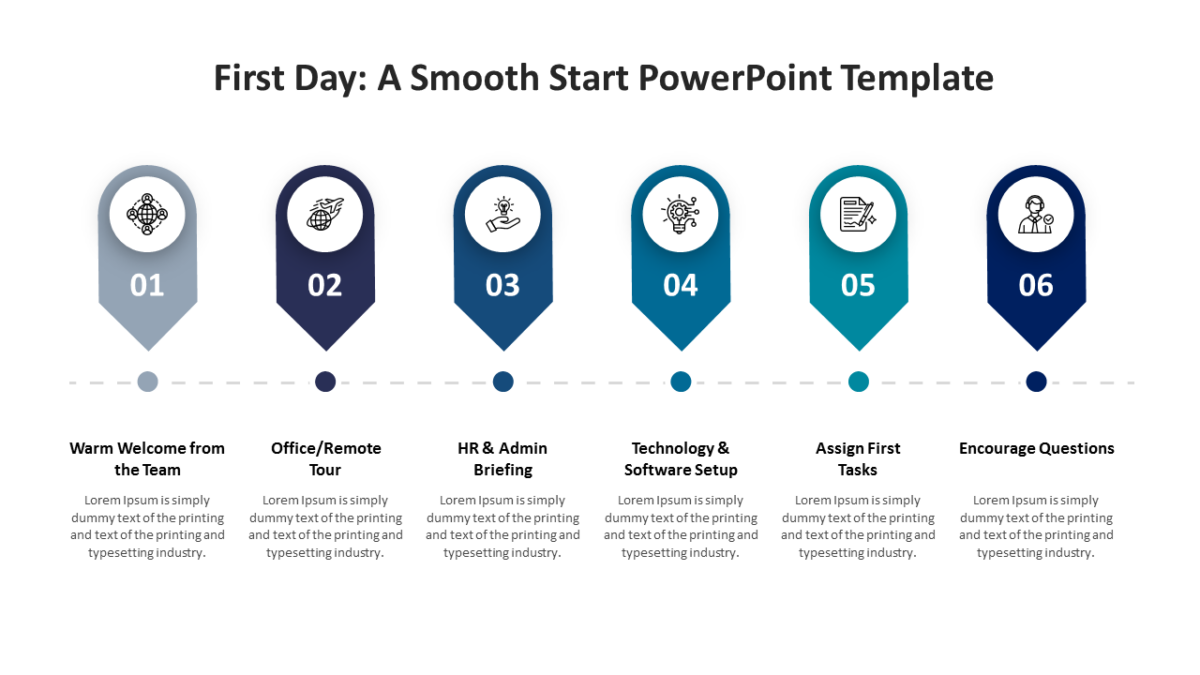
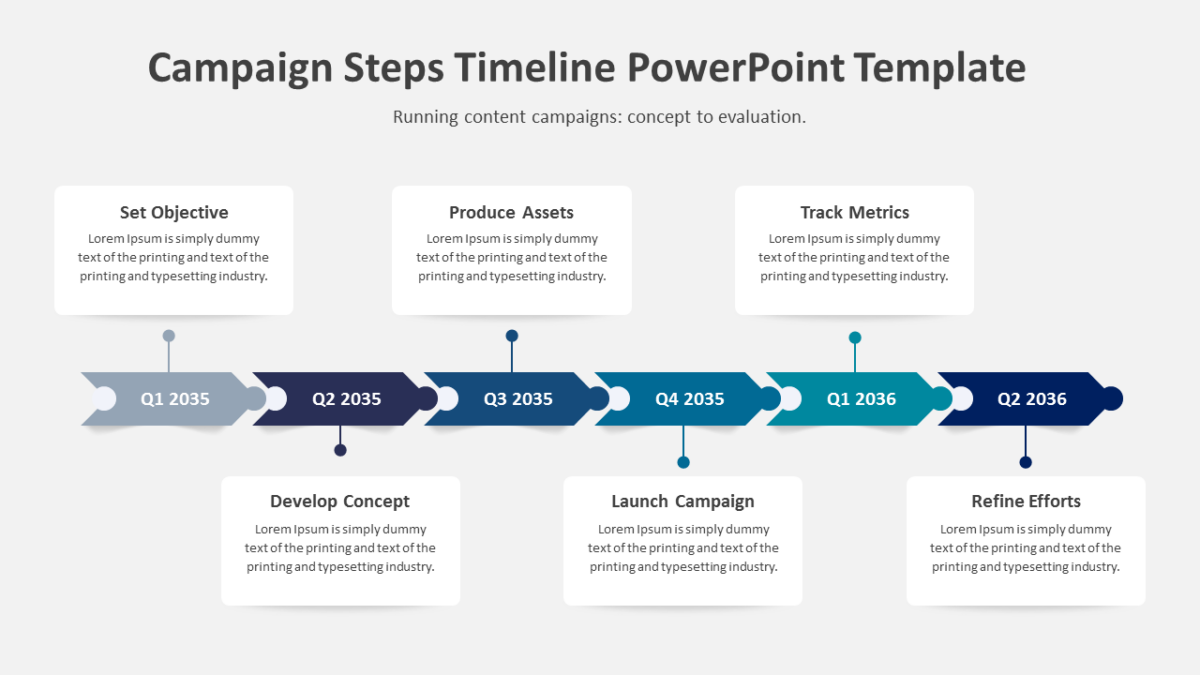
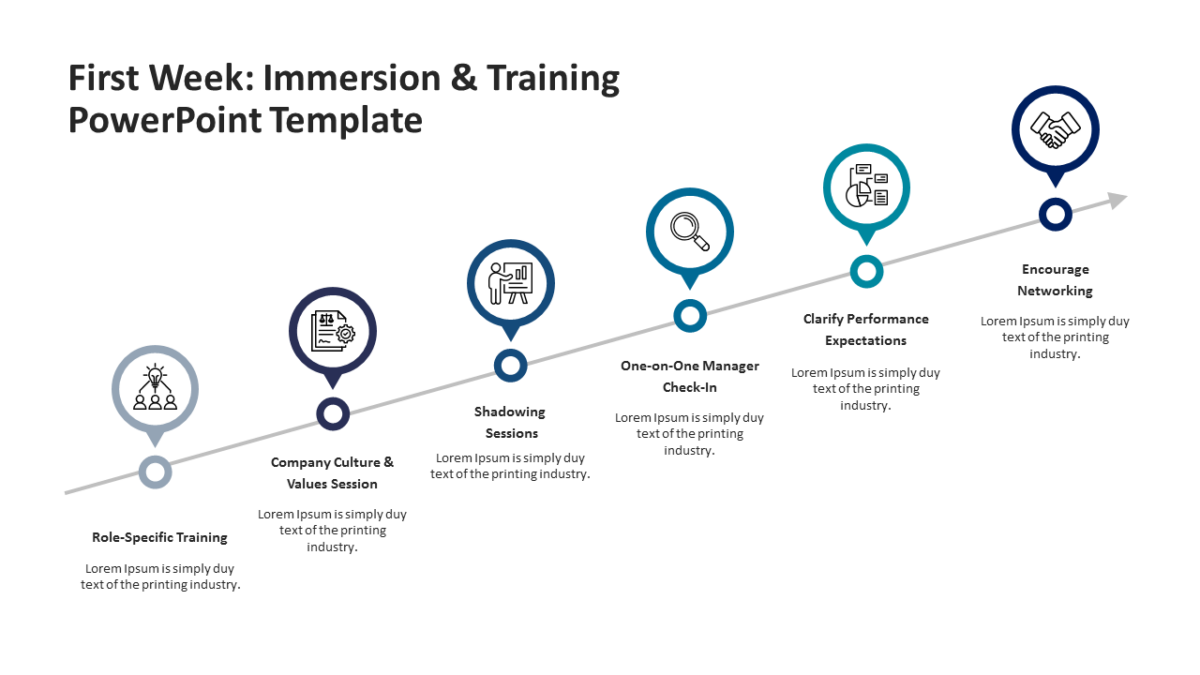
Built with agency teams in mind, but team leads and executives put it to work just as often. Place it where a dense text slide currently sits. The other 4 steps templates handle the same job at different scales.