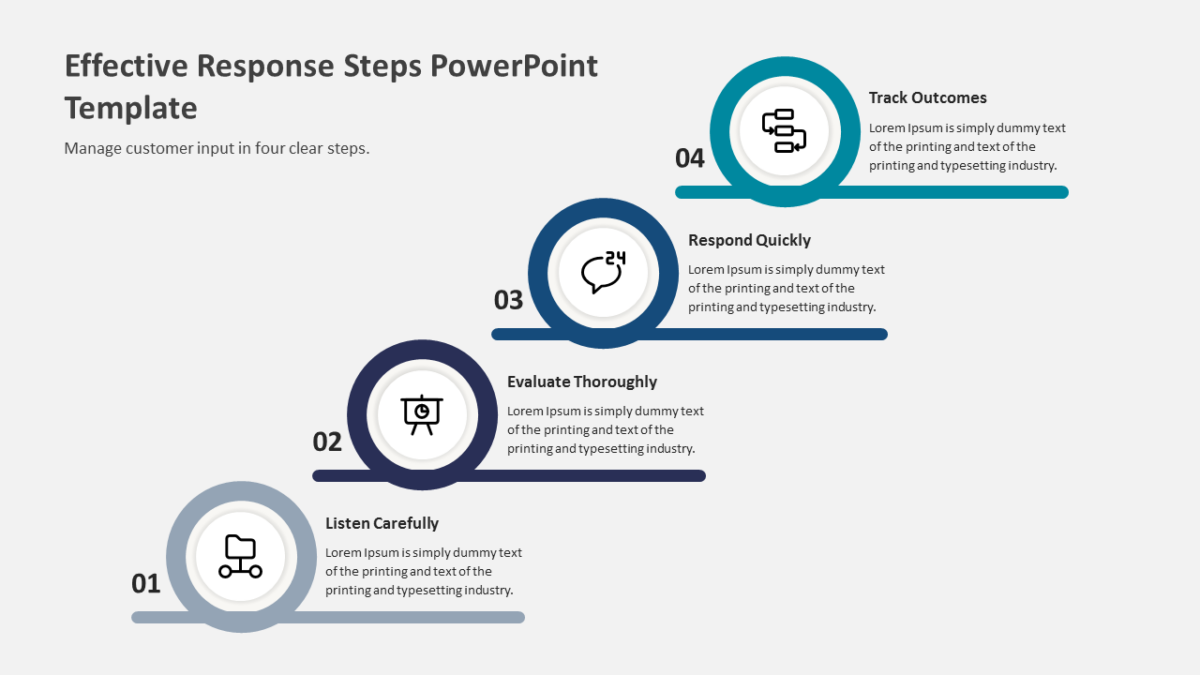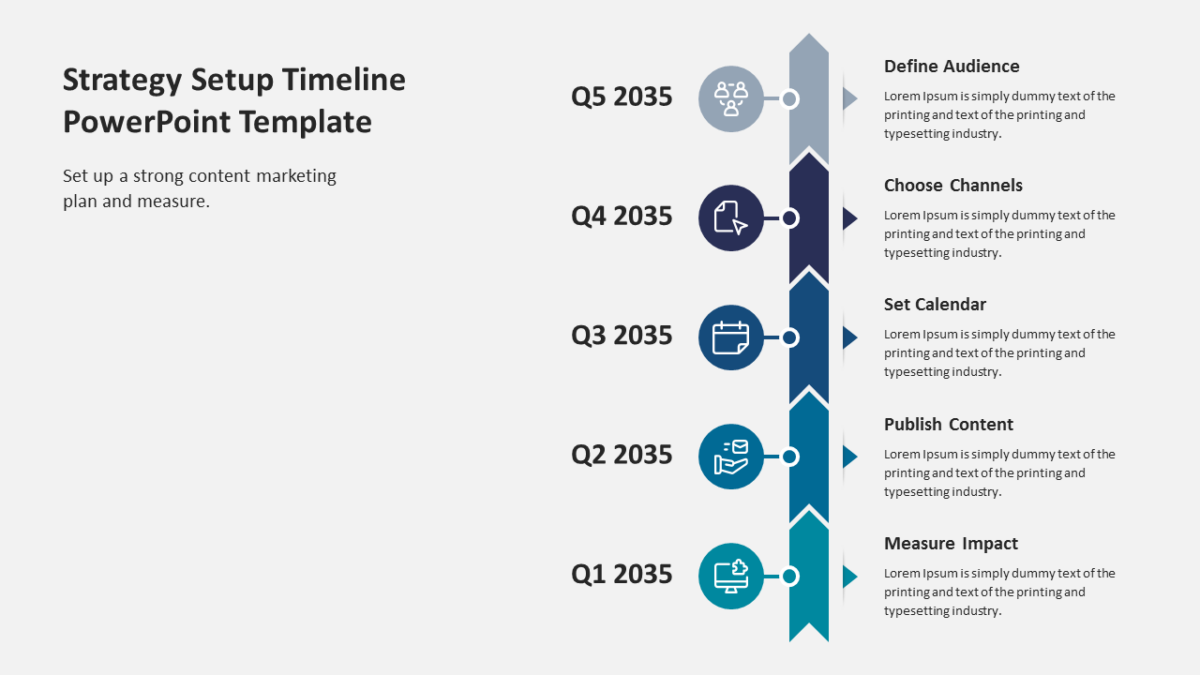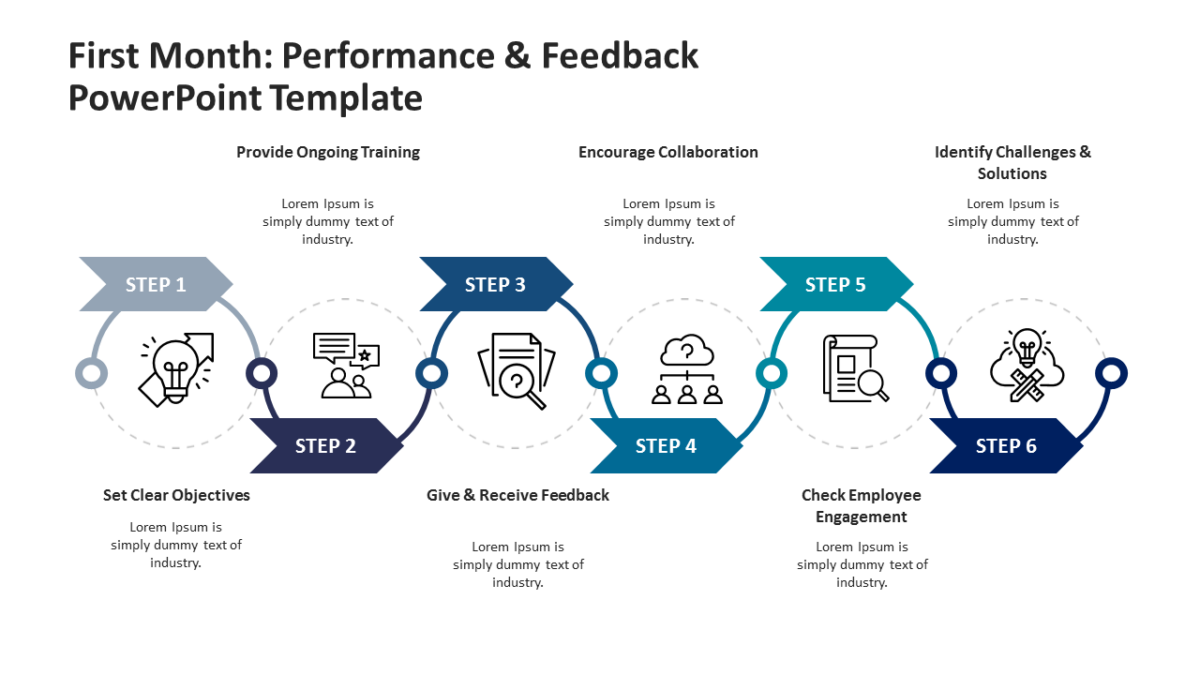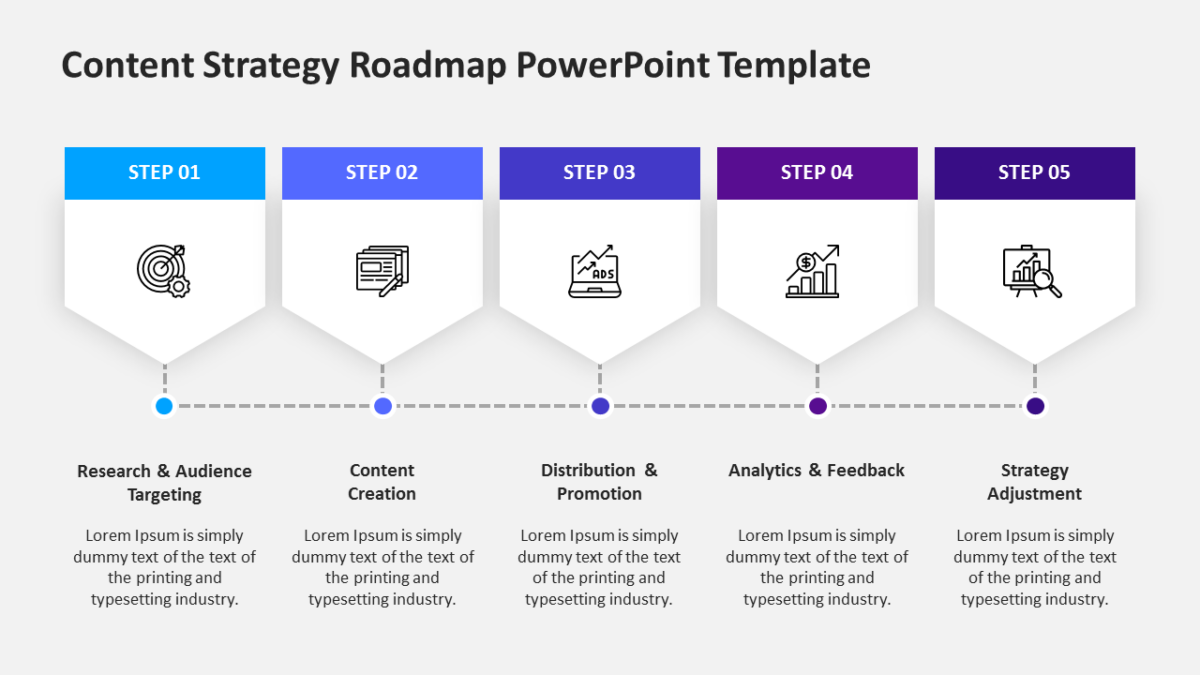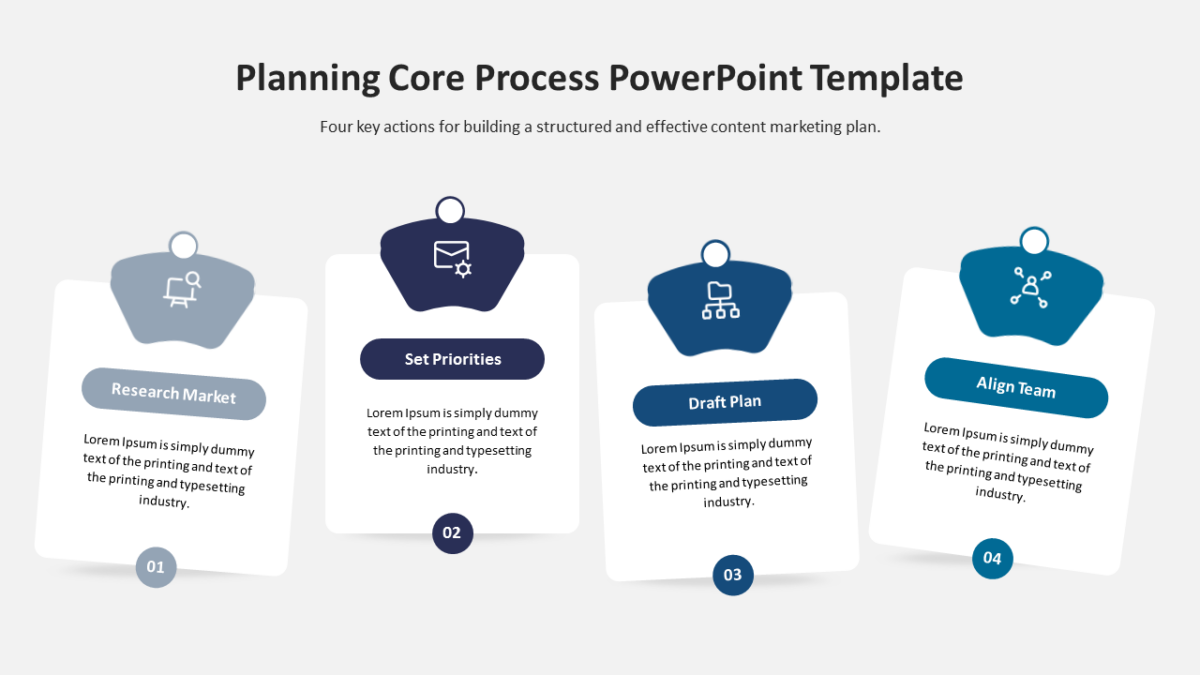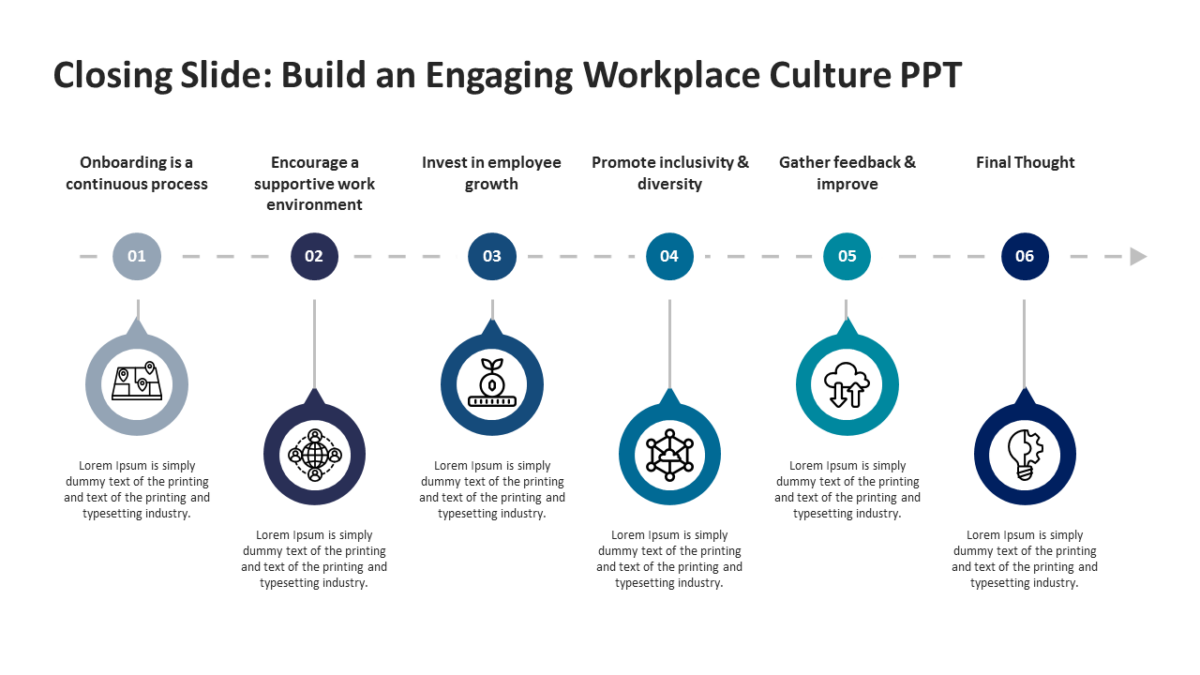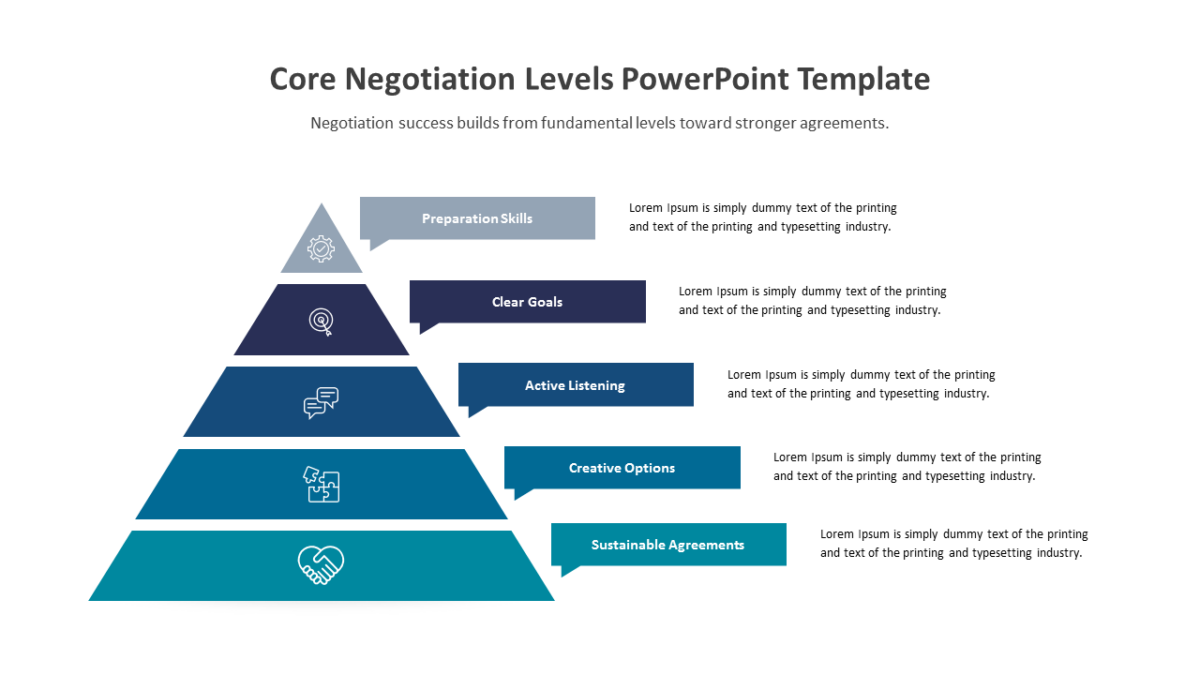
Creative Thinking Process with Lightbulb Infographic
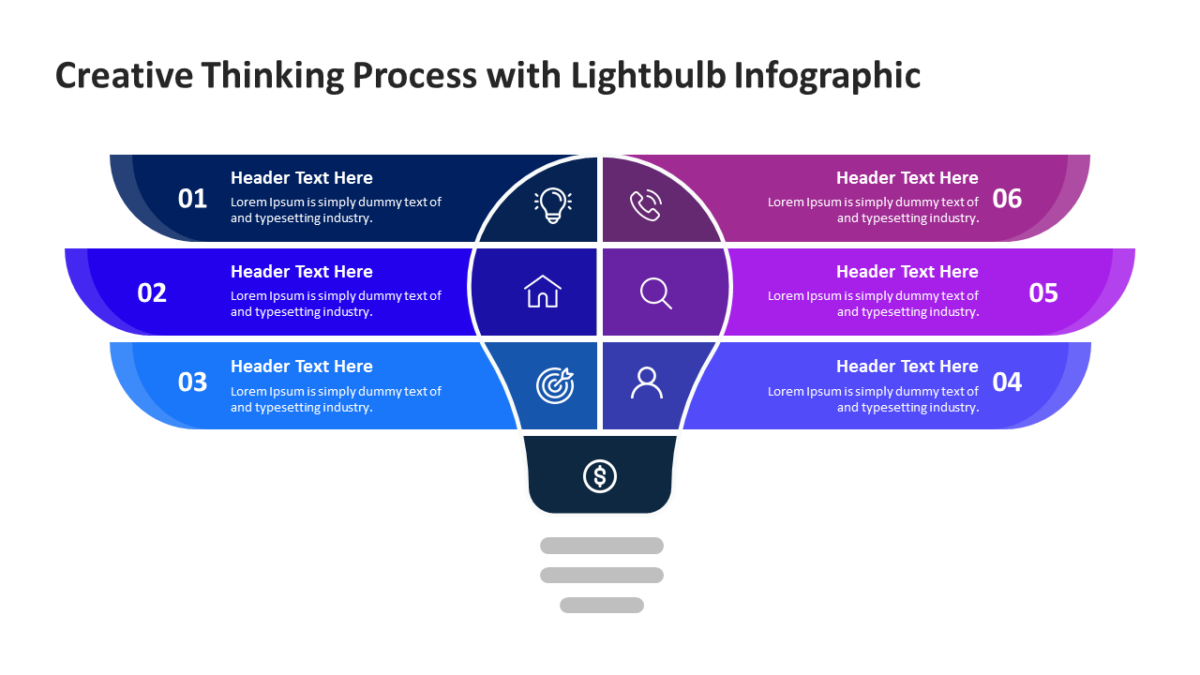
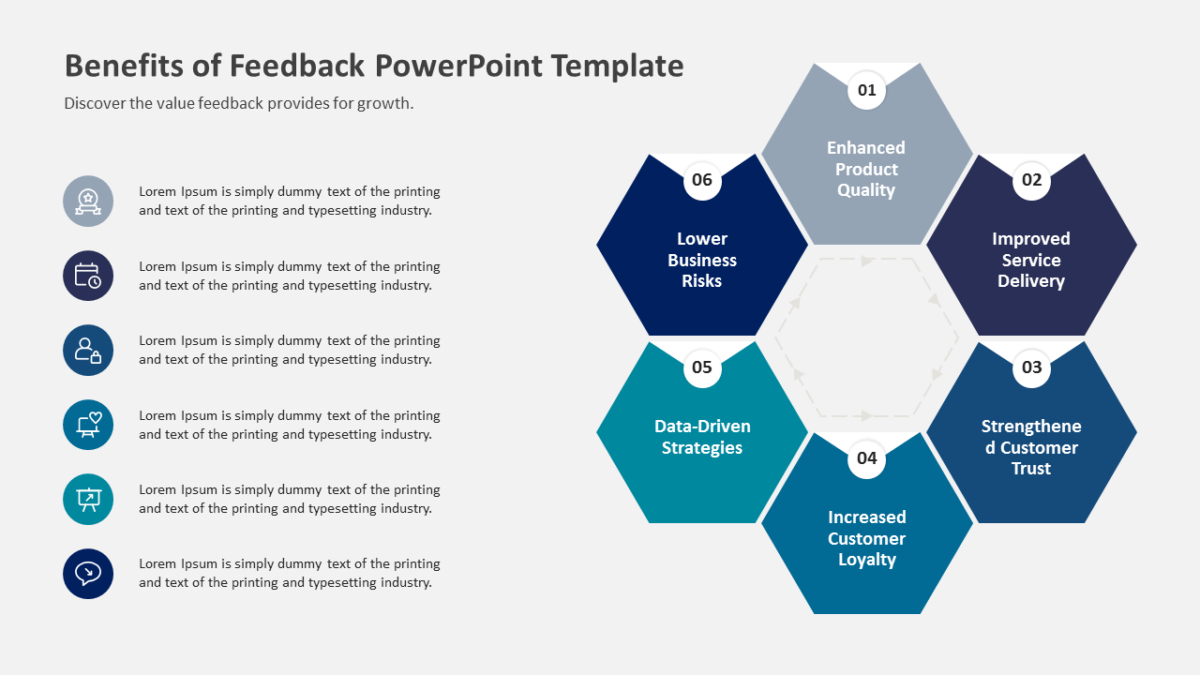
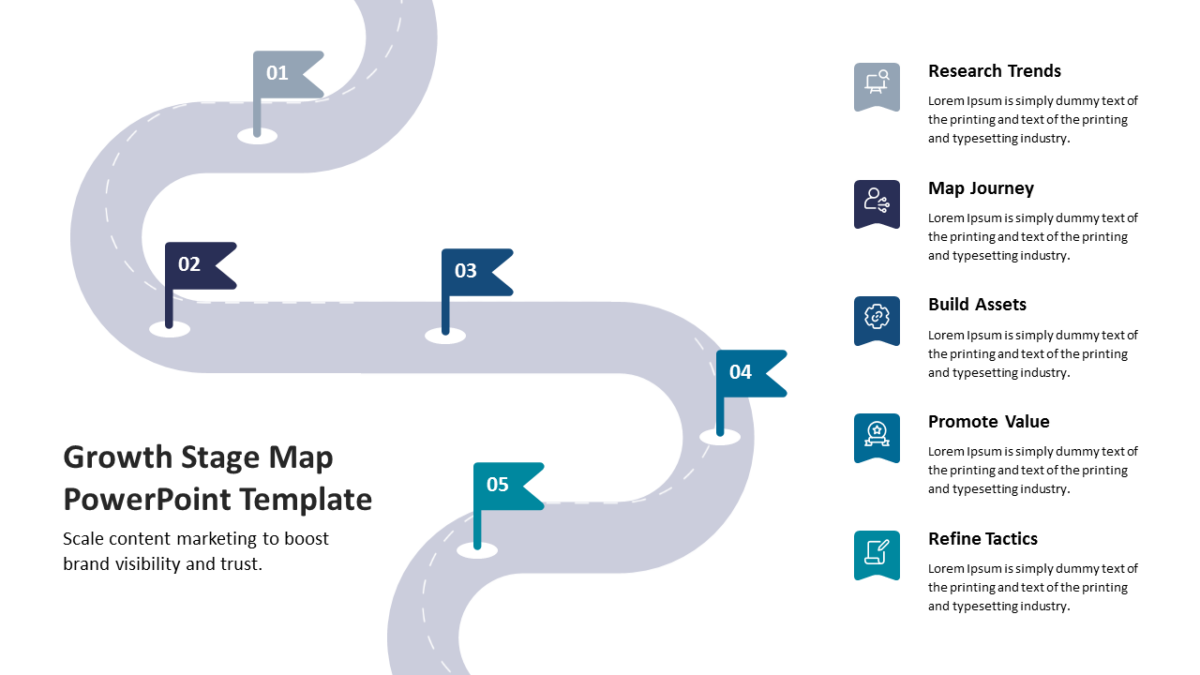
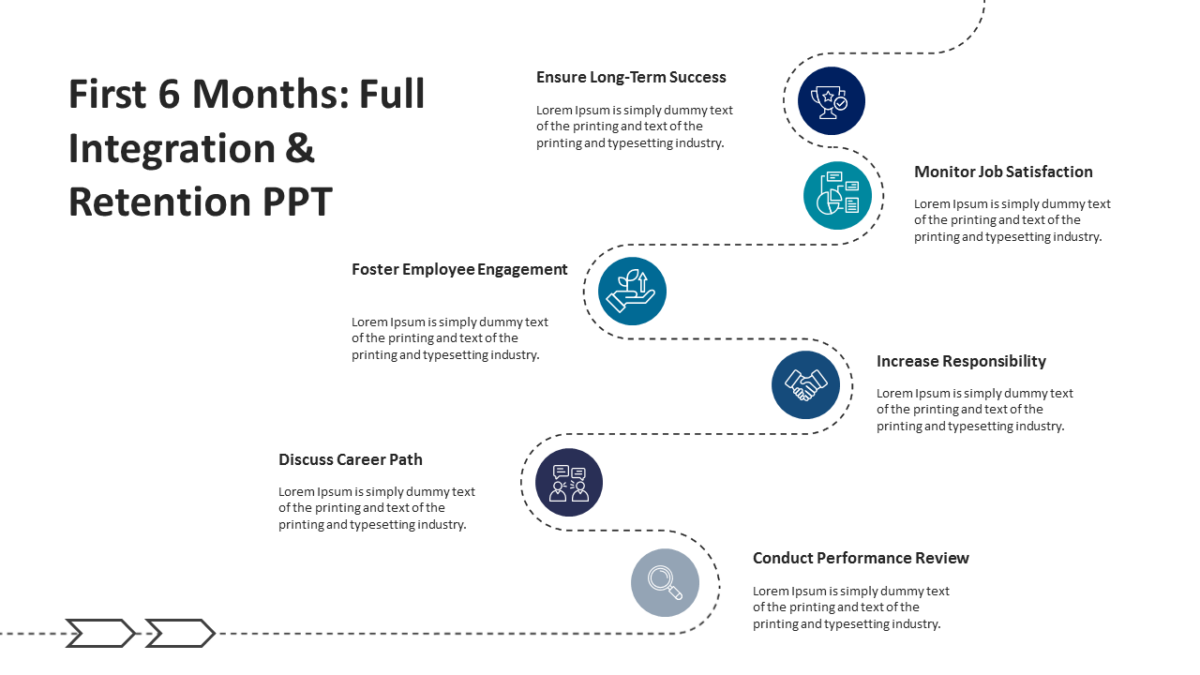
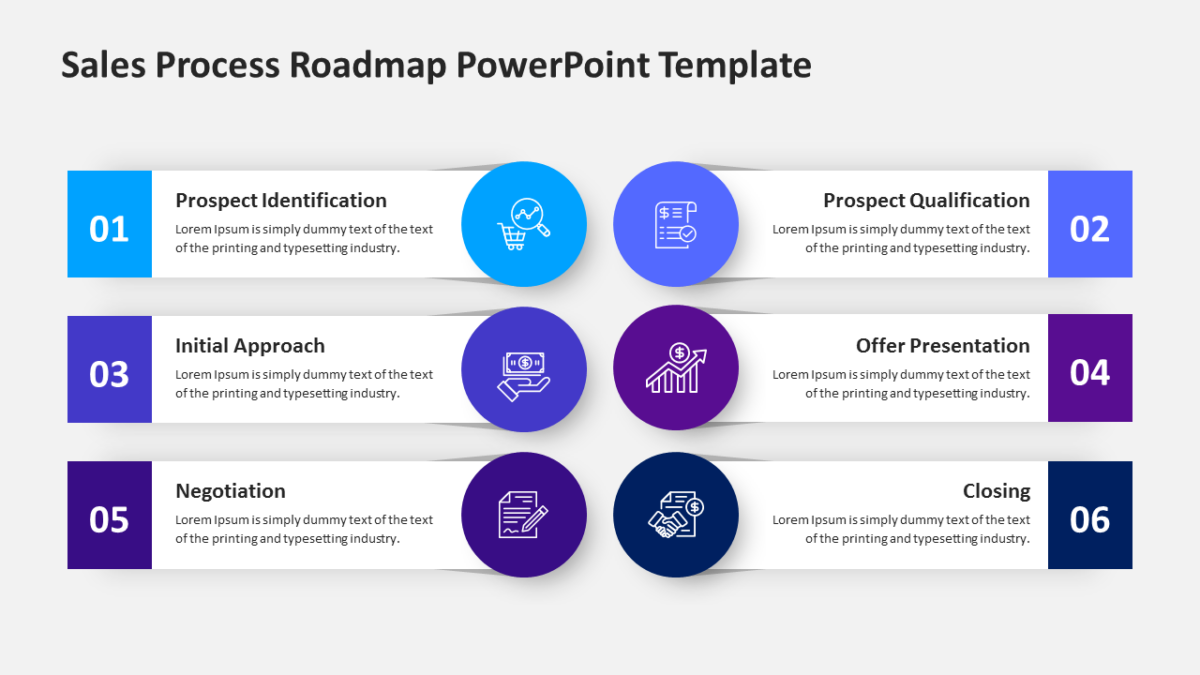
Most process slides fail because the order stops being obvious halfway across. The Creative Thinking Process with Lightbulb Infographic does not.
Business audiences give a slide a few seconds before deciding whether to engage with it. Structure is what wins those seconds.
What’s on the slide
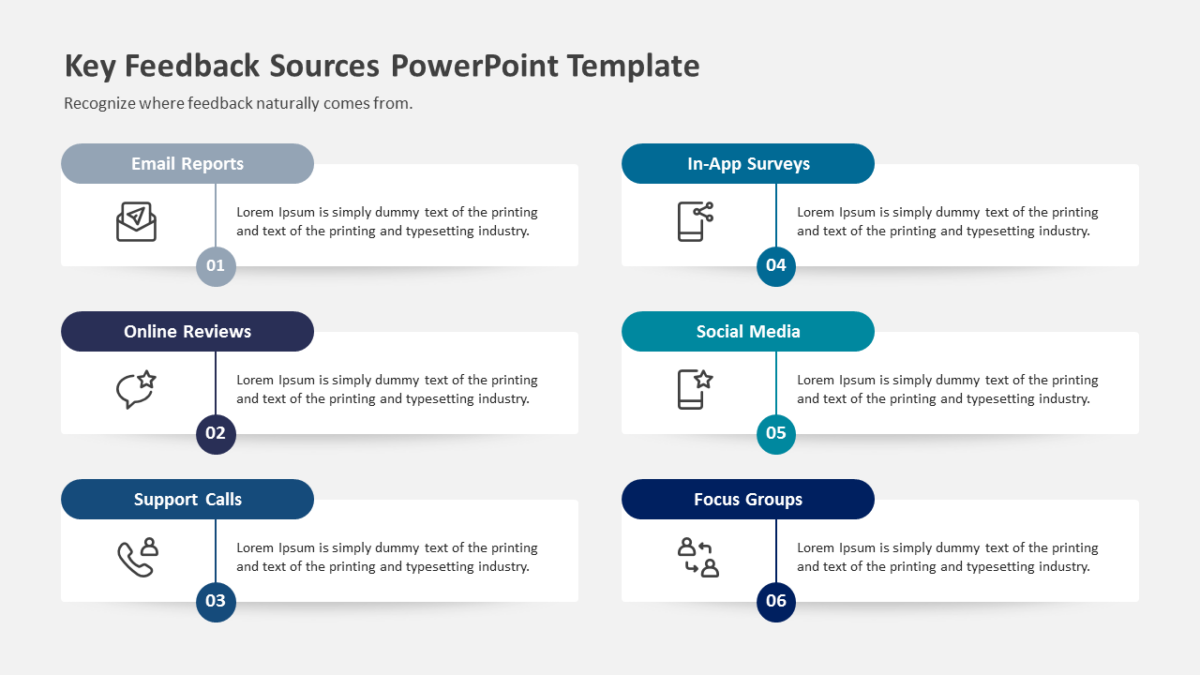
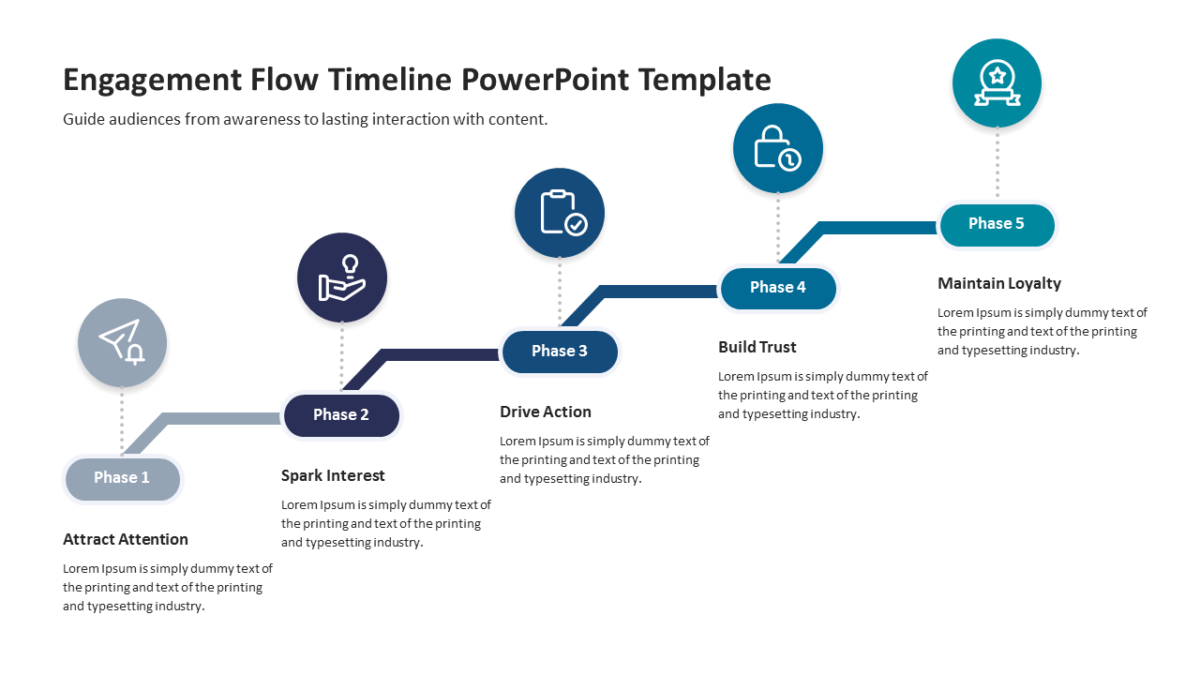
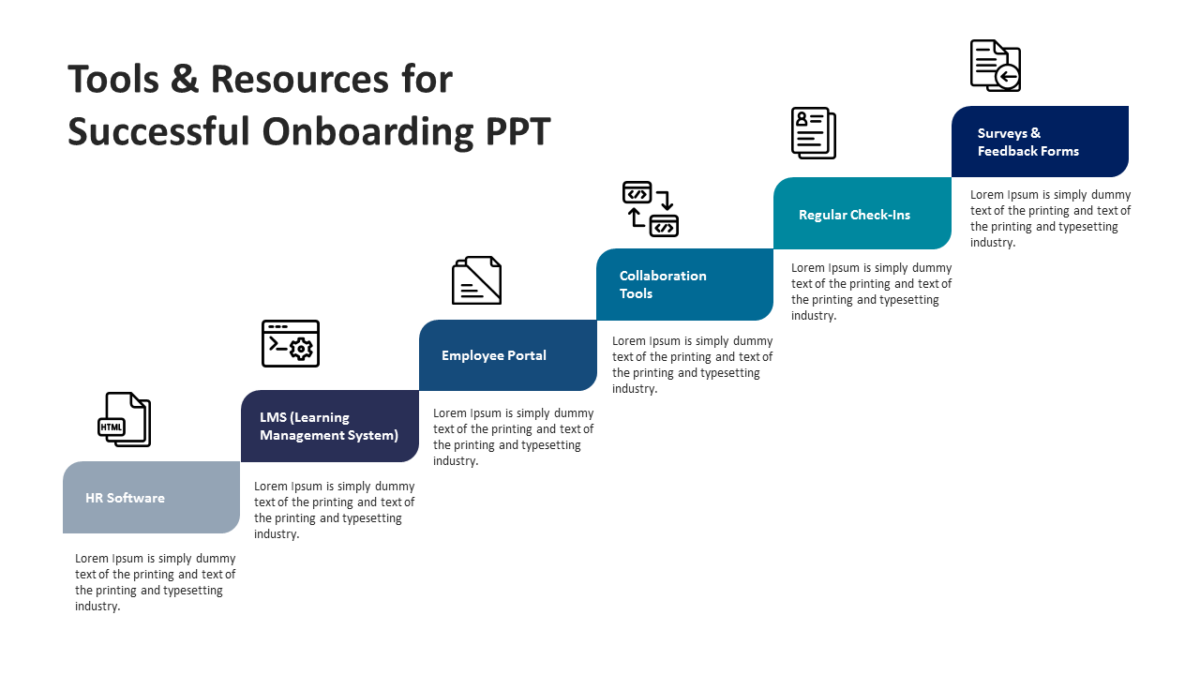
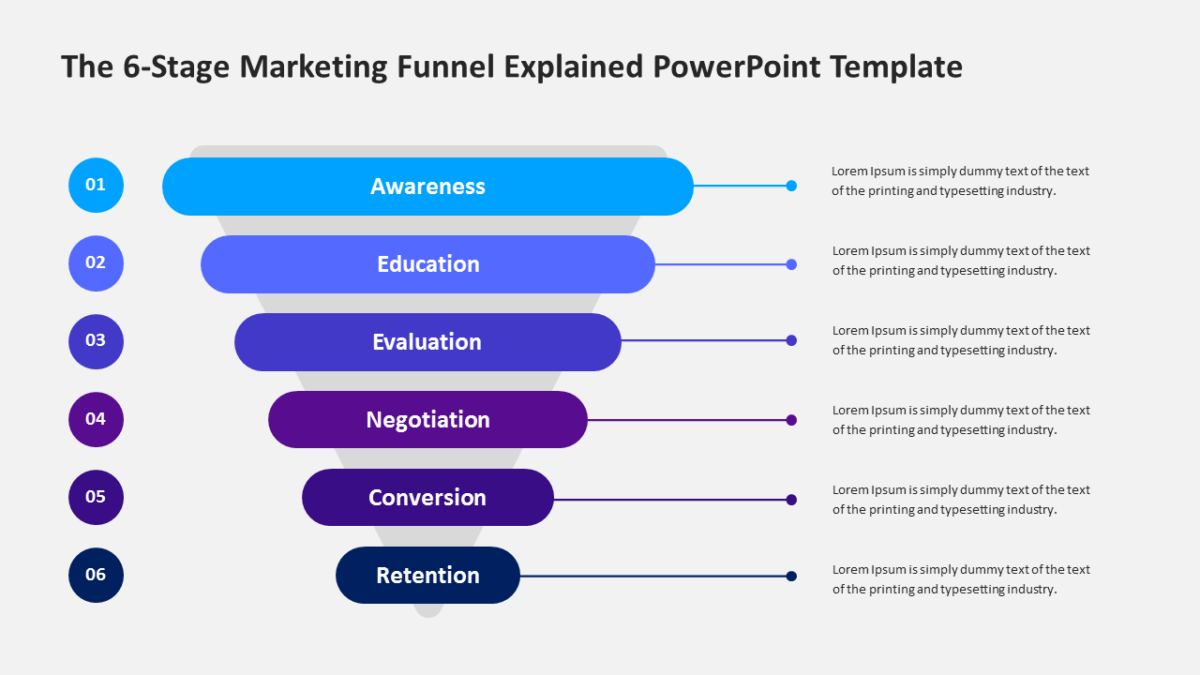
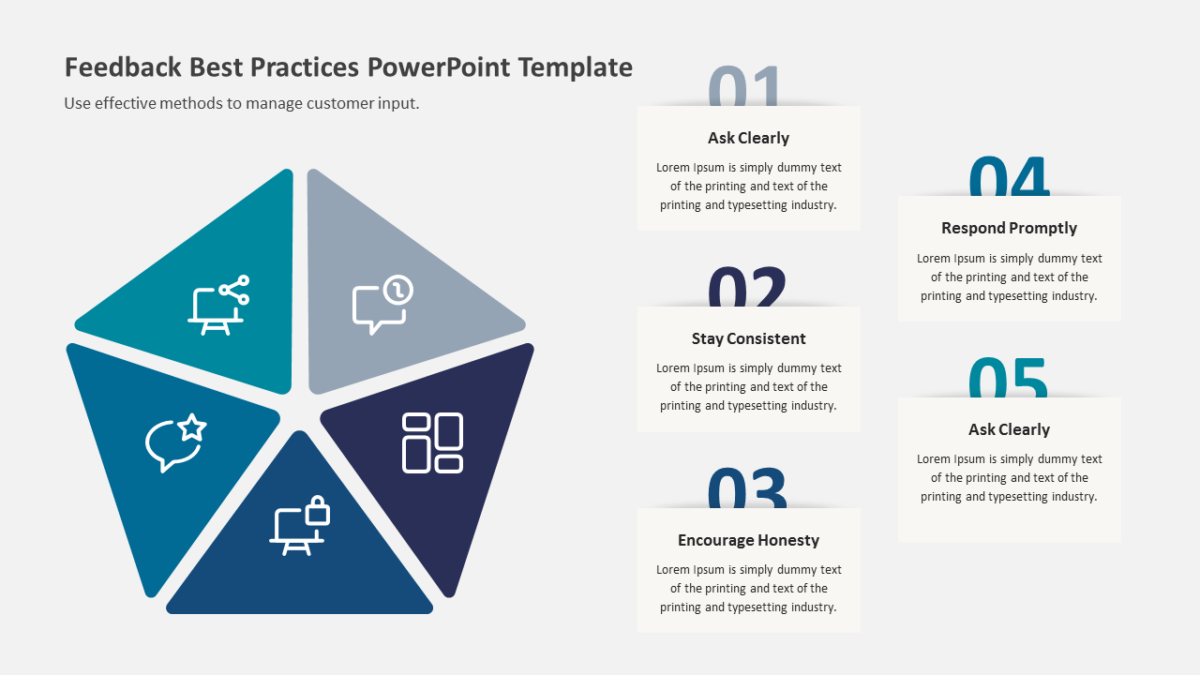
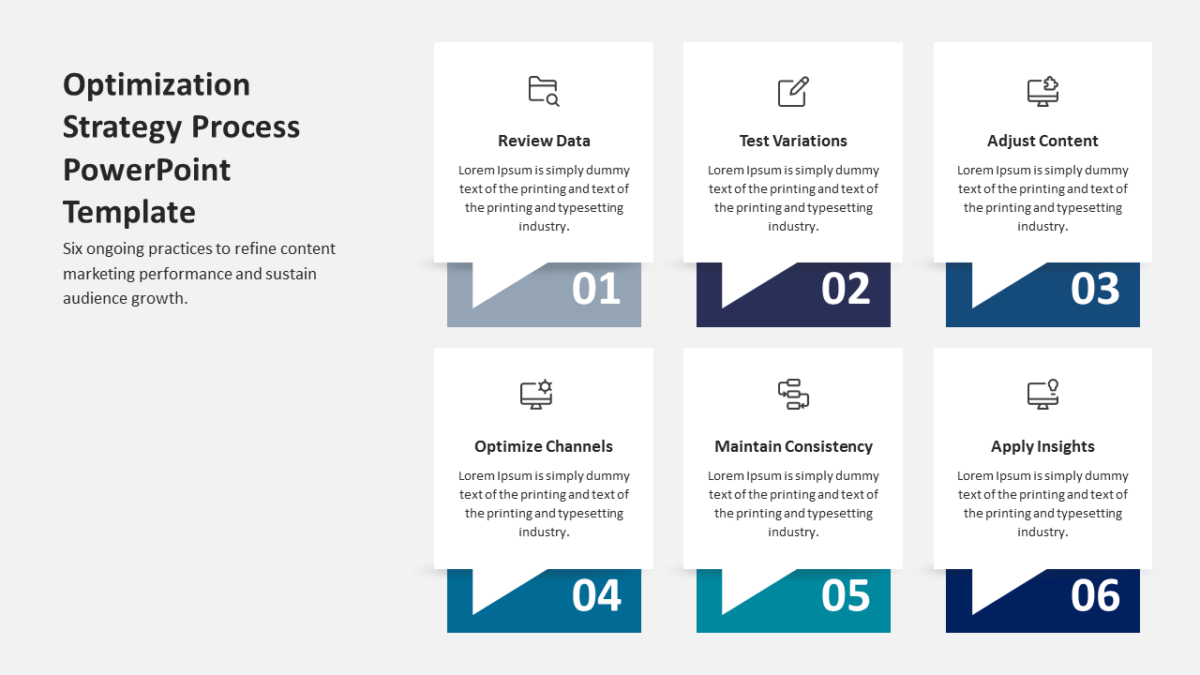
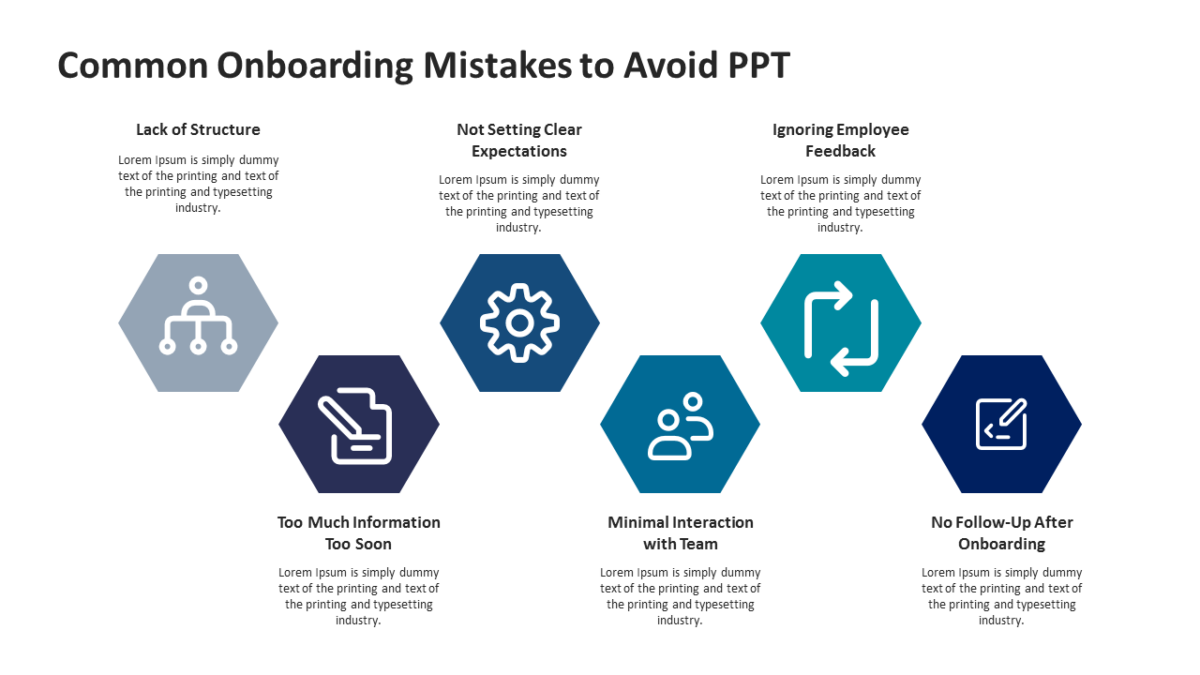
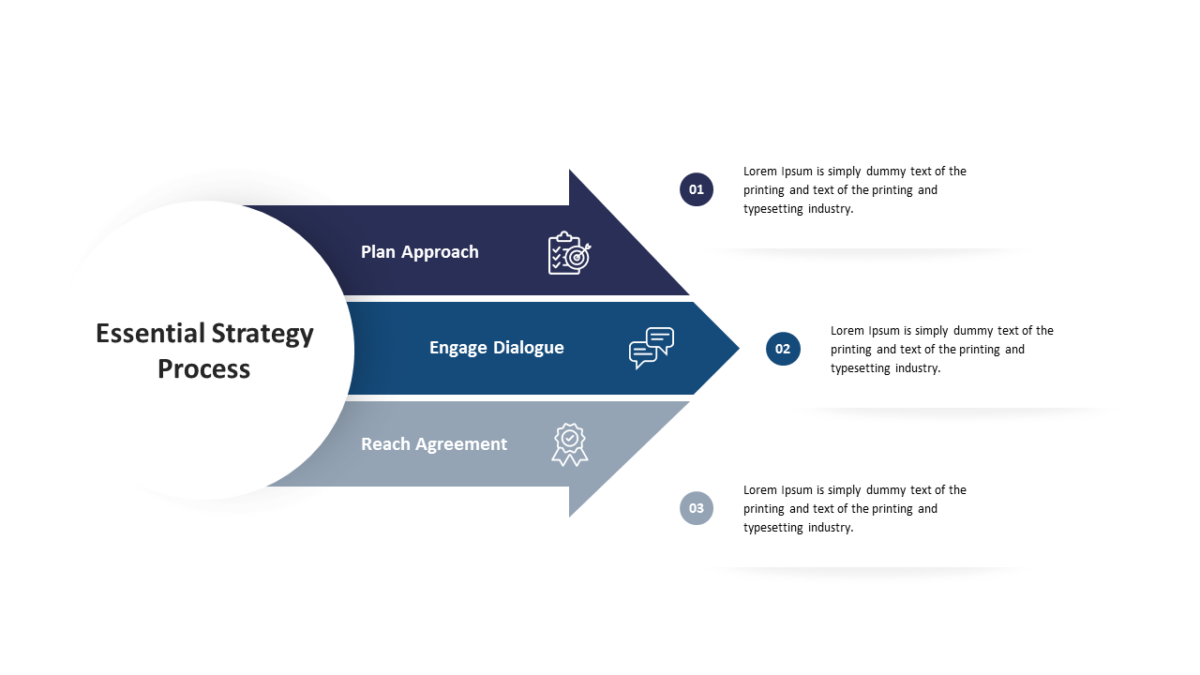
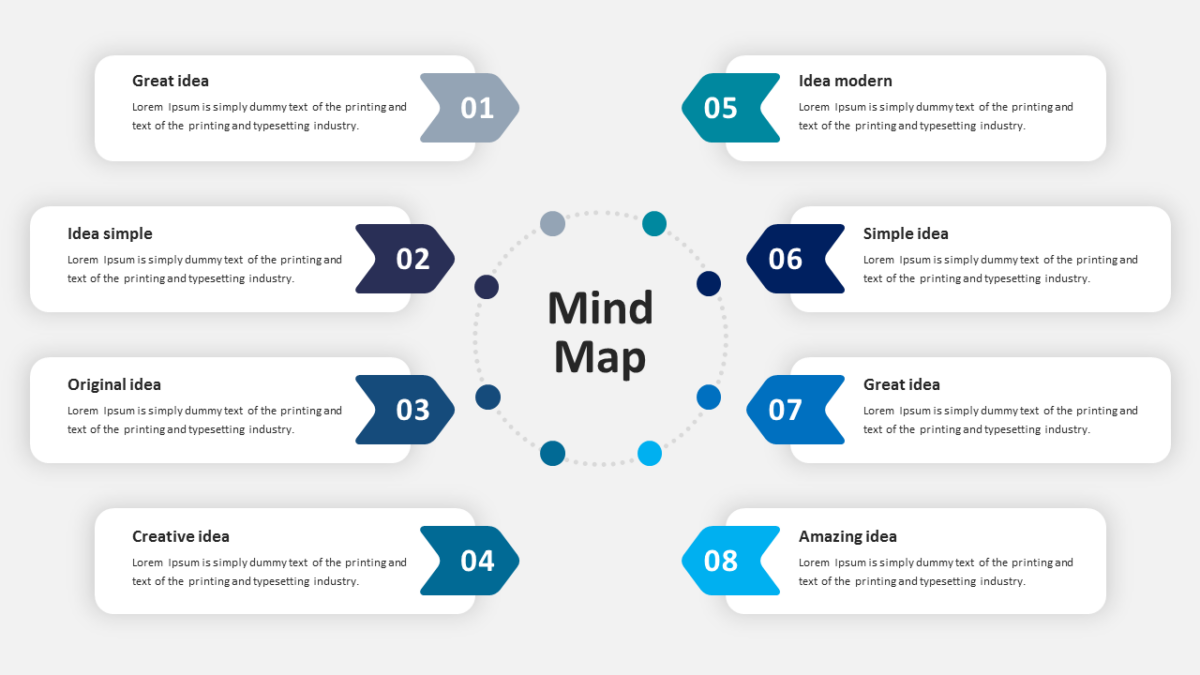
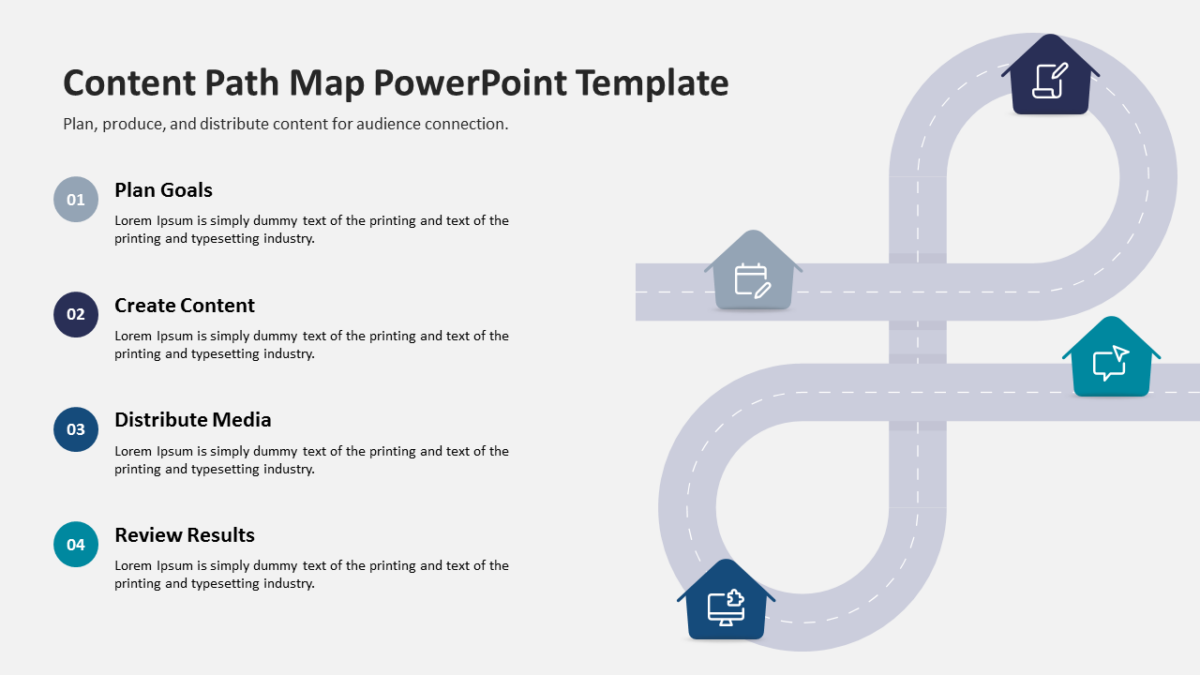
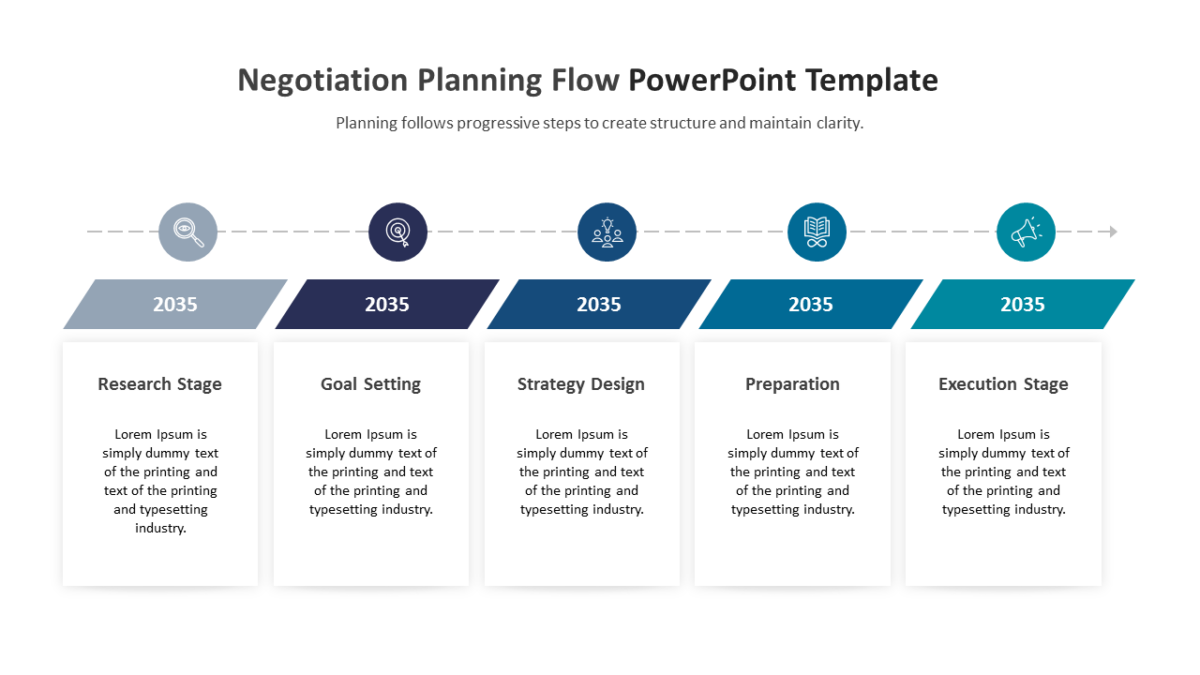
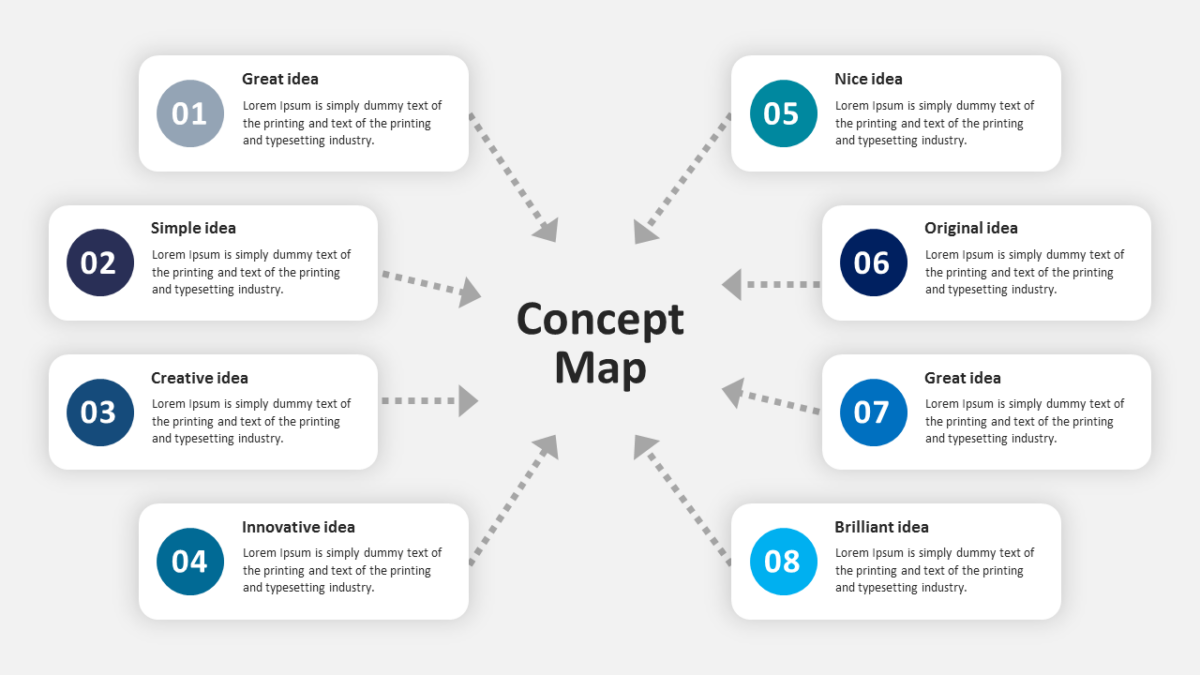
- Connected stages running across the slide, each numbered
- Title and subtitle area at the top
- Connectors built into the graphic, so the sequence reads at a distance
- An icon placeholder on every stage
Every element is a native PowerPoint shape, so colors, icons and copy are all yours to change. Sized 16:9, and it opens cleanly in Google Slides and Keynote.
Consultants reach for this most, though business analysts and executives get the same value out of it. Use it once the question is set up and the mechanism needs explaining. For a different treatment of the same idea, the rest of the process flow templates are worth a look.