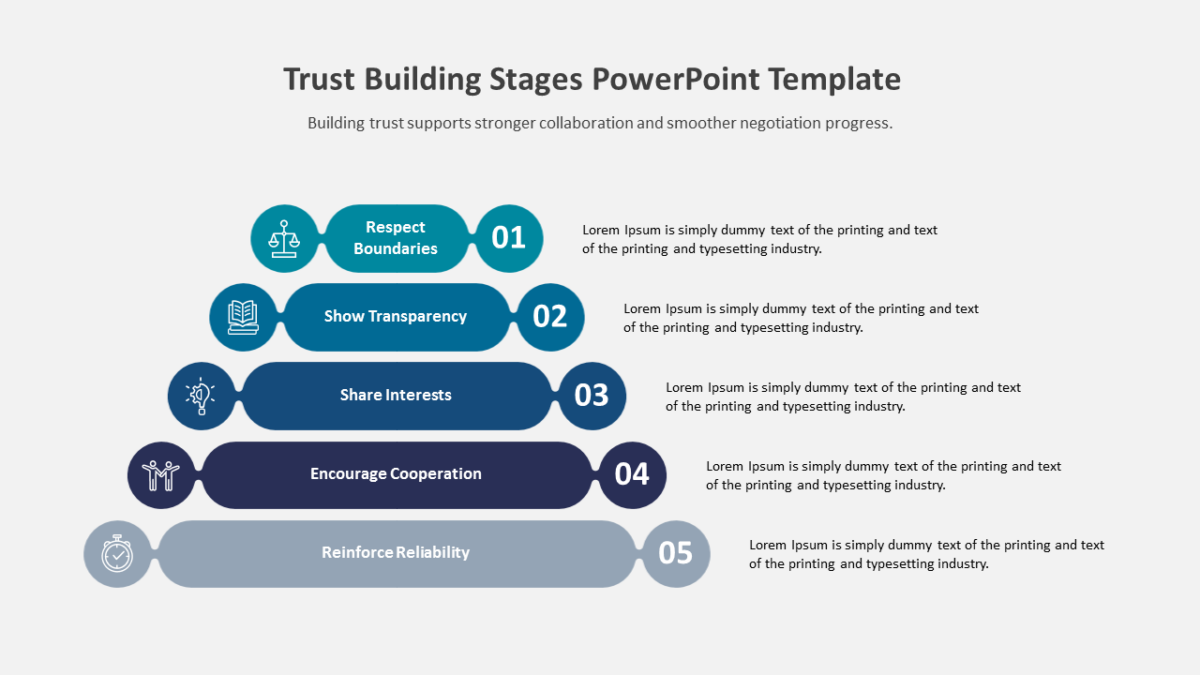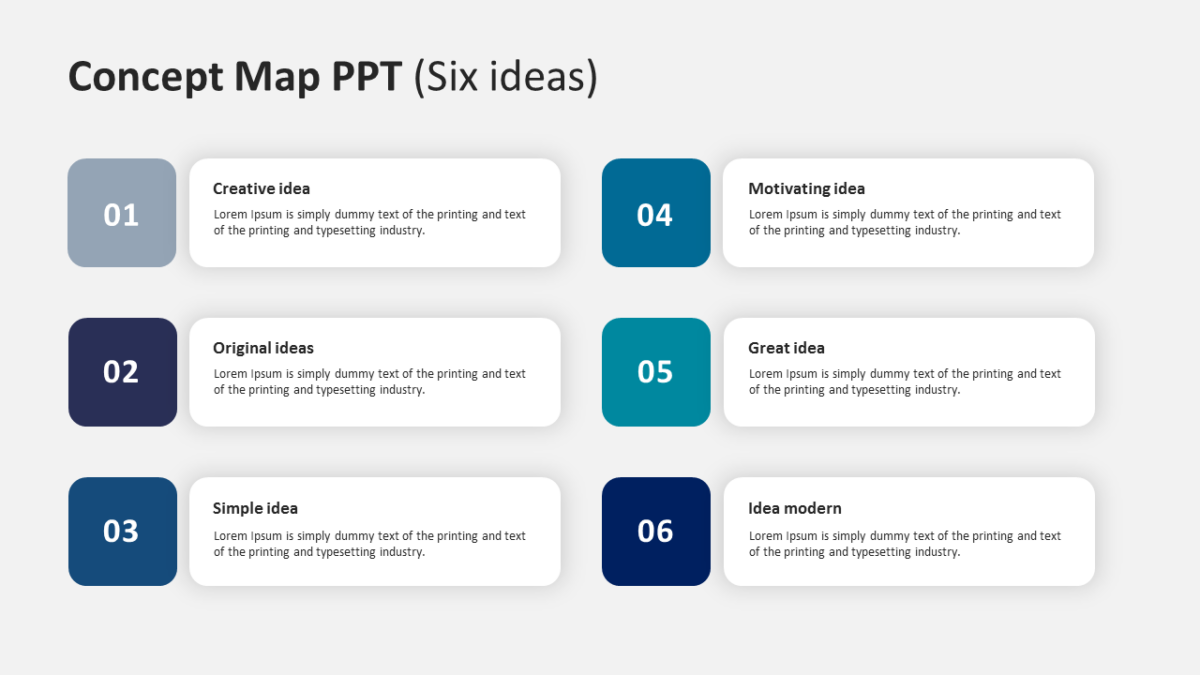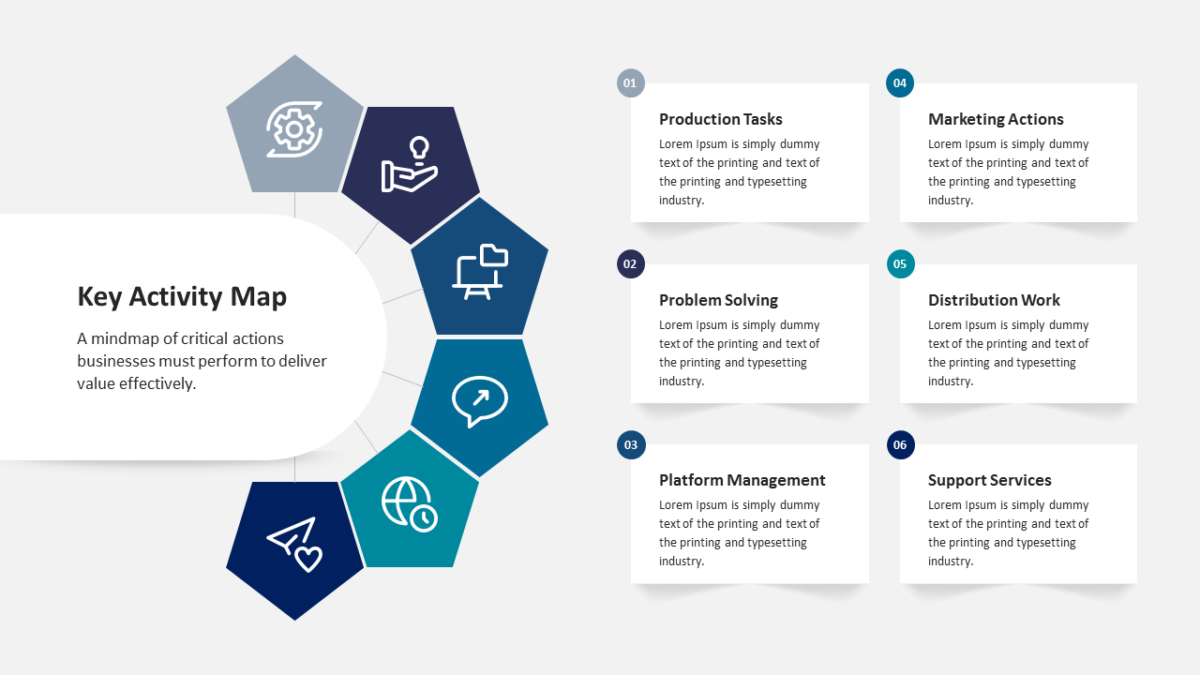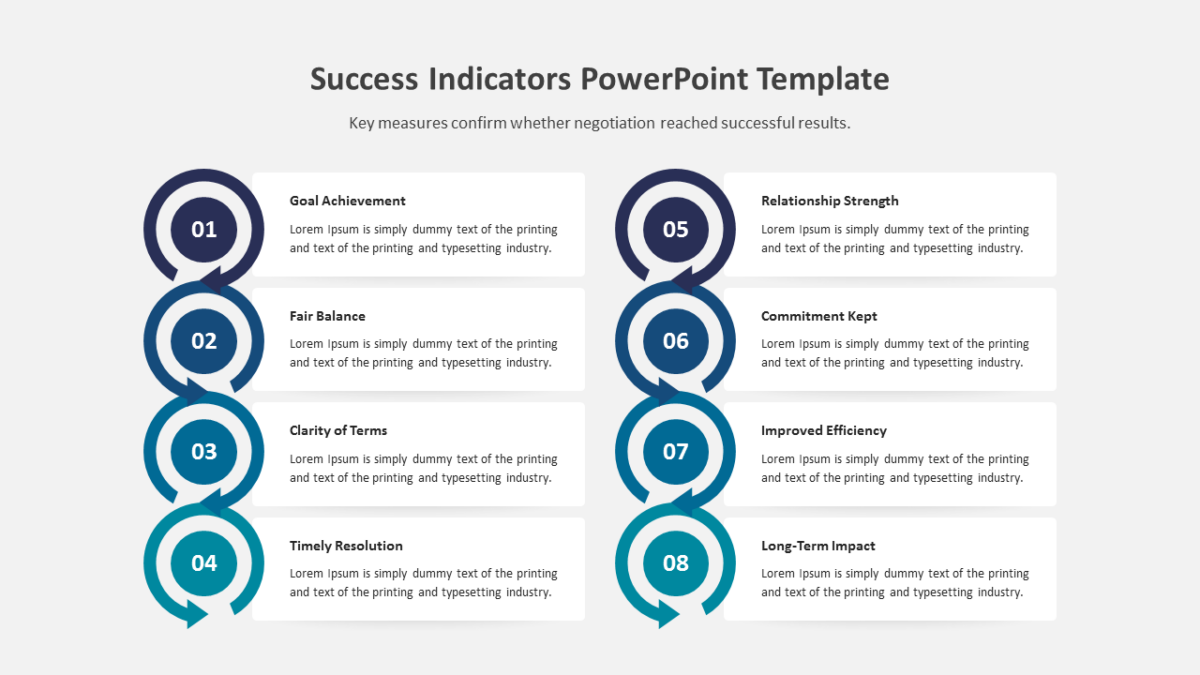
Arrow Target Diagram
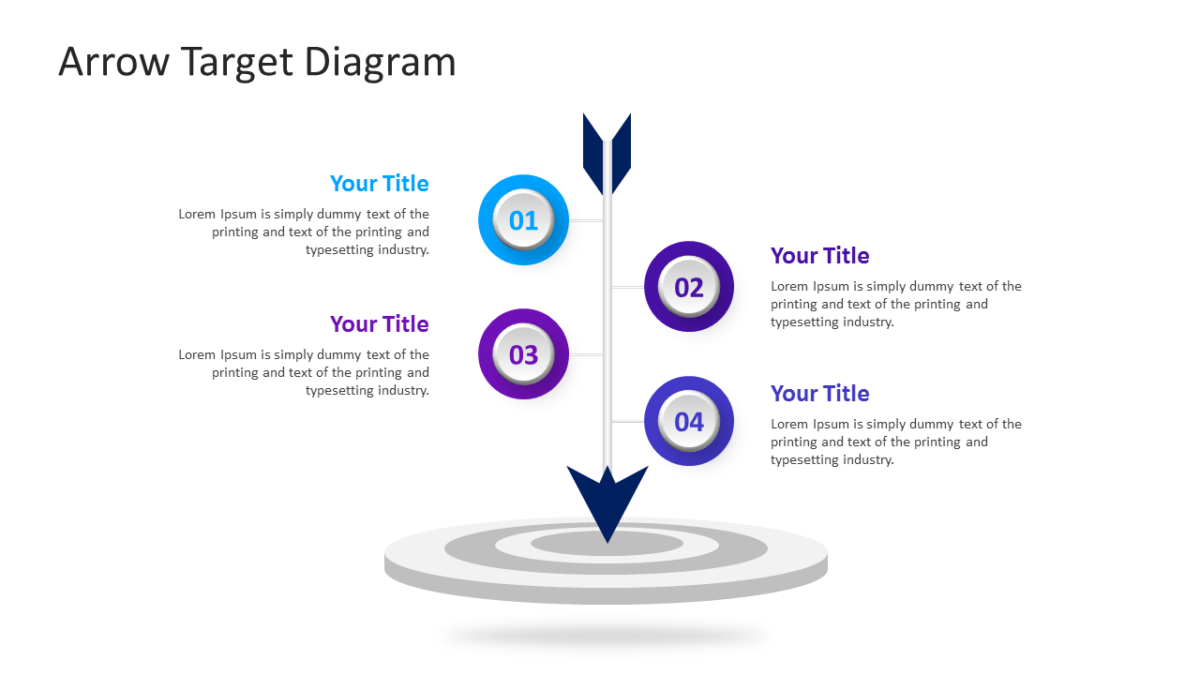
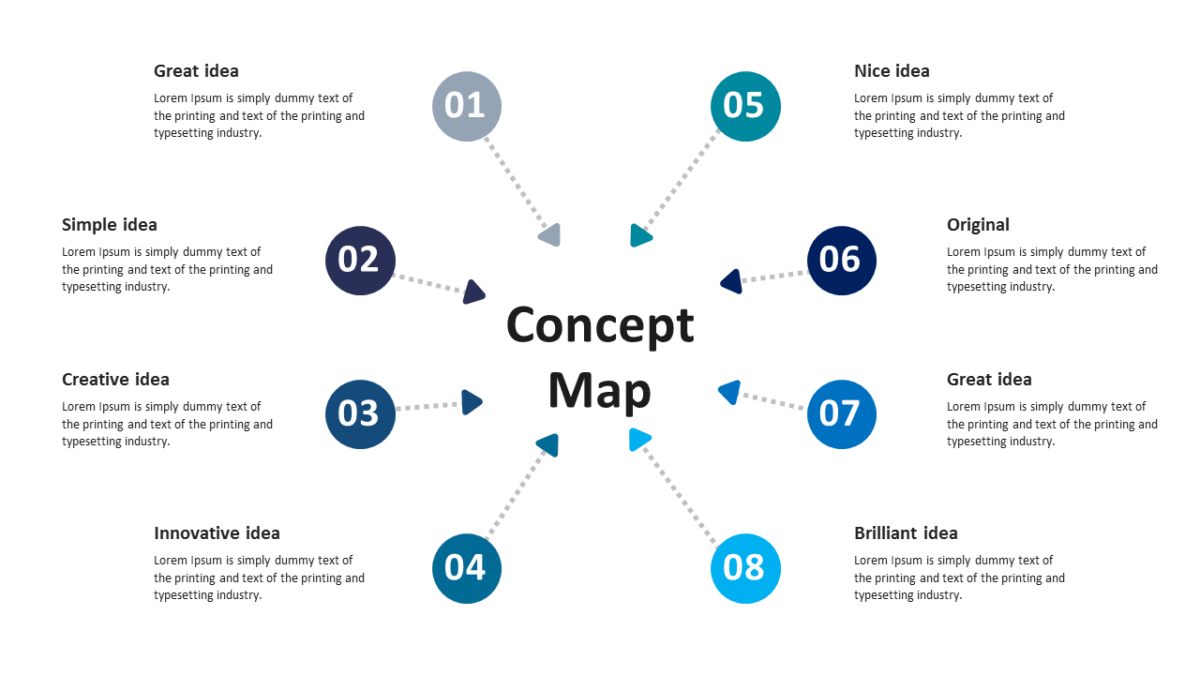
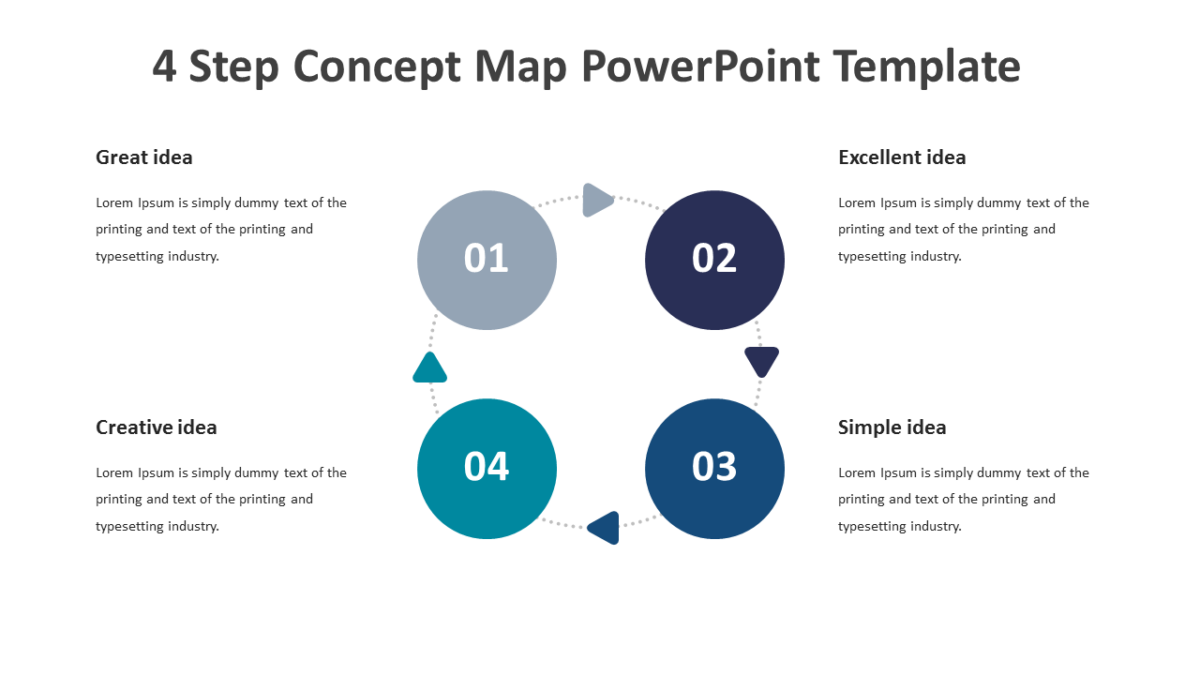
The Arrow Target Diagram uses direction as the main visual argument, which is often enough.
Business audiences give a slide a few seconds before deciding whether to engage with it. Structure is what wins those seconds.
What’s on the slide
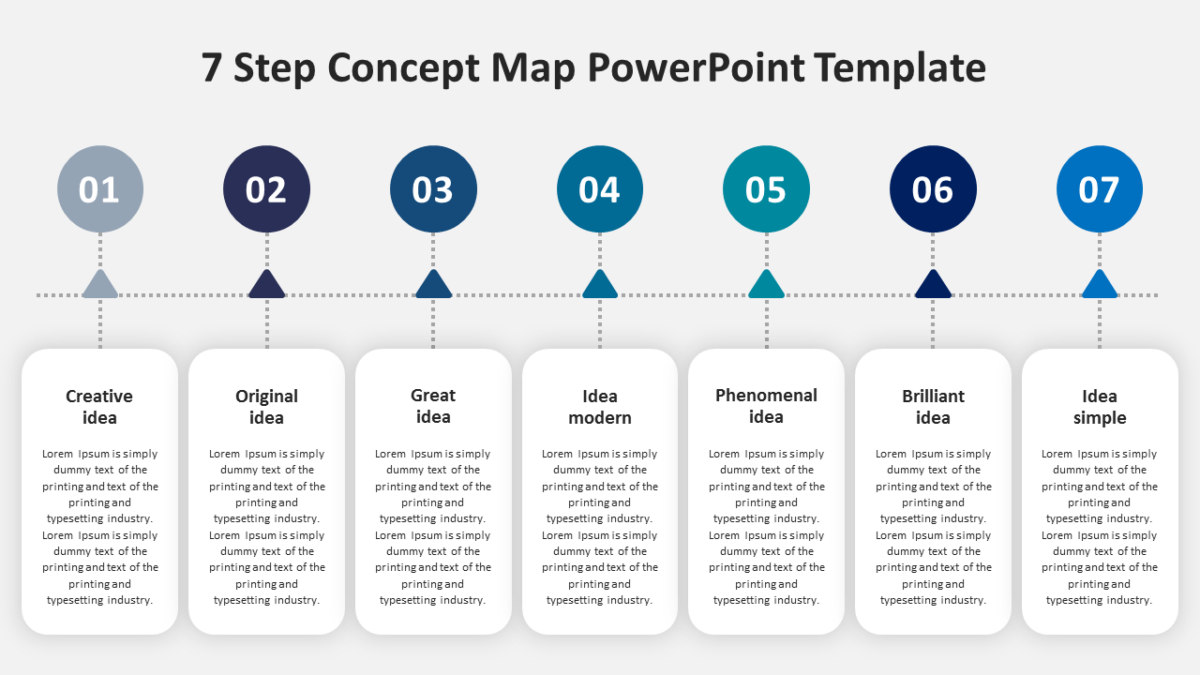
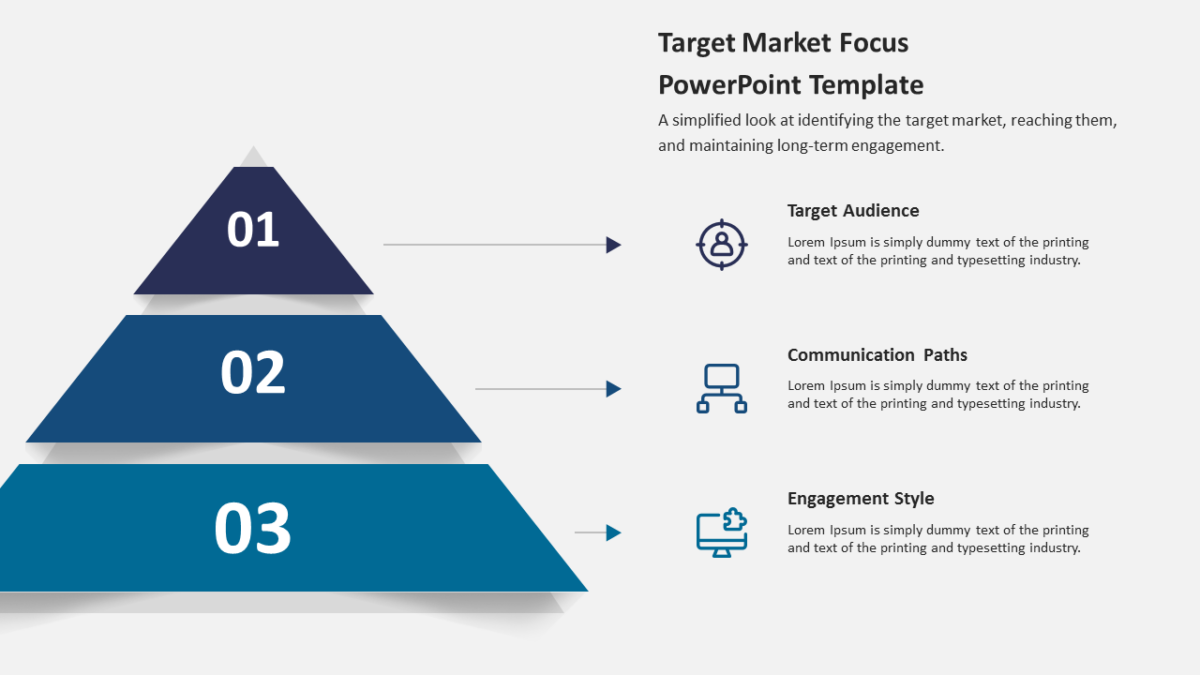
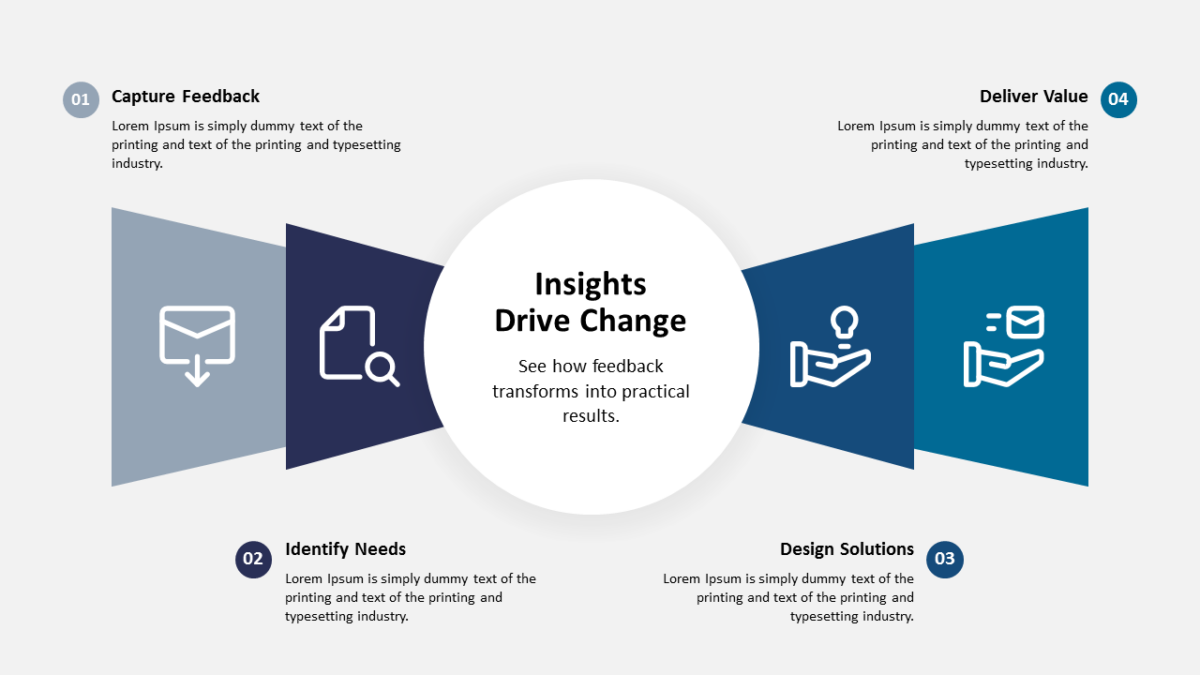
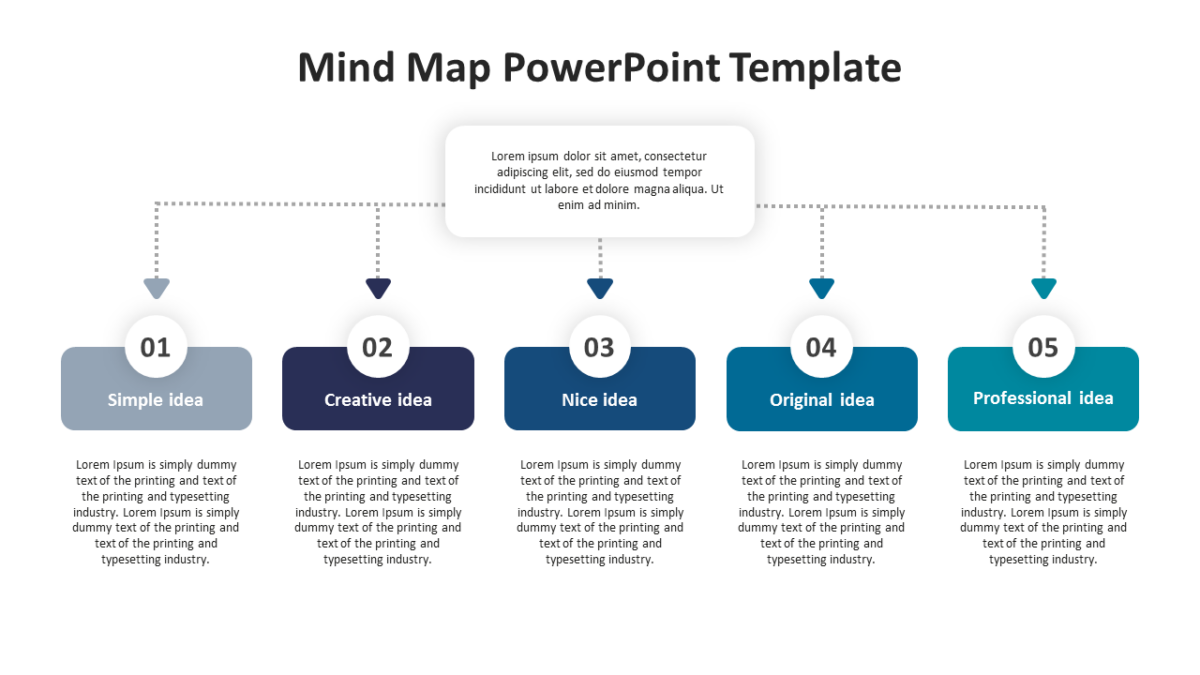
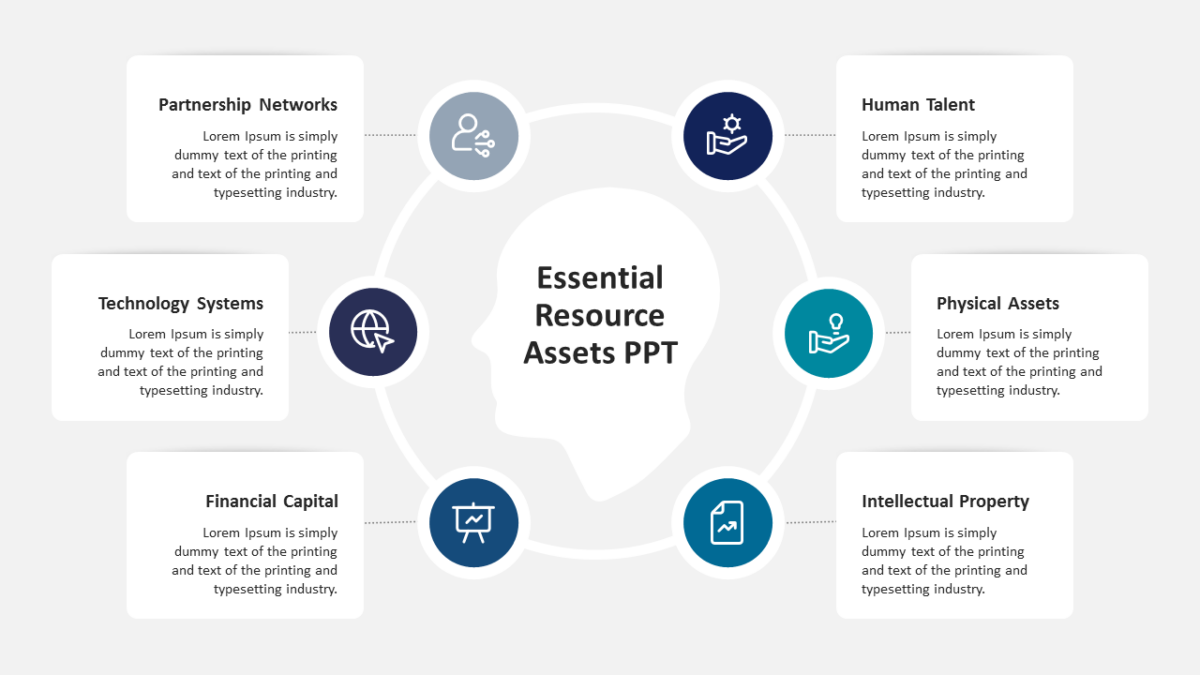
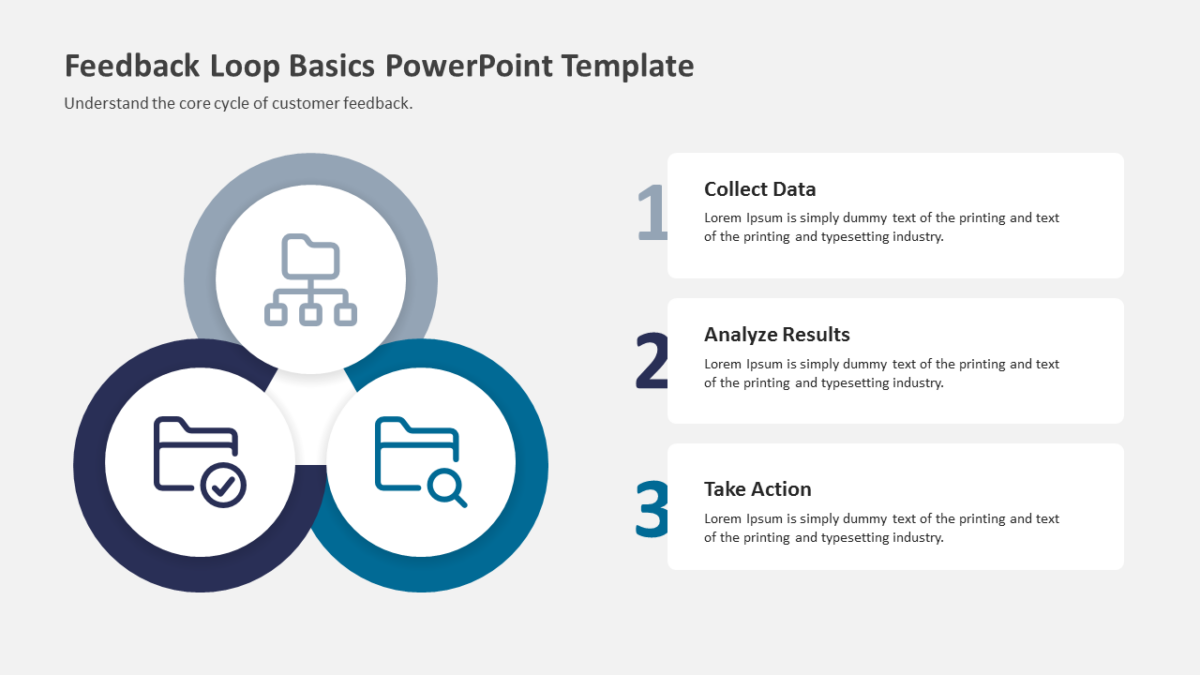
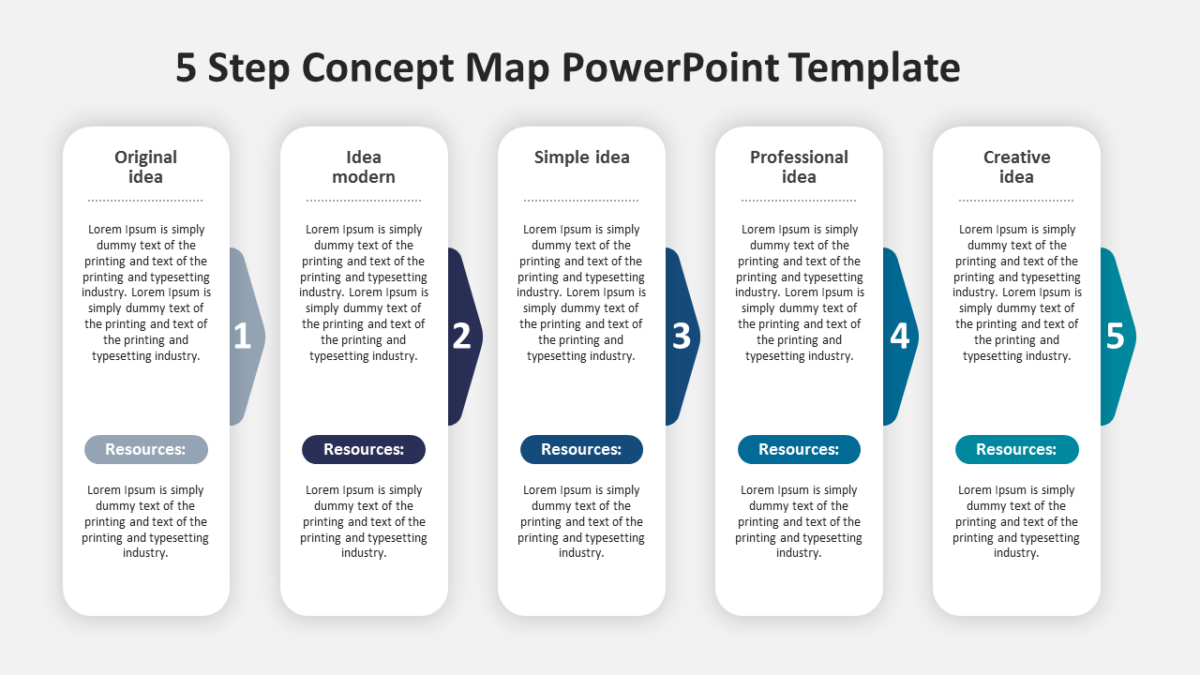
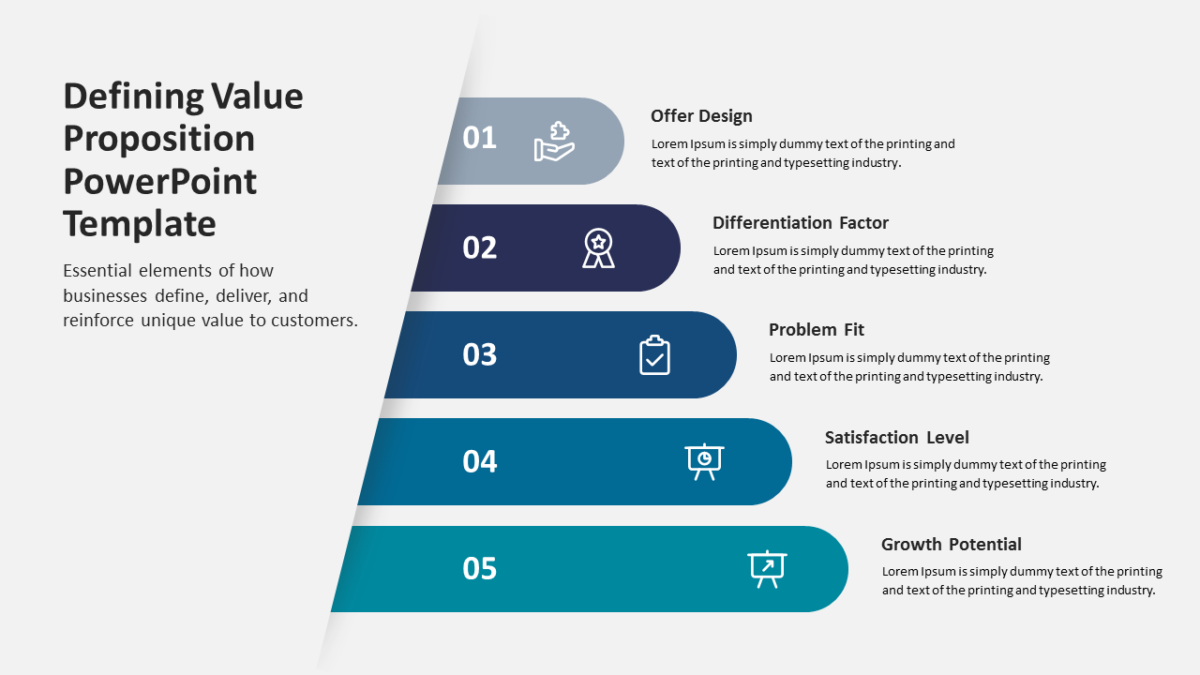
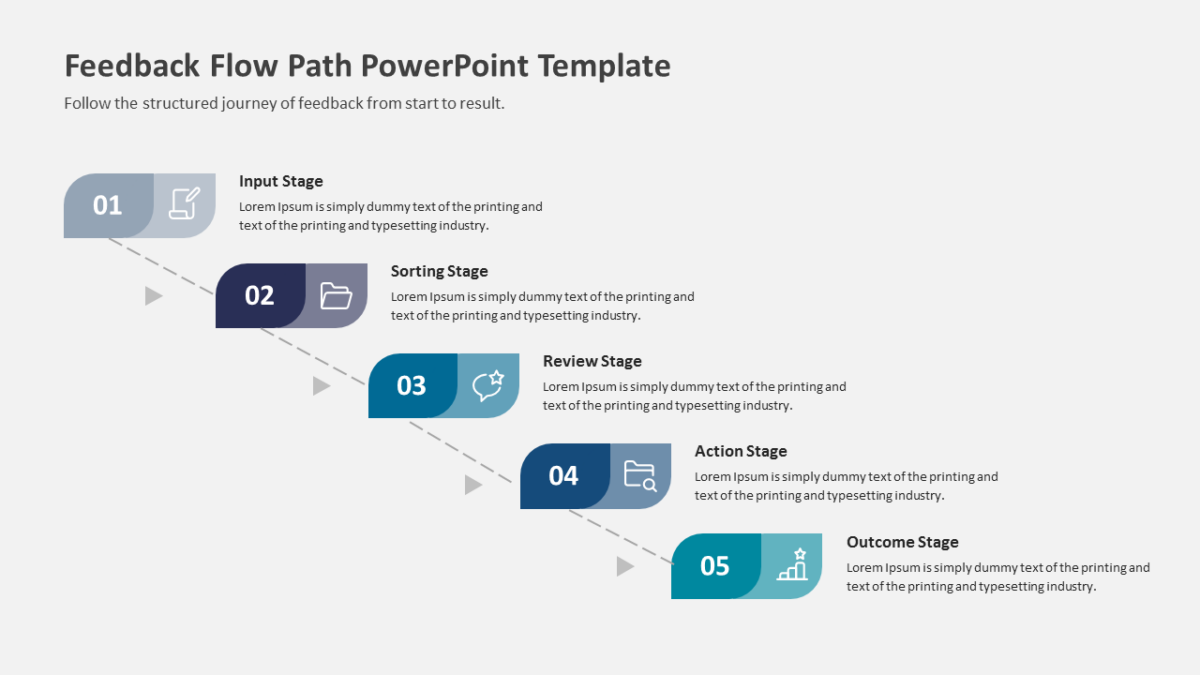
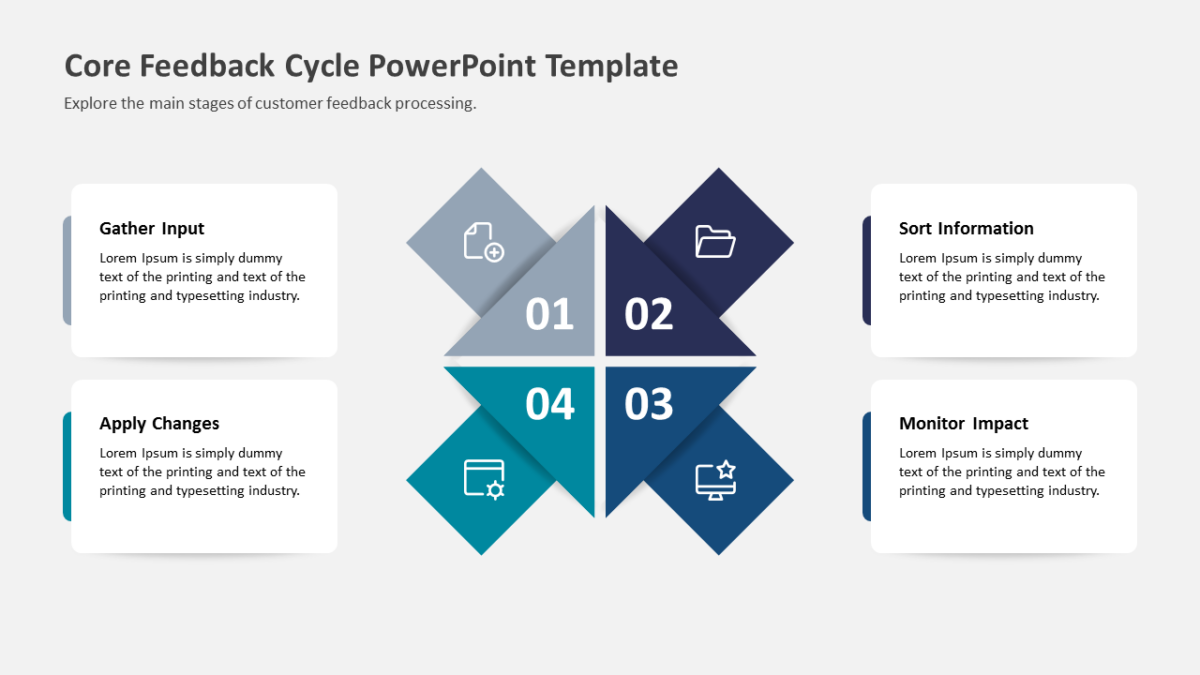
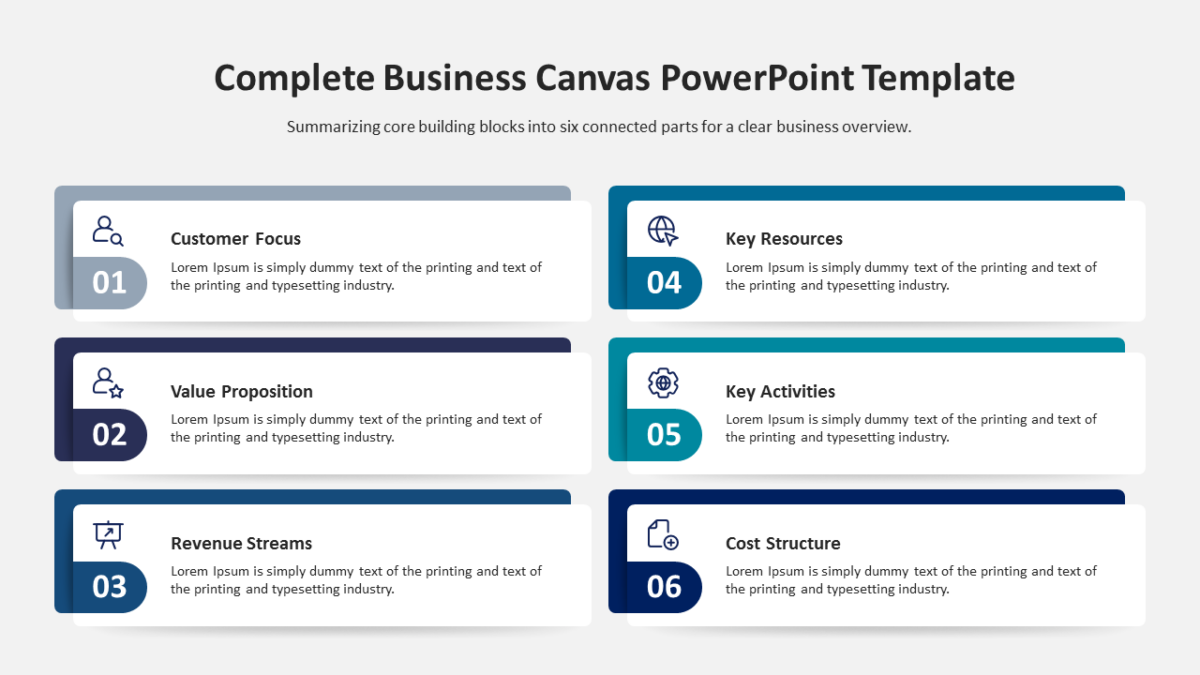
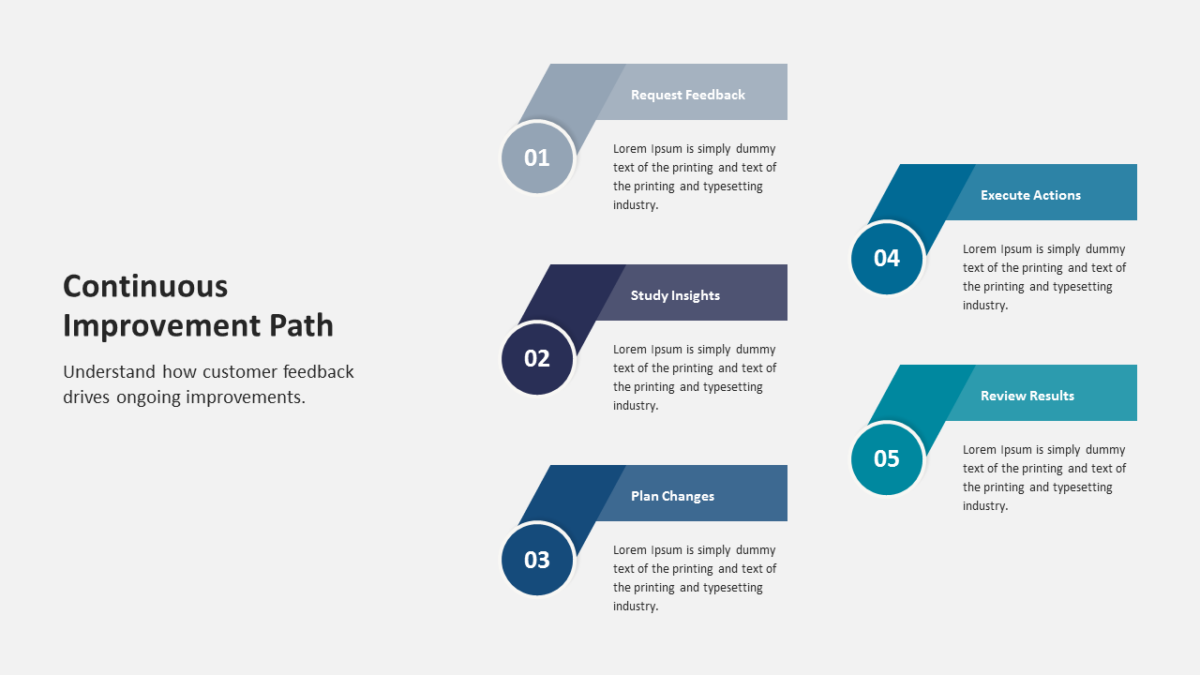
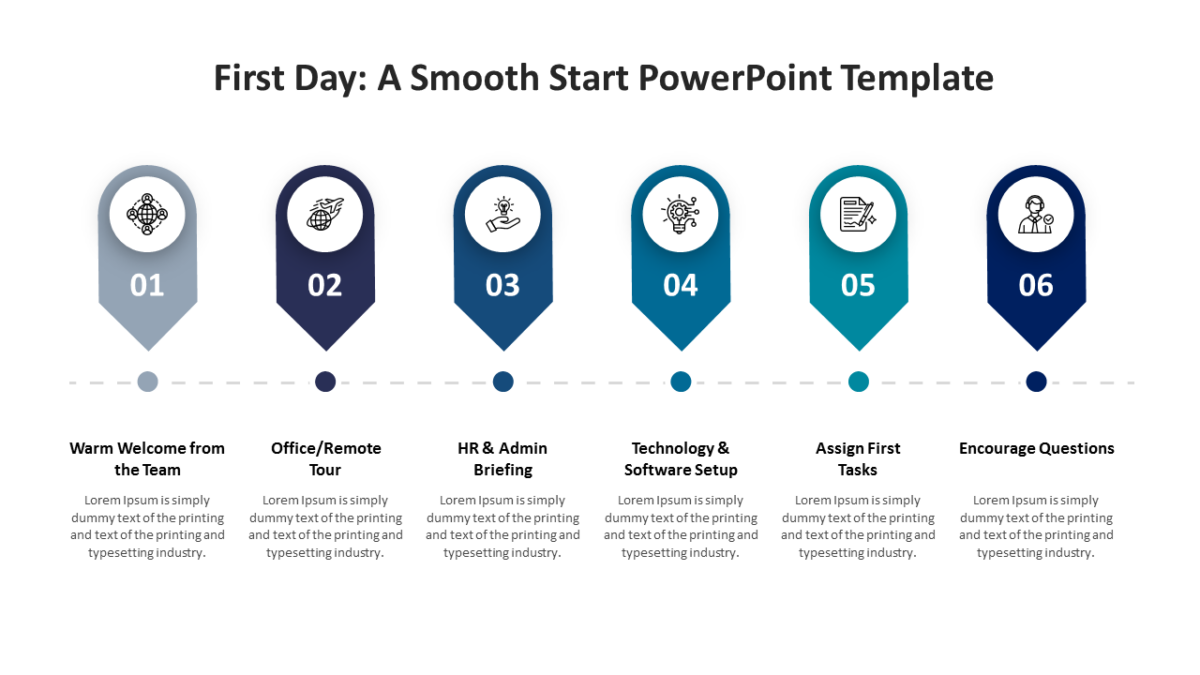
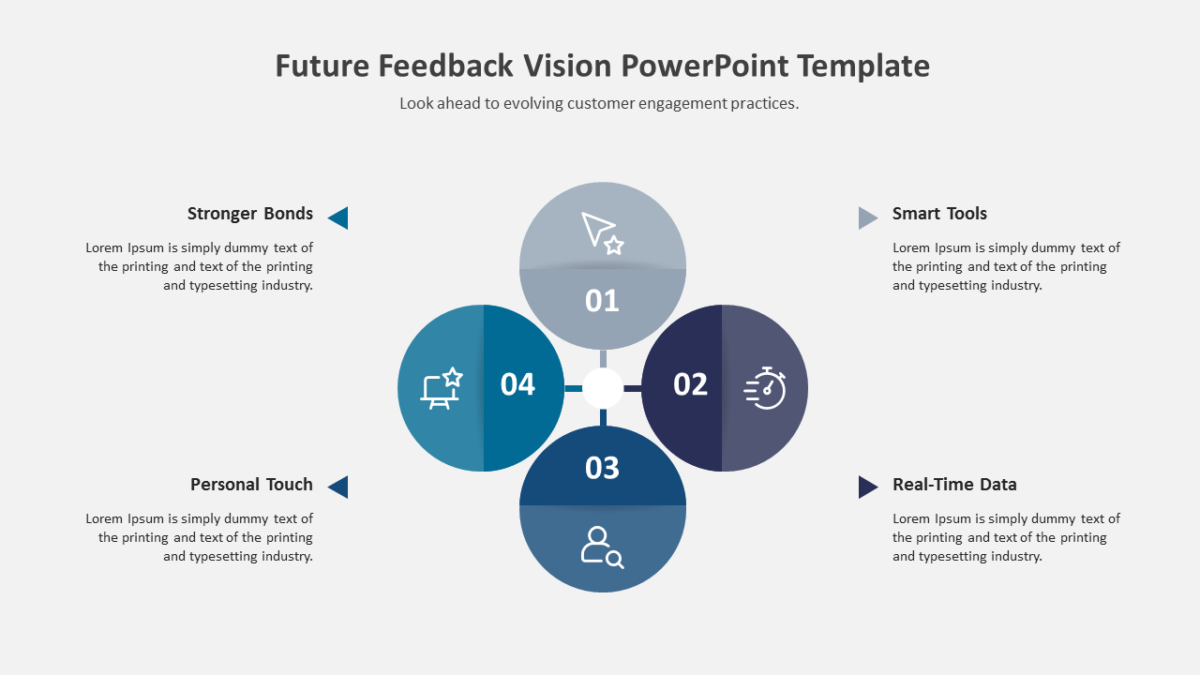
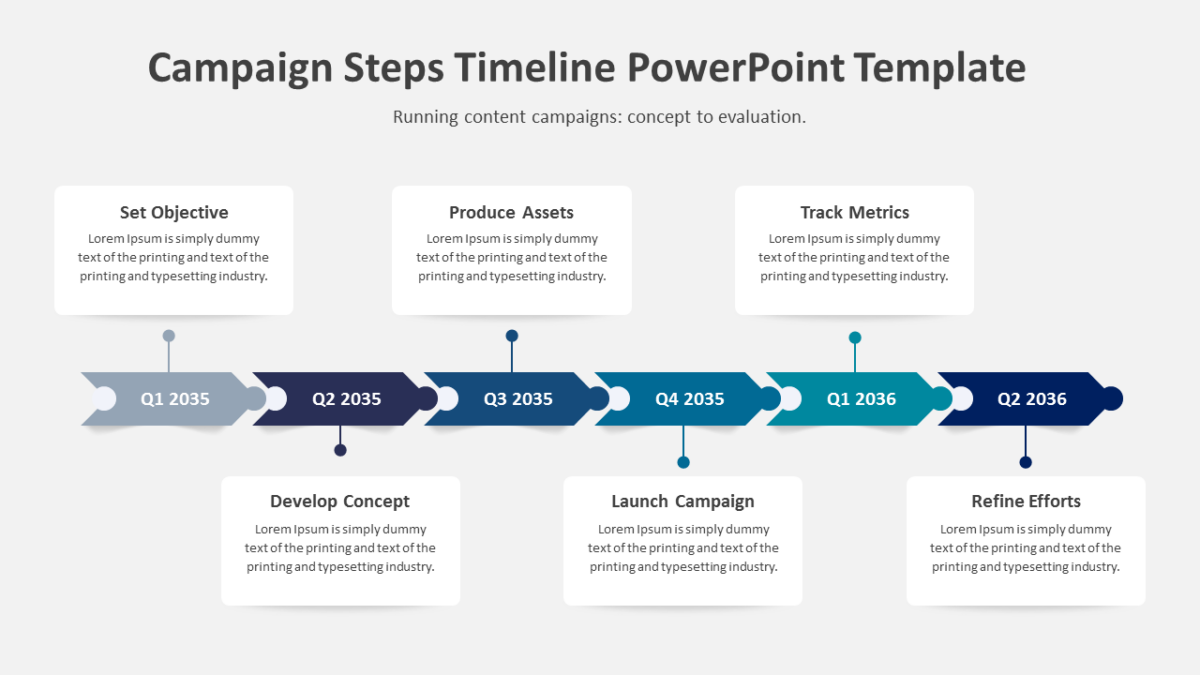
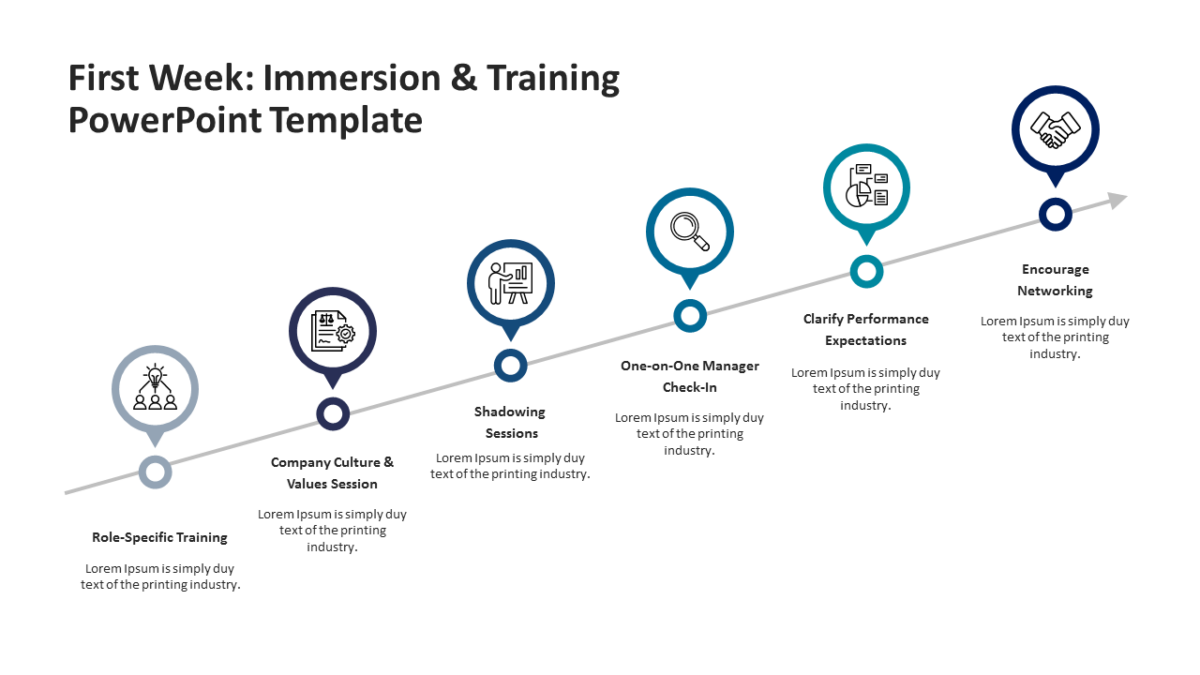
- Directional arrow shapes linking labeled blocks
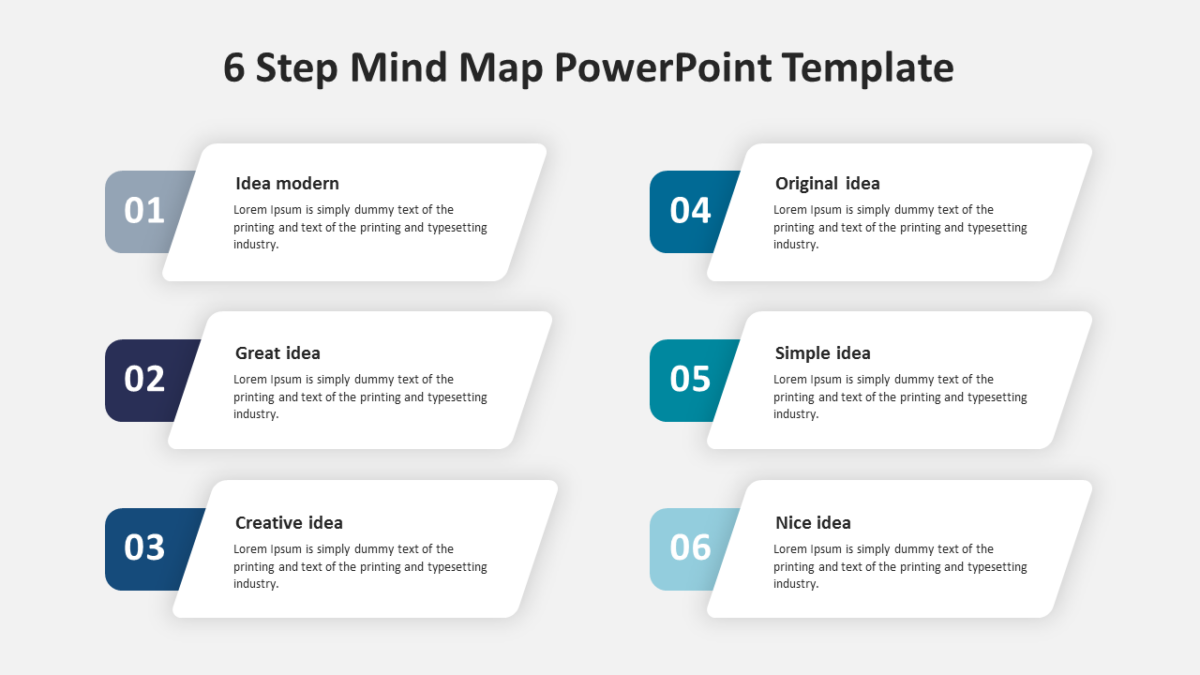
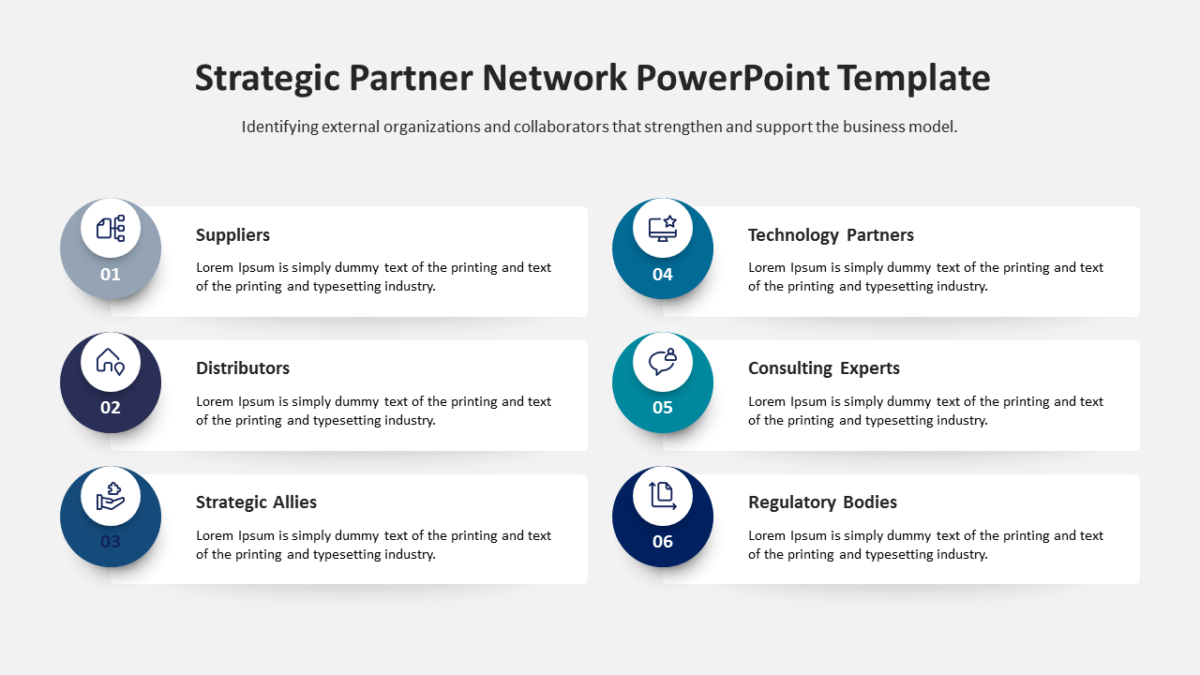
- Heading and supporting line per element
- An icon slot inside each block
- Arrow direction editable independently of the blocks
- Consistent spacing between stages
Nothing here is a flattened image. Shapes, fills, icons and text are individually editable, at 16:9, and the file behaves in Google Slides and Keynote too.
Business analysts will use it most often. So will executives, and it holds up for agency teams too. It fits anywhere you are explaining movement between states. The other process flow templates handle the same job at different scales.