4 Steps Checkbox PowerPoint Template

Nobody argues with a process they can see. The 4 Steps Checkbox PowerPoint Template is built to make one visible.
The best business slides carry one idea properly rather than four badly. A clear layout makes that discipline easier to keep.
What’s on the slide
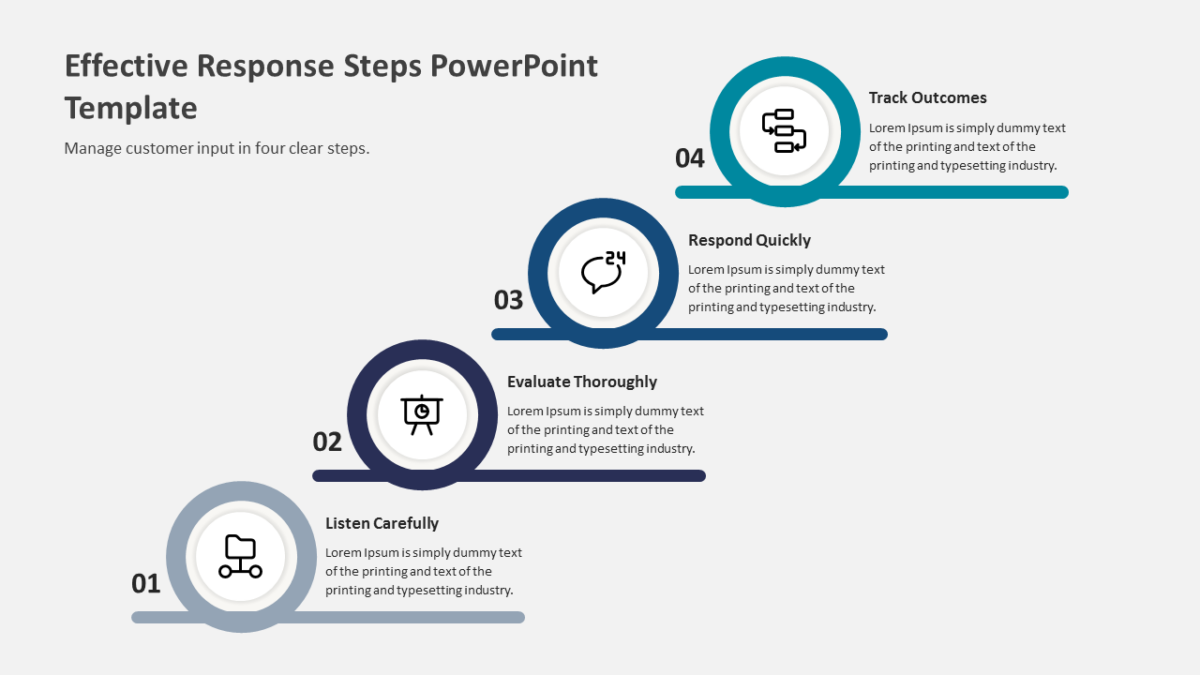
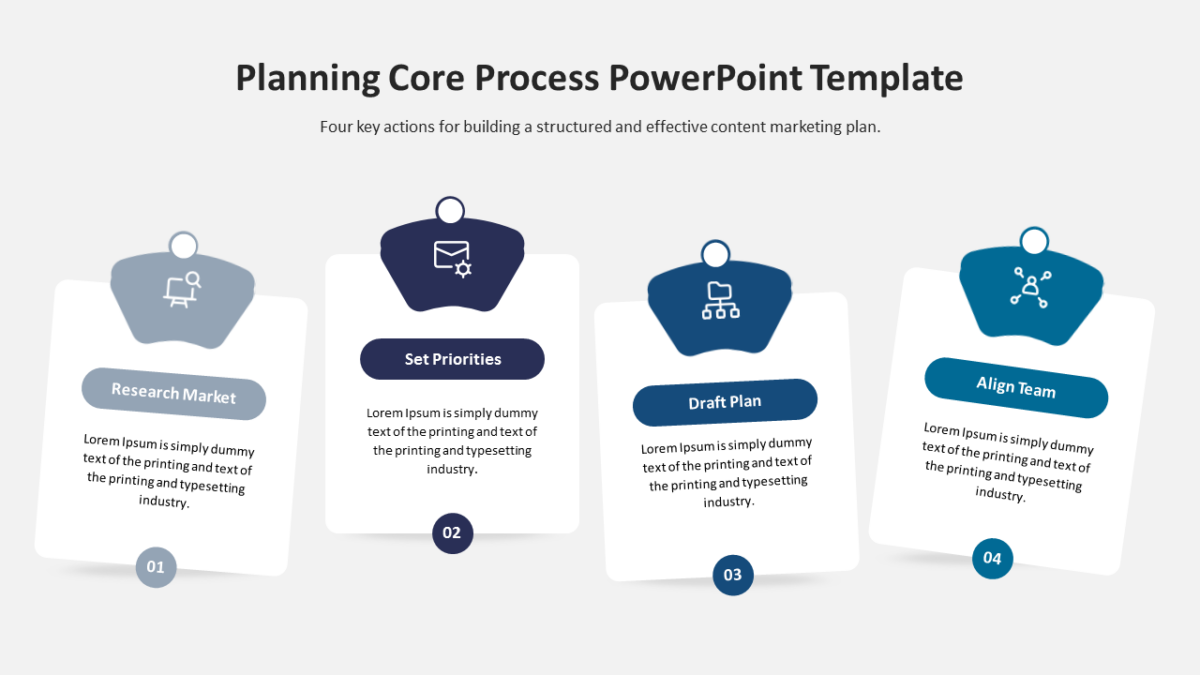
- 4 connected stages running across the slide, each numbered
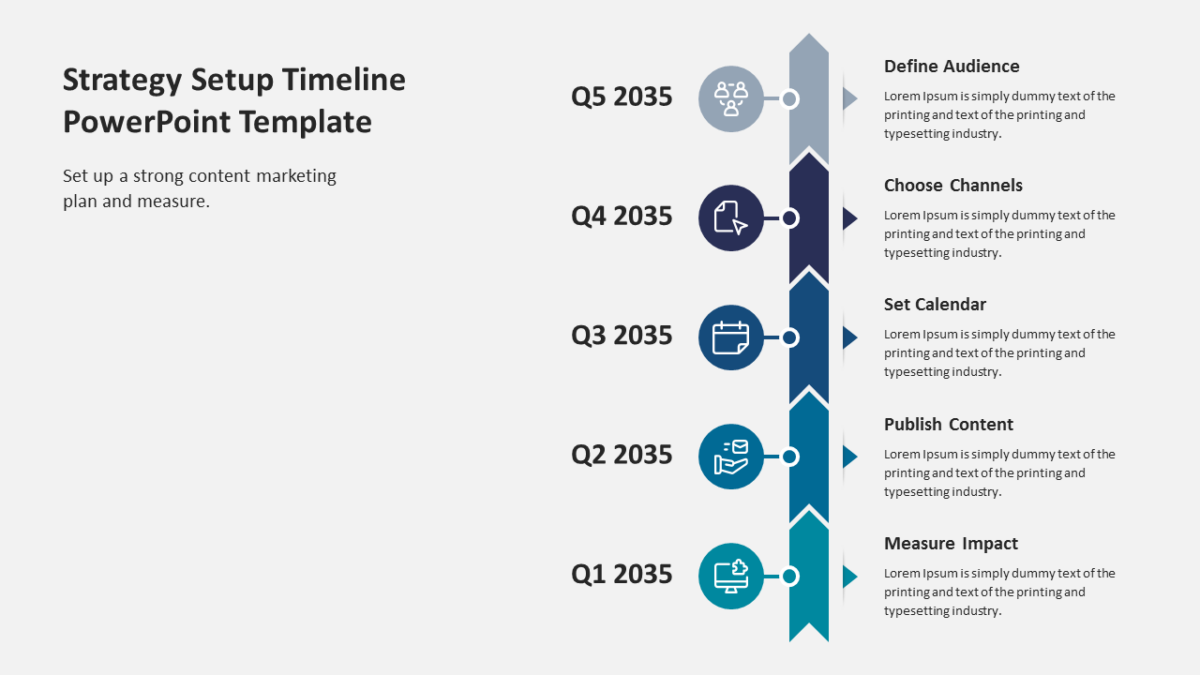
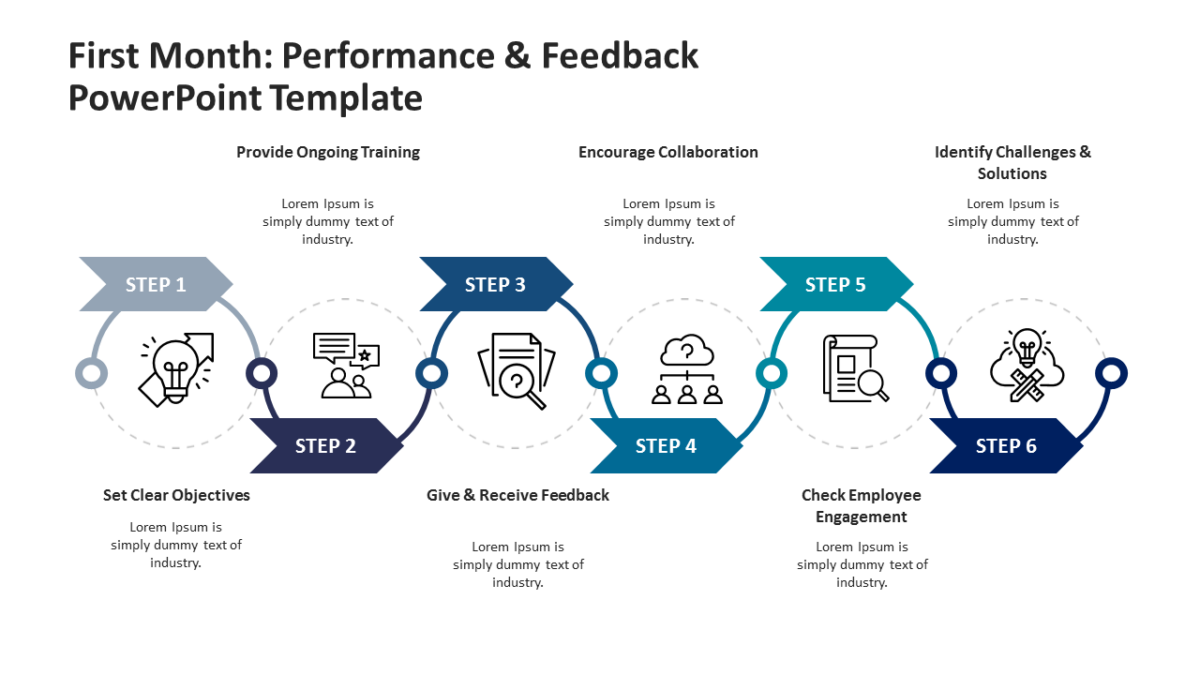
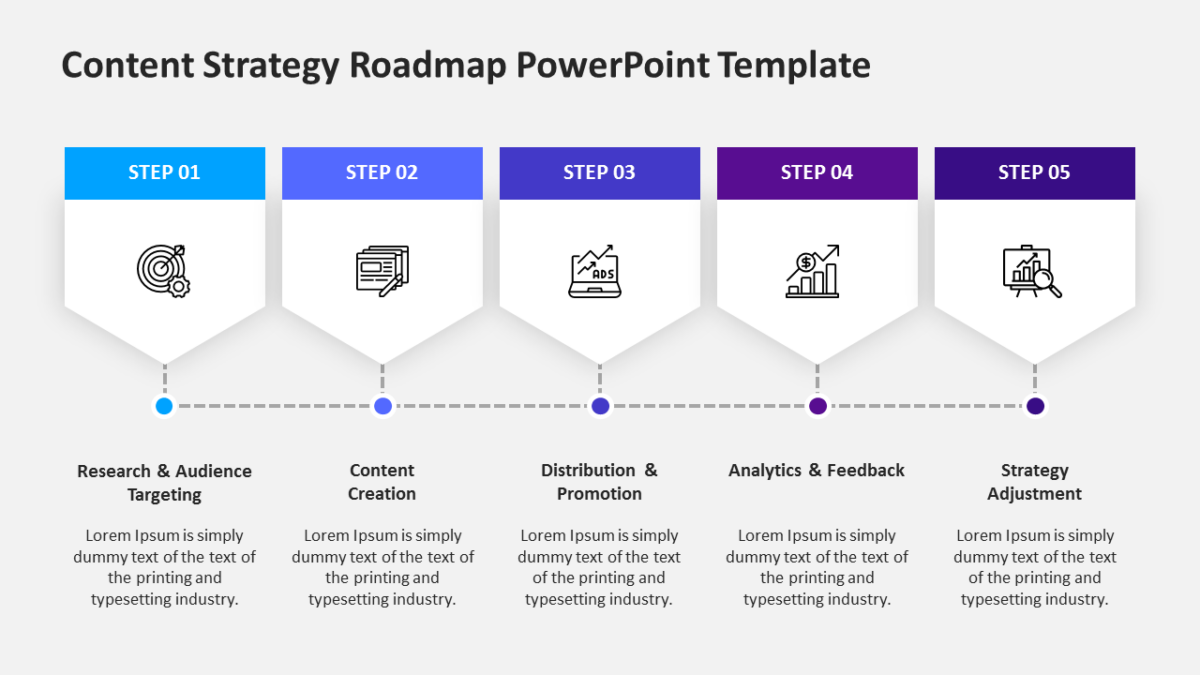
- A heading and short description block per step
- Connectors built into the graphic, so the sequence reads at a distance
- Title and subtitle area at the top
- An icon placeholder on every stage
The shapes are native objects rather than images, so restyling is quick. 16:9, and it opens properly in both Google Slides and Keynote.
Agency teams will use it most often. So will executives, and it holds up for team leads too. Place it after your framing slide and before any results. The wider set of 4 steps templates picks up where this one leaves off.