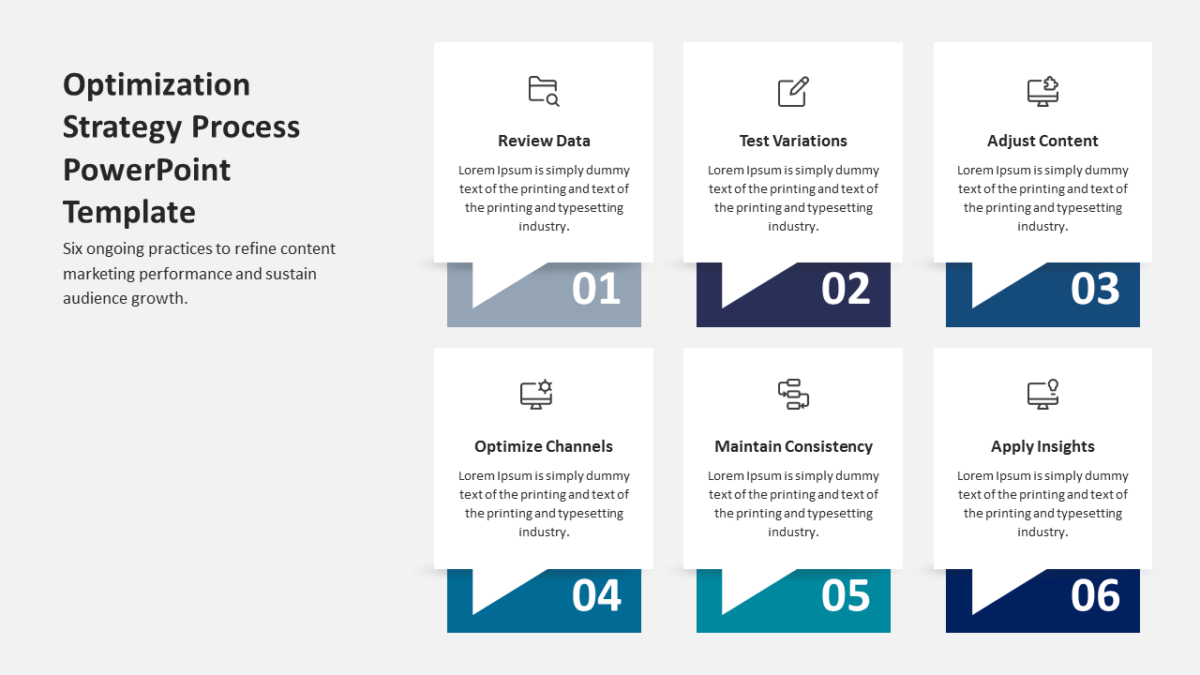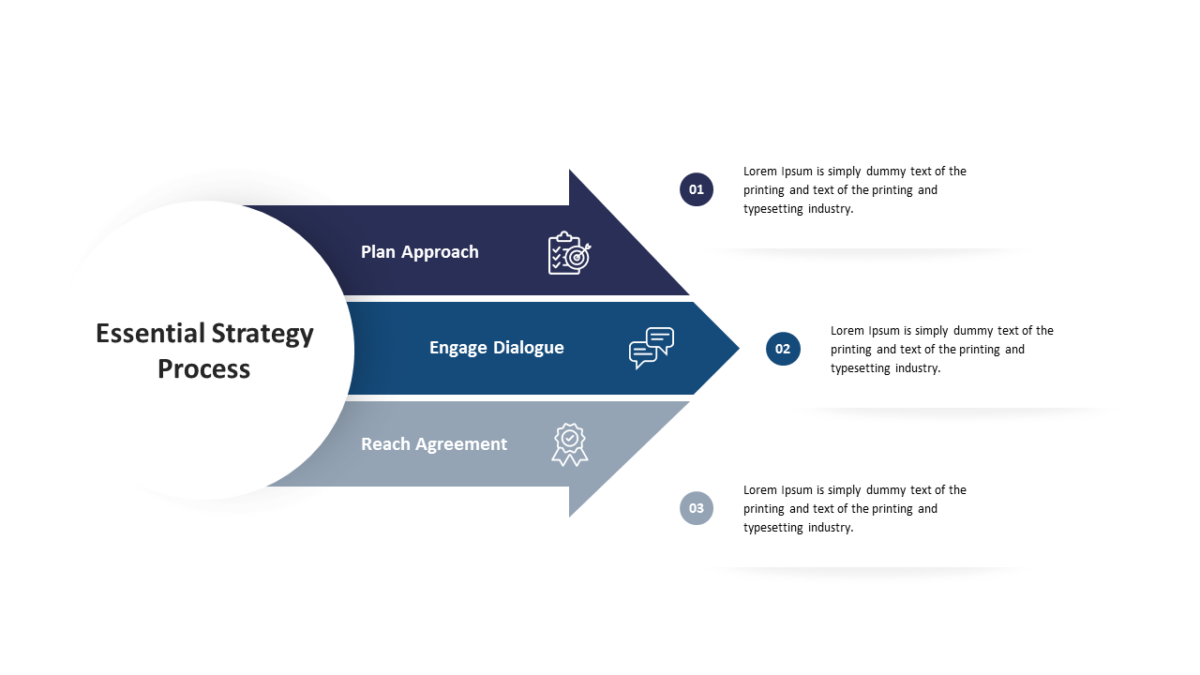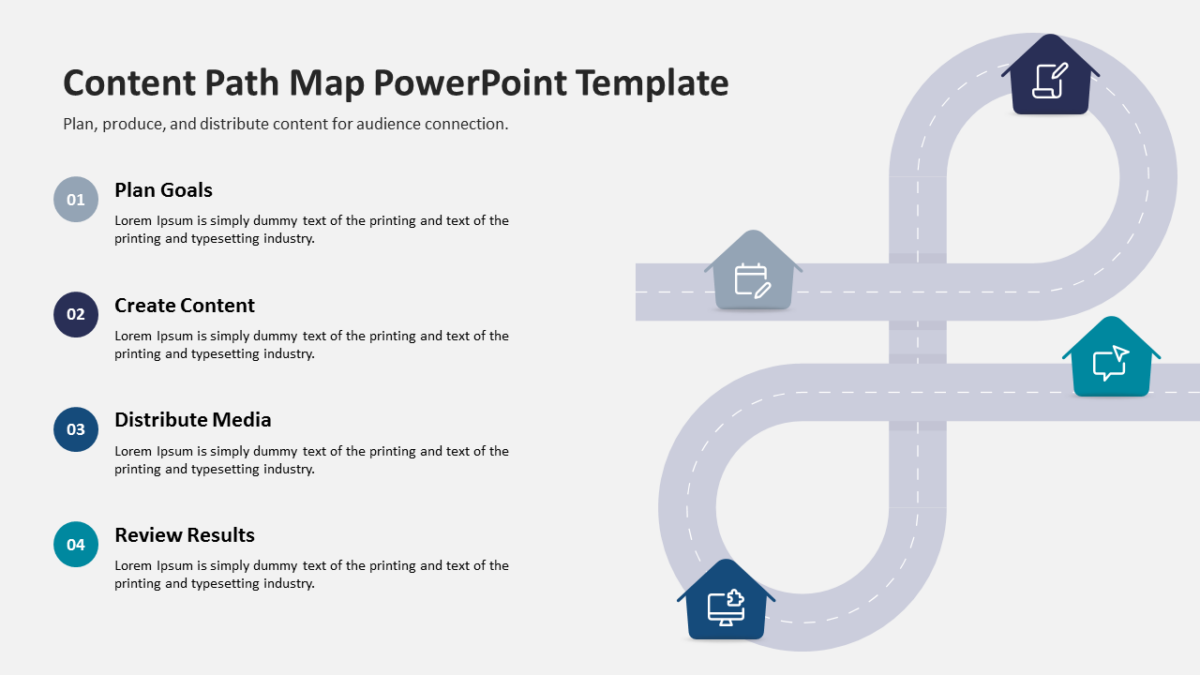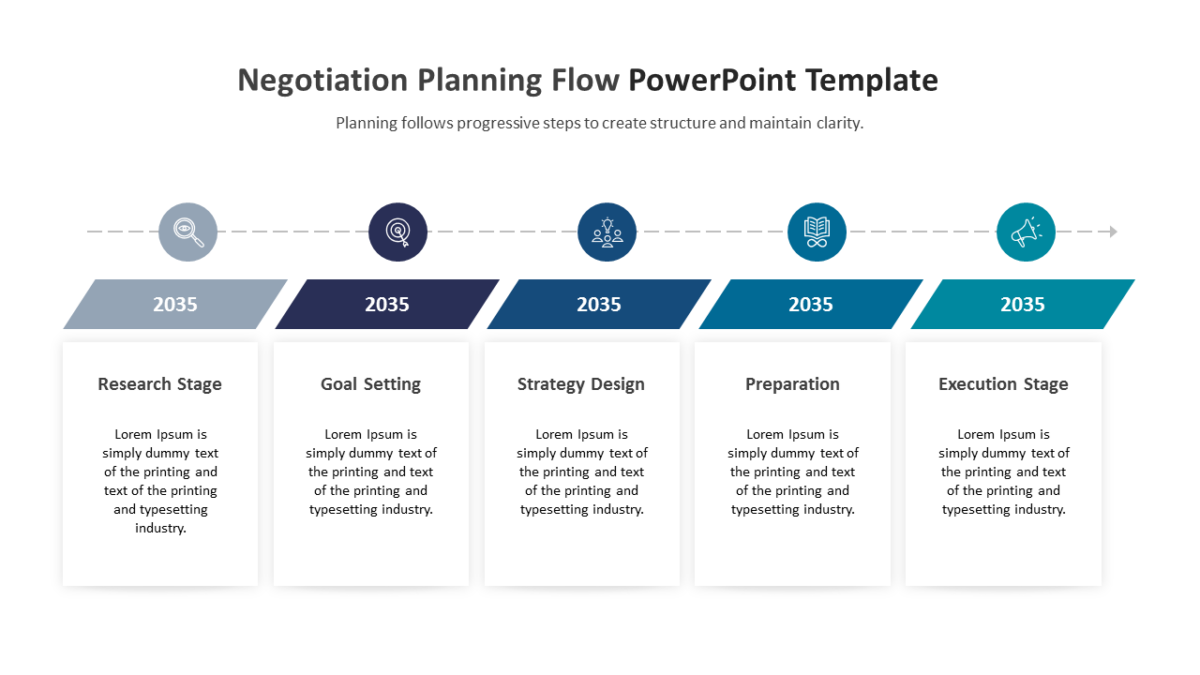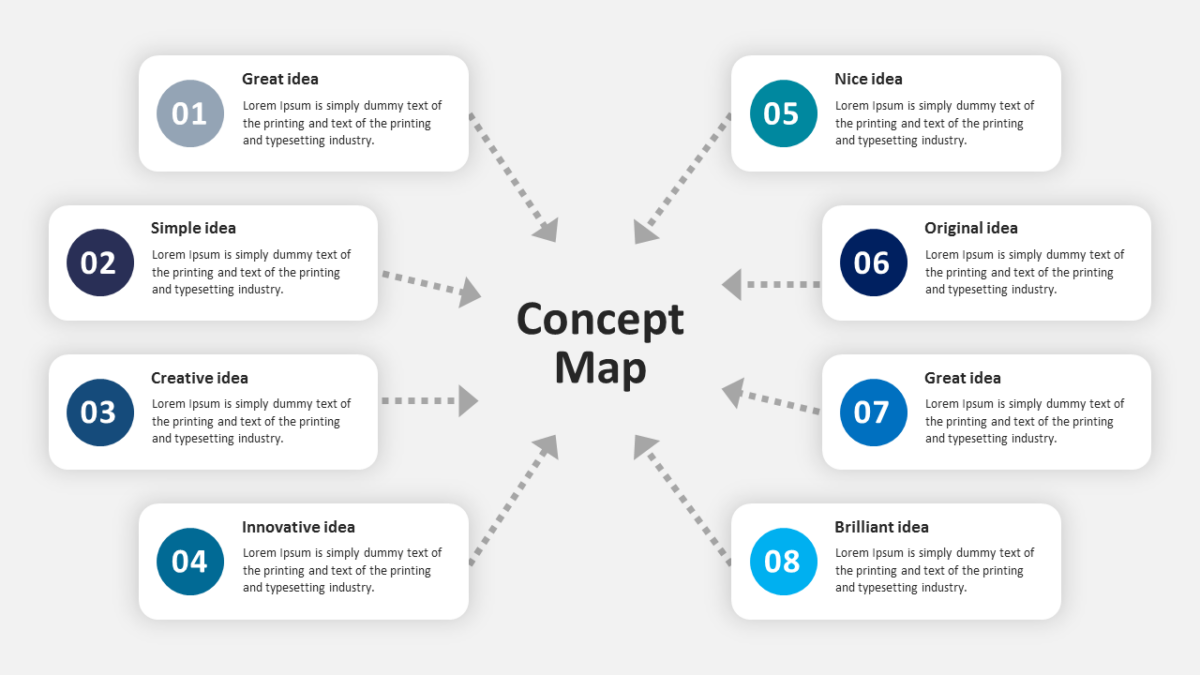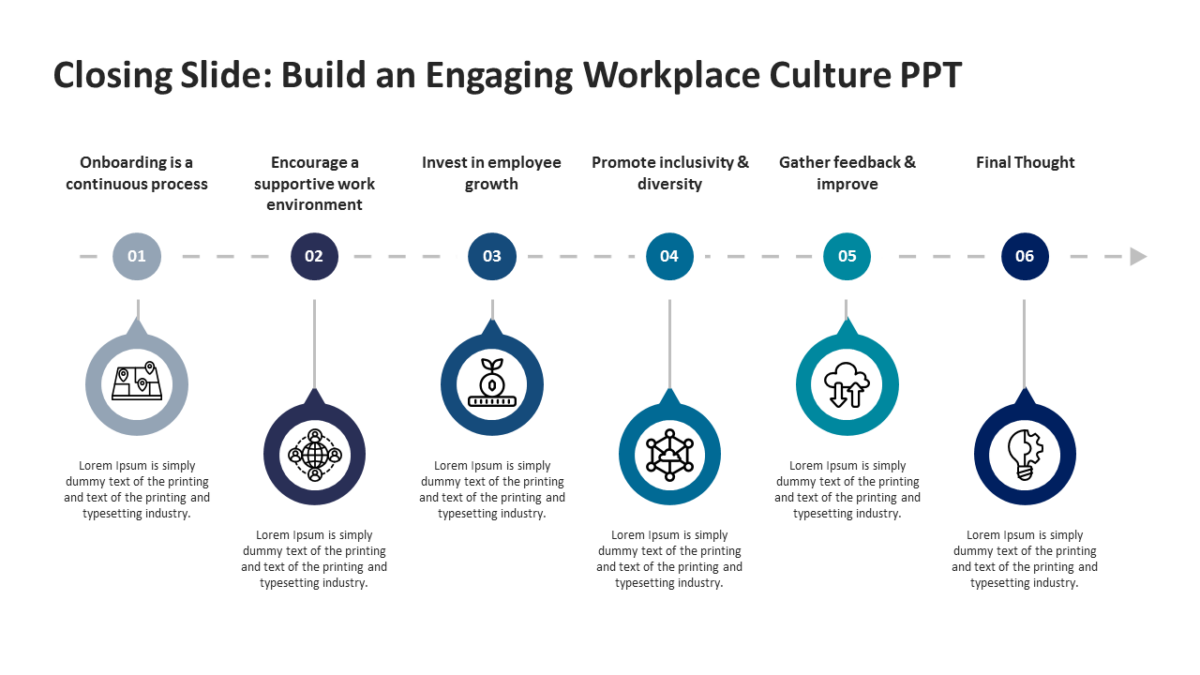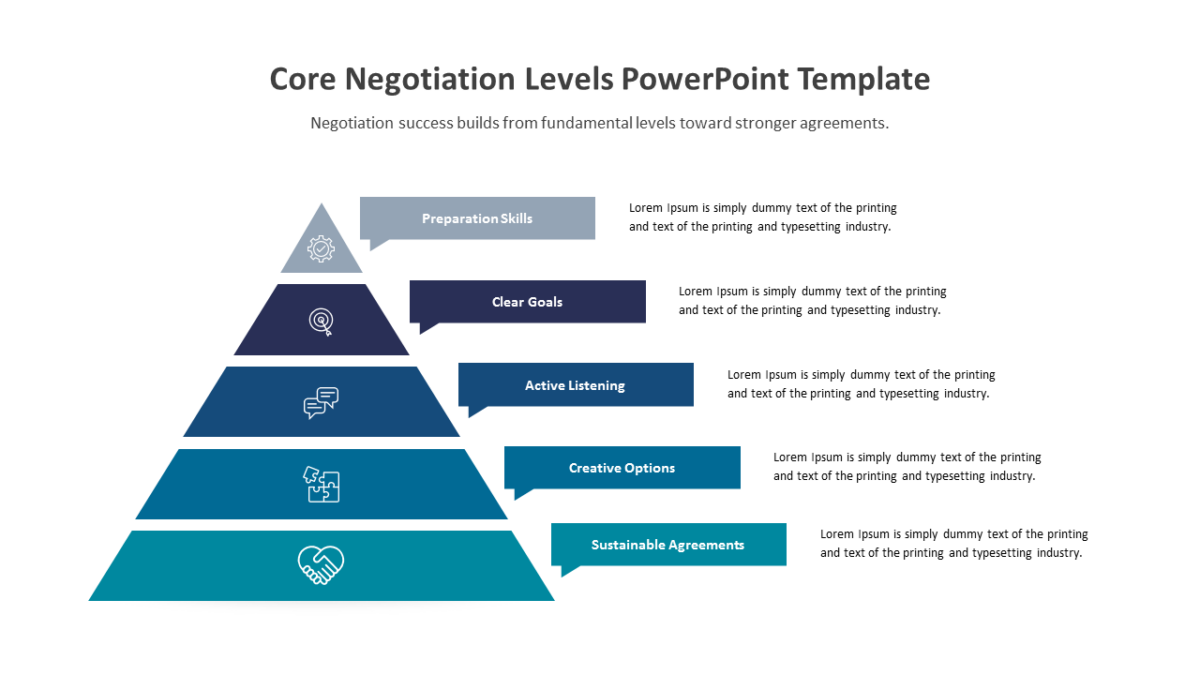
4 Steps Hexagons Diagram for PowerPoint Template

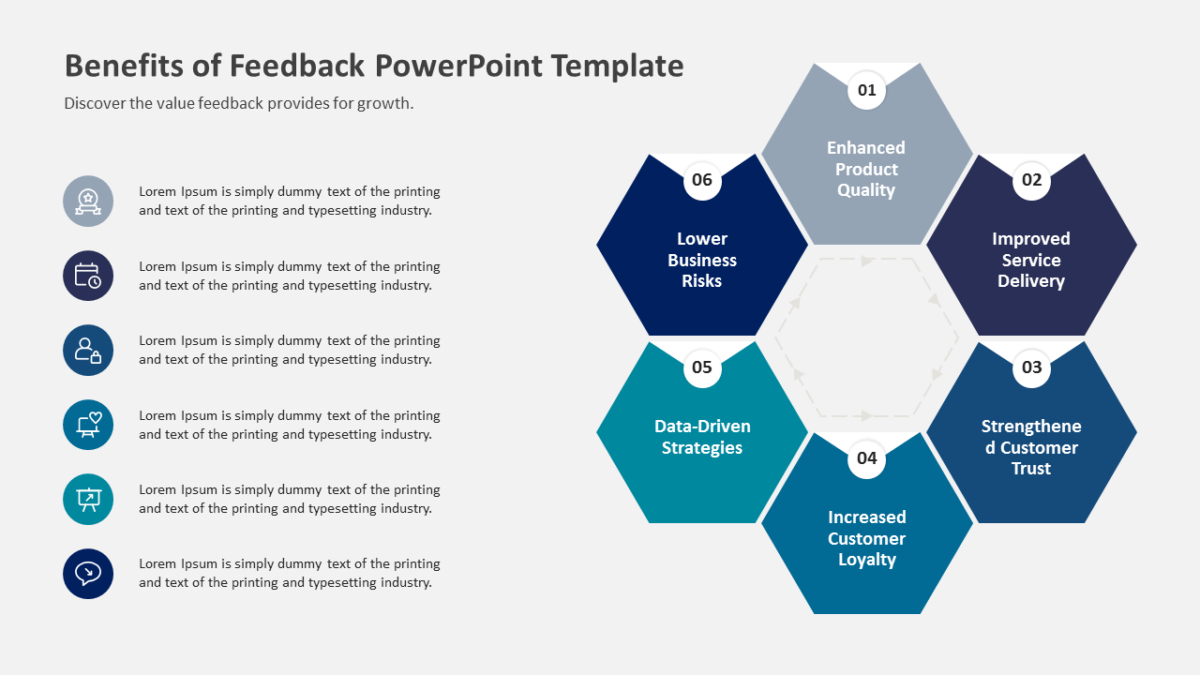
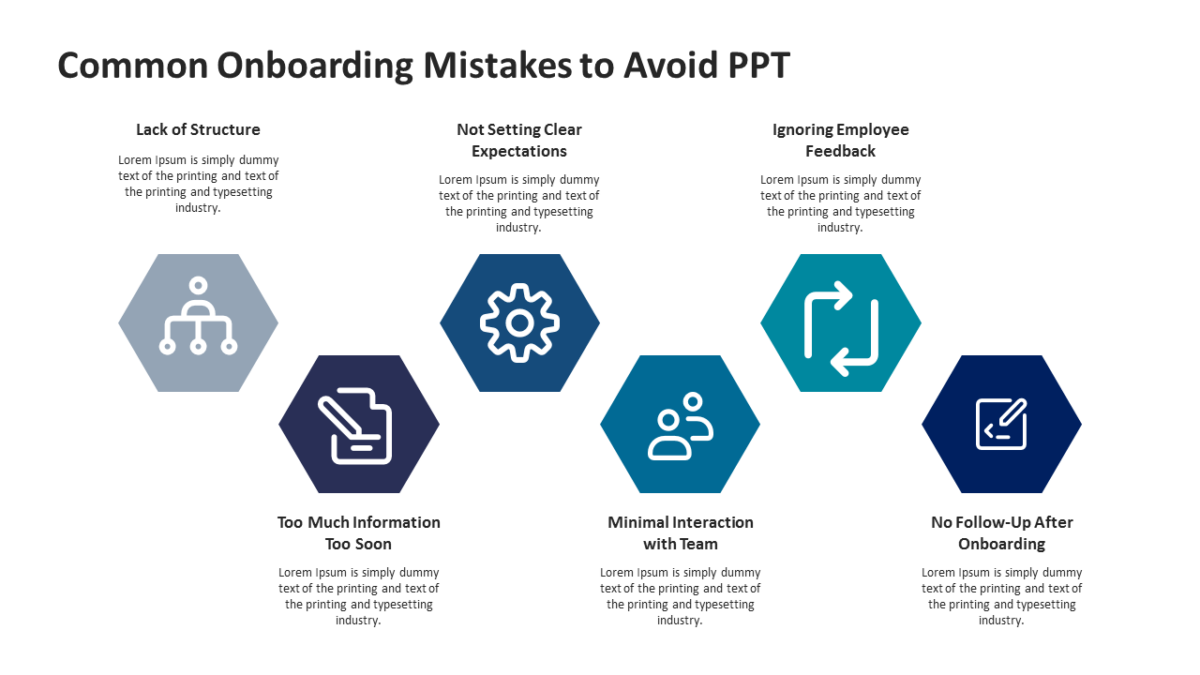
Hexagons tile, which makes the 4 Steps Hexagons Diagram for PowerPoint Template useful for showing parts of a single whole.
The best business slides carry one idea properly rather than four badly. A clear layout makes that discipline easier to keep.
What’s on the slide
- Interlocking hexagonal tiles
- A tiled arrangement that holds together as one shape
- Room for a short line of text per segment
- Distinct fill per tile
- An icon and label inside every hex
All of it is editable, from the icon set to the fill colors to the text. 16:9 widescreen, compatible with PowerPoint, Google Slides and Keynote.
The usual audience is agency teams, with executives and business analysts not far behind. It suits capability, component or pillar slides. The wider set of 4 steps templates picks up where this one leaves off.