6 Steps Circle PowerPoint Template

Drawing a recurring process flat misrepresents it. The 6 Steps Circle PowerPoint Template does not make that mistake.
The best business slides carry one idea properly rather than four badly. A clear layout makes that discipline easier to keep.
What’s on the slide
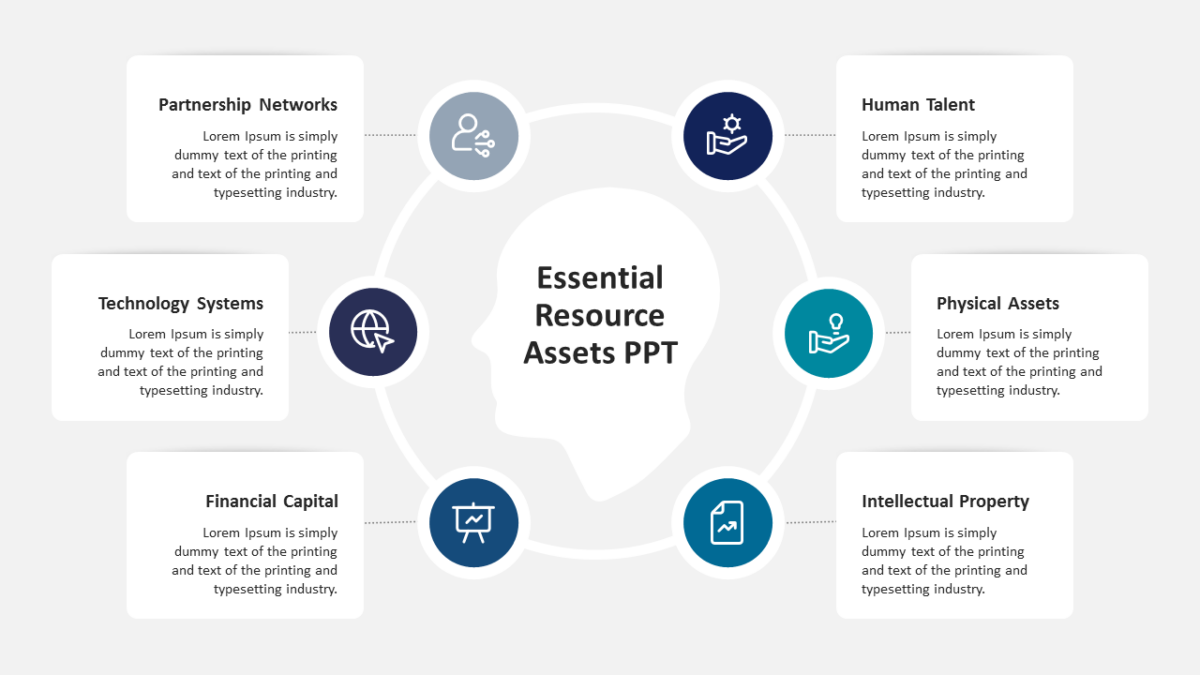
- A ring divided into 6 segments
- Directional arrows carrying the eye around the loop
- An icon and text block for every stage
- Open space at the center for a title or summary
- Distinct fill per segment for quick reference
The shapes are native objects rather than images, so restyling is quick. 16:9, and it opens properly in both Google Slides and Keynote.
Executives will use it most often. So will business analysts, and it holds up for agency teams too. Place it mid-deck, as the how-it-works slide. The wider set of 6 steps templates picks up where this one leaves off.