Alternate Points Timeline PowerPoint Template

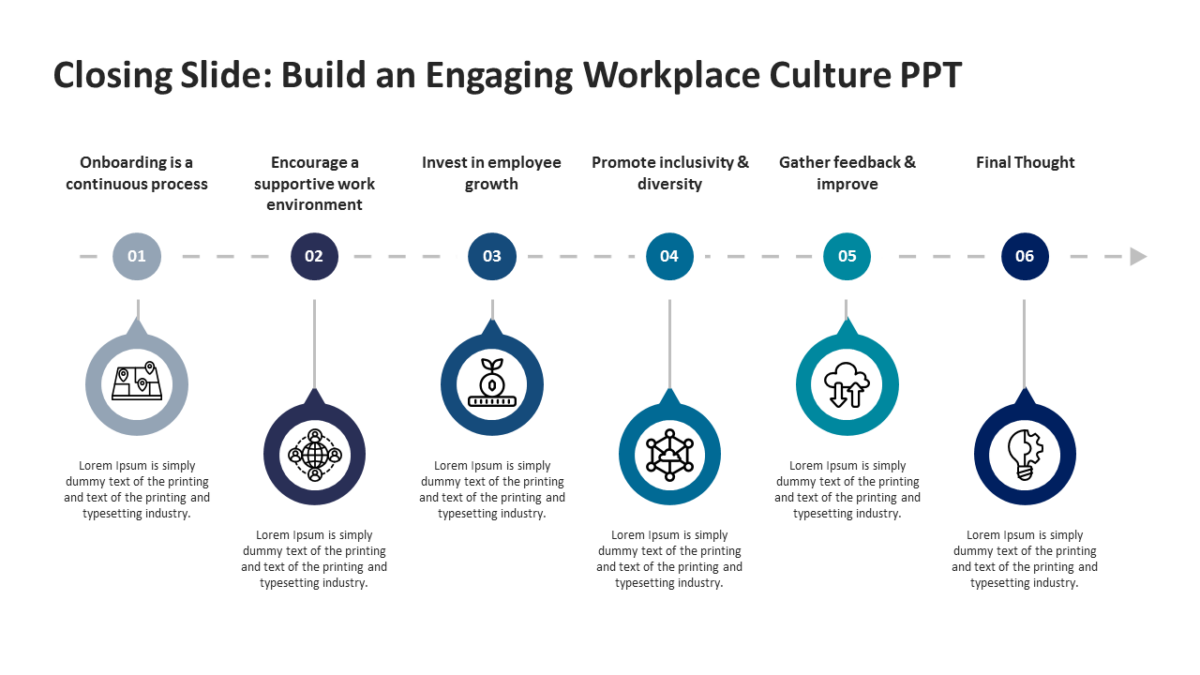
The Alternate Points Timeline PowerPoint Template exists because chronology is the one thing a bulleted list genuinely cannot show.
The best business slides carry one idea properly rather than four badly. A clear layout makes that discipline easier to keep.
What’s on the slide
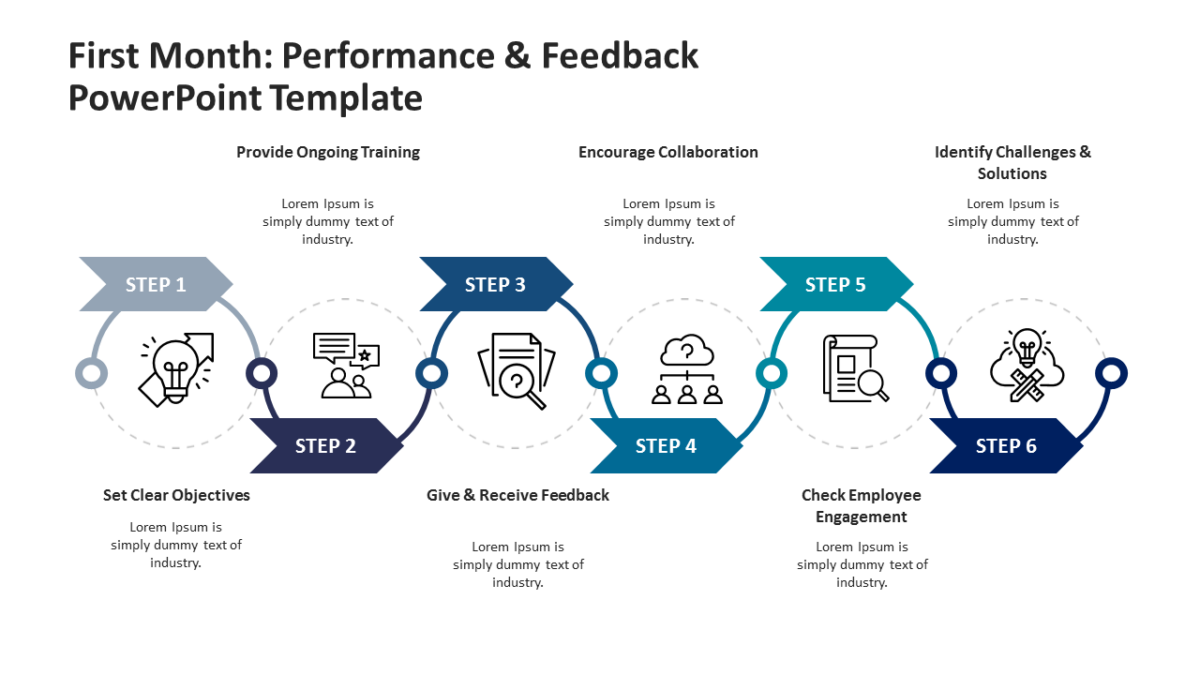
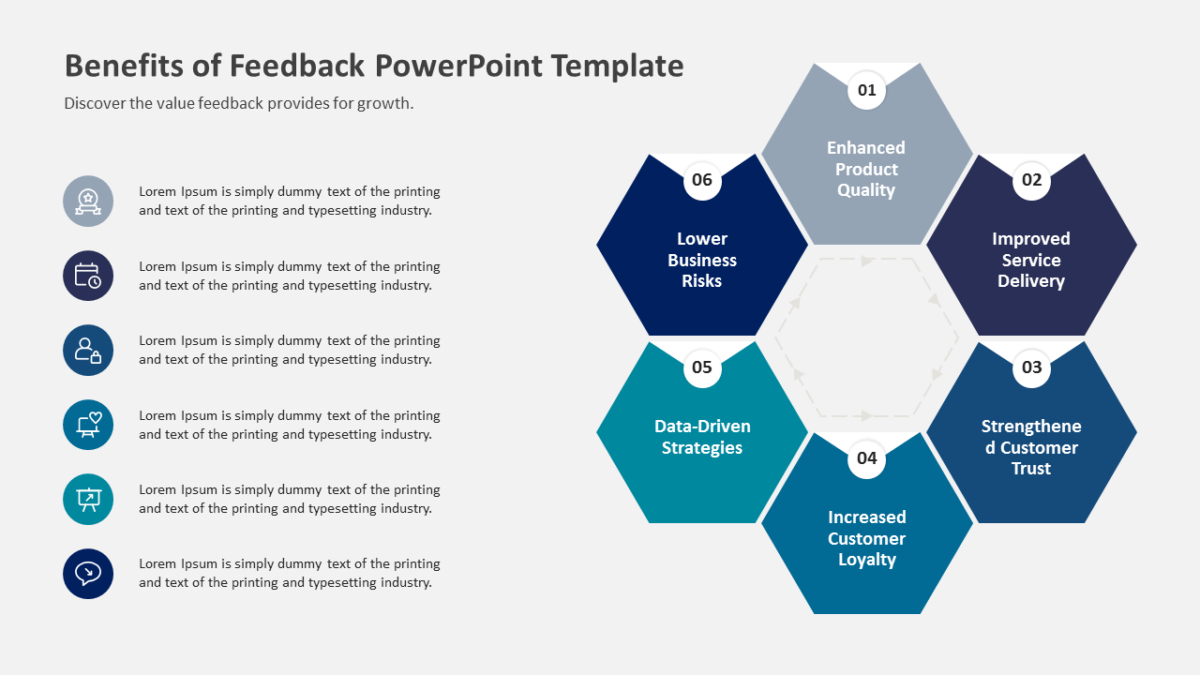
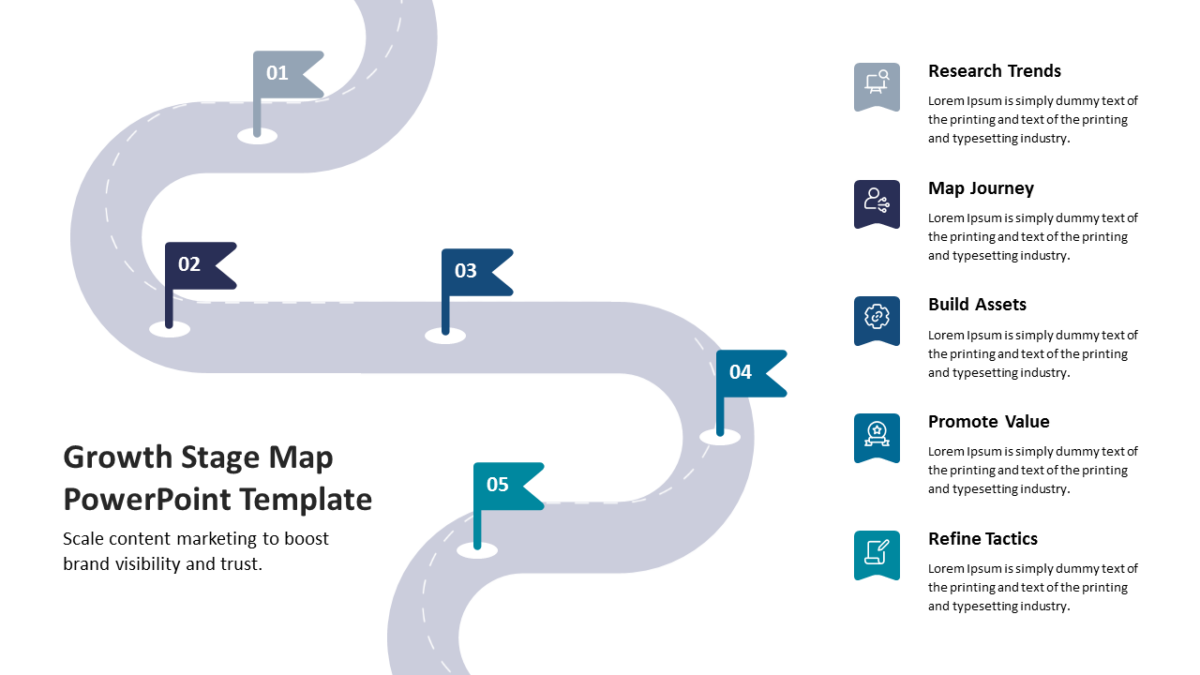
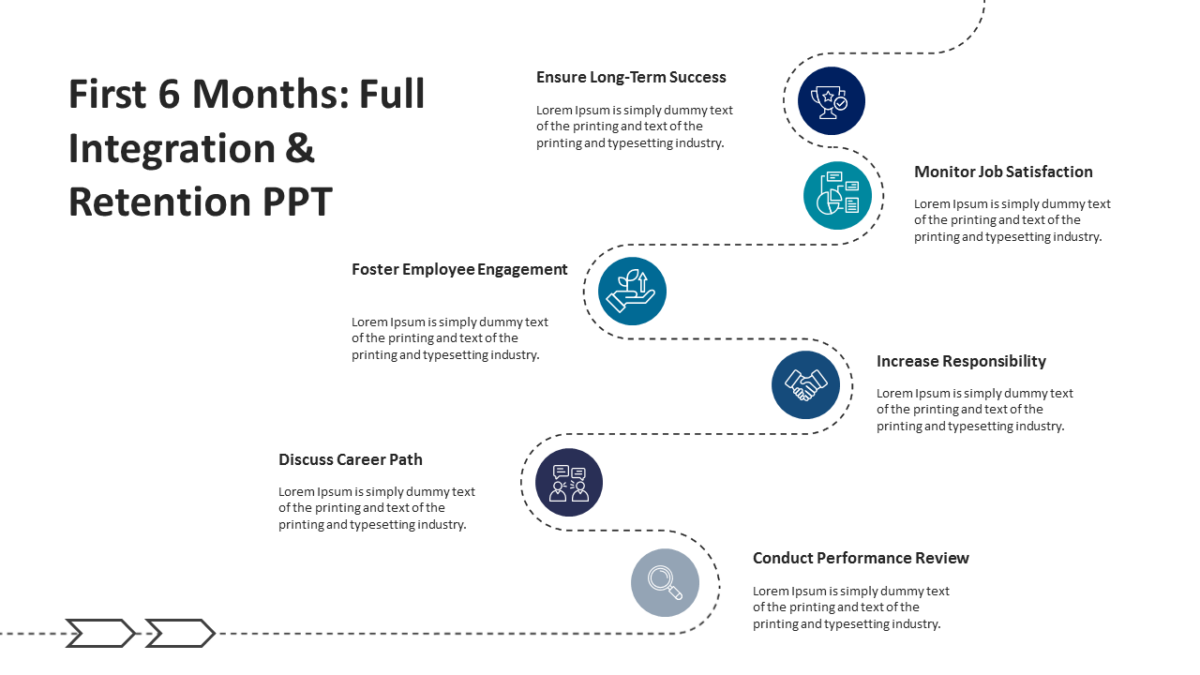
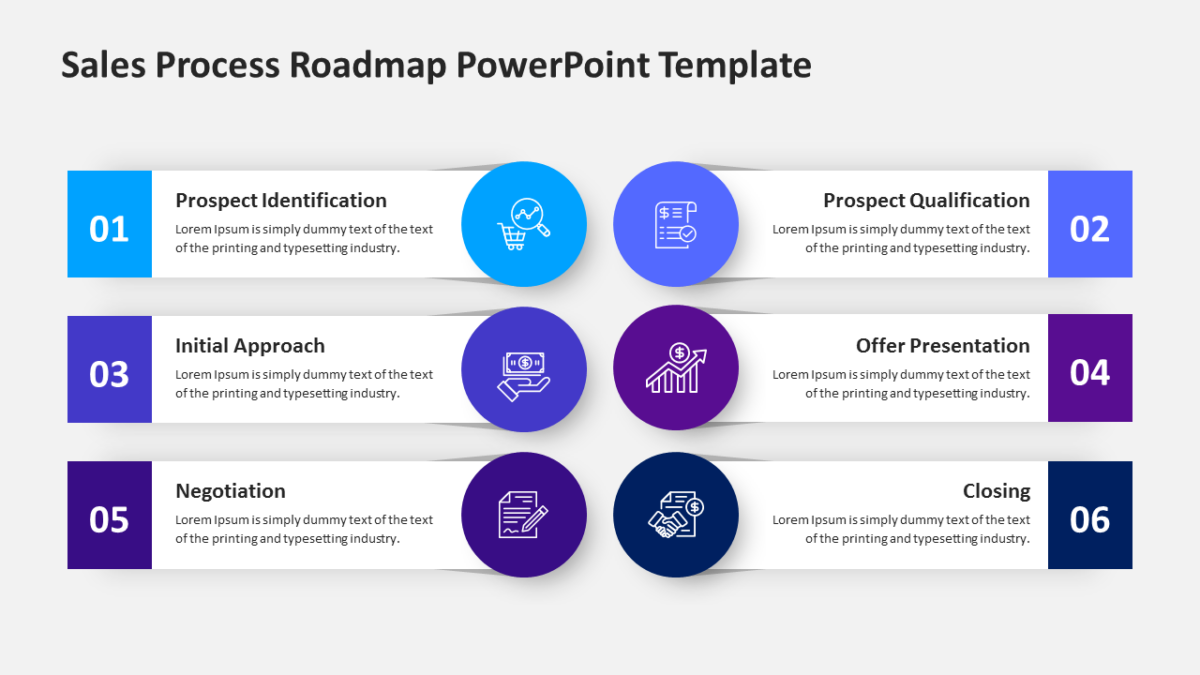
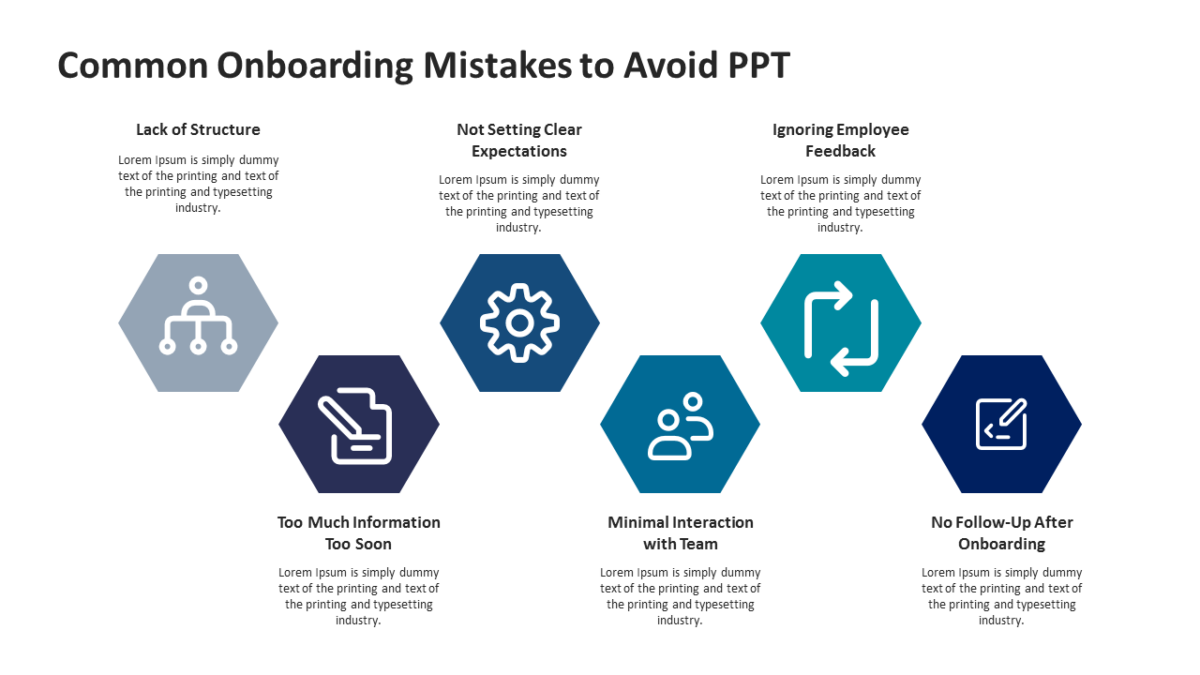
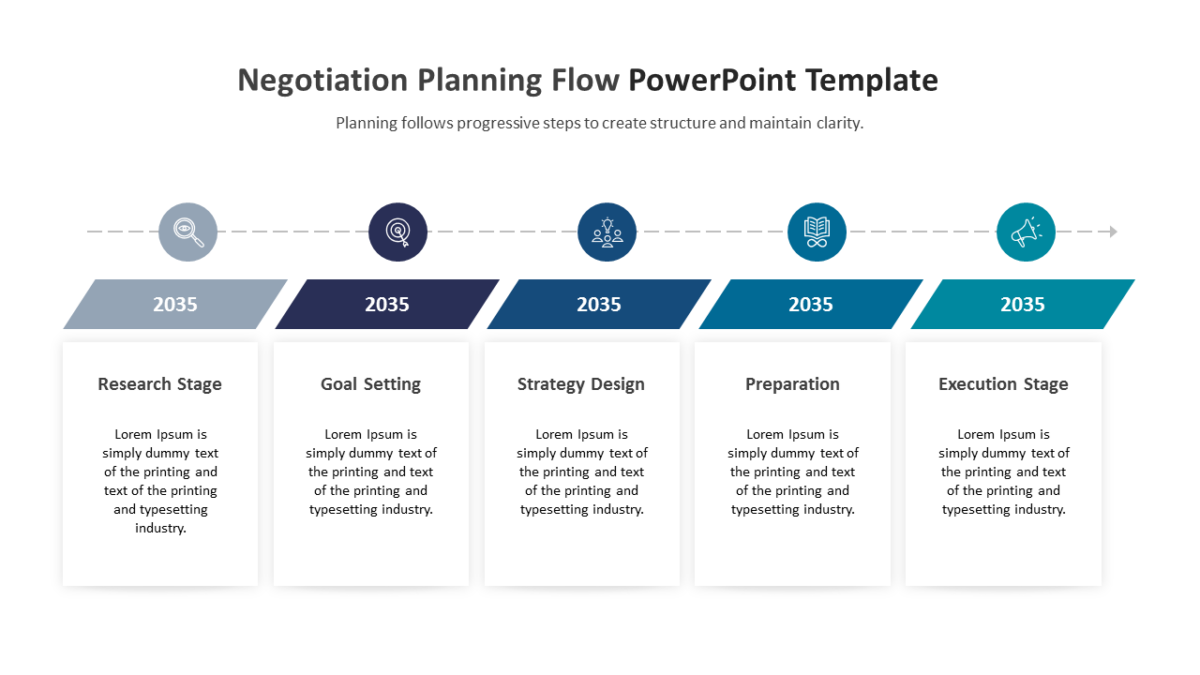
- A horizontal timeline axis with marked points
- Alternating callout cards above and below the line
- A heading and note field per milestone
- Icon slots at each point on the track
Recoloring it to your brand takes a minute, because every shape is editable rather than pasted in. 16:9 widescreen, and it travels fine to Google Slides and Keynote.
Business analysts reach for this most, though agency teams and executives get the same value out of it. Use it in the planning section, or as the delivery slide near the close. If the count is wrong for your content, the other timeline templates cover the same ground.