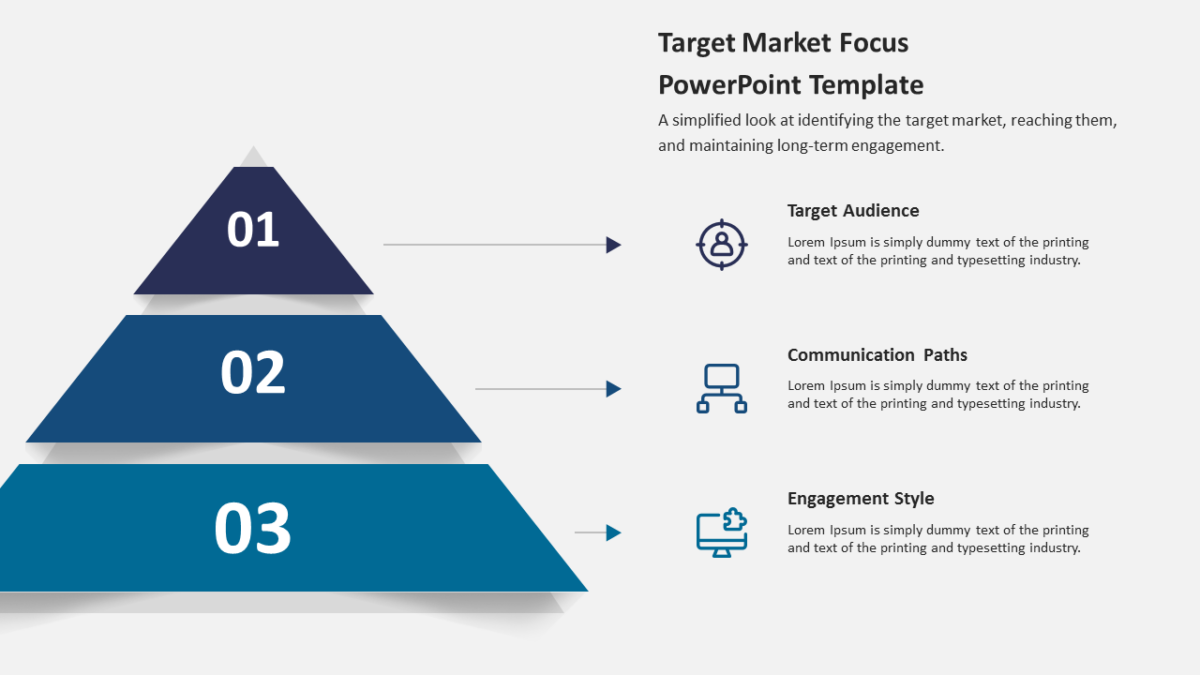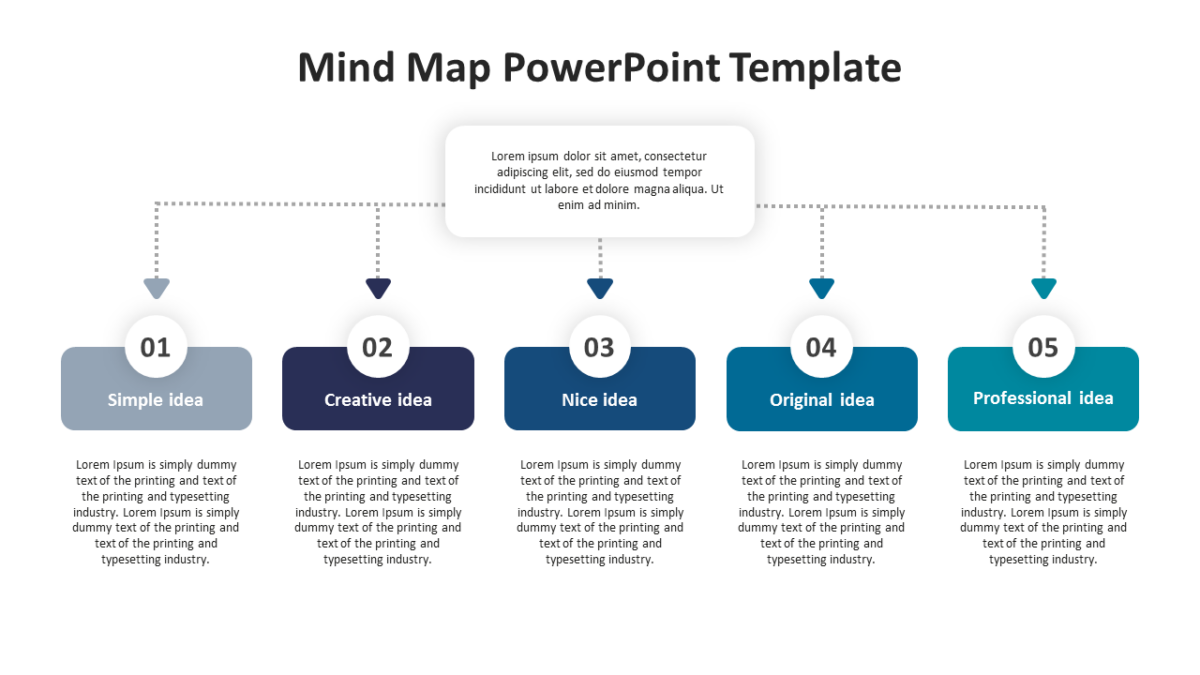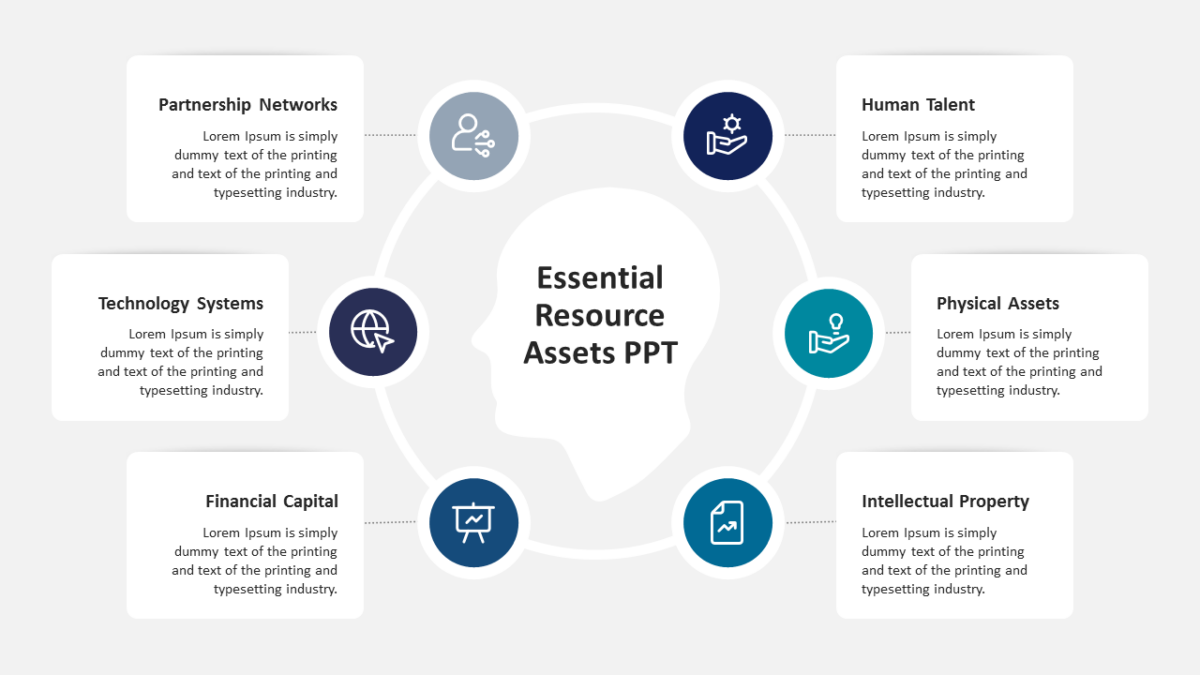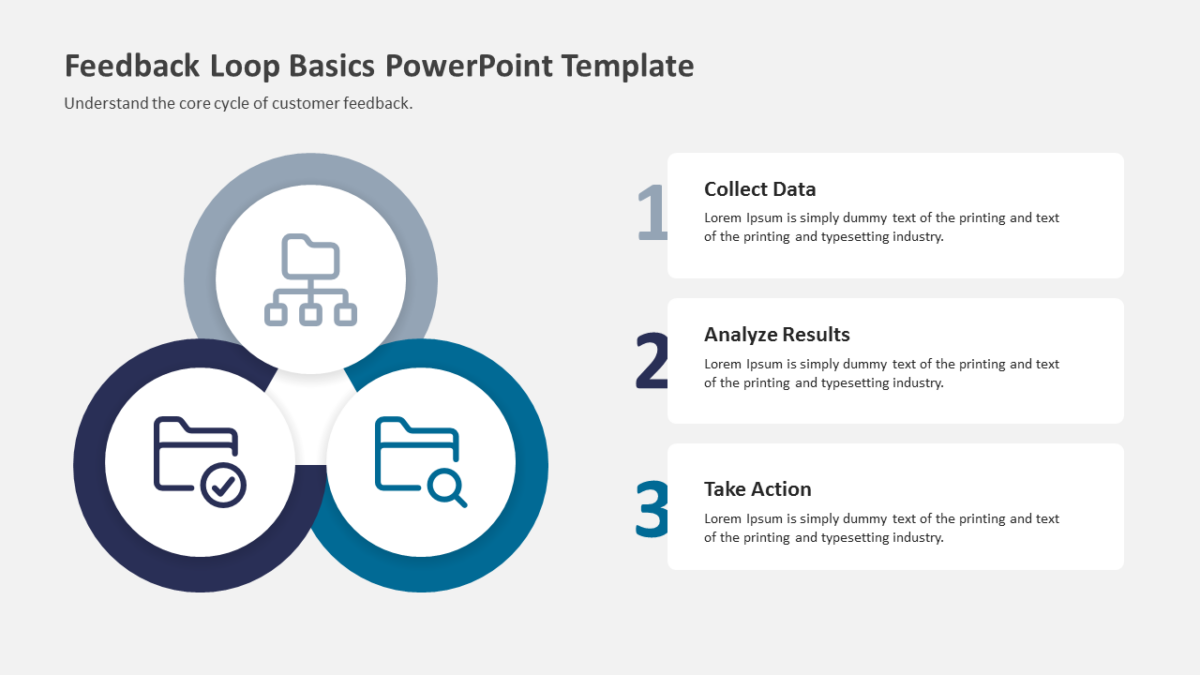
Four Concentric Circles PowerPoint Diagram

The Four Concentric Circles PowerPoint Diagram is the slide that answers “what does all this plug into?”
The gap between a plan that exists and a plan the team follows is usually a communication gap. Making the structure visible closes most of it.
What’s on the slide
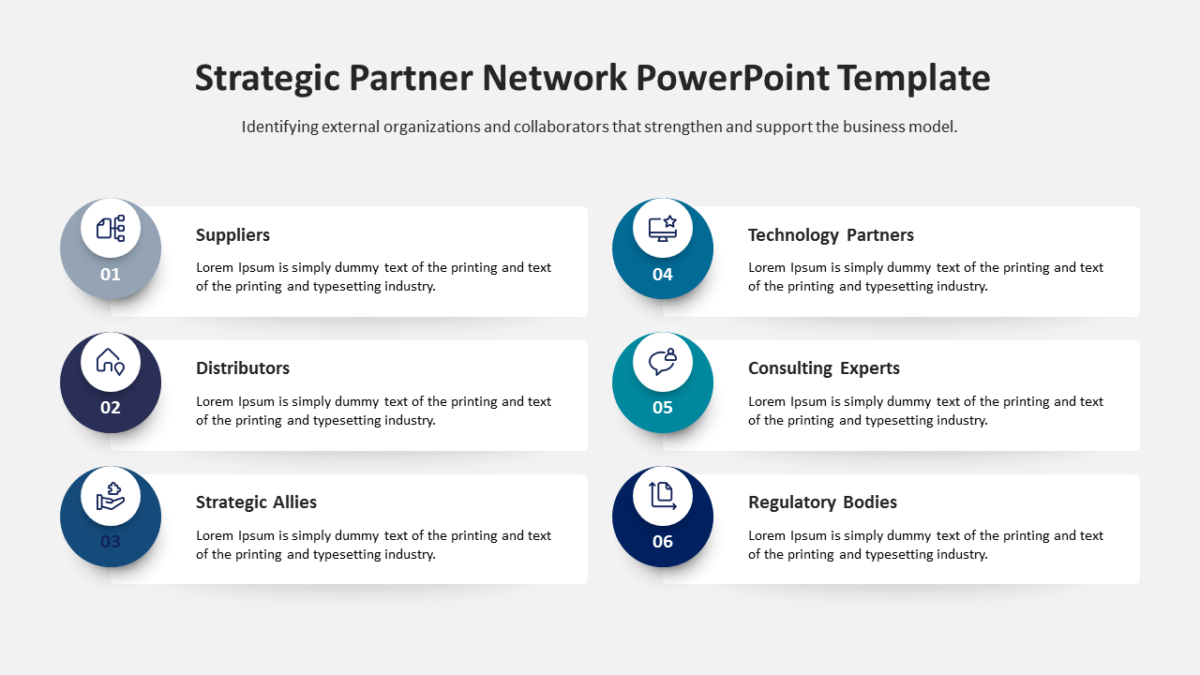
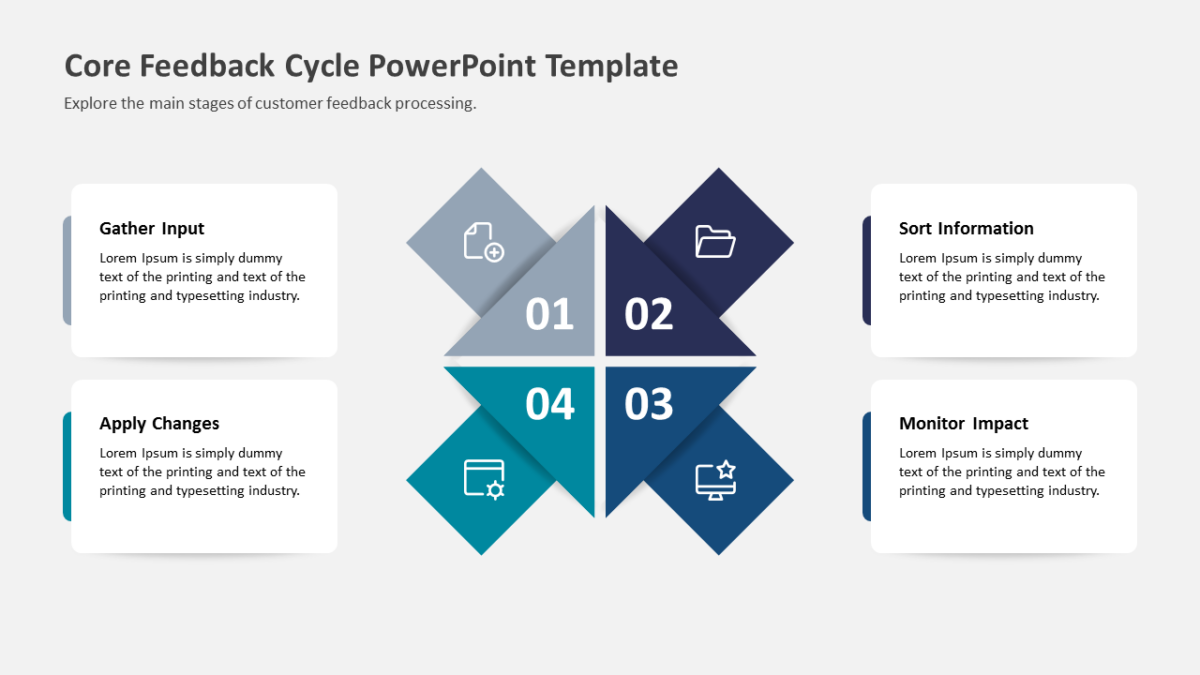
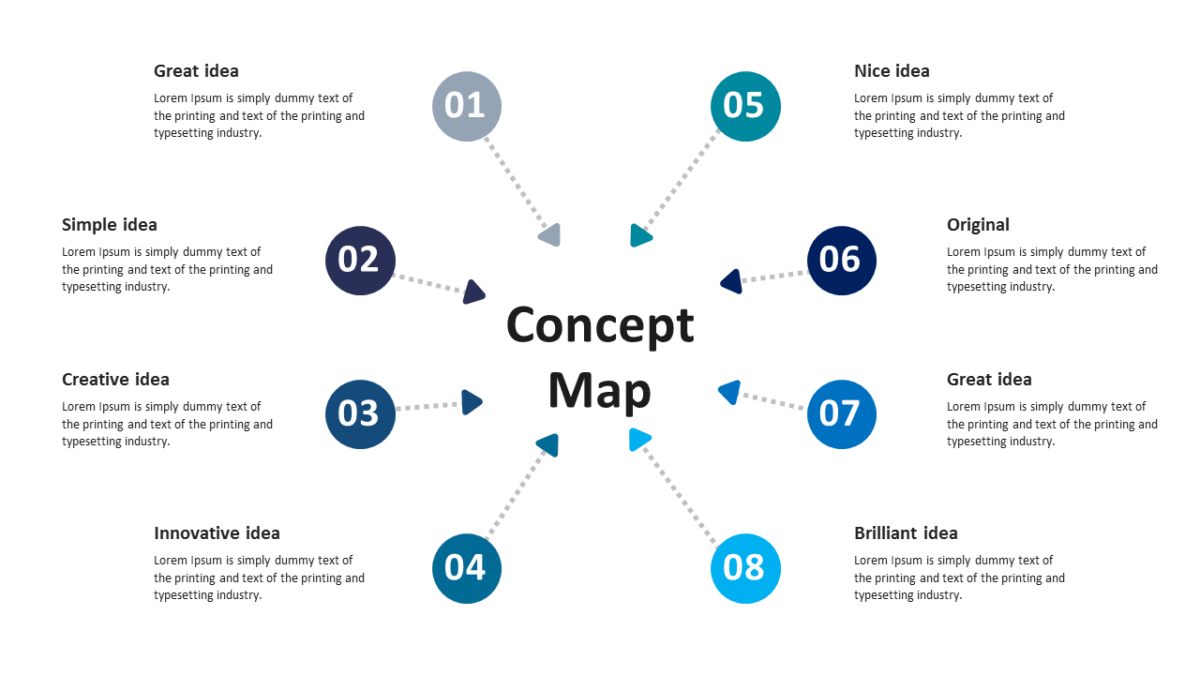
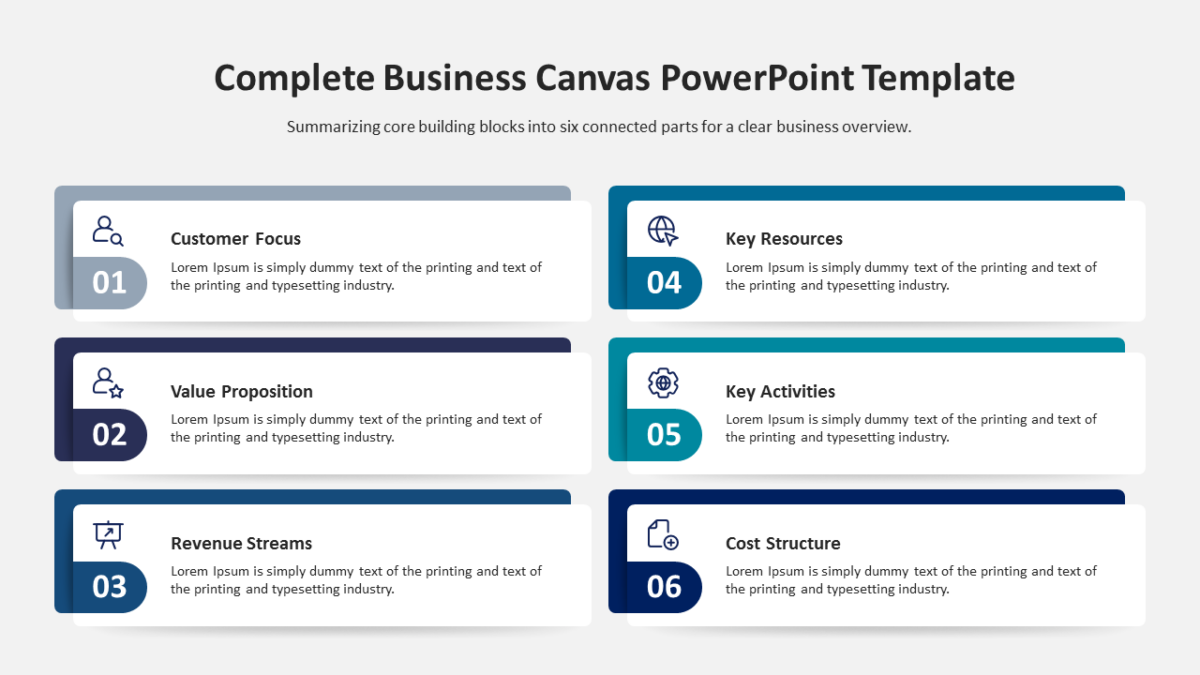
- A central labeled node
- Consistent spacing on all spokes
- An icon and heading at every endpoint
- Description panels set around the outer edge
- Connector lines running out to satellite elements
Every element is a native PowerPoint shape, so colors, icons and copy are all yours to change. Sized 16:9, and it opens cleanly in Google Slides and Keynote.
Built with program managers in mind, but project managers and delivery leads put it to work just as often. Place it early, as the map for the detail that follows. Similar builds sit among the business strategy templates.