Tax Planning Tips PowerPoint Presentation
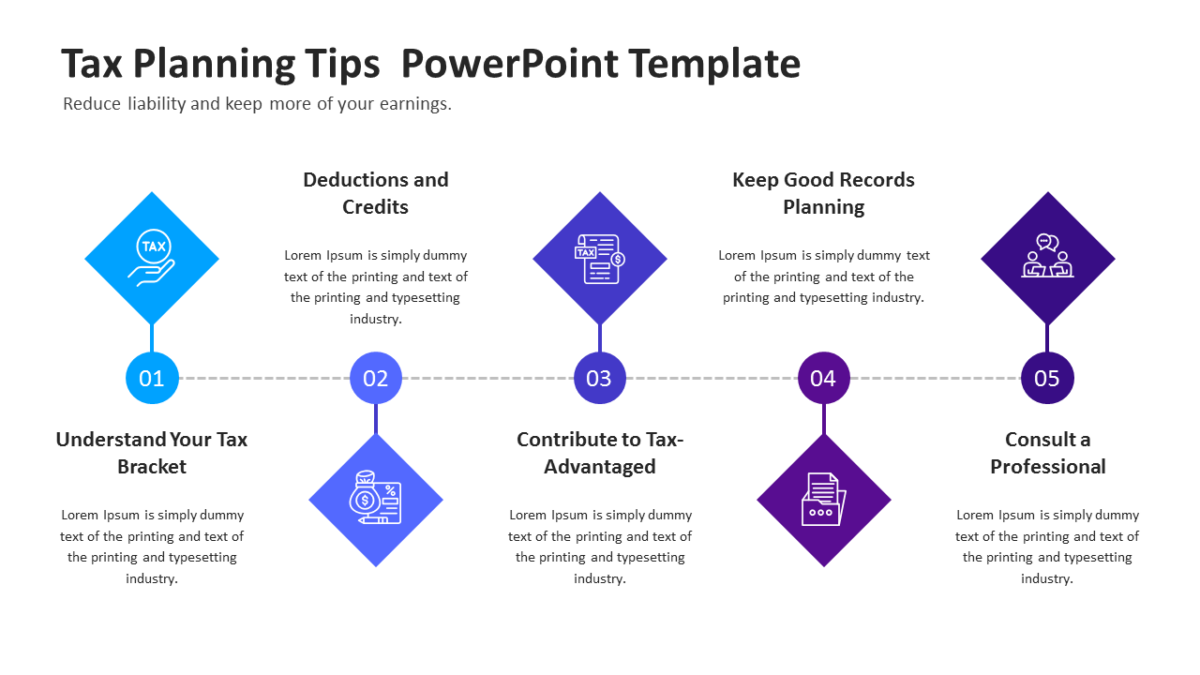
The Tax Planning Tips PowerPoint Presentation replaces the text-heavy slide that always gets skipped.
Finance audiences are the most skeptical in any room and the quickest to spot a slide that hides something. Clean structure signals that the numbers underneath are equally tidy.
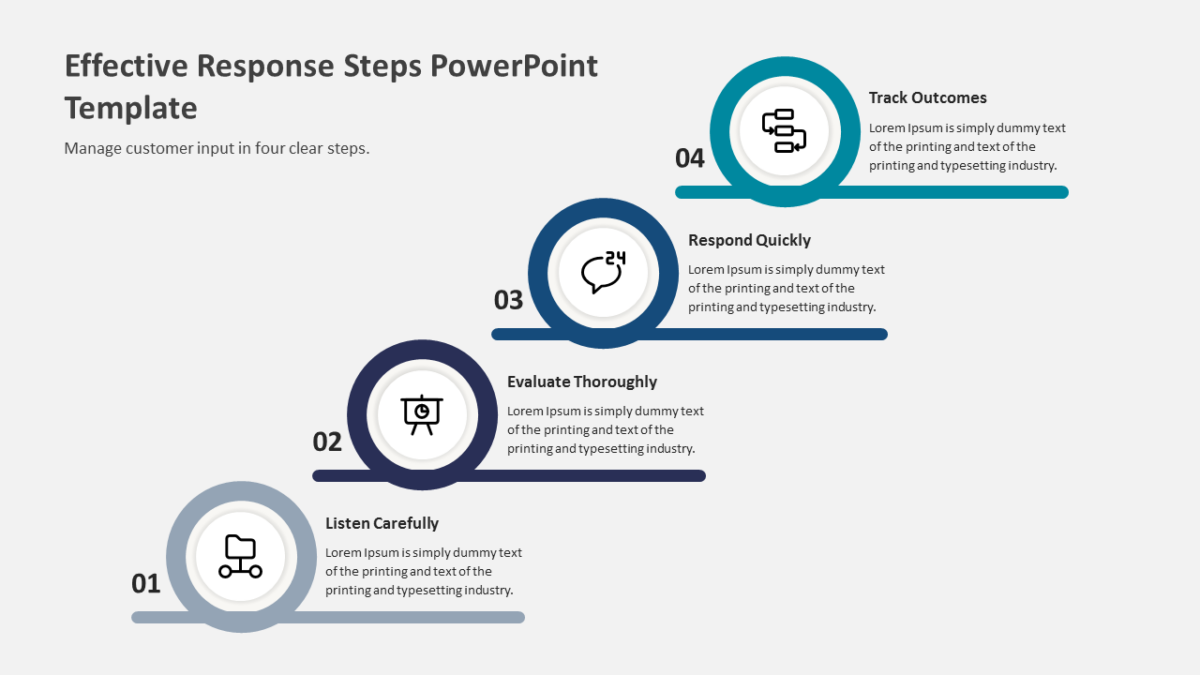
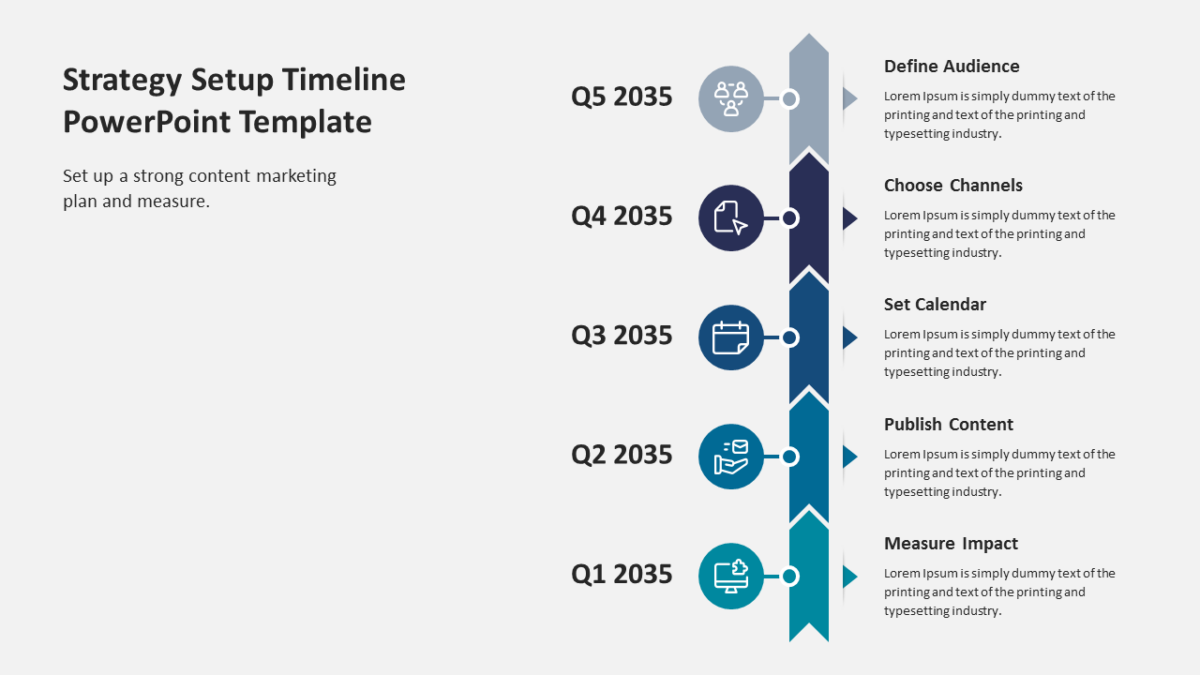
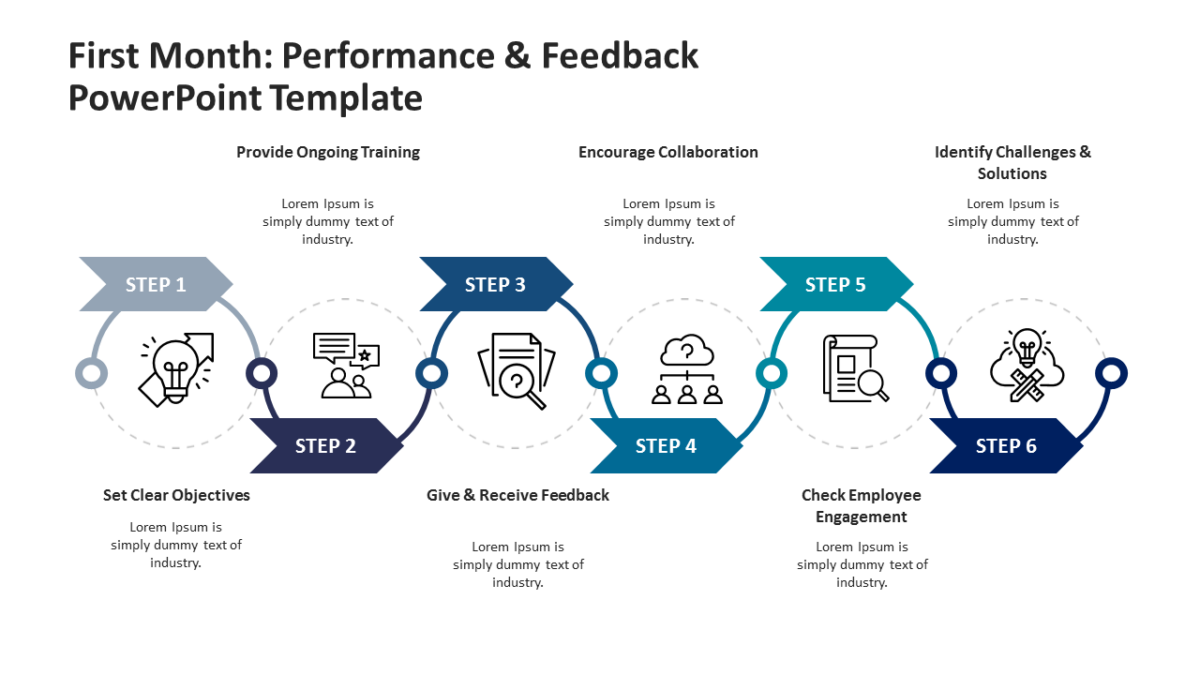
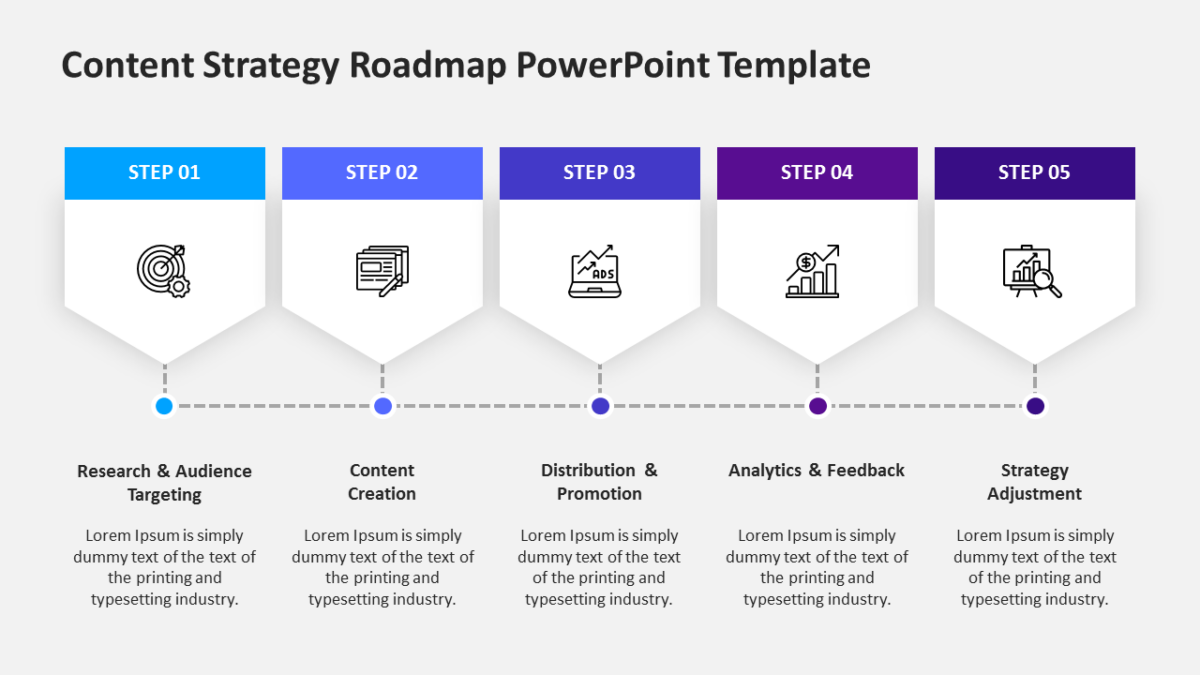
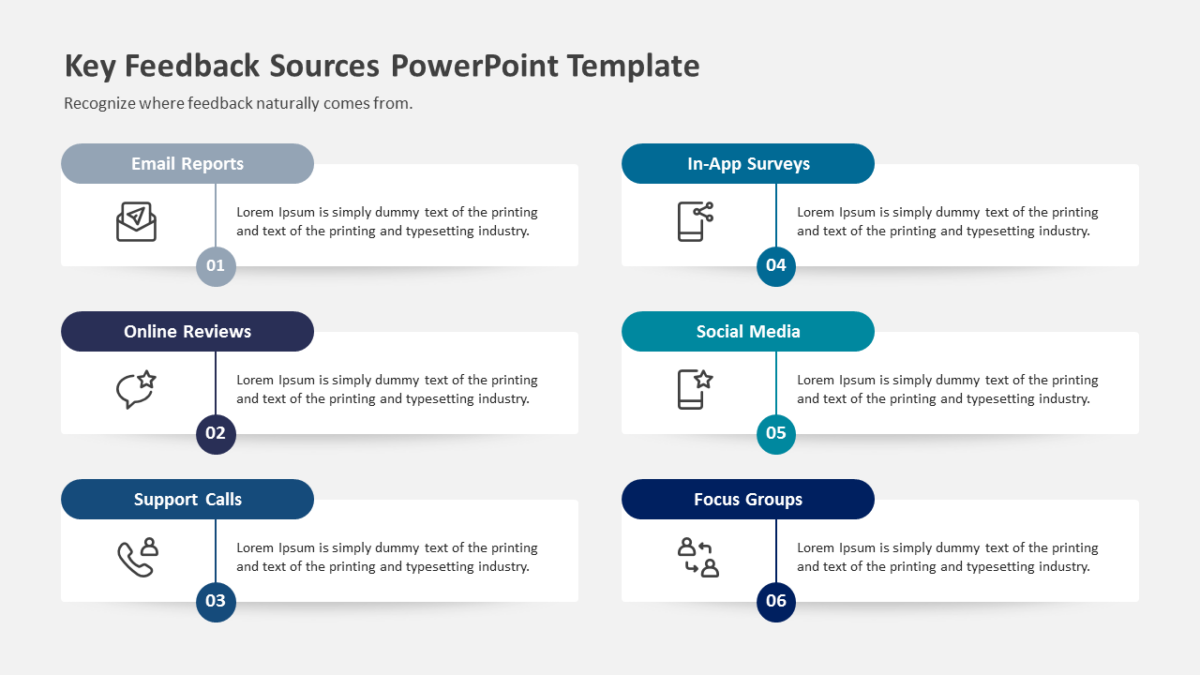
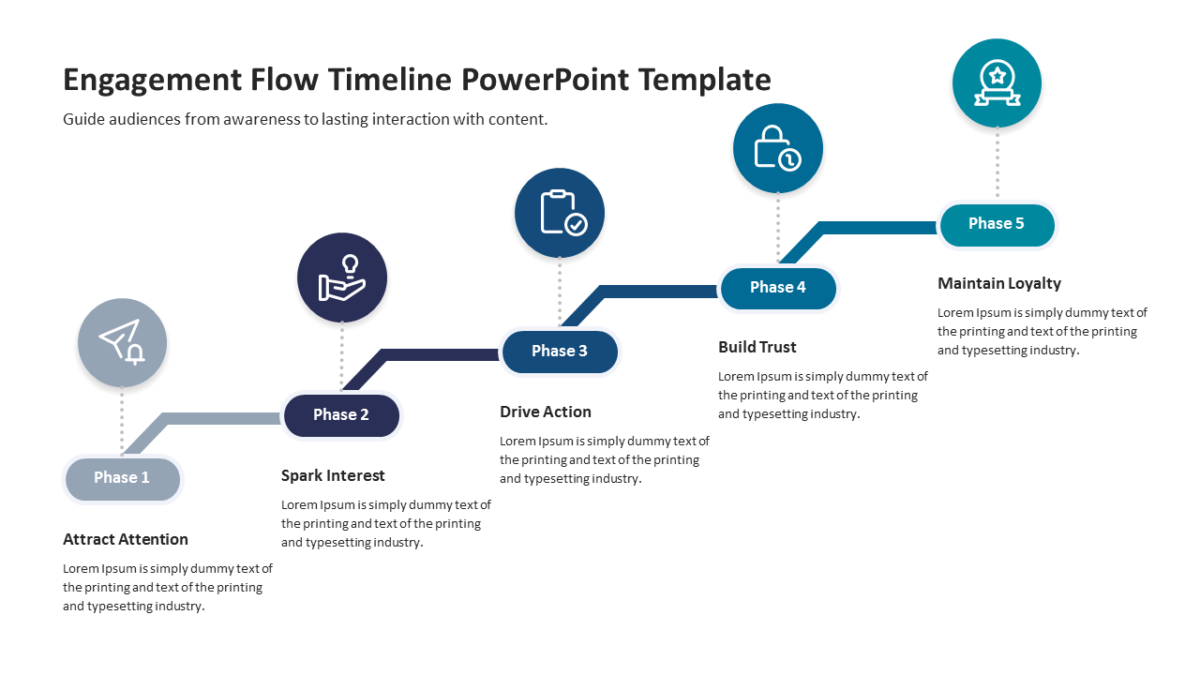
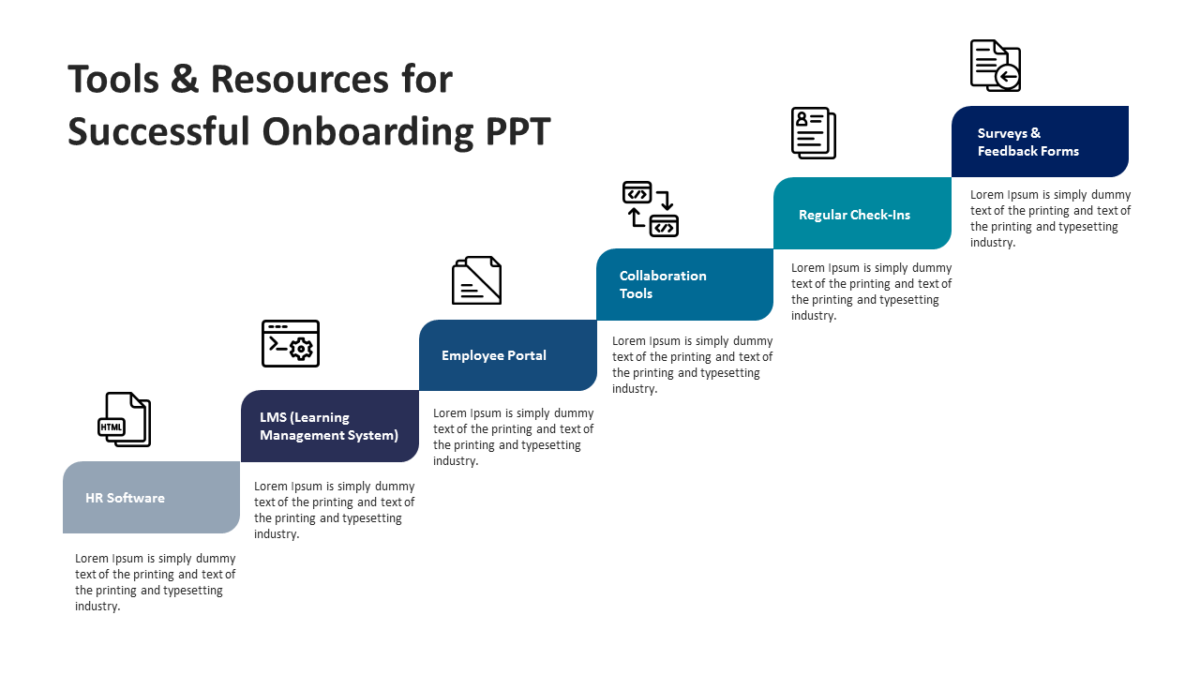
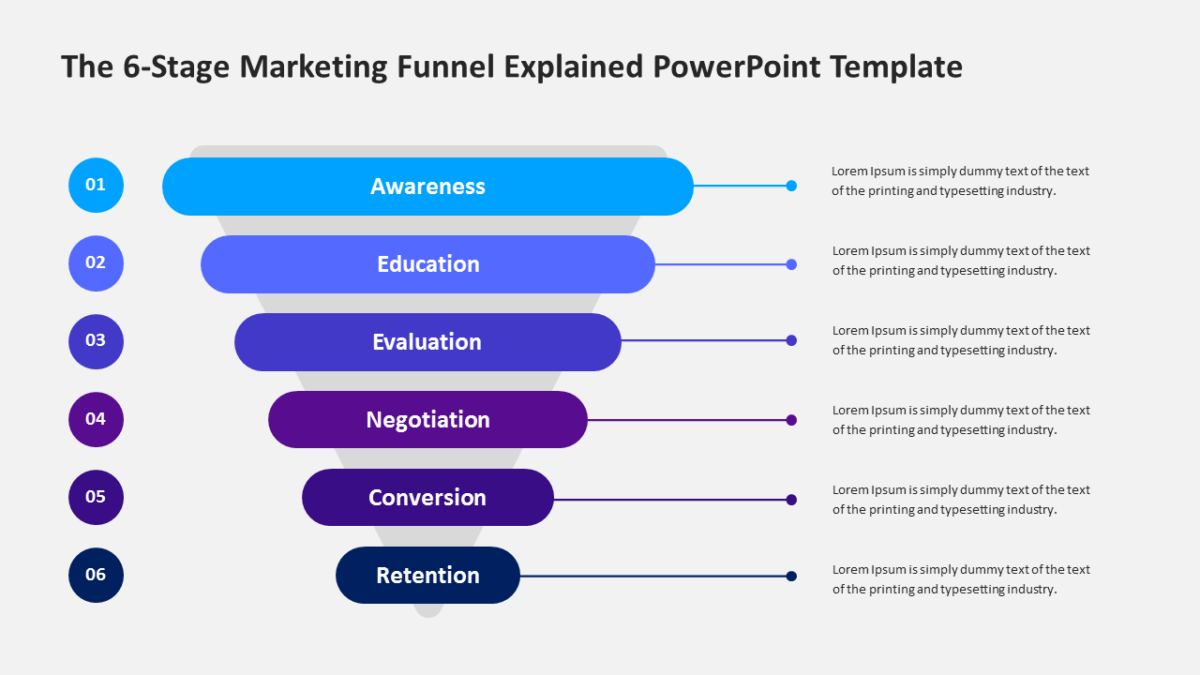
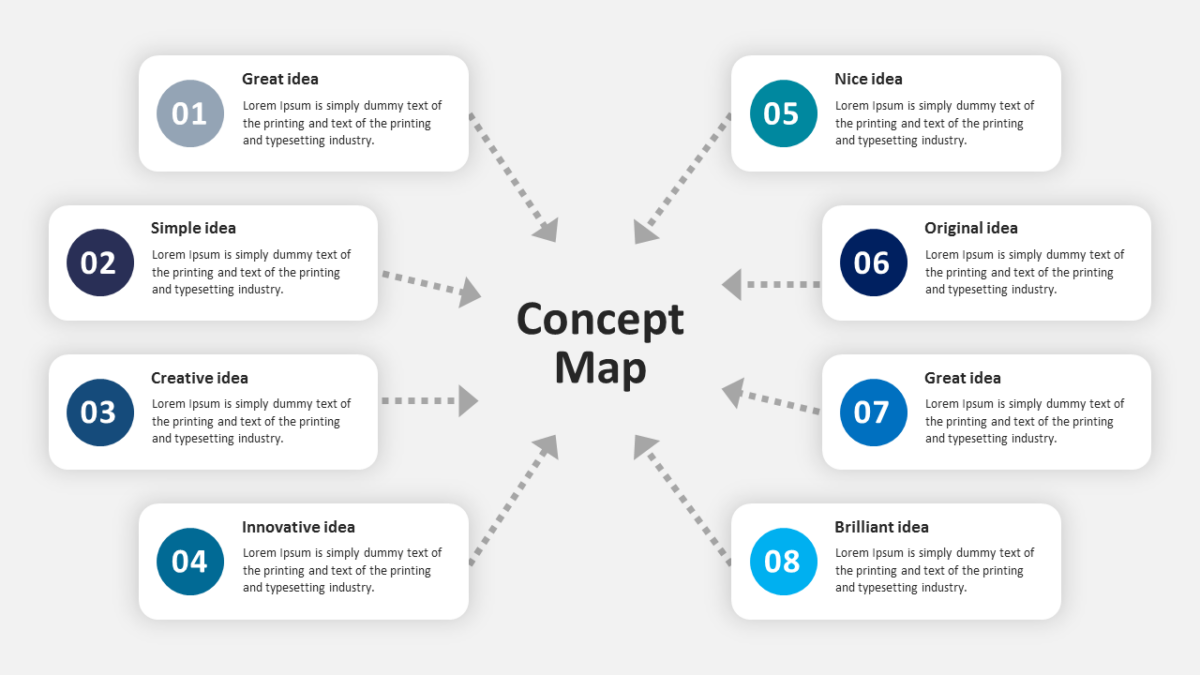
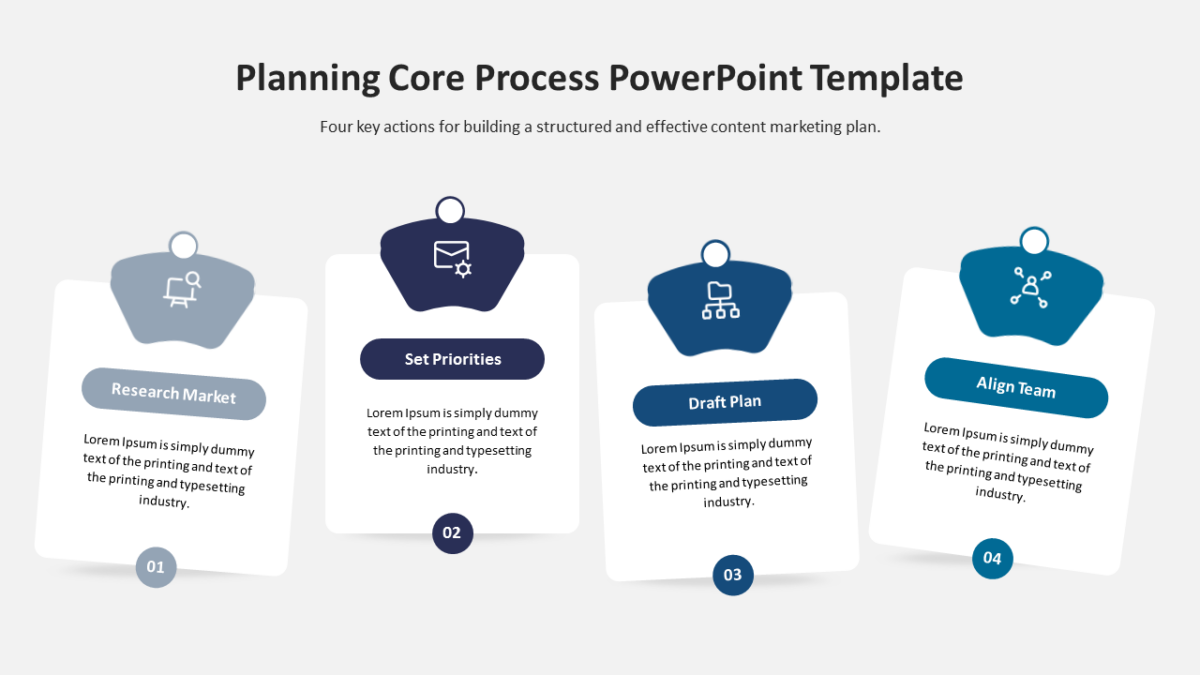
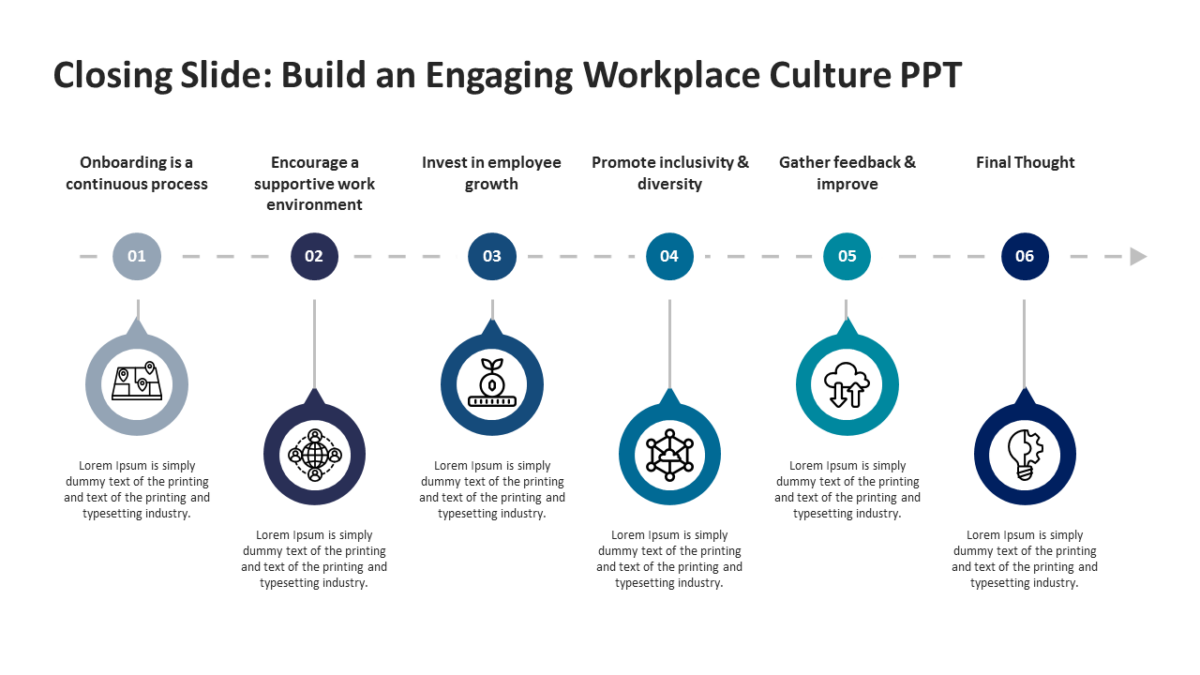
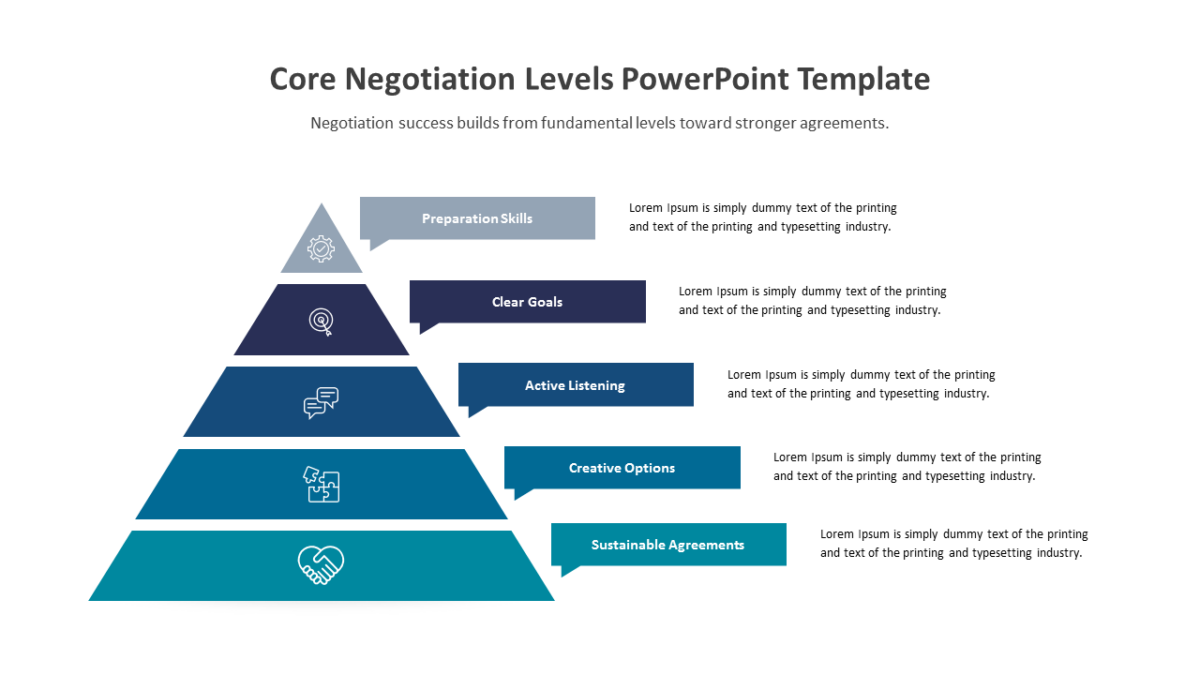
What’s on the slide
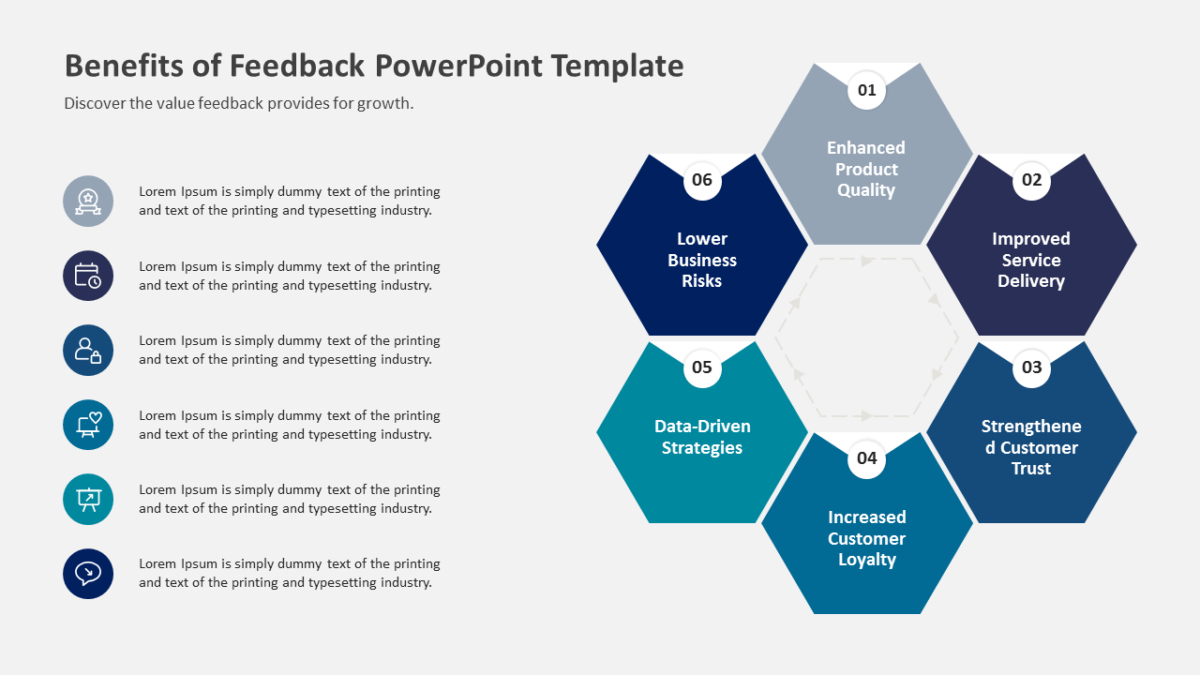
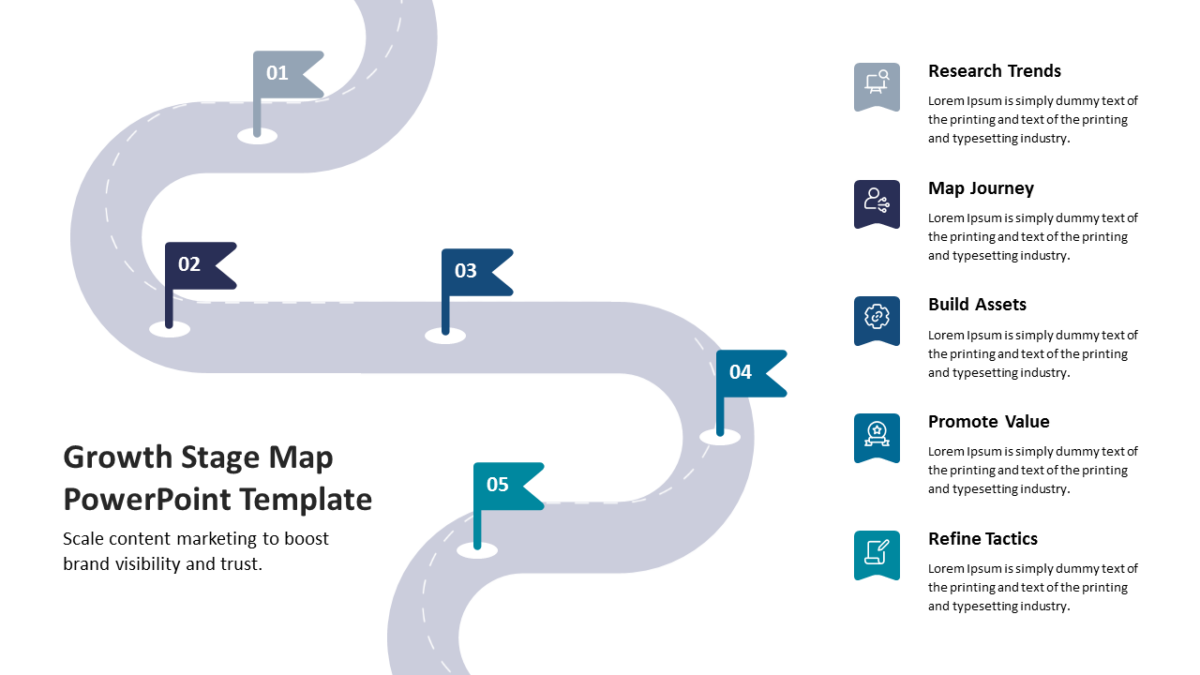
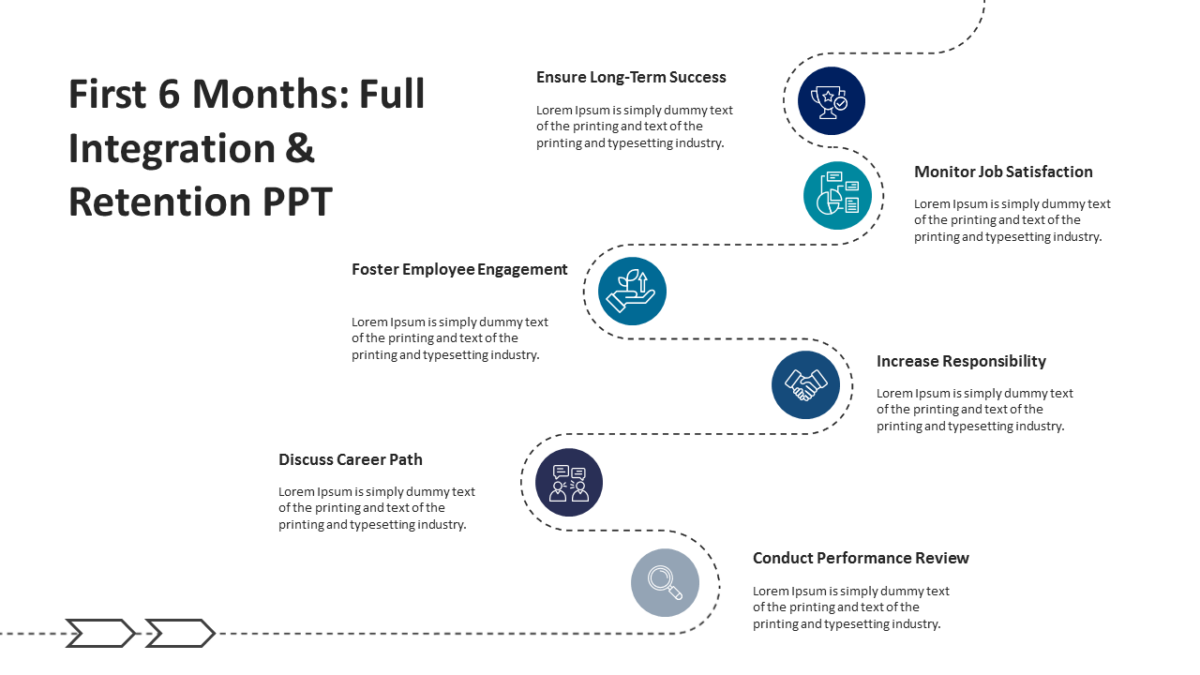
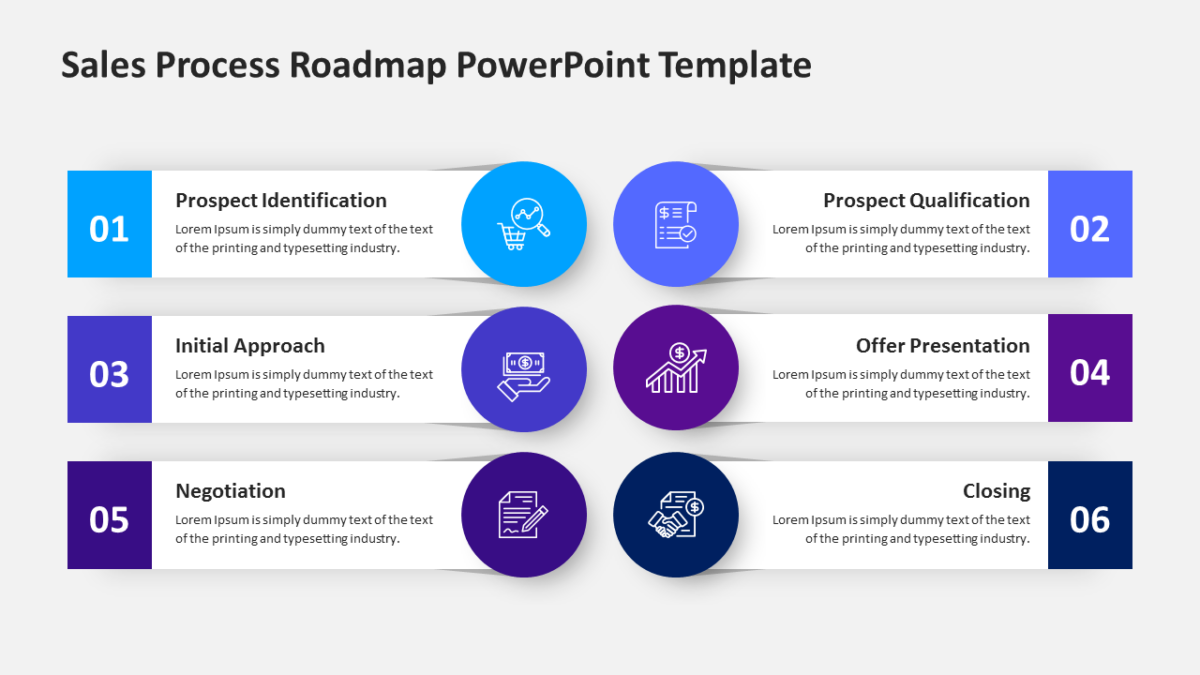
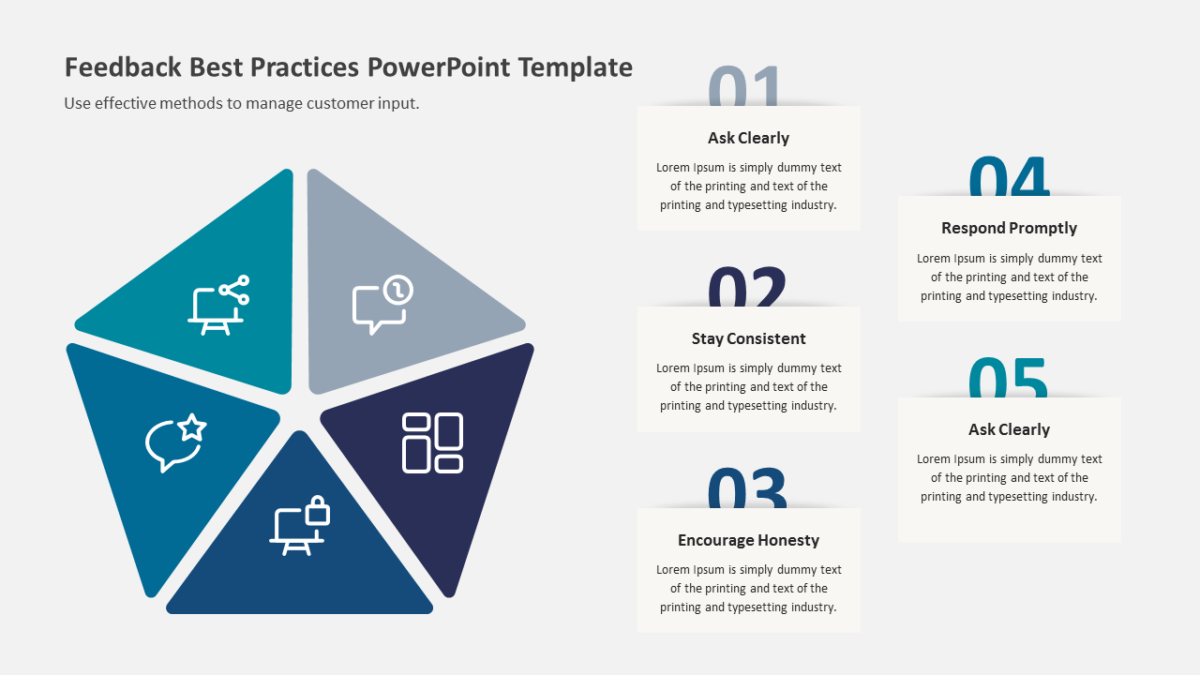
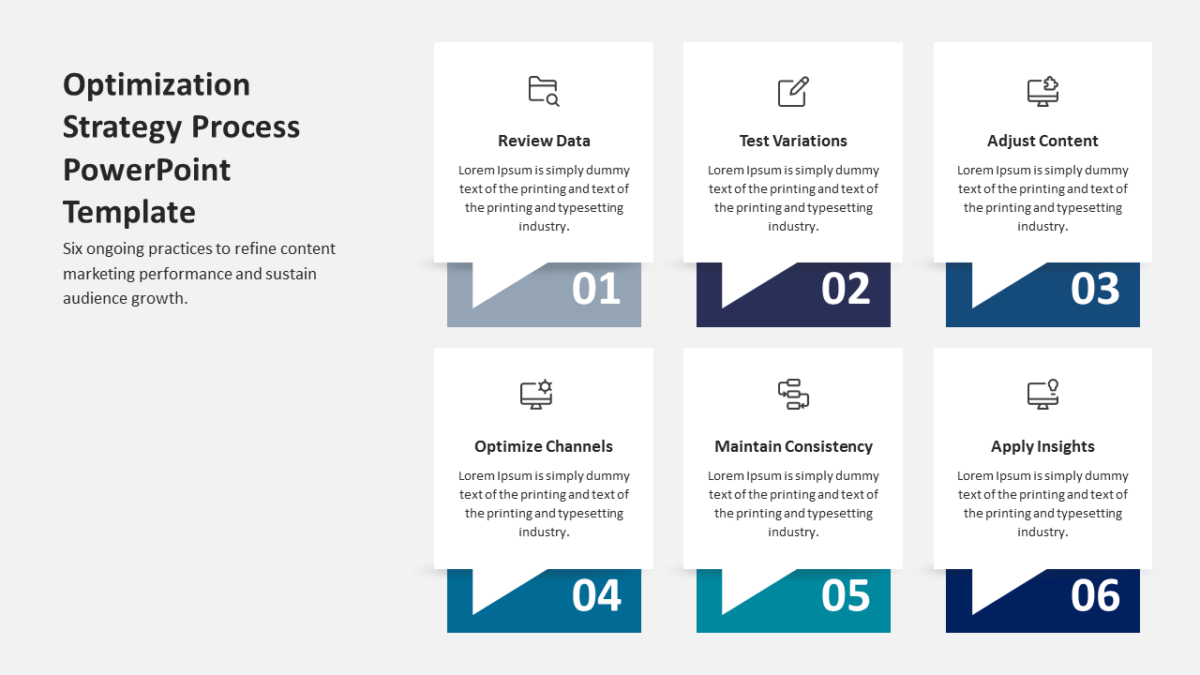
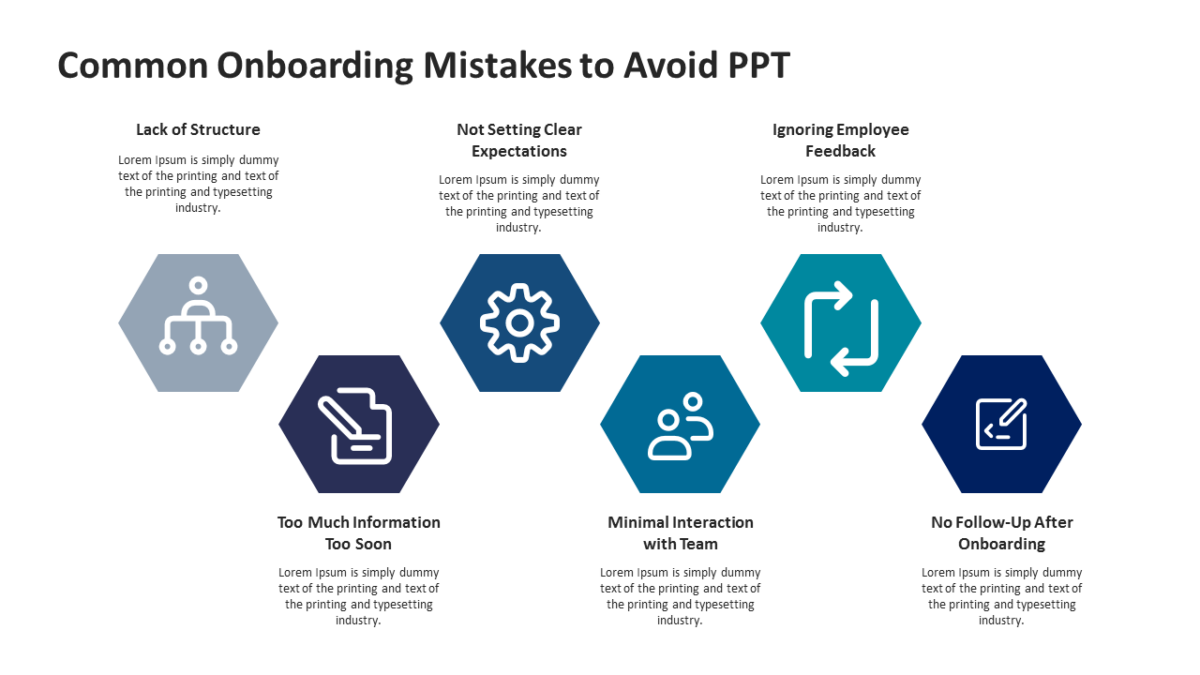
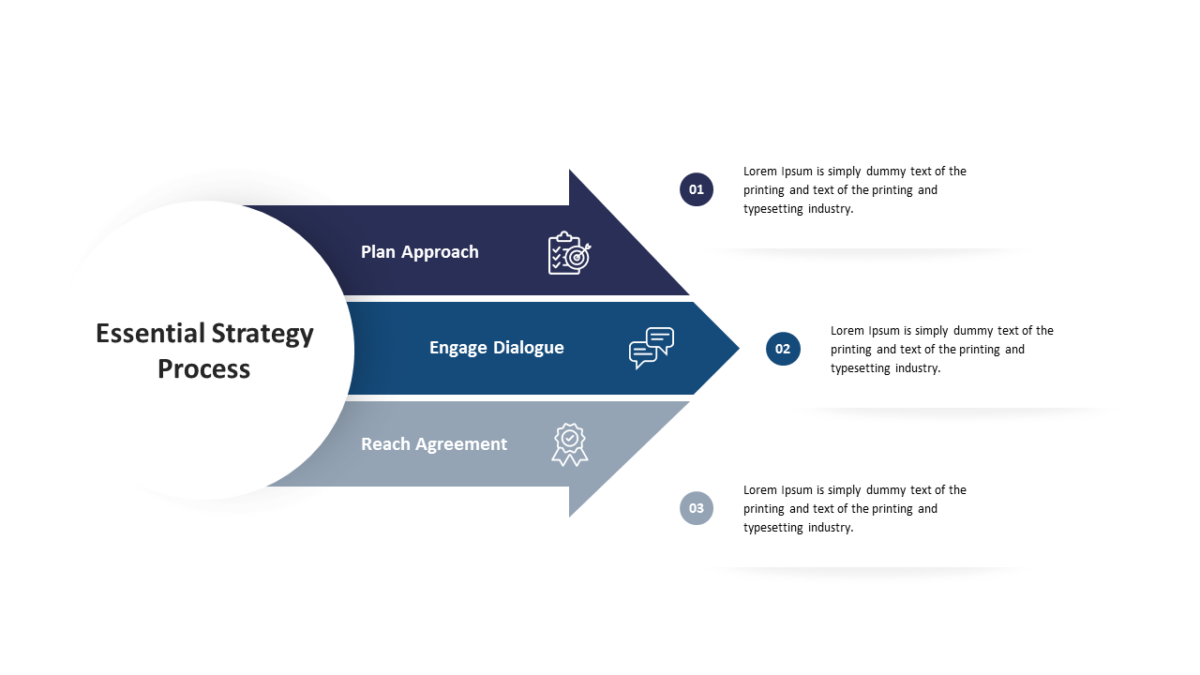
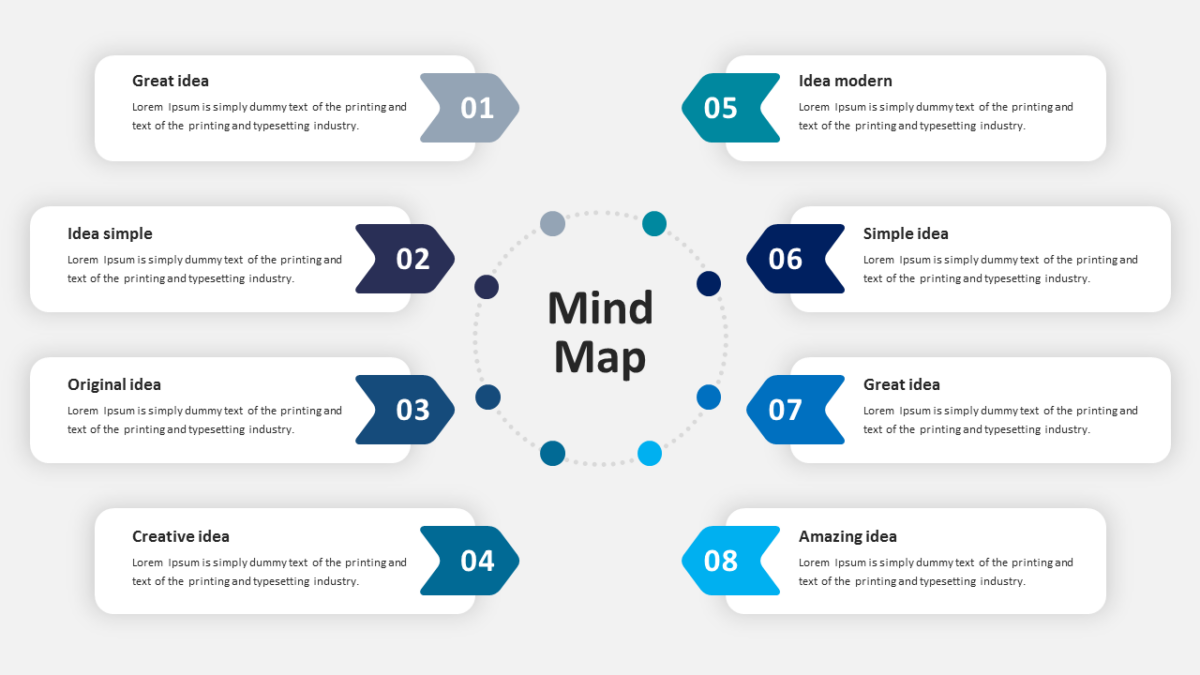
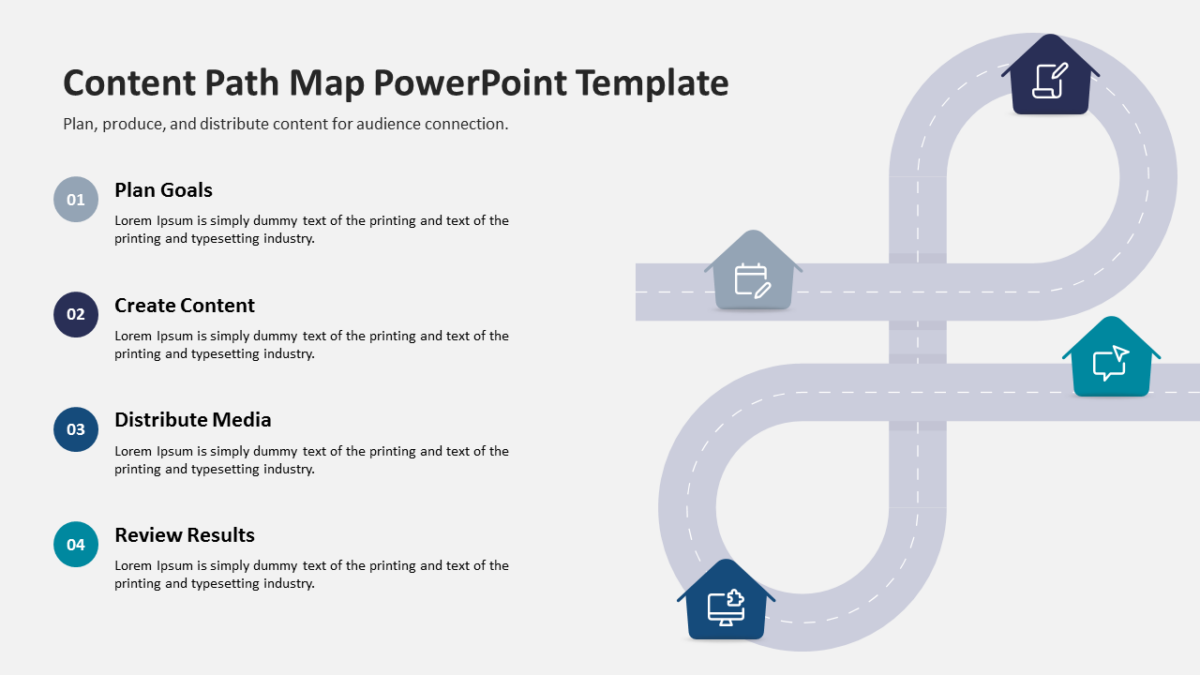
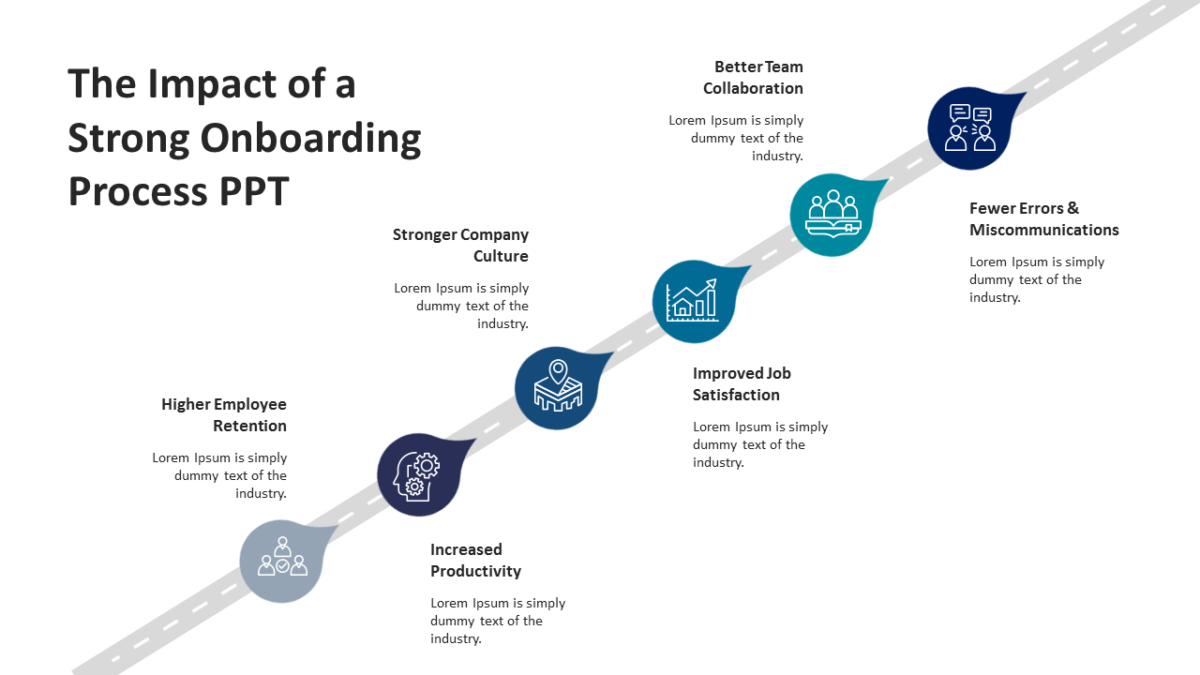
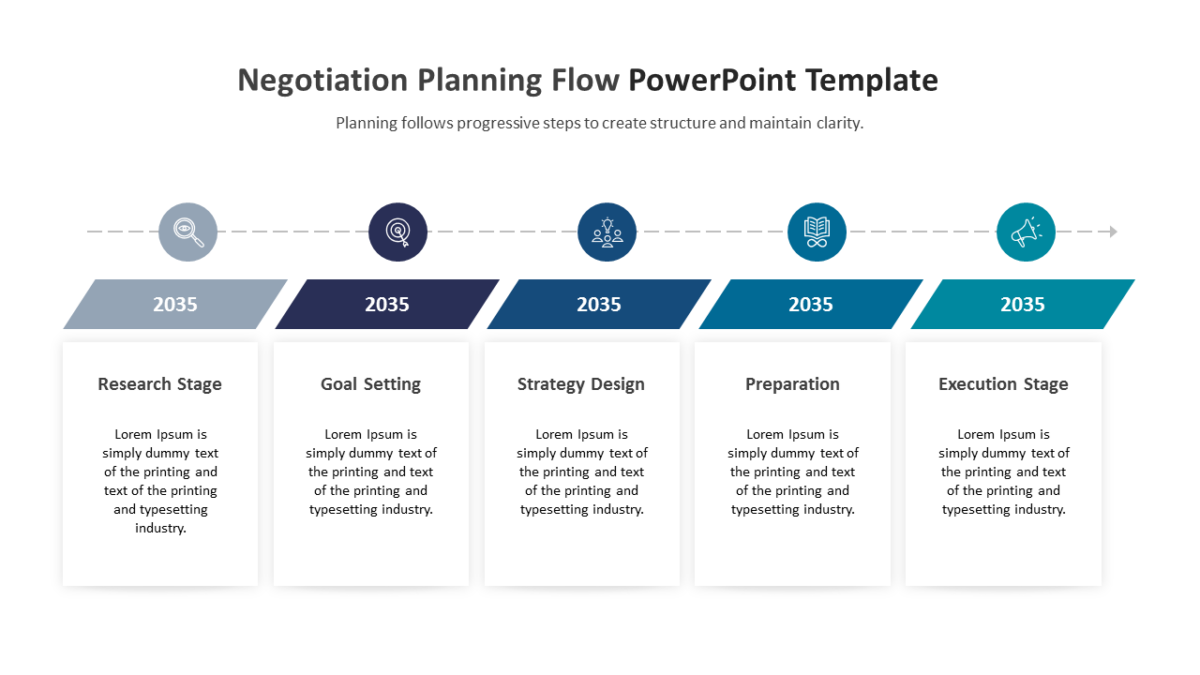
- Balanced visual blocks aligned on a consistent grid
- A heading and short text area per element
- Clear visual separation between points
- Title and subtitle area at the top
Every element is a native PowerPoint shape, so colors, icons and copy are all yours to change. Sized 16:9, and it opens cleanly in Google Slides and Keynote.
Financial analysts reach for this most, though commercial finance and finance managers get the same value out of it. It works mid-deck, wherever one slide needs to hold several related points. The other workflow templates handle the same job at different scales.