6 Steps PowerPoint Template 01

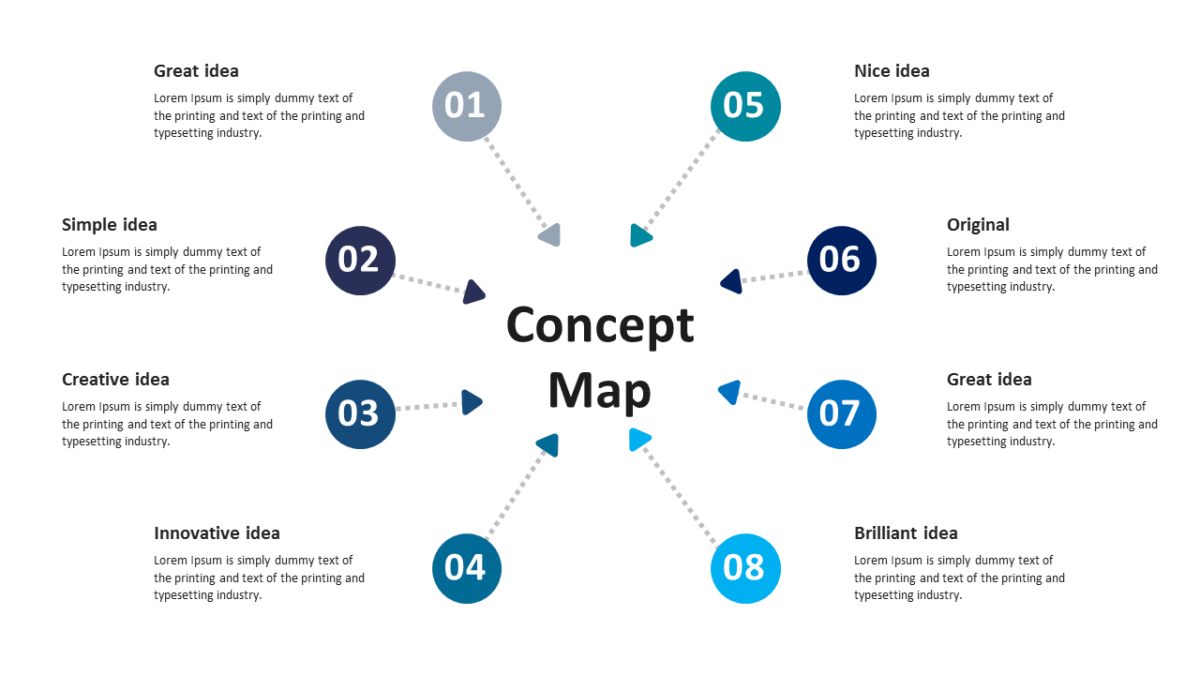
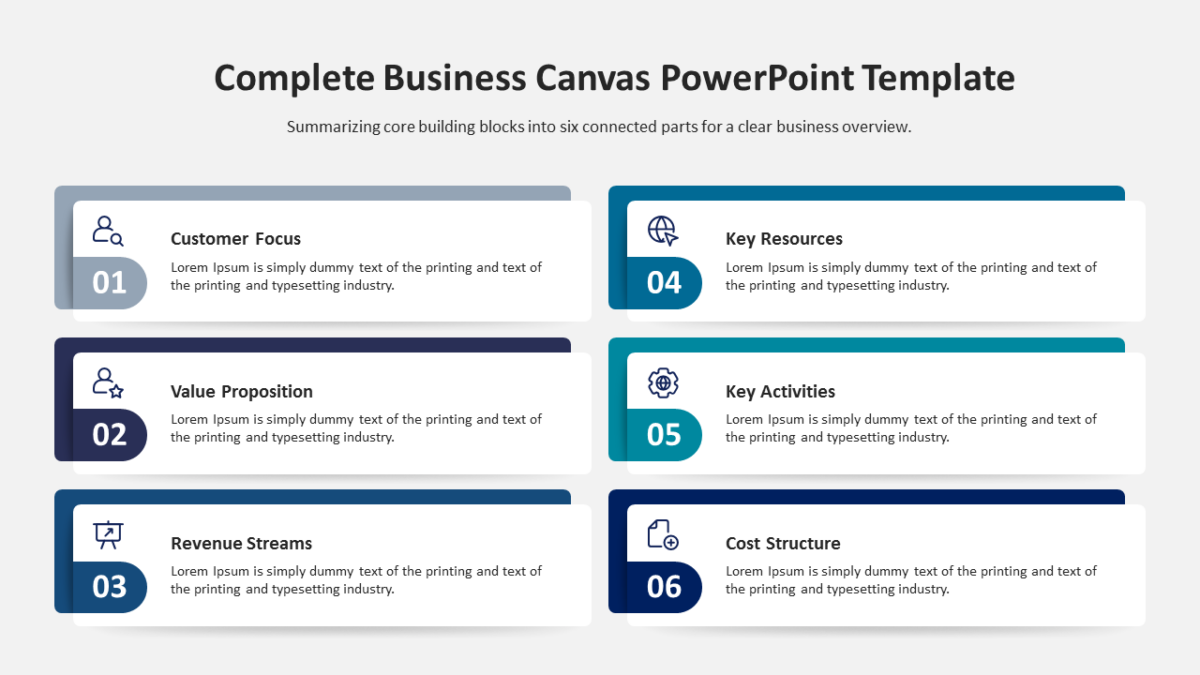
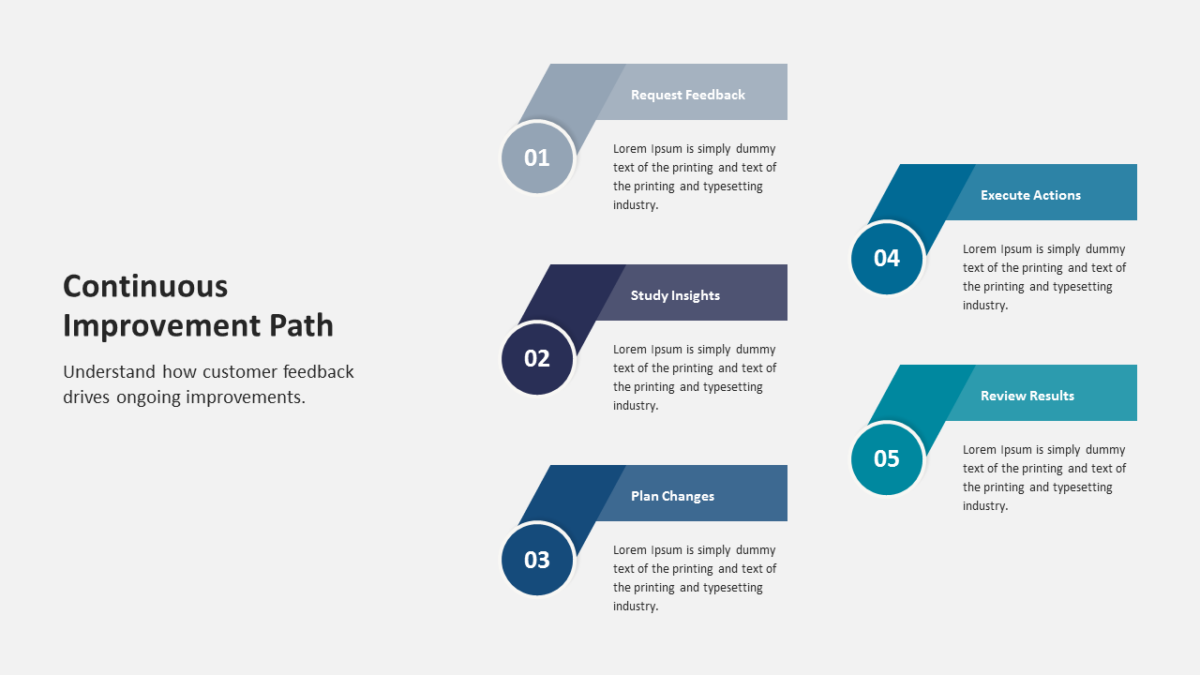
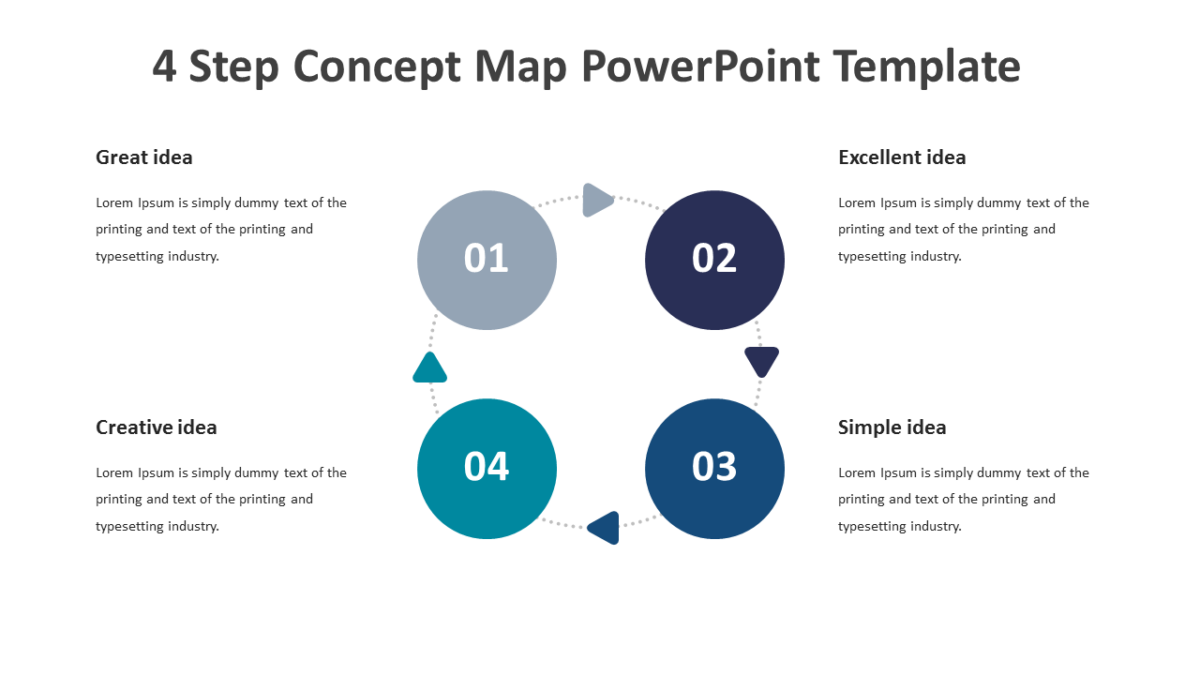
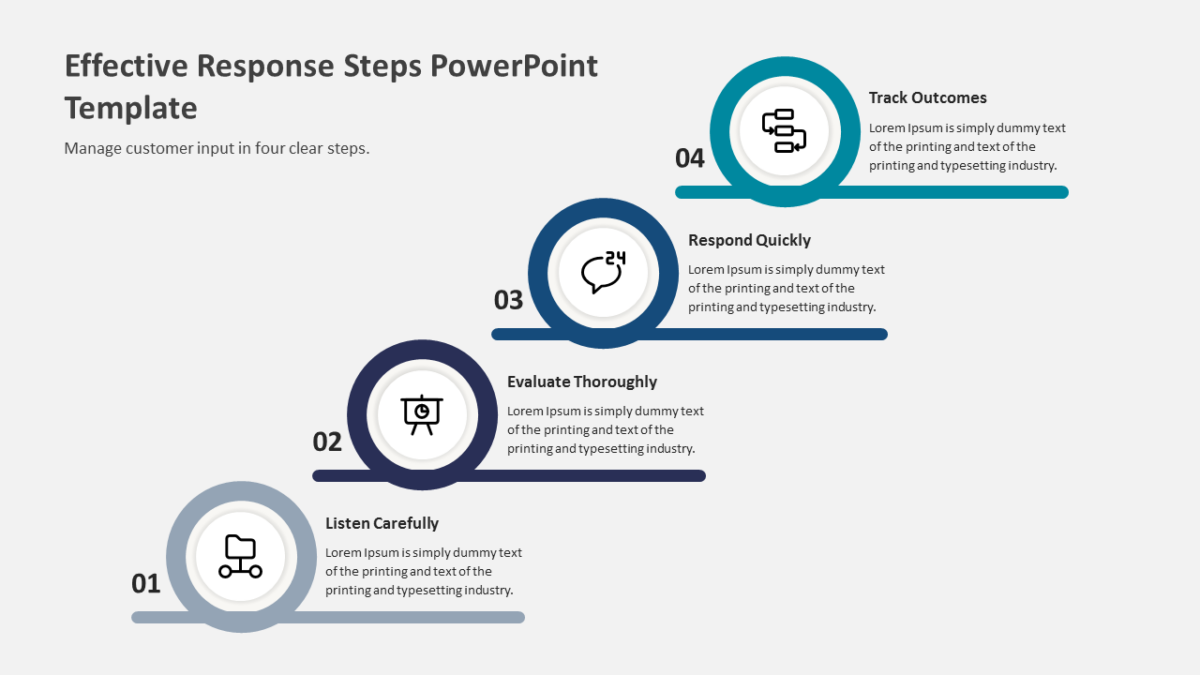
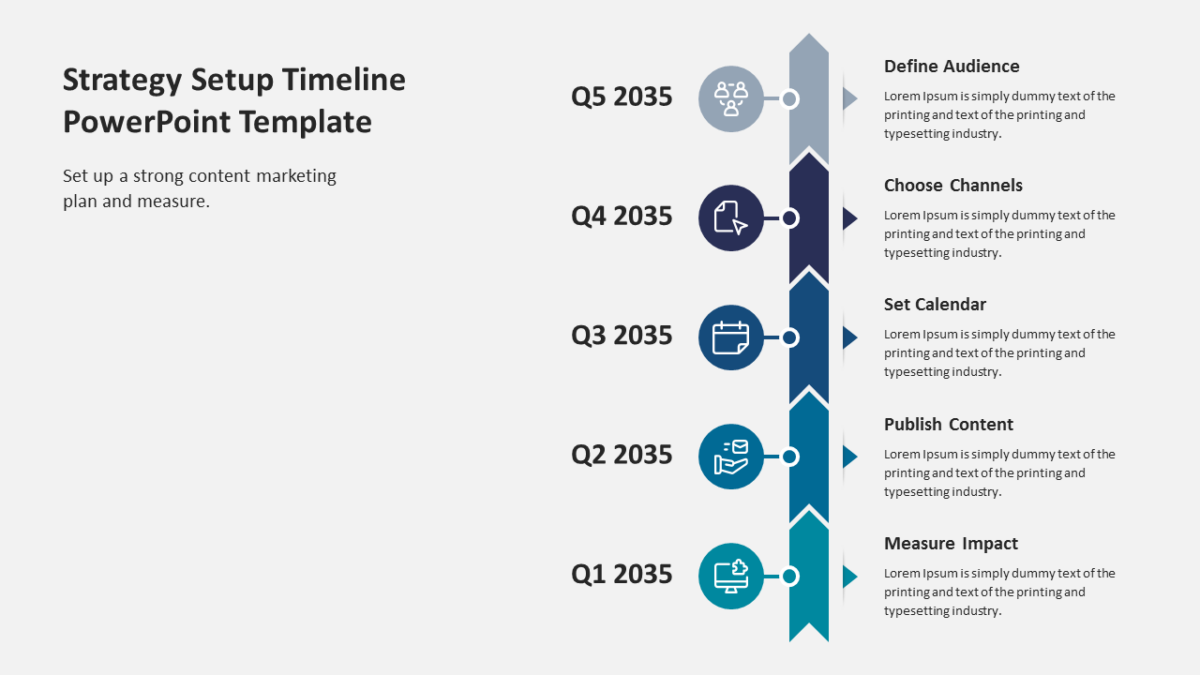
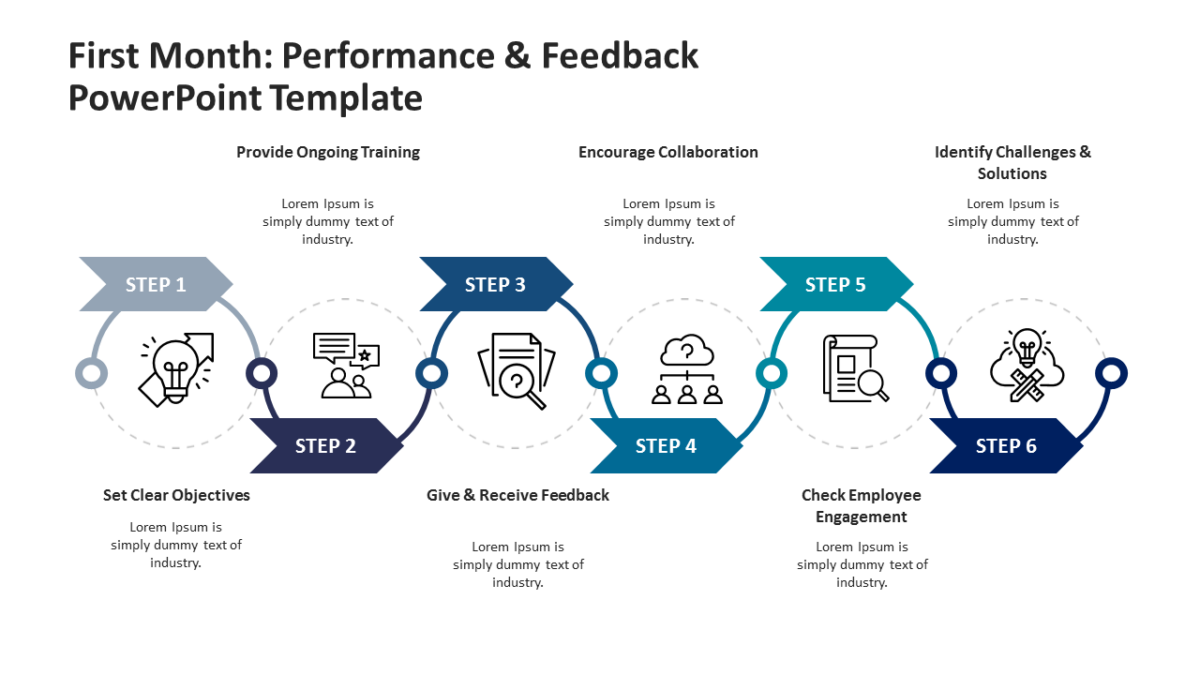
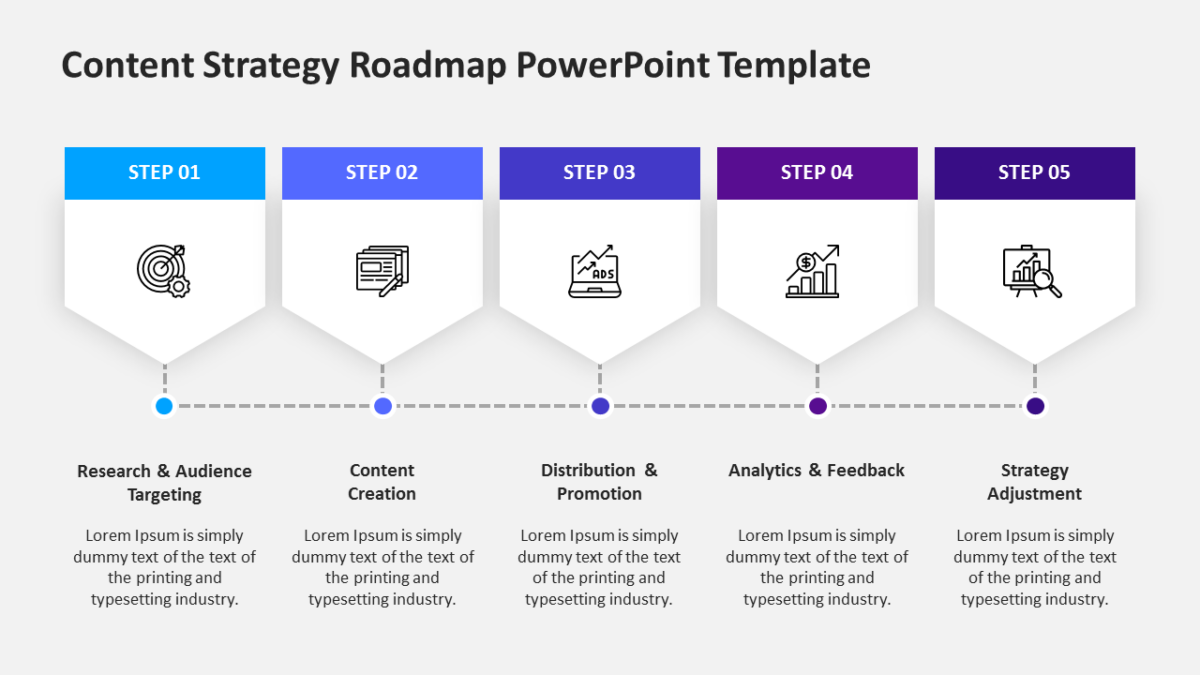
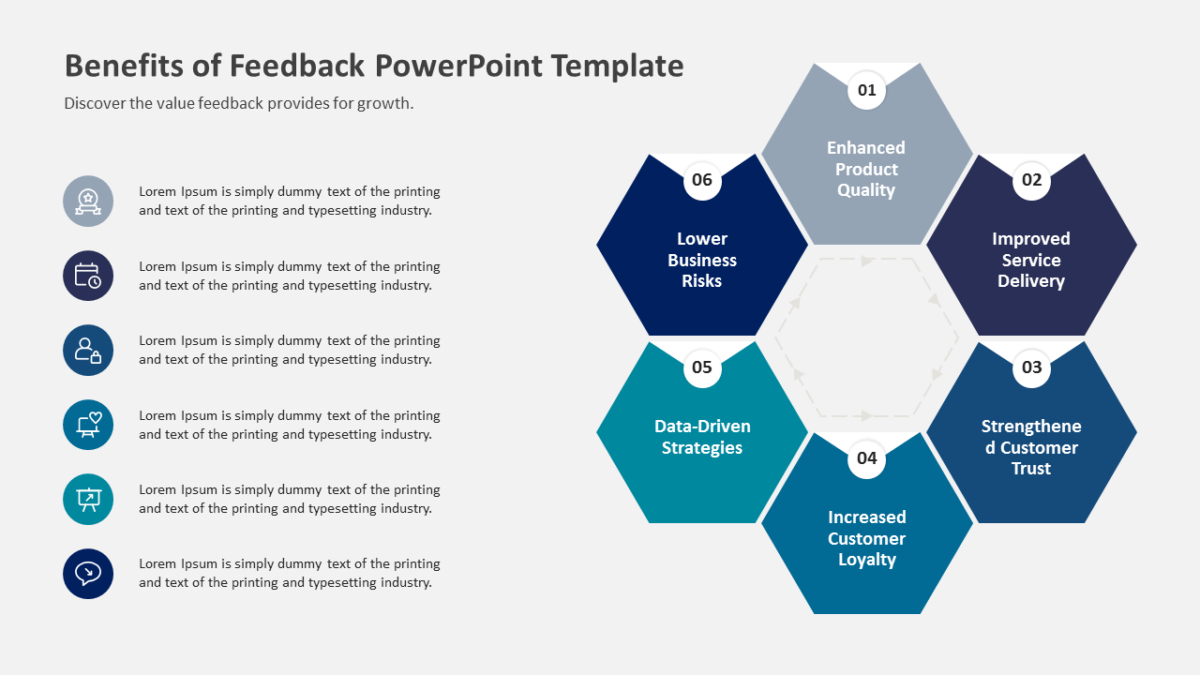
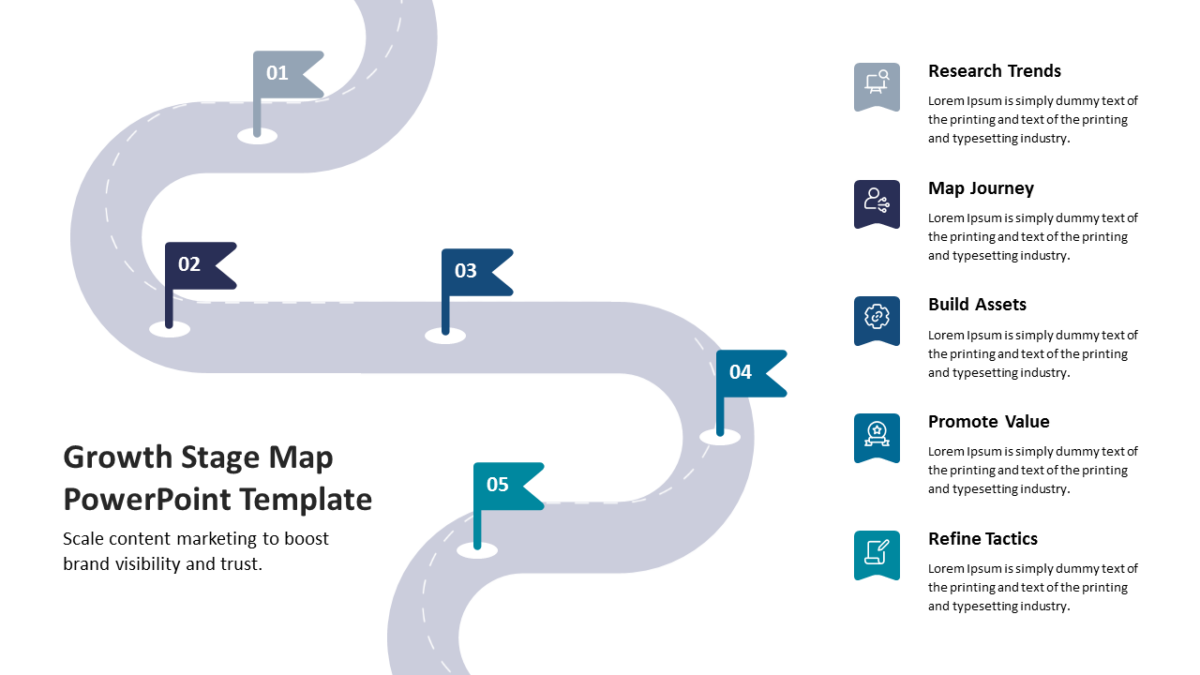
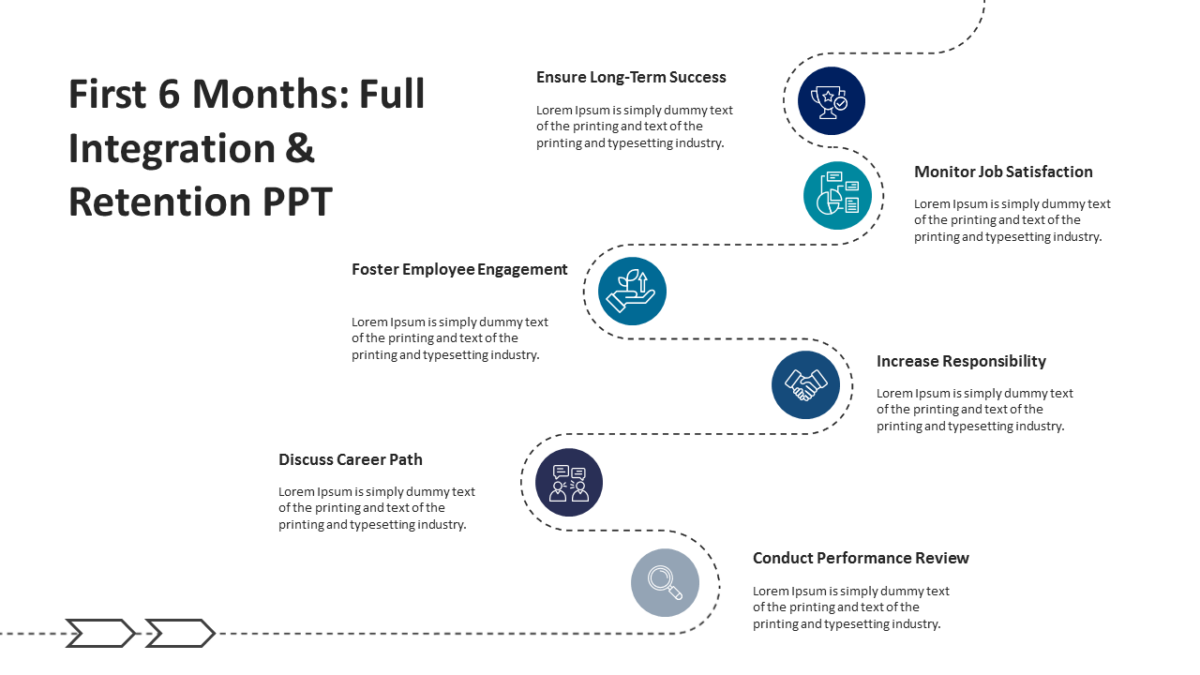
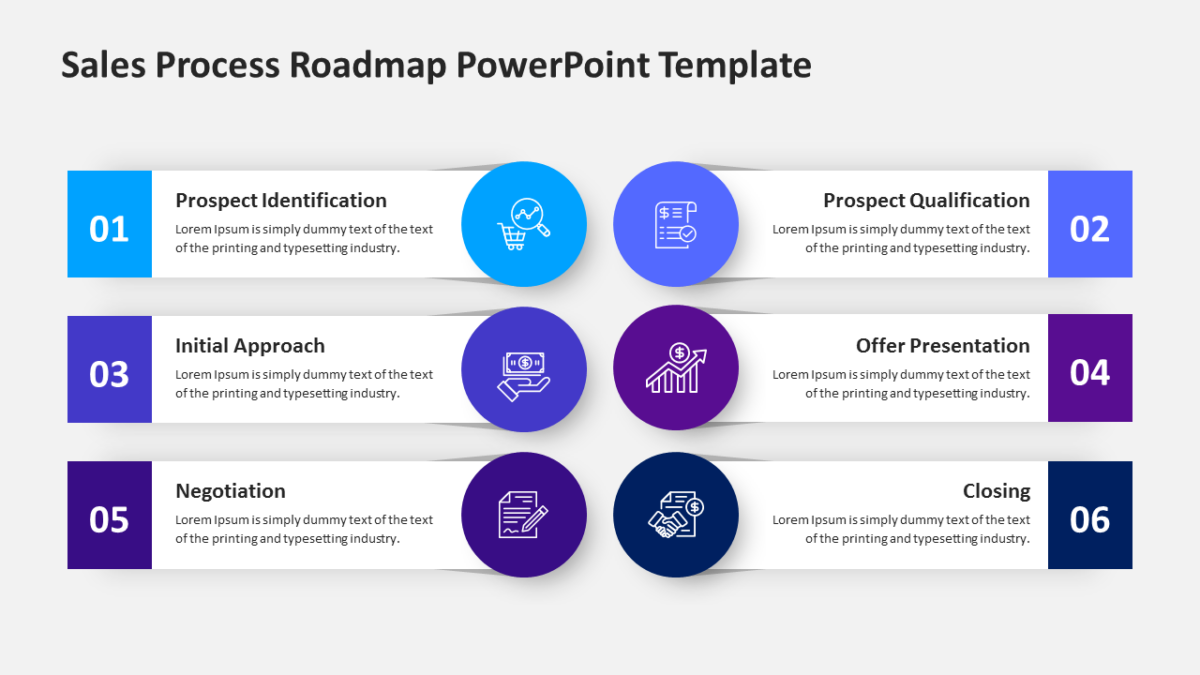
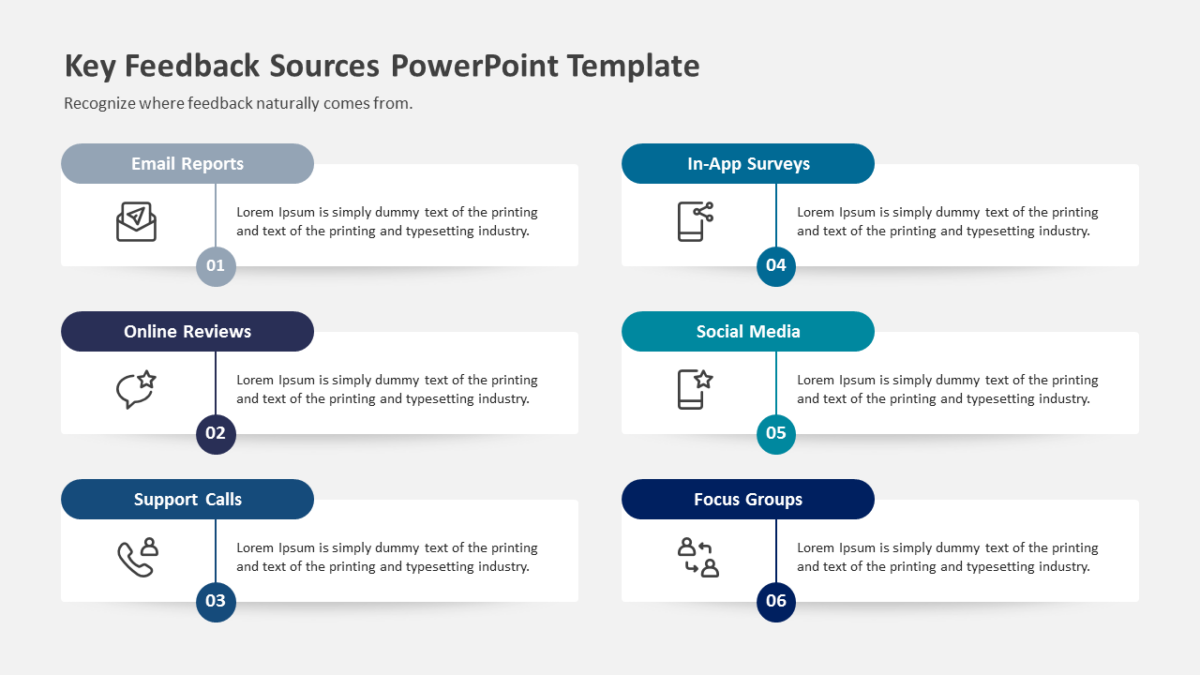
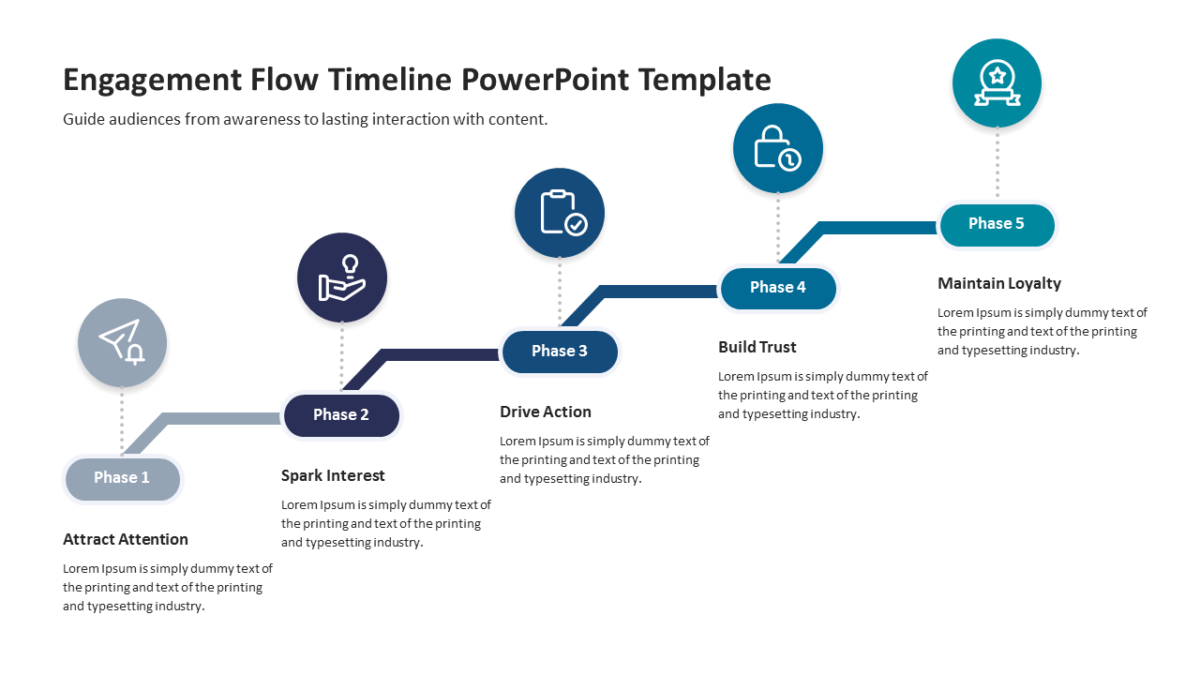
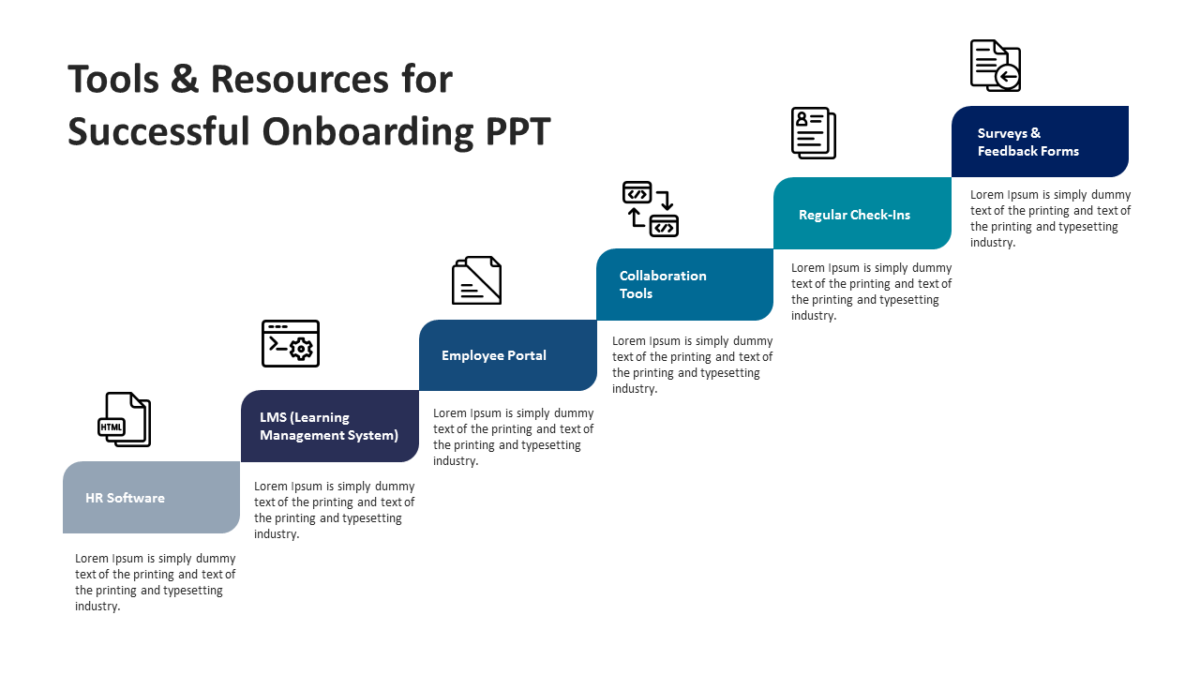
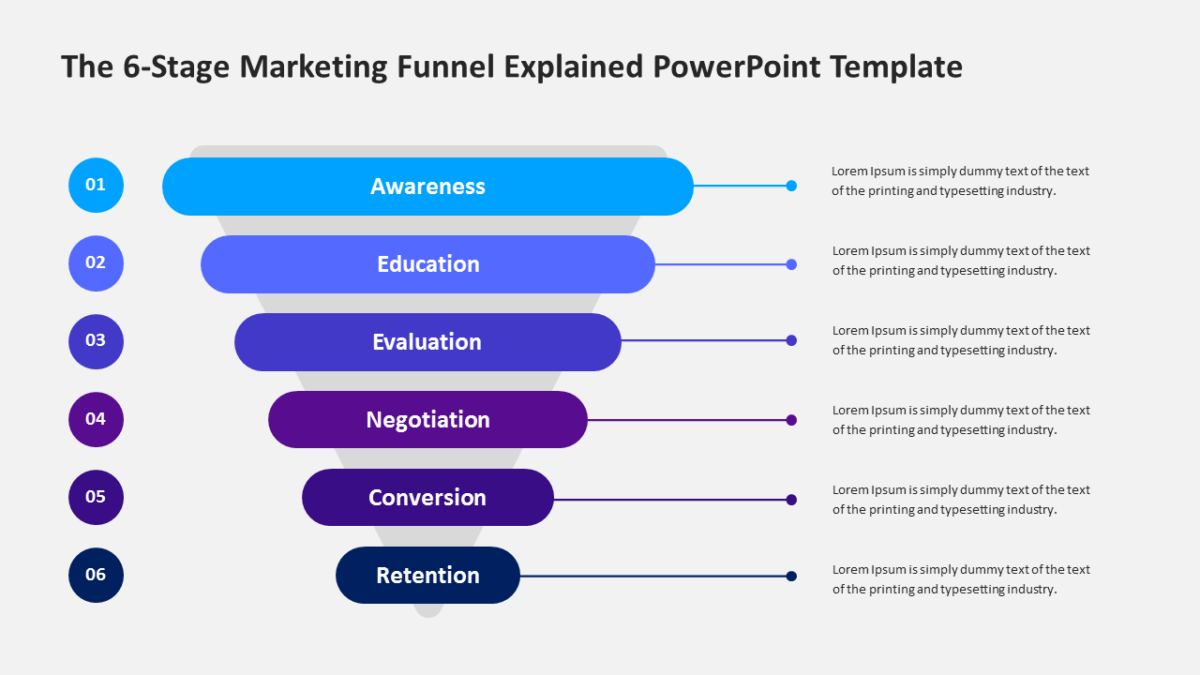
The 6 Steps PowerPoint Template 01 turns a set of steps into something the audience can point at and question.
Business audiences give a slide a few seconds before deciding whether to engage with it. Structure is what wins those seconds.
What’s on the slide
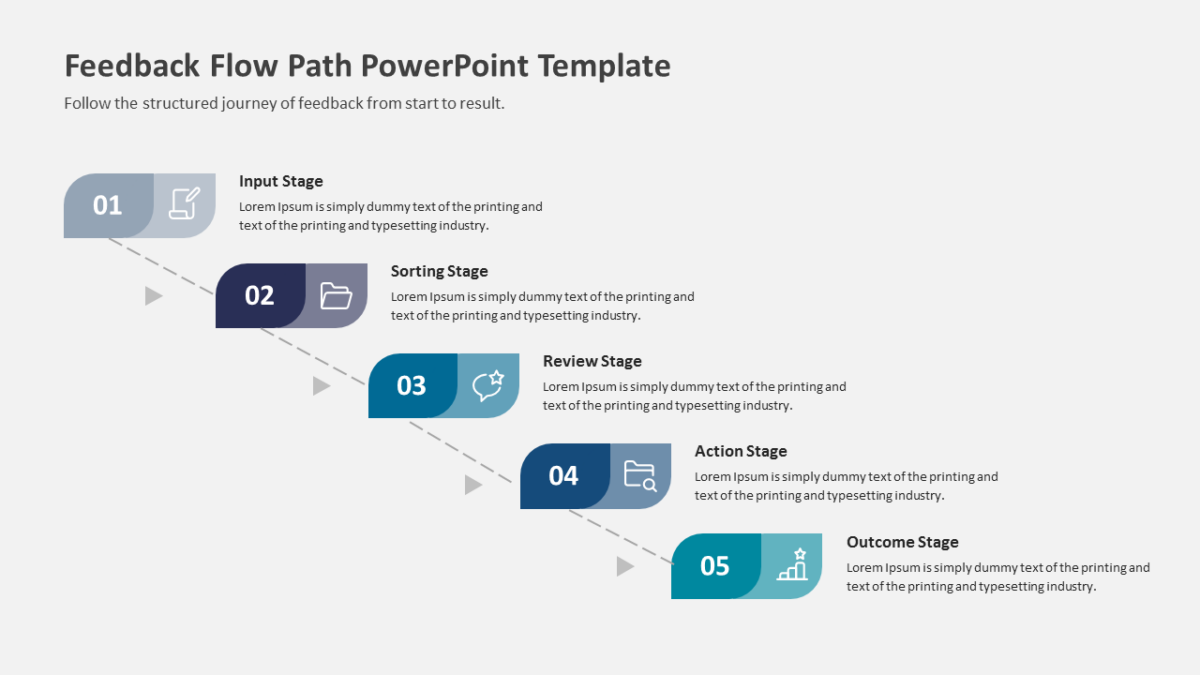
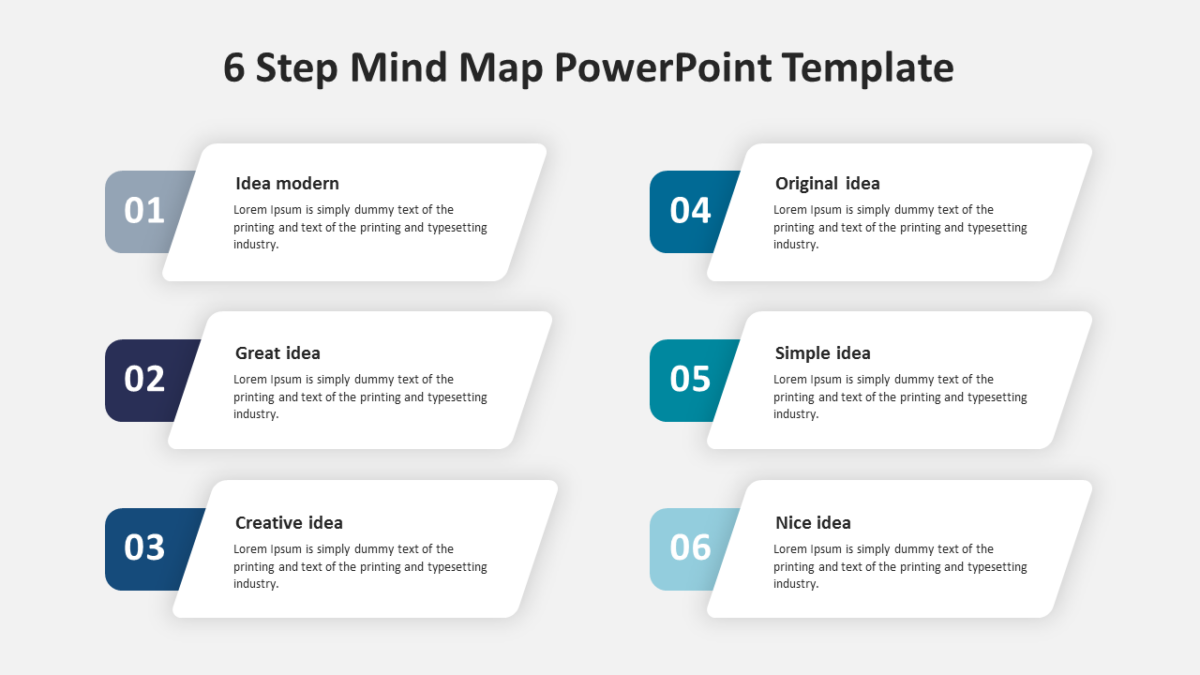
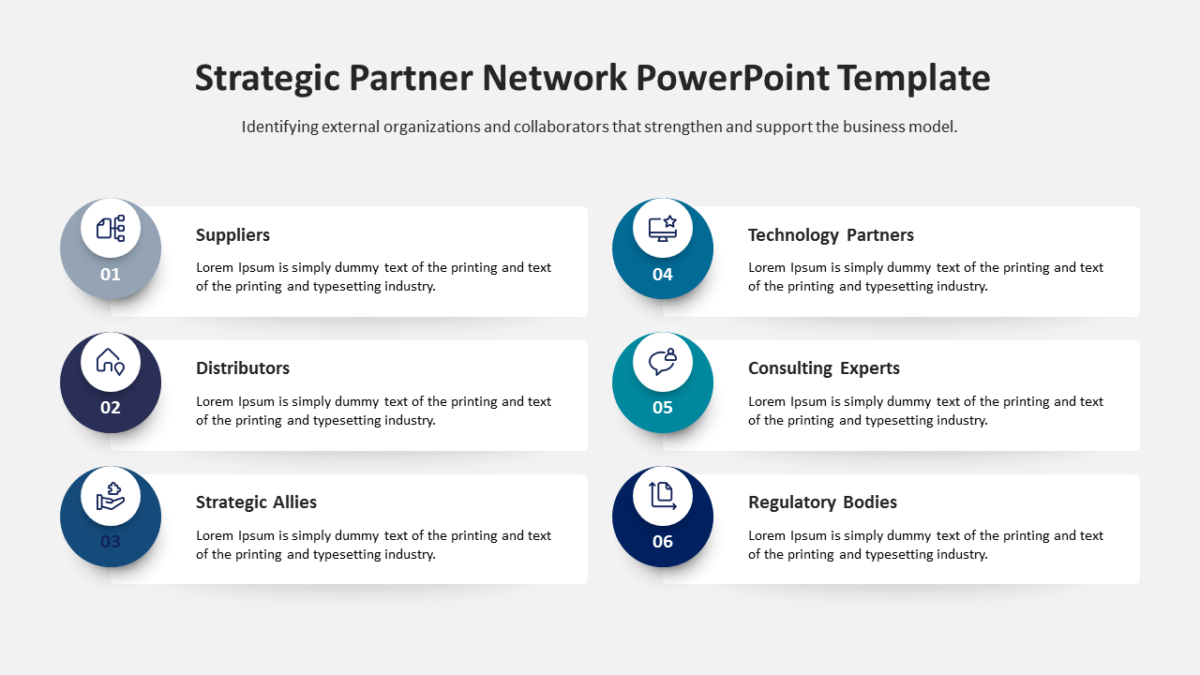
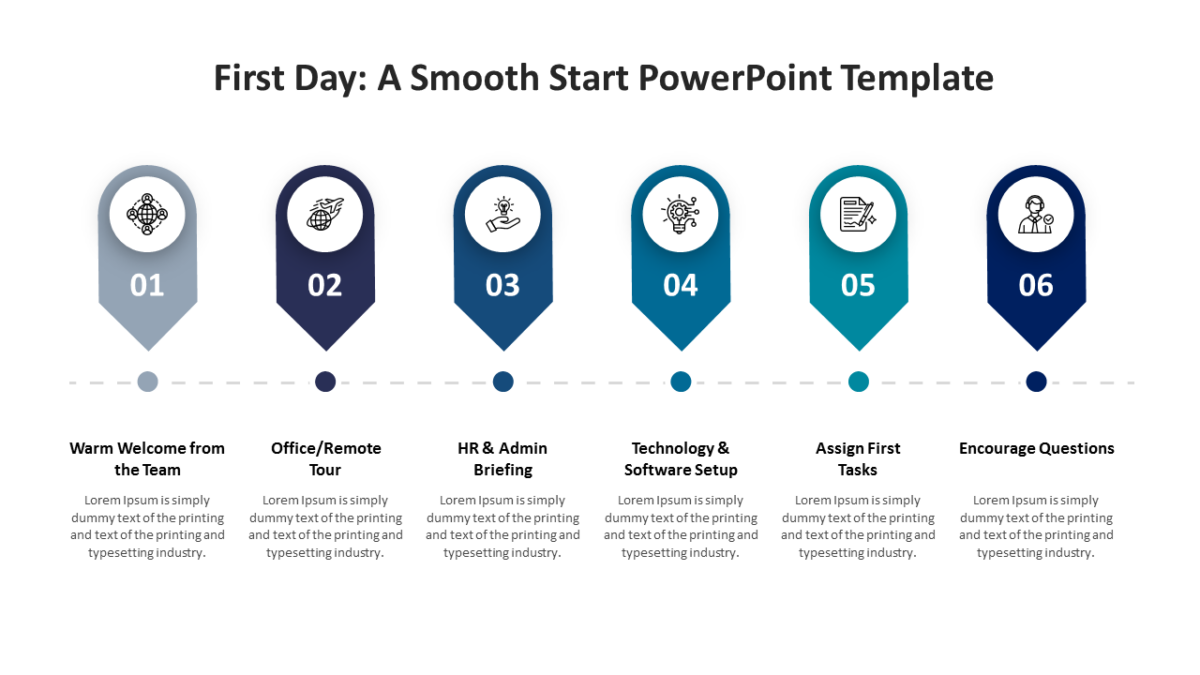
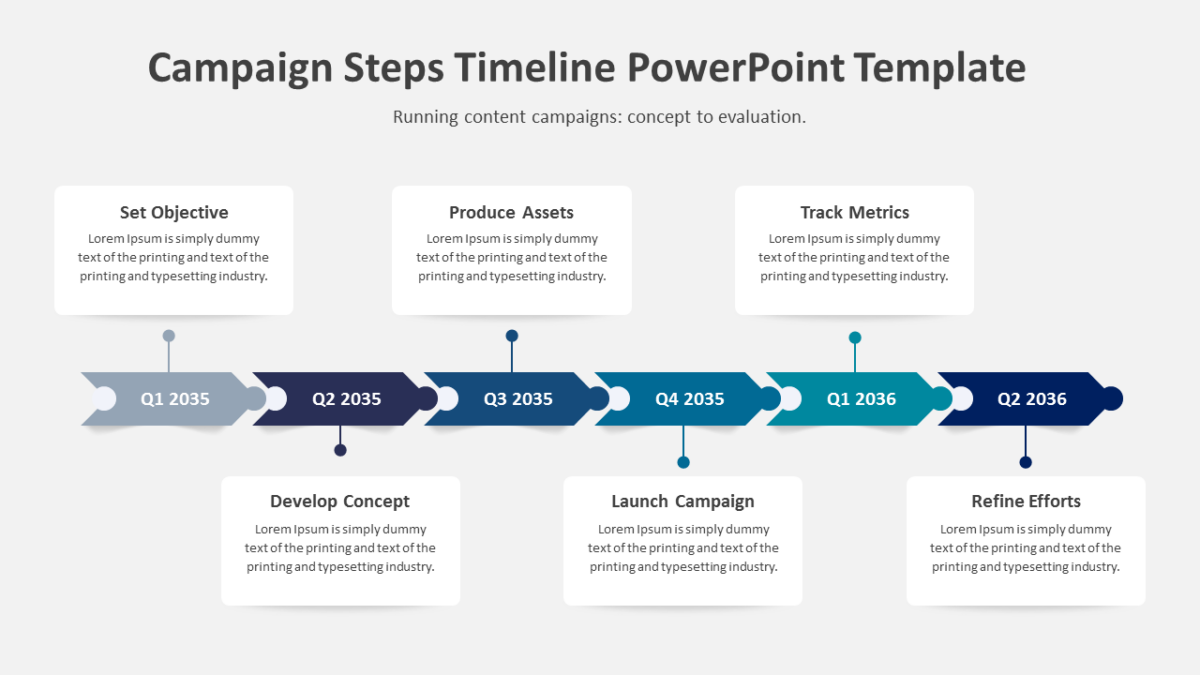
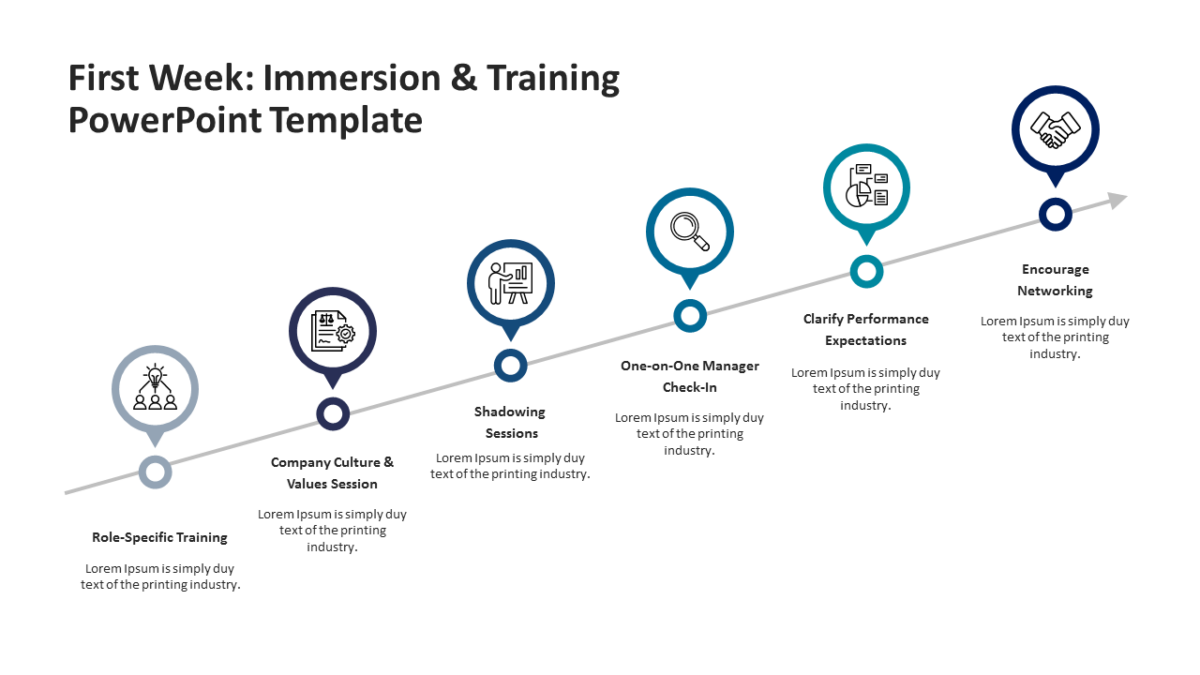
- 6 connected stages running across the slide, each numbered
- Connectors built into the graphic, so the sequence reads at a distance
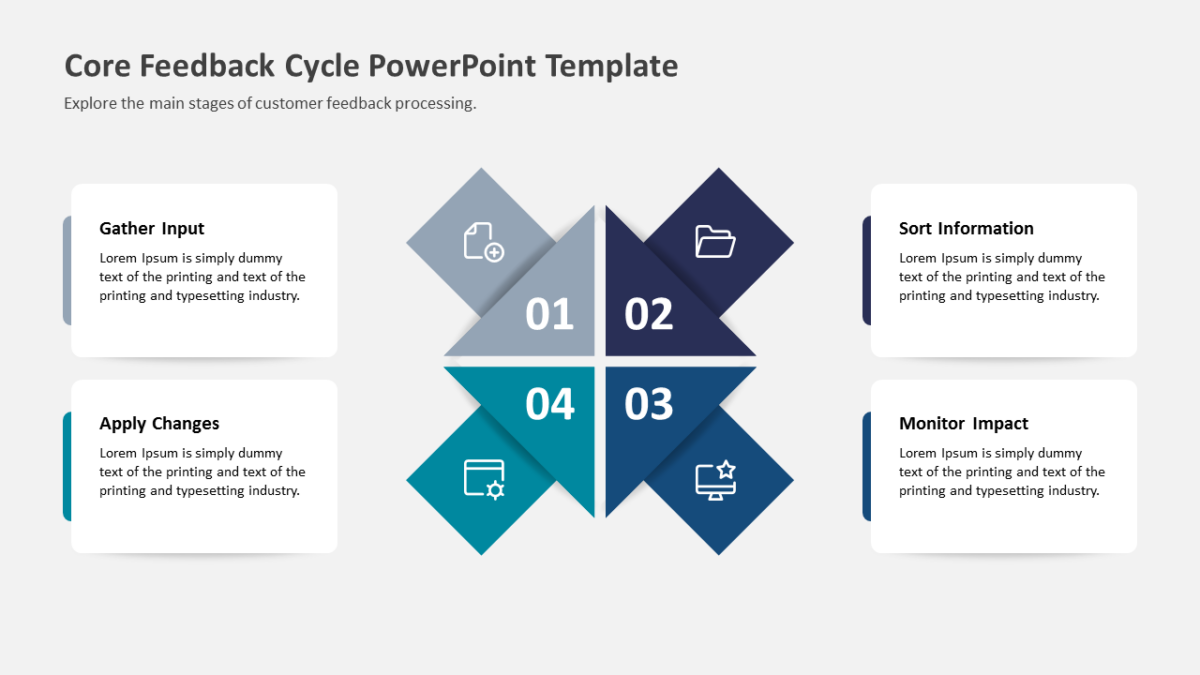
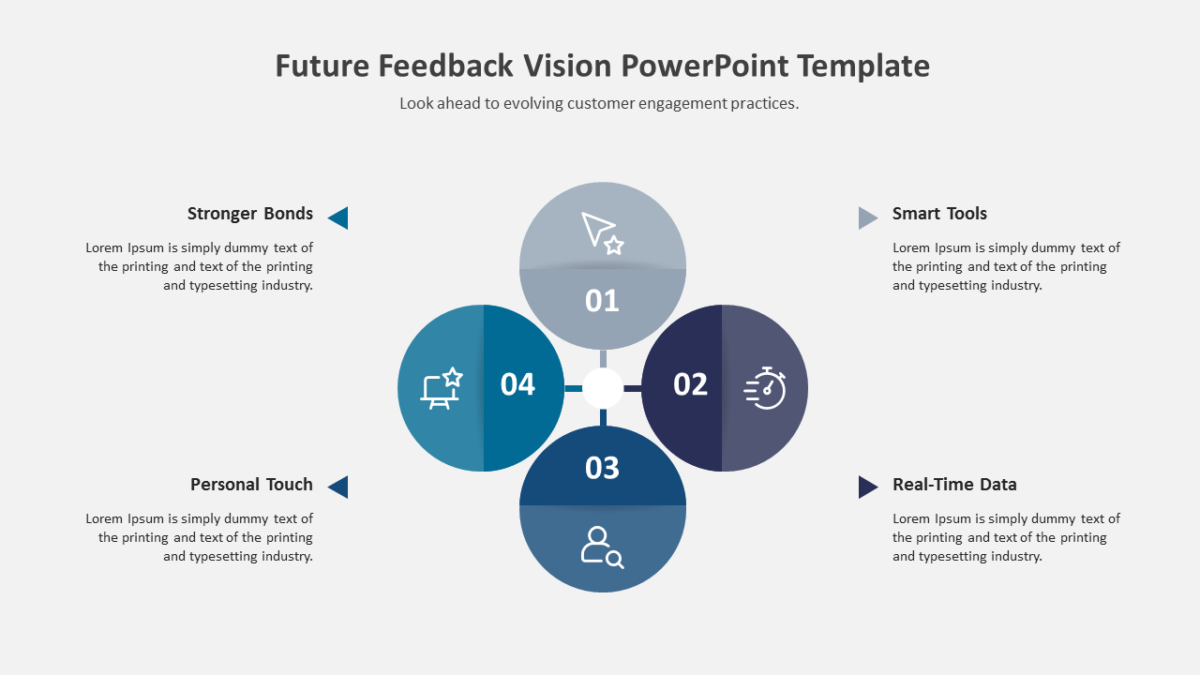
- A heading and short description block per step
- An icon placeholder on every stage
All of it is editable, from the icon set to the fill colors to the text. 16:9 widescreen, compatible with PowerPoint, Google Slides and Keynote.
Executives will use it most often. So will team leads, and it holds up for business analysts too. Place it after your framing slide and before any results. Browse the 6 steps templates to compare a few layouts before committing.