6 Steps For Strategic Planning PowerPoint Template

The 6 Steps For Strategic Planning PowerPoint Template exists for the moment when “here is how it works” needs more than a paragraph.
Delivery work fails in predictable places: unclear ownership, invisible dependencies, and a plan nobody remembers past the kickoff. A slide that holds the whole shape in one view is how teams stay aligned between status meetings.
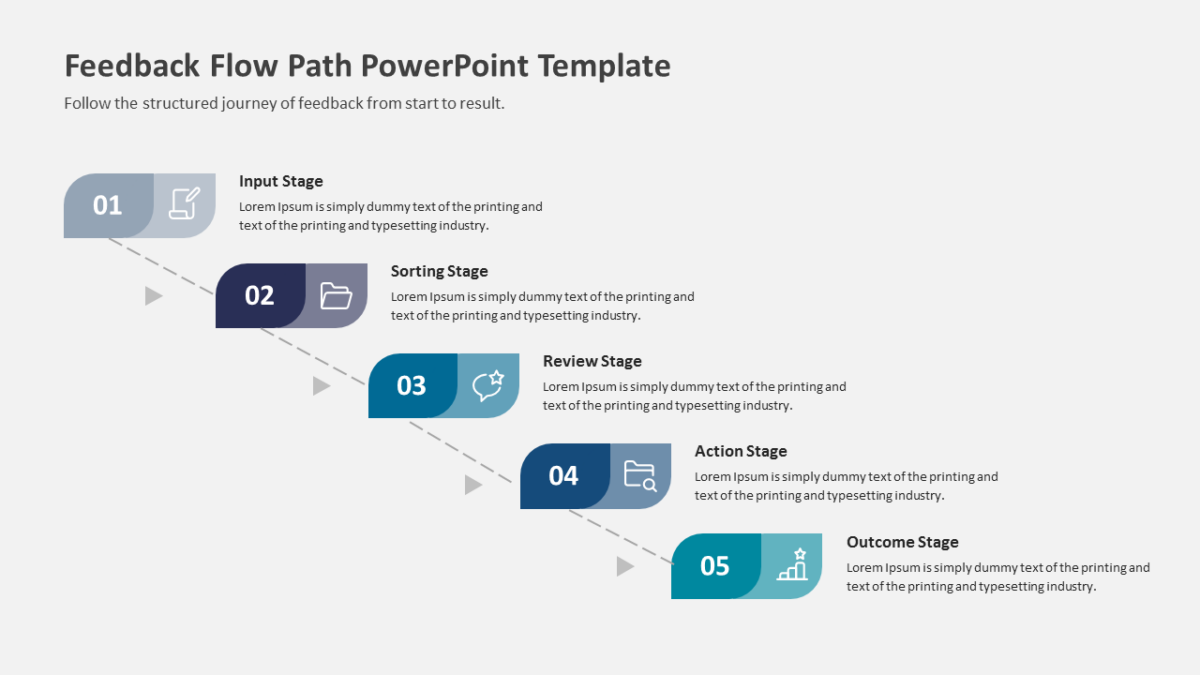
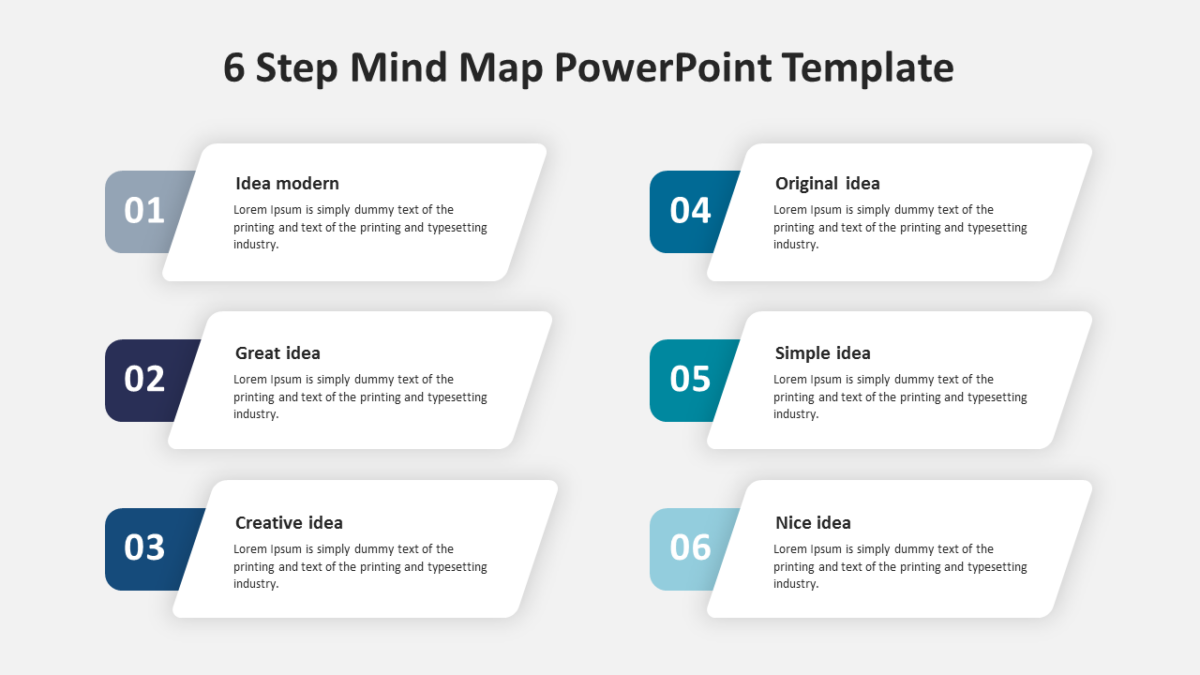
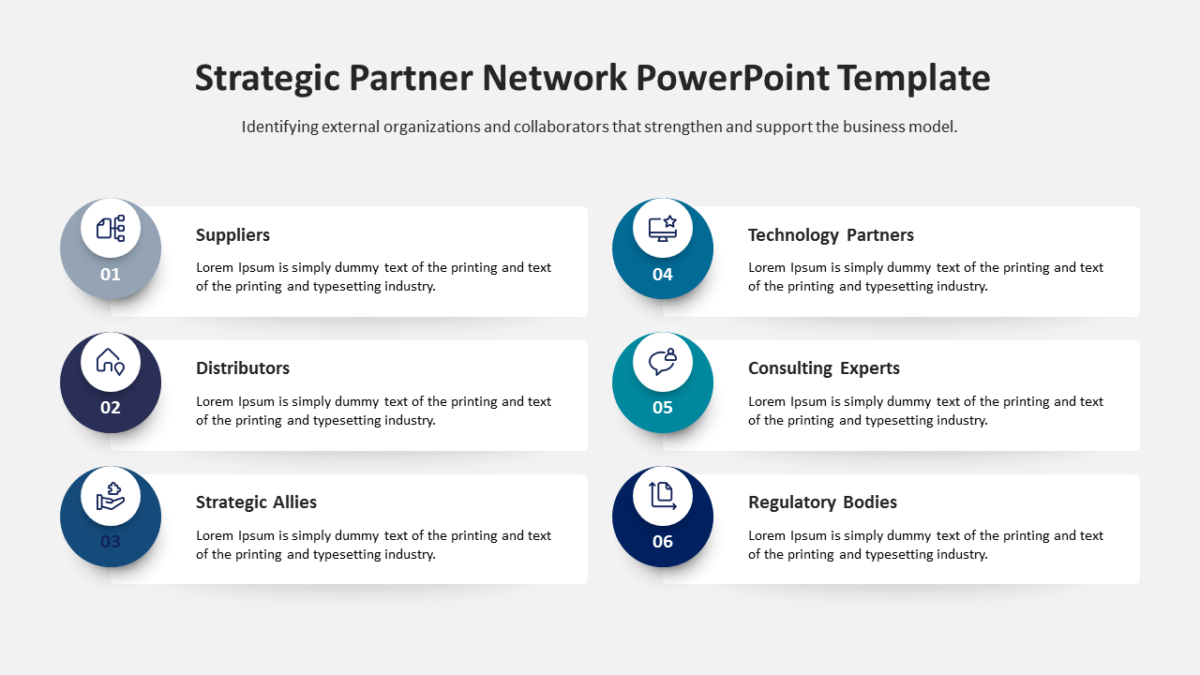
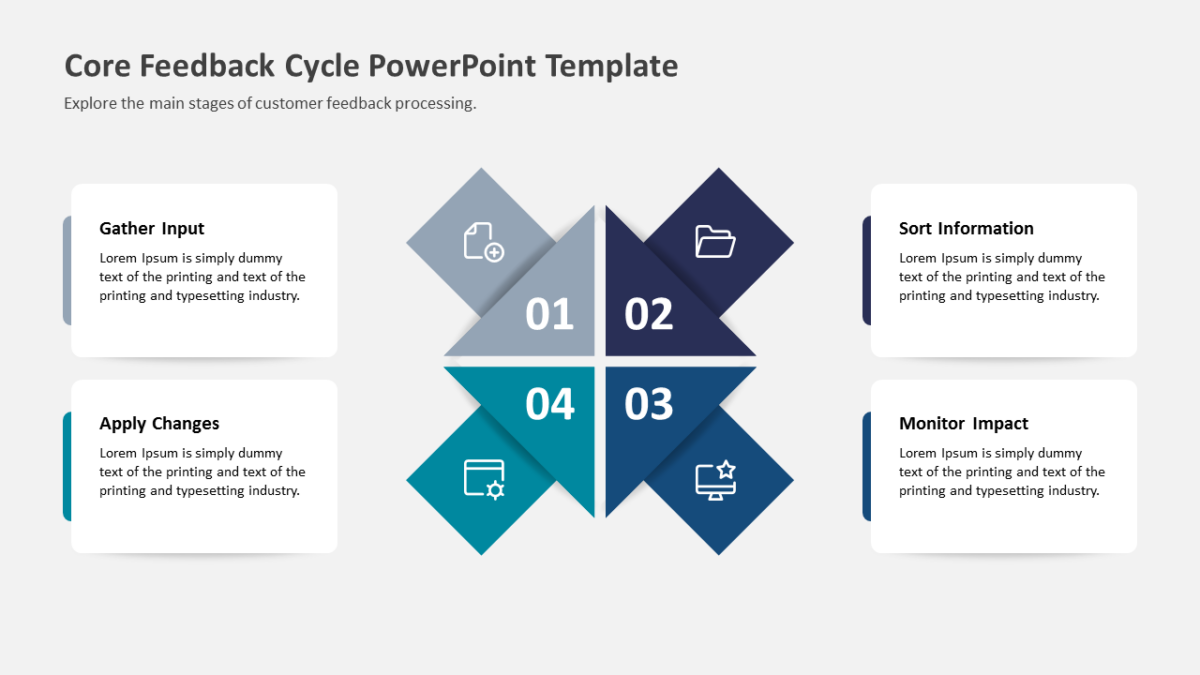
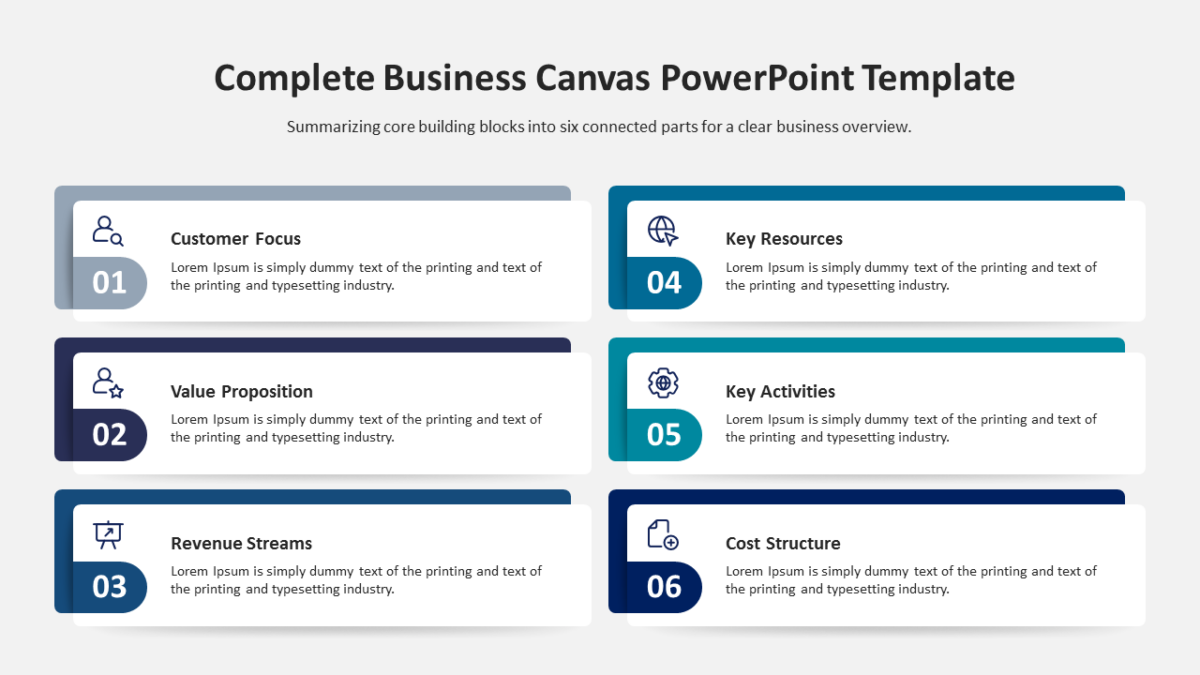
What’s on the slide
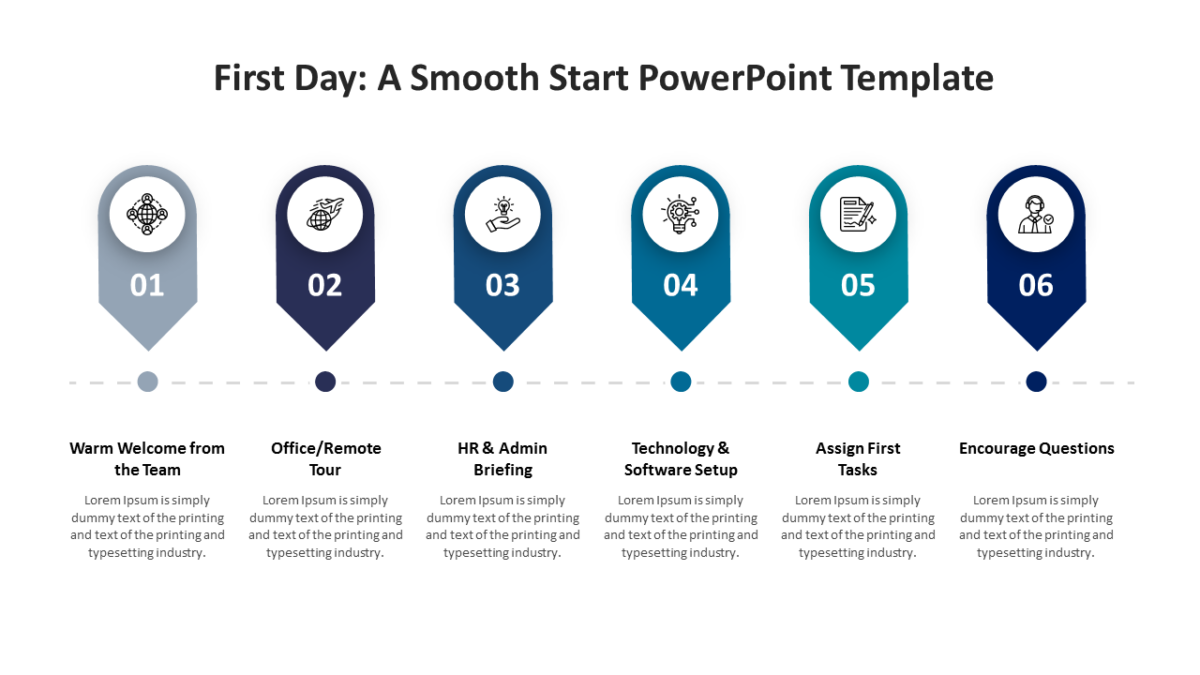
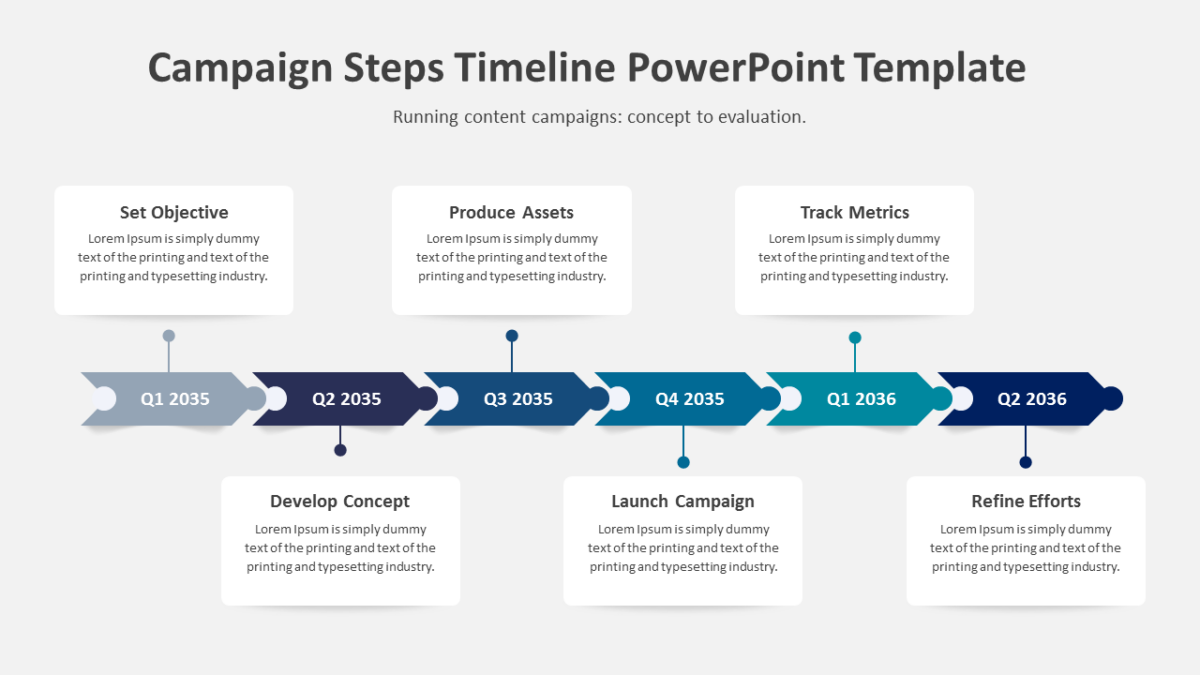
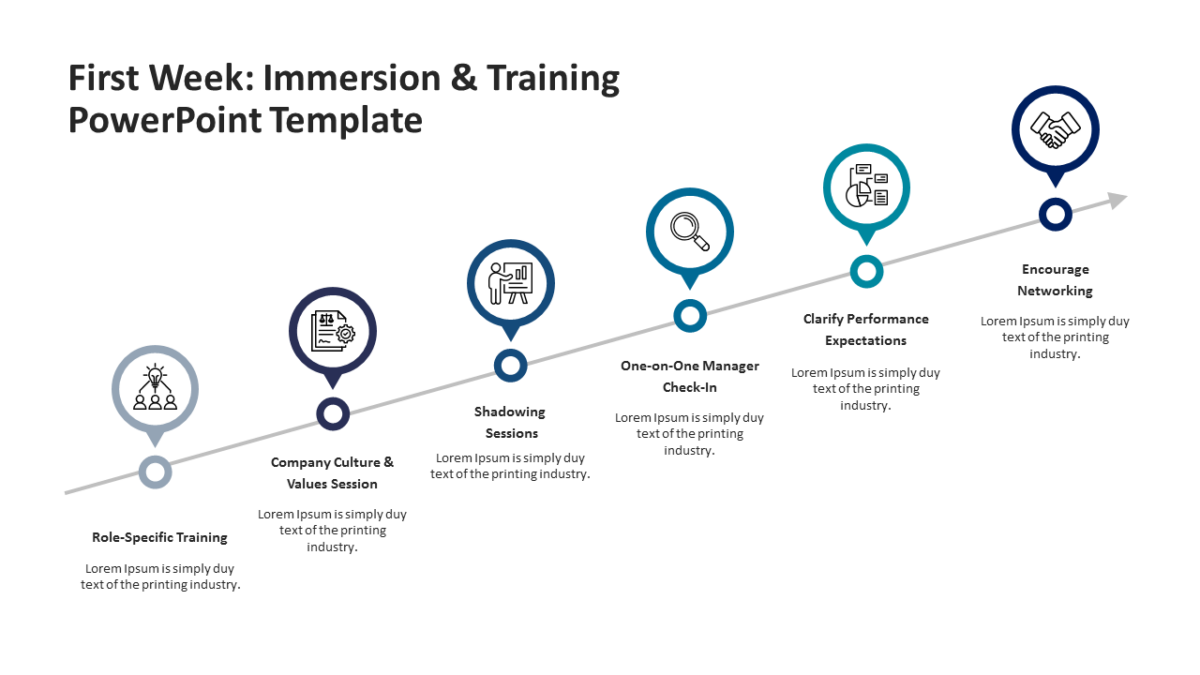
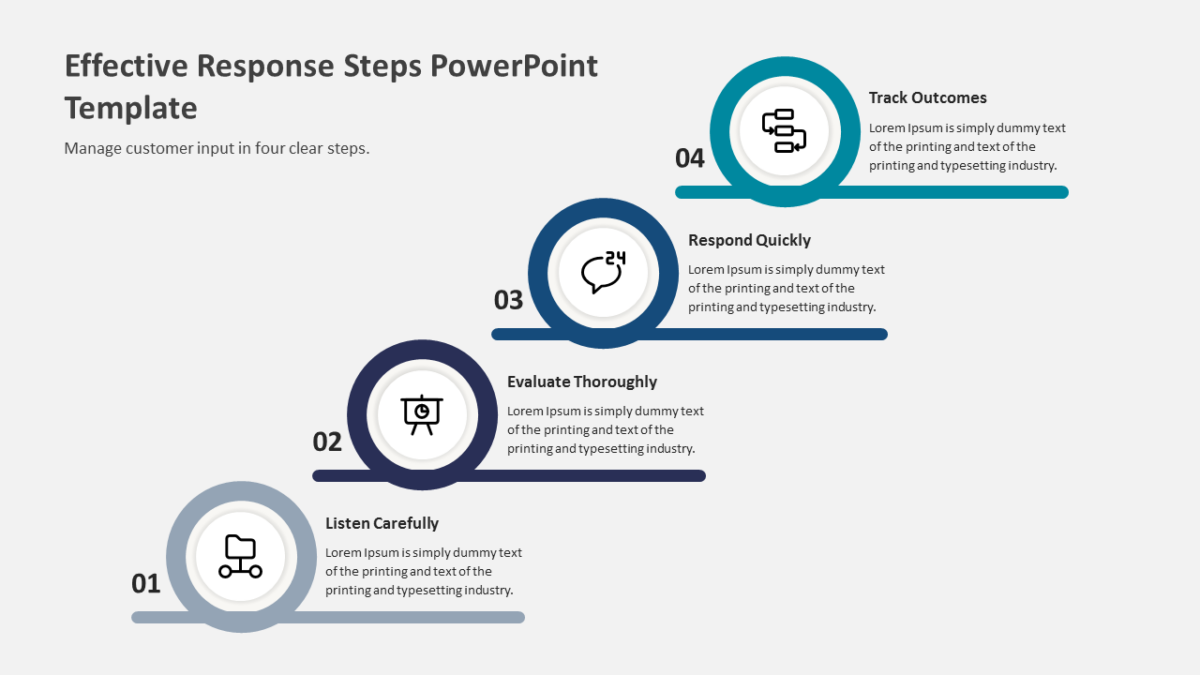
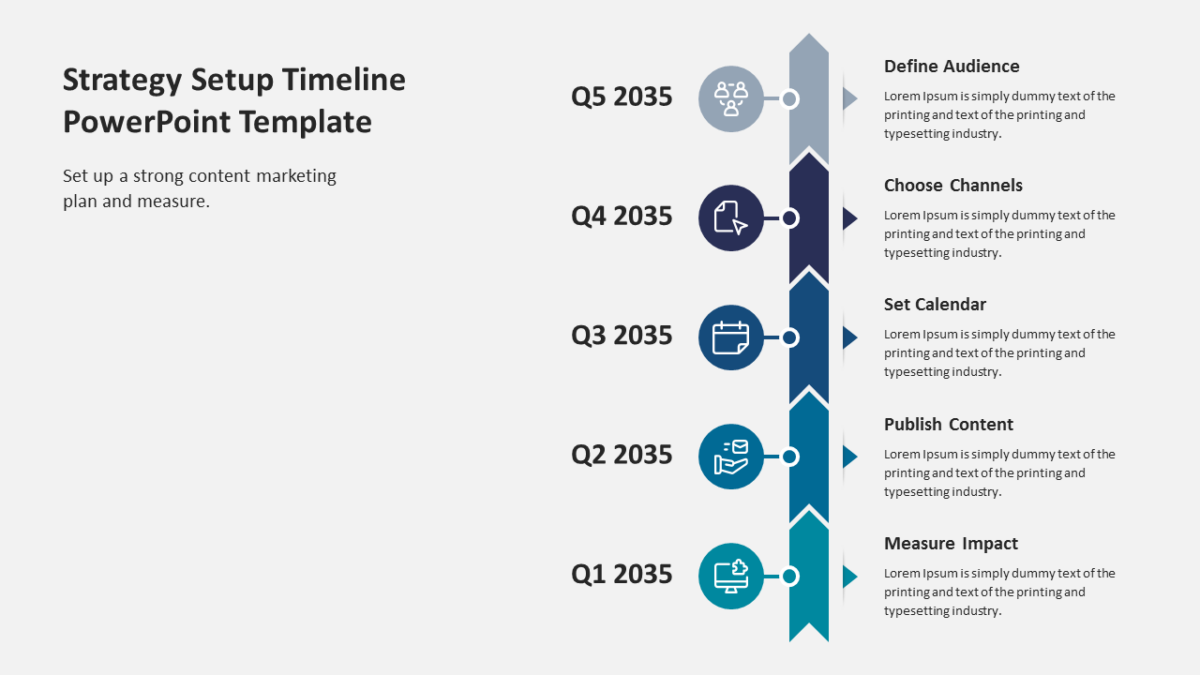
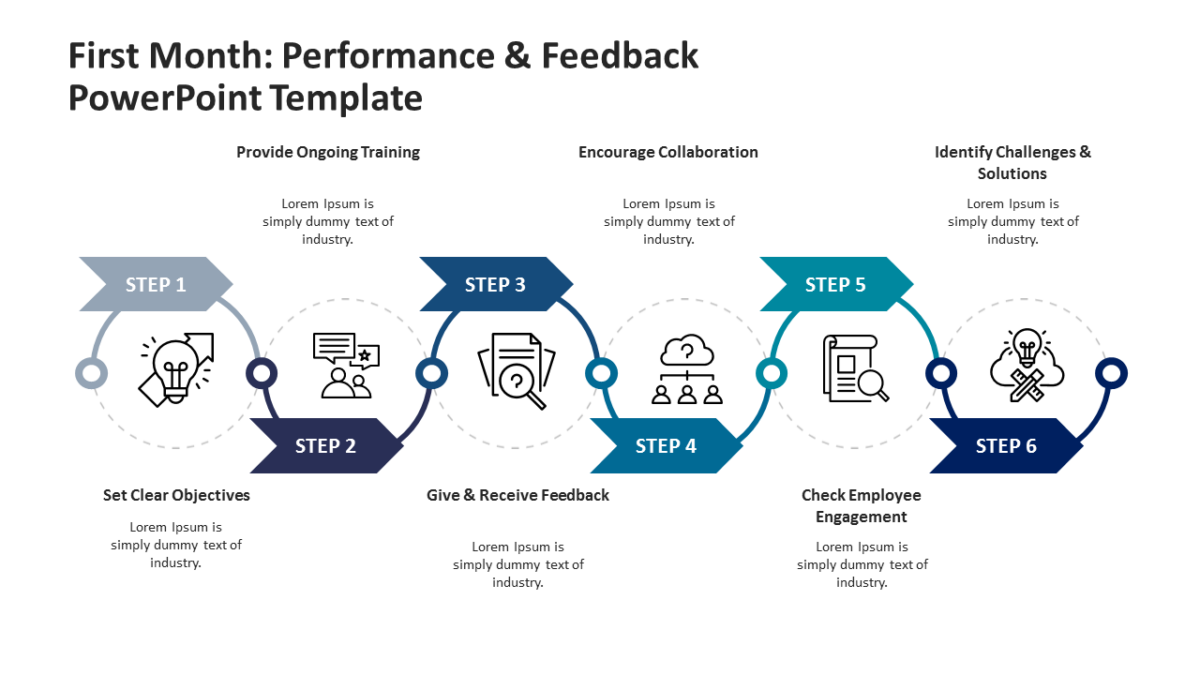
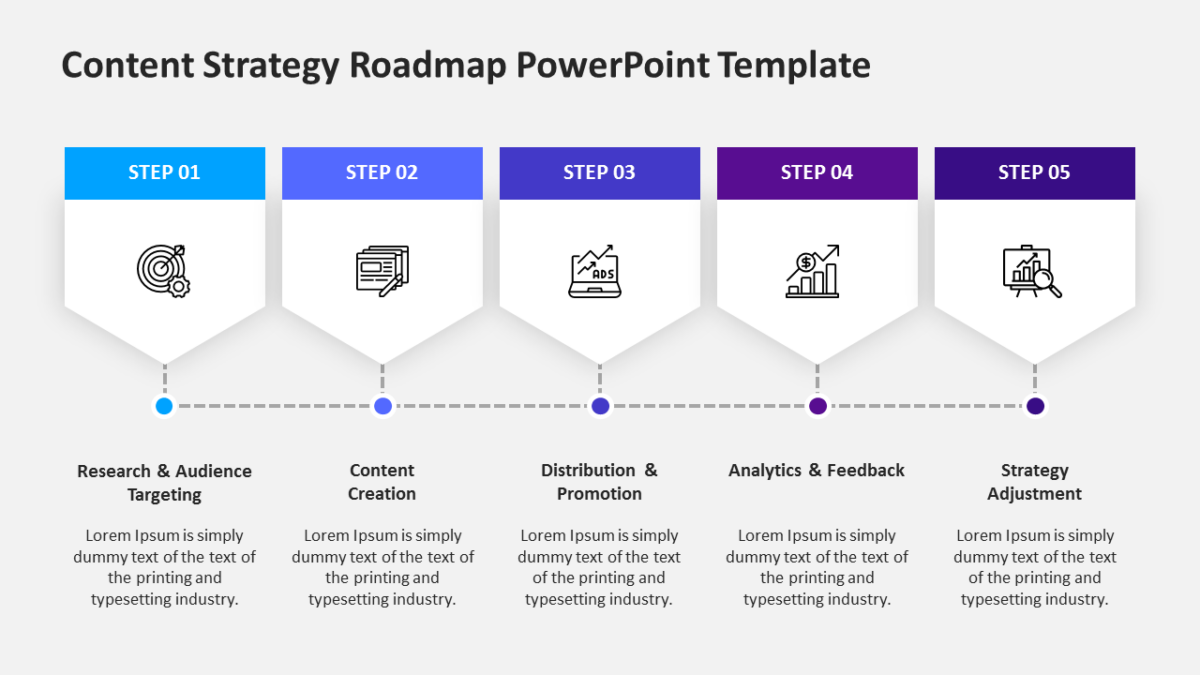
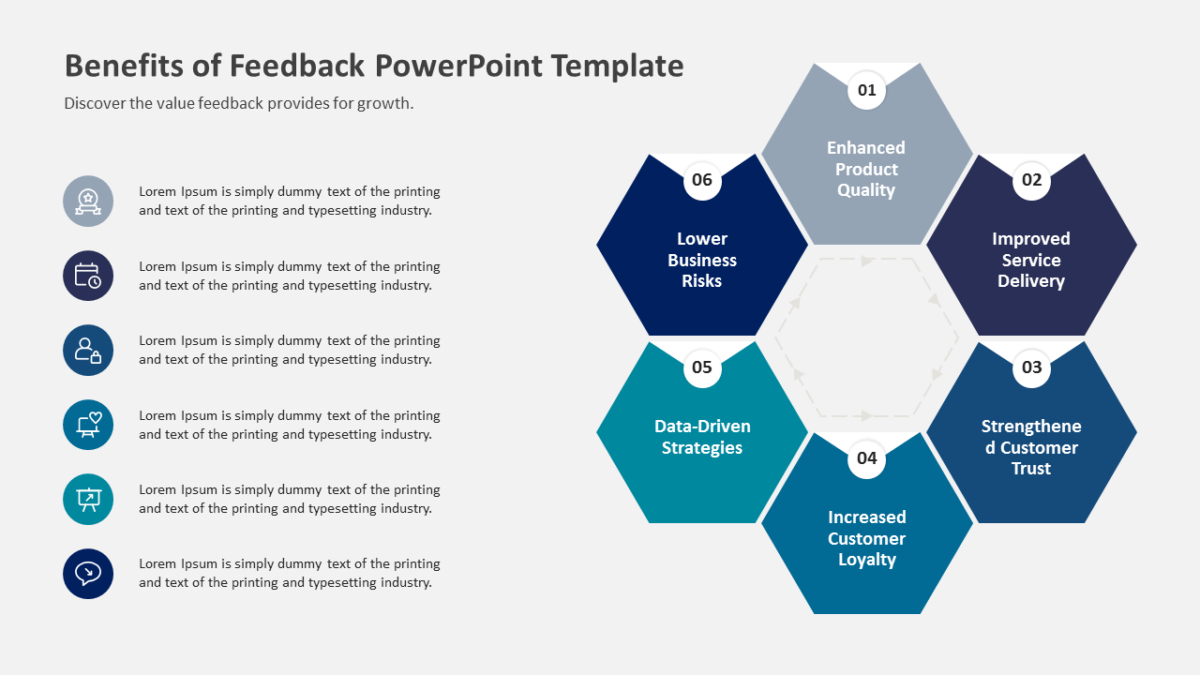
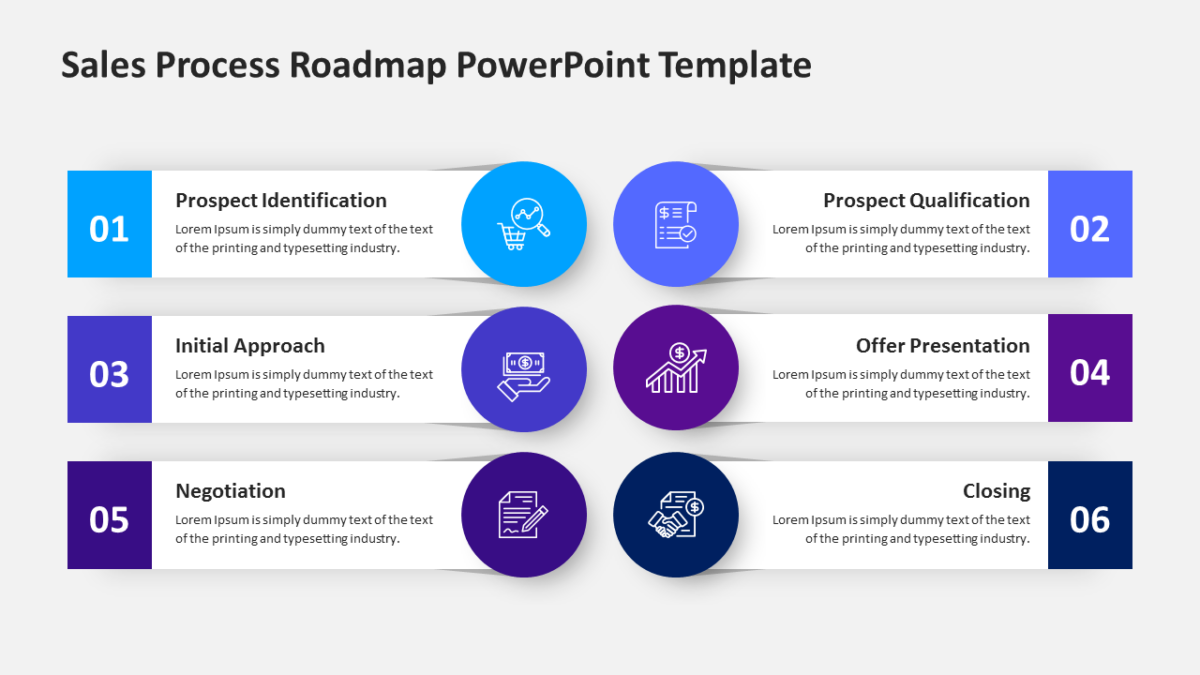
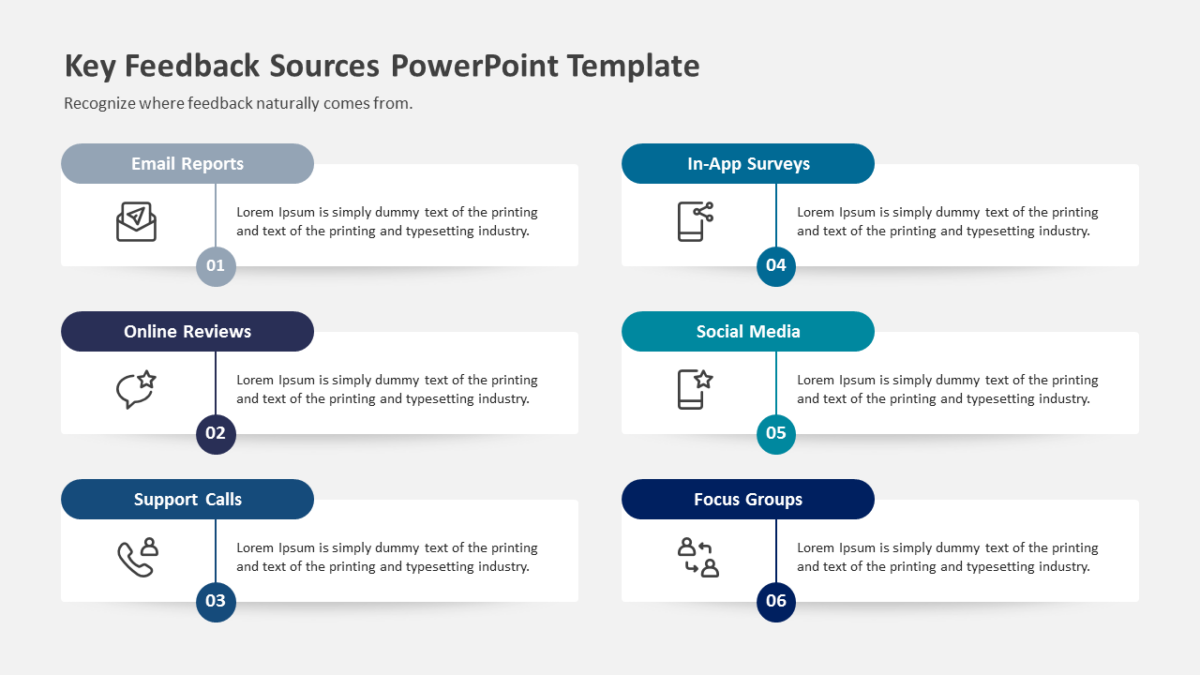
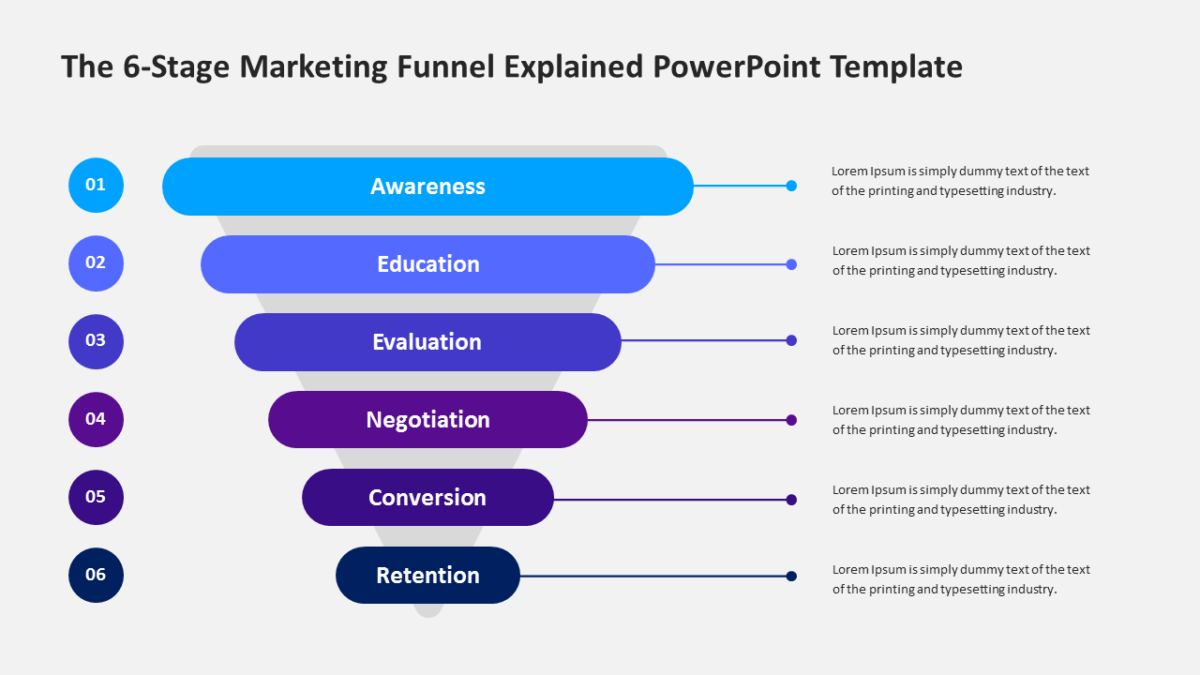
- 6 connected stages running across the slide, each numbered
- Title and subtitle area at the top
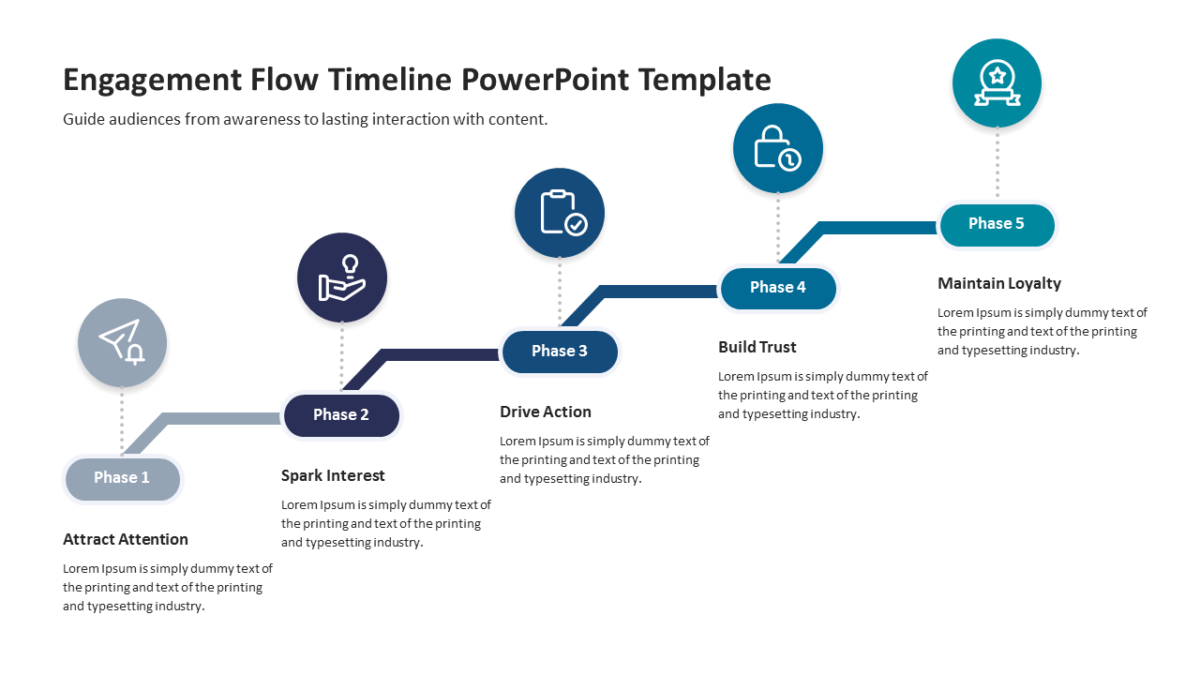
- Connectors built into the graphic, so the sequence reads at a distance
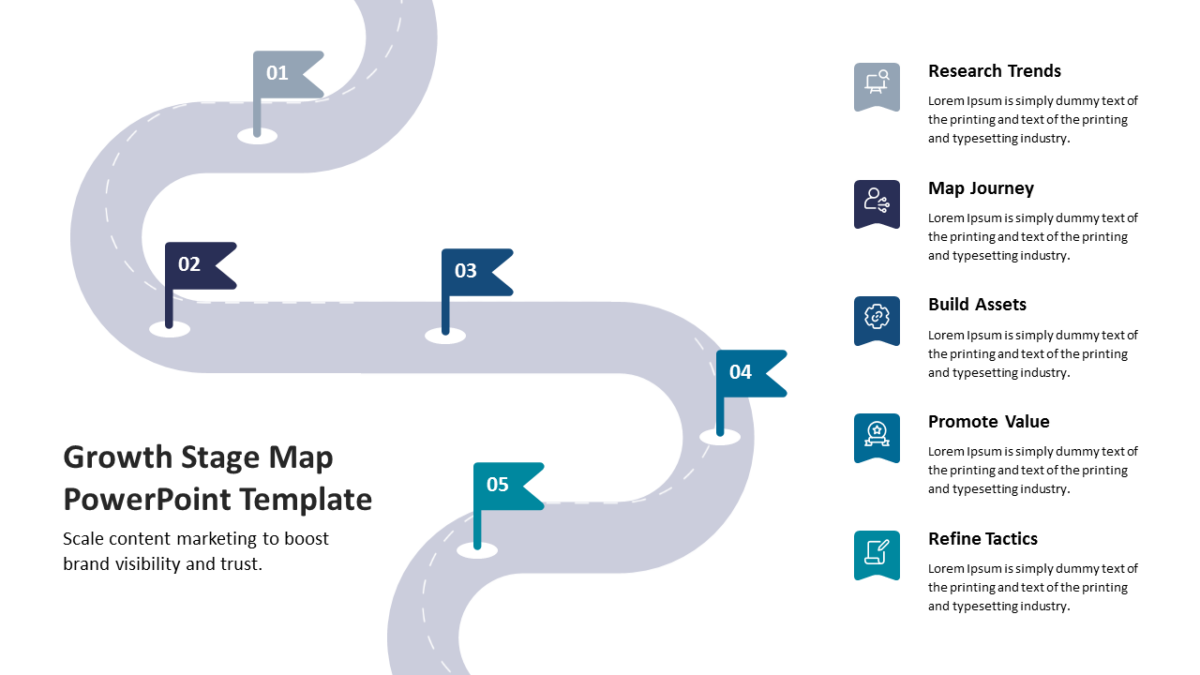
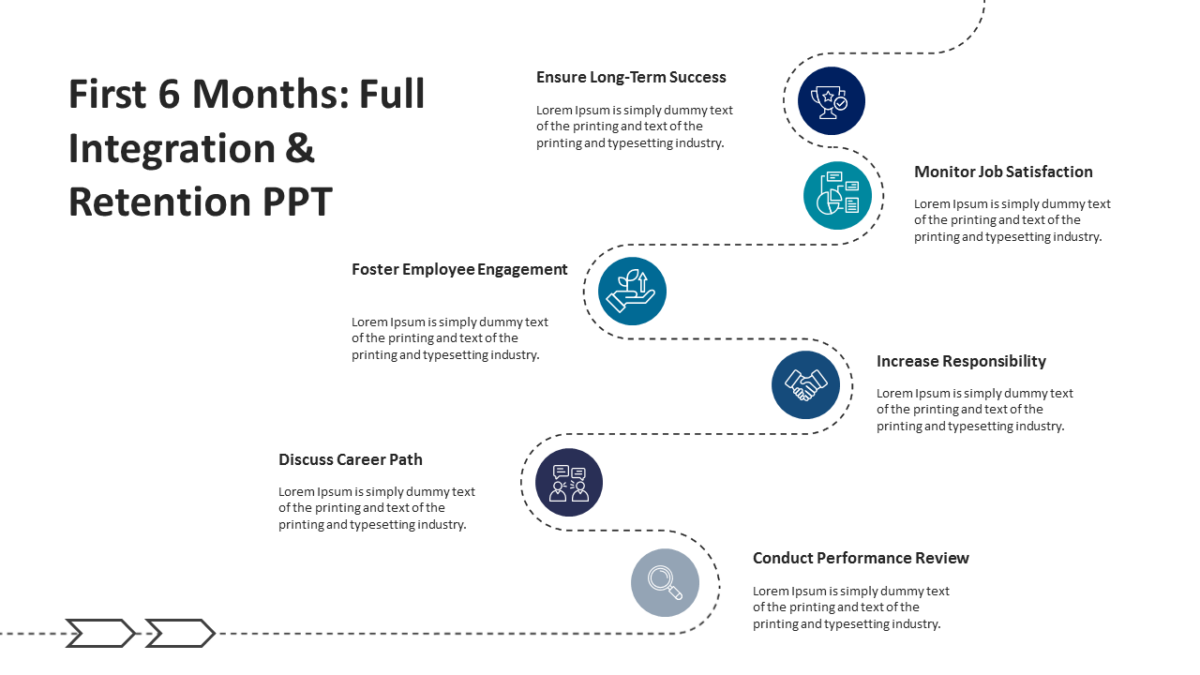
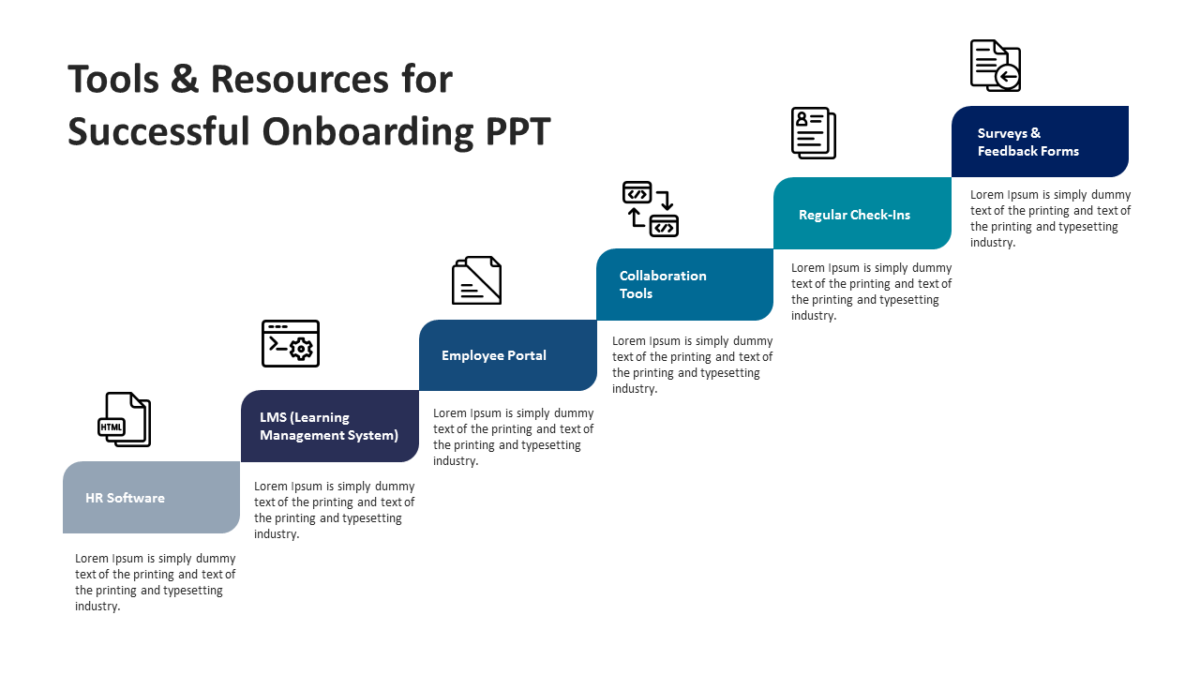
- An icon placeholder on every stage
- A heading and short description block per step
Every element is a native PowerPoint shape, so colors, icons and copy are all yours to change. Sized 16:9, and it opens cleanly in Google Slides and Keynote.
Built with project managers in mind, but program managers and delivery leads put it to work just as often. Place it after your framing slide and before any results. Browse the 6 steps templates to compare a few layouts before committing.