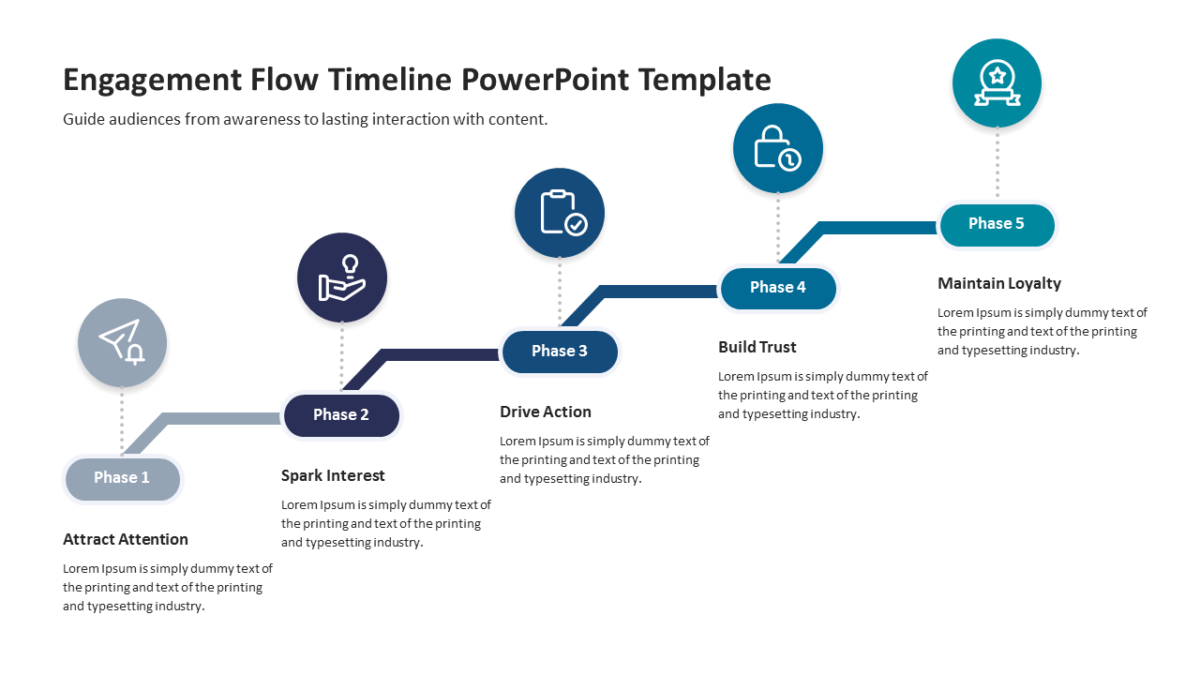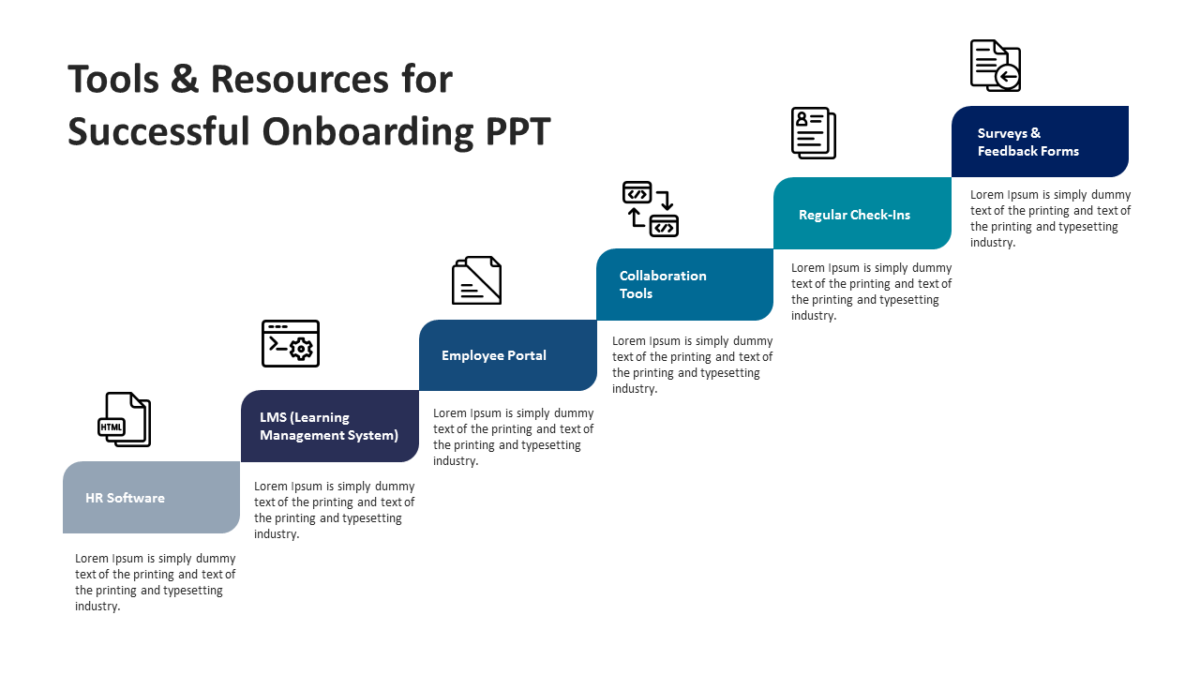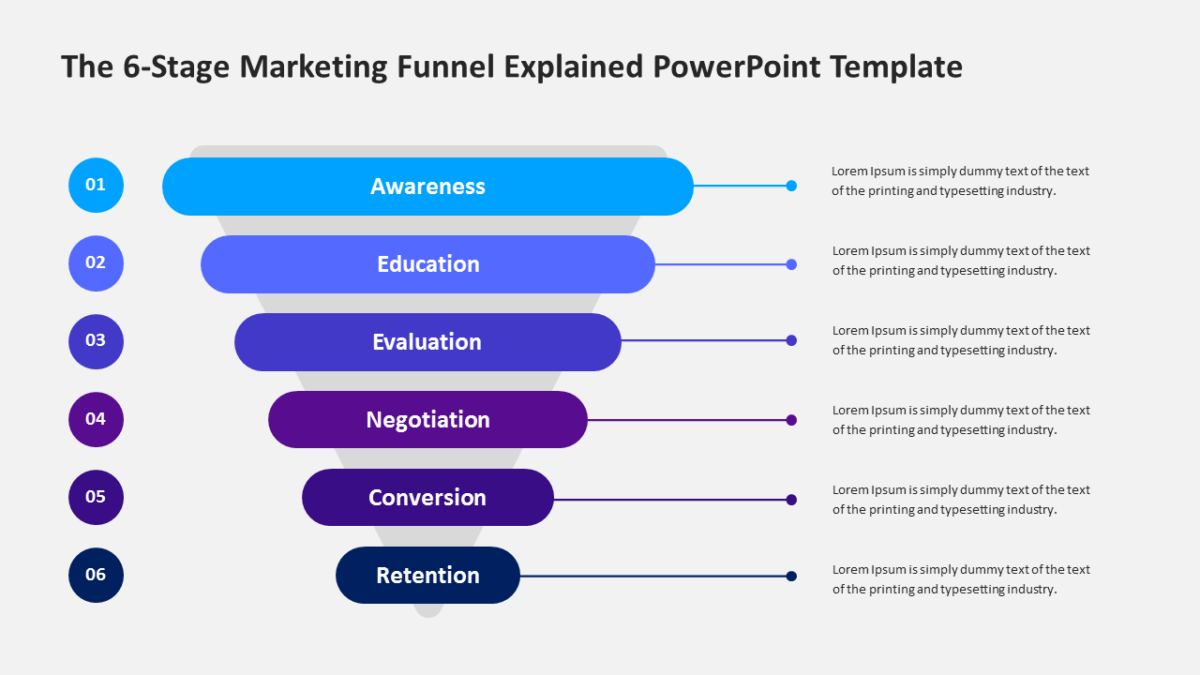
4 Steps Arrow Design Template
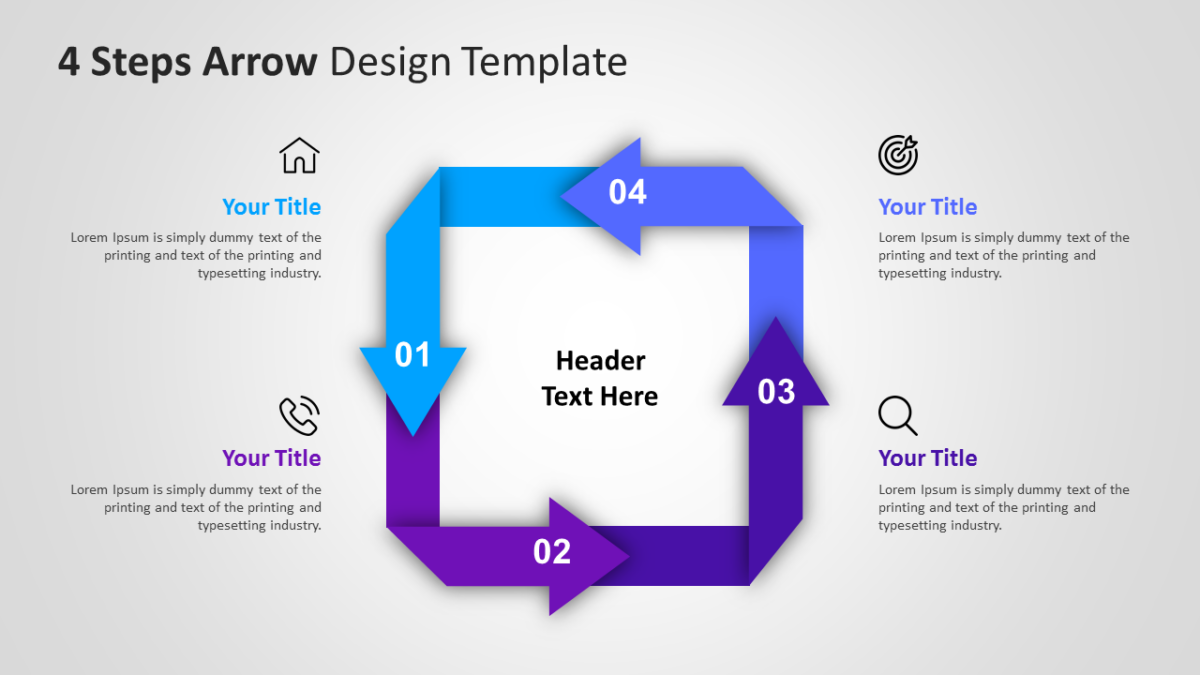
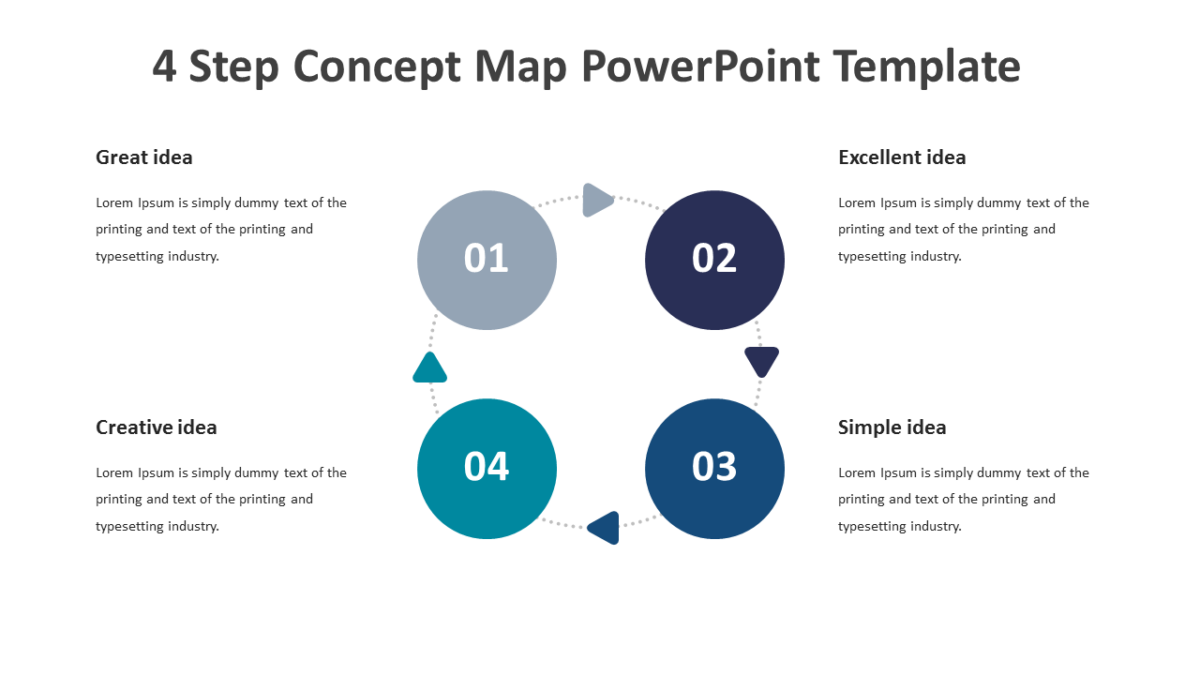
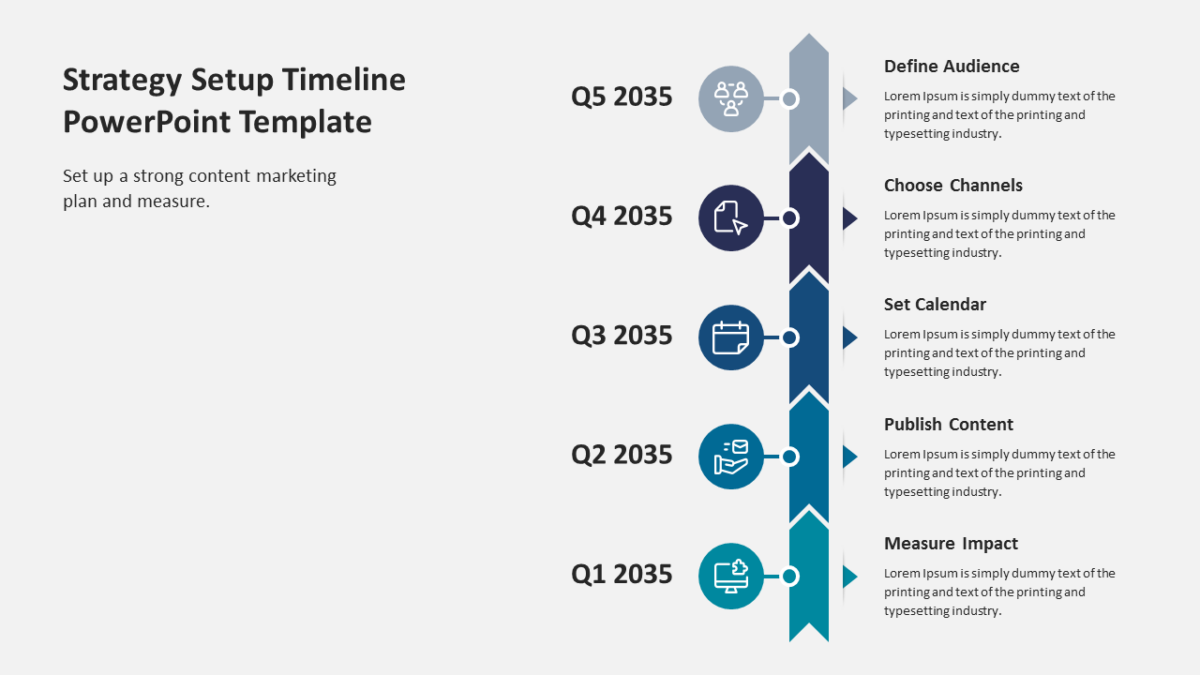
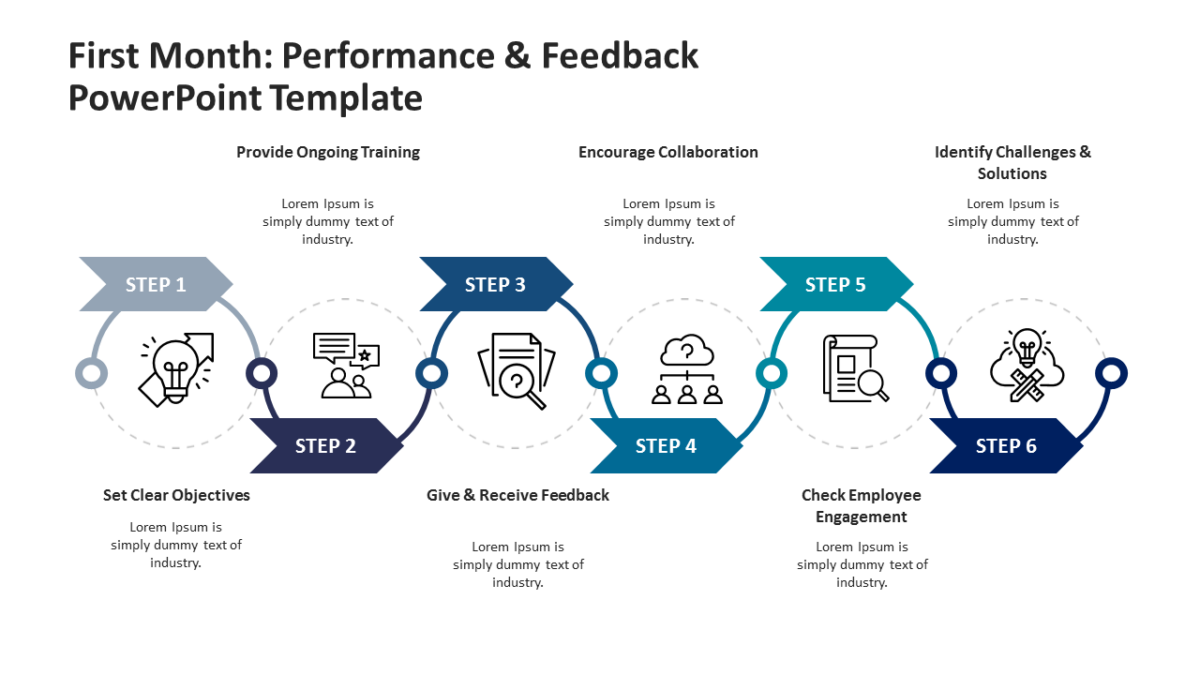
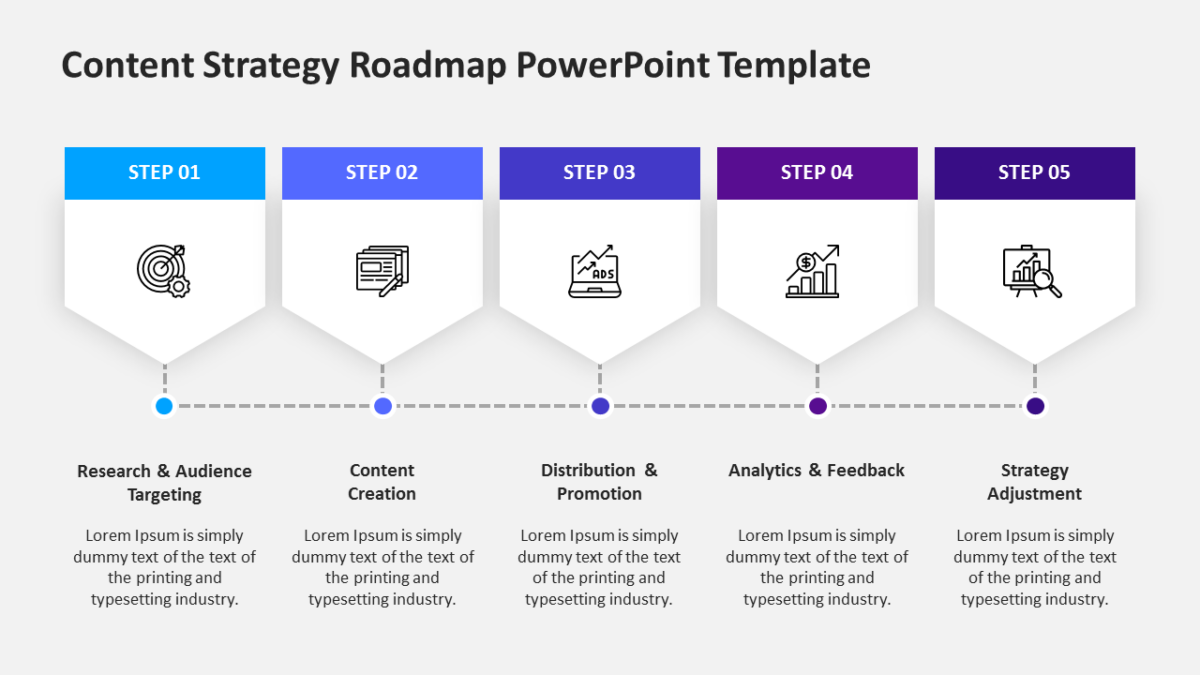
The 4 Steps Arrow Design Template uses direction as the main visual argument, which is often enough.
Business audiences give a slide a few seconds before deciding whether to engage with it. Structure is what wins those seconds.
What’s on the slide
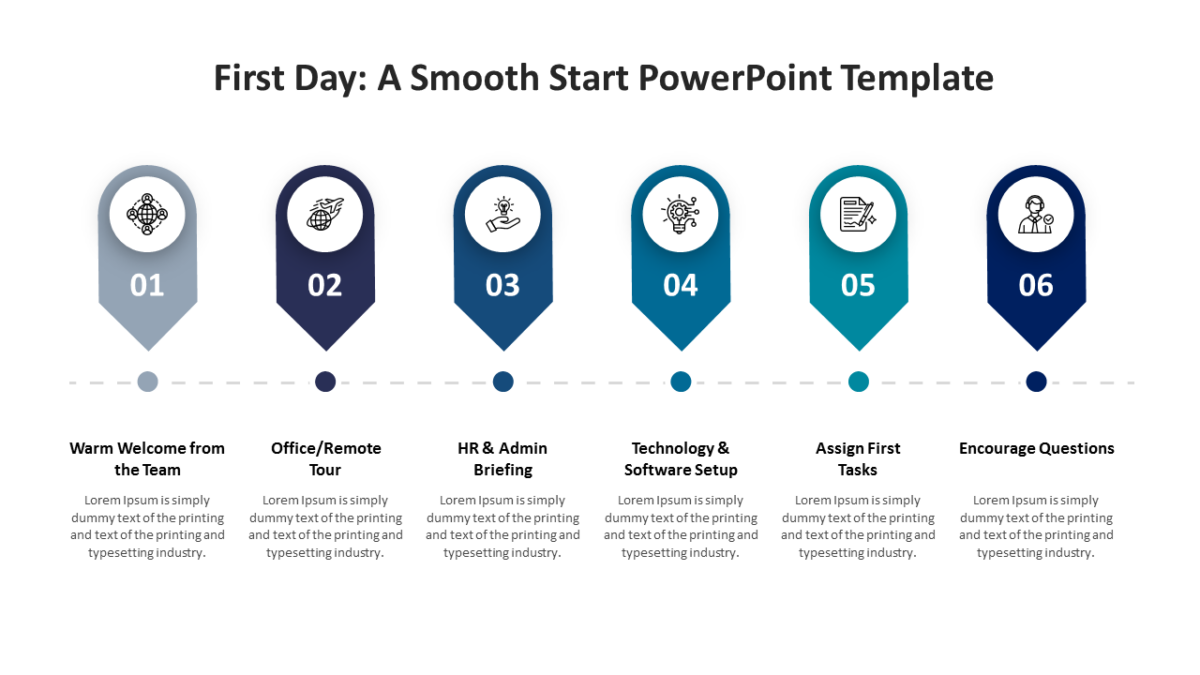
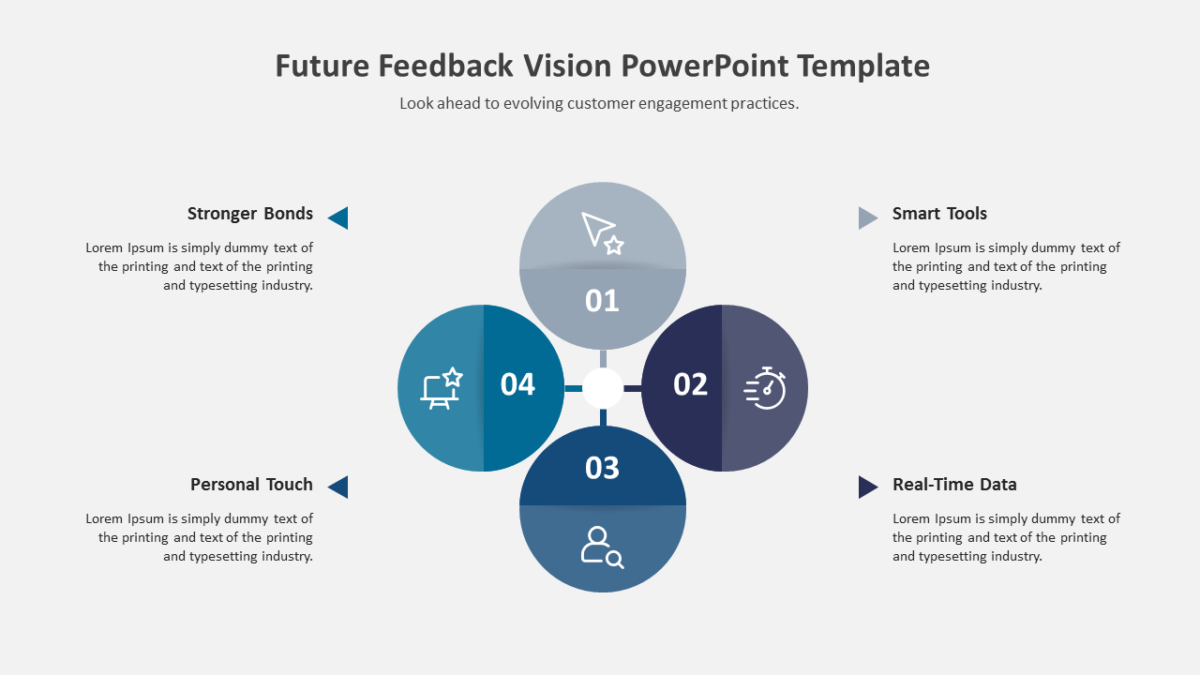
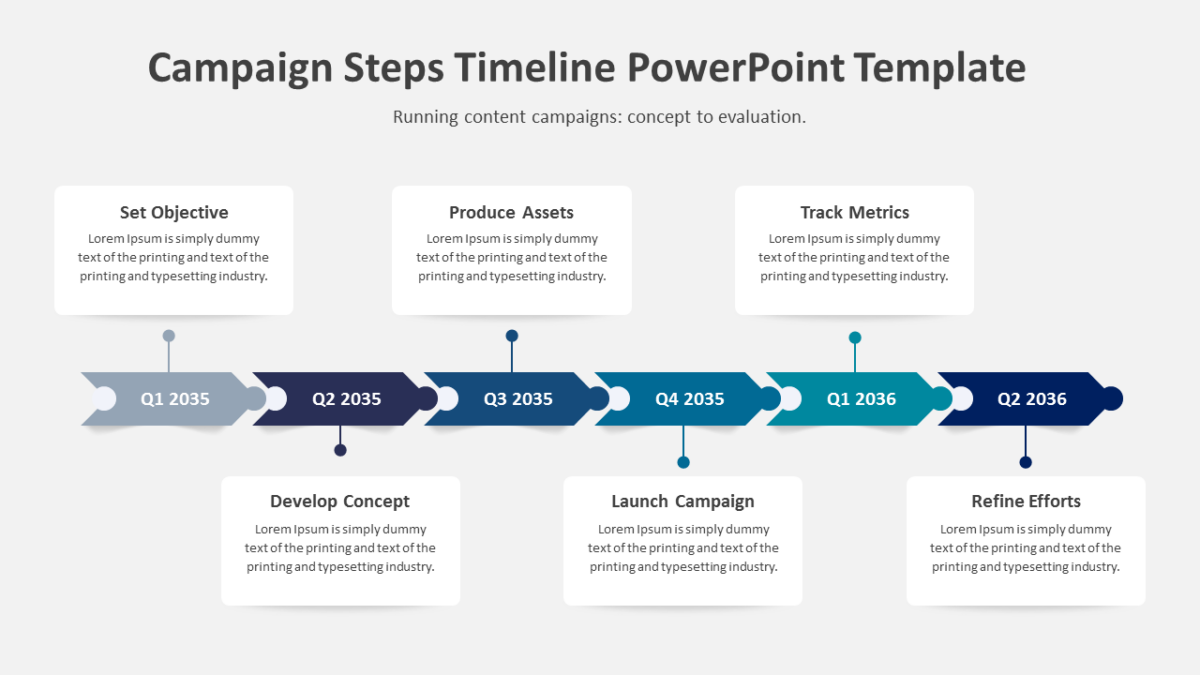
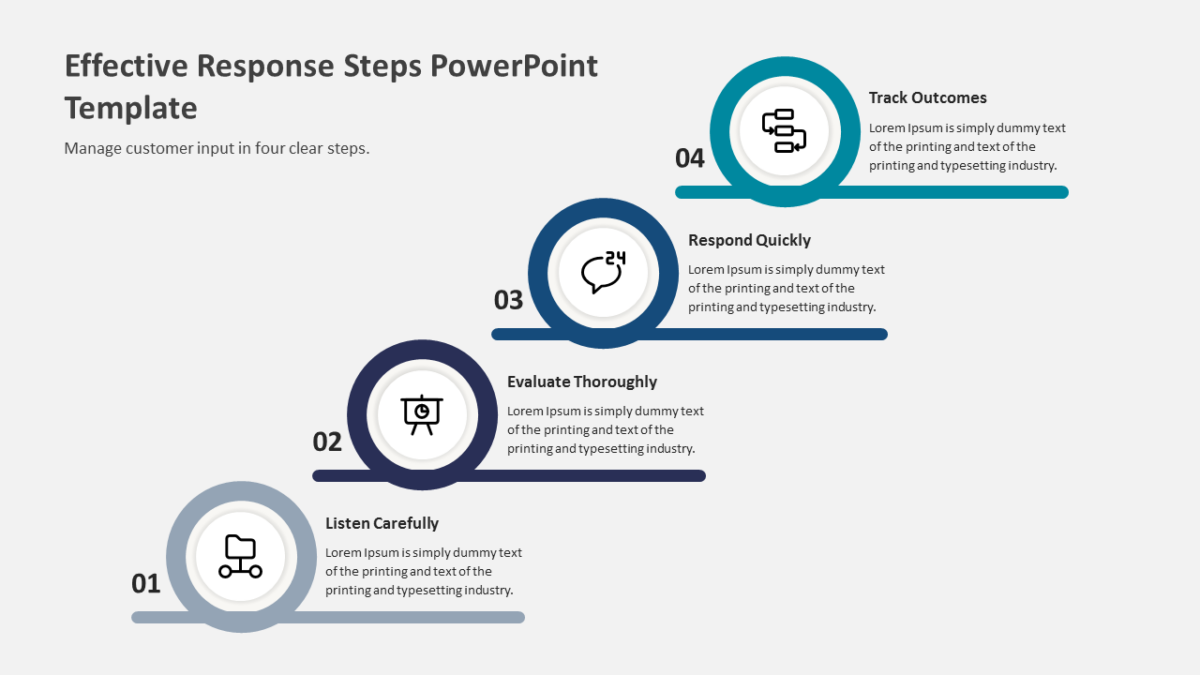
- Directional arrow shapes linking 4 labeled blocks
- An icon slot inside each block
- Arrow direction editable independently of the blocks
- Heading and supporting line per element
The shapes are native objects rather than images, so restyling is quick. 16:9, and it opens properly in both Google Slides and Keynote.
Business analysts reach for this most, though executives and agency teams get the same value out of it. Place it where a plain list would lose the sequence. There is more in the same vein across the process flow templates.