Bidirectional Workflow Arrows PowerPoint Templates
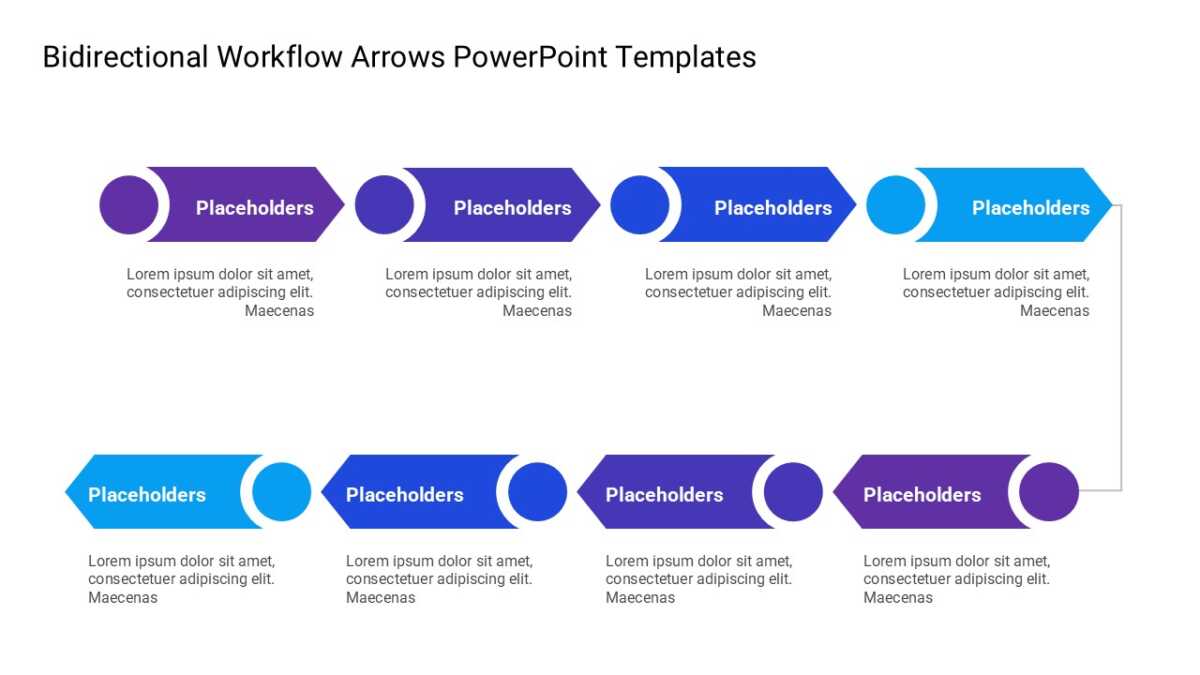
Movement between states is hard to describe and easy to draw. The Bidirectional Workflow Arrows PowerPoint Templates draws it.
The best business slides carry one idea properly rather than four badly. A clear layout makes that discipline easier to keep.
What’s on the slide
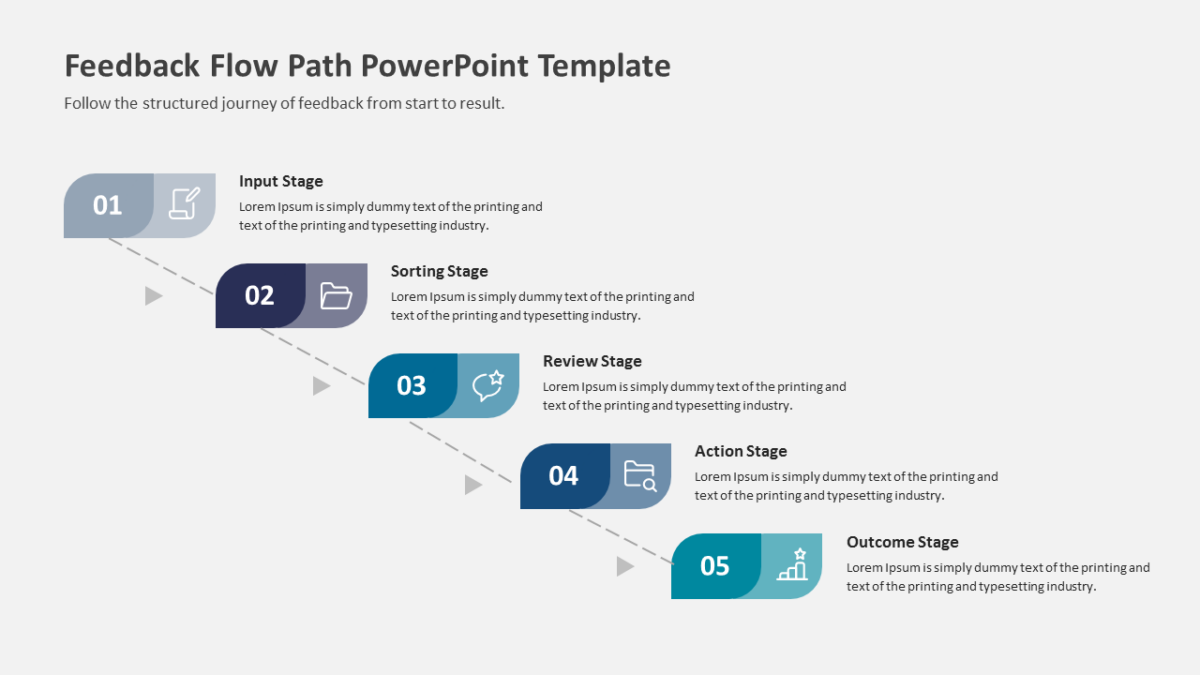
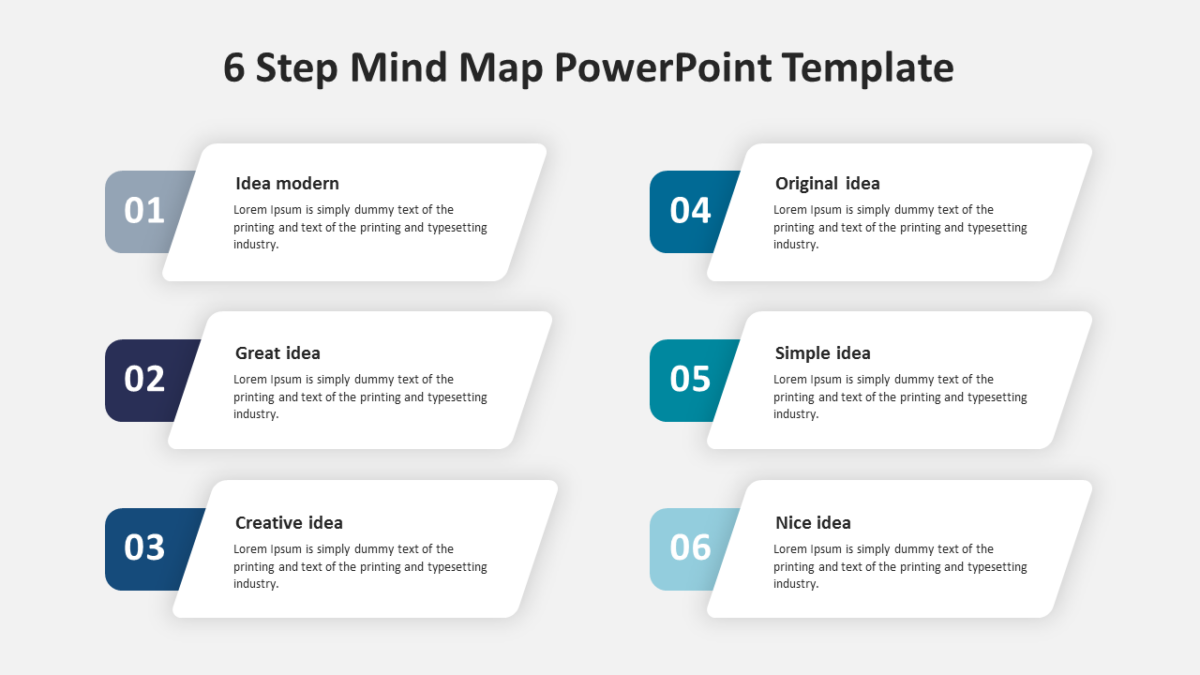
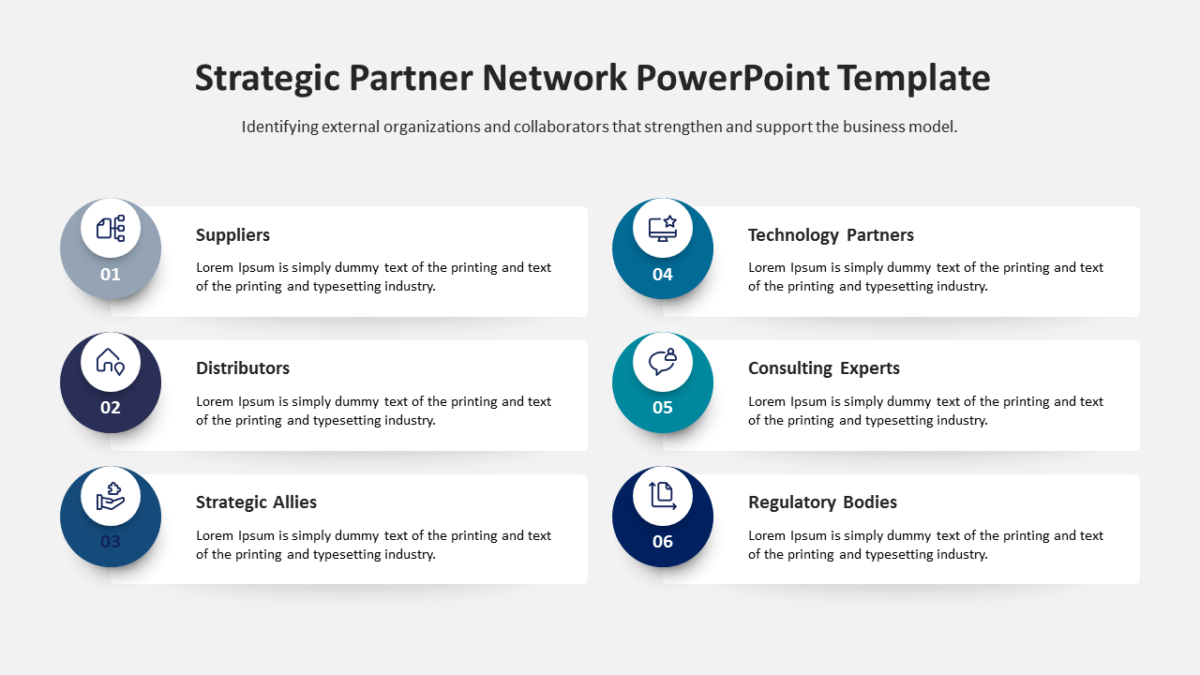
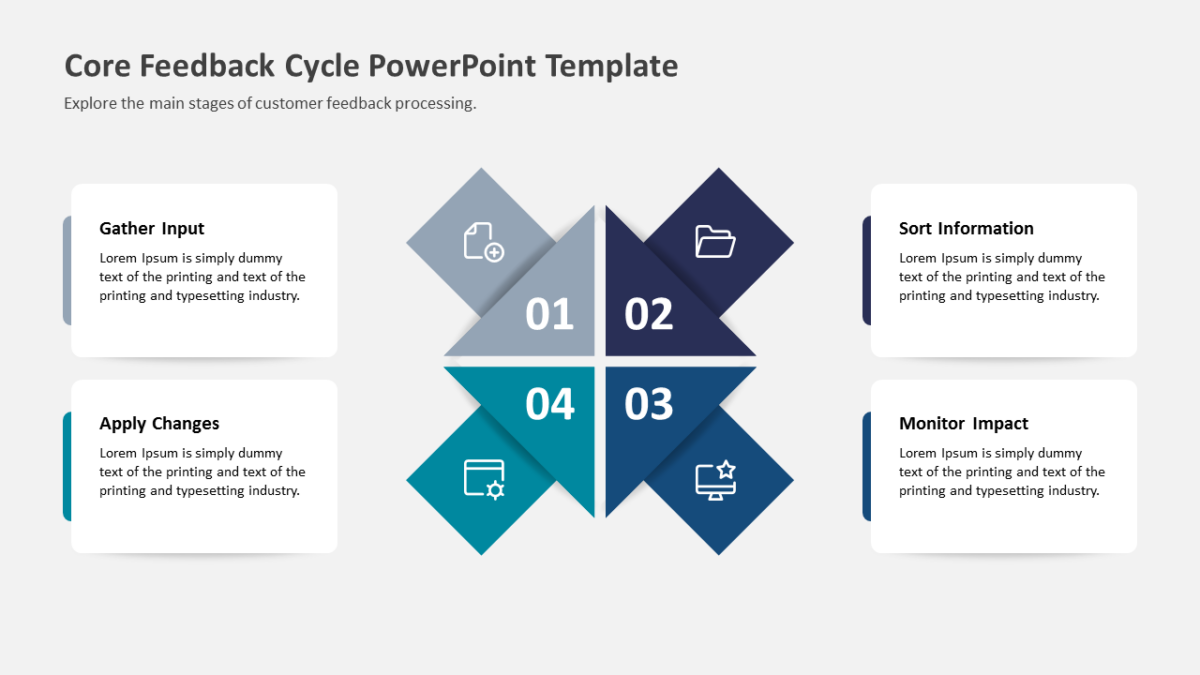
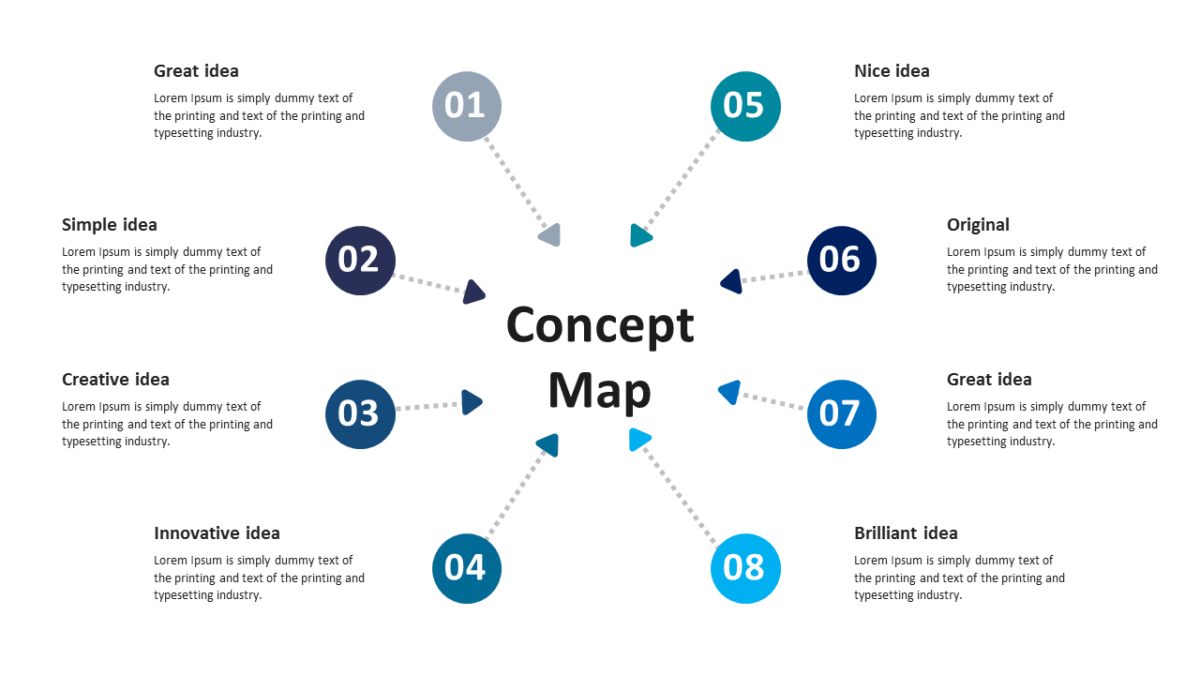
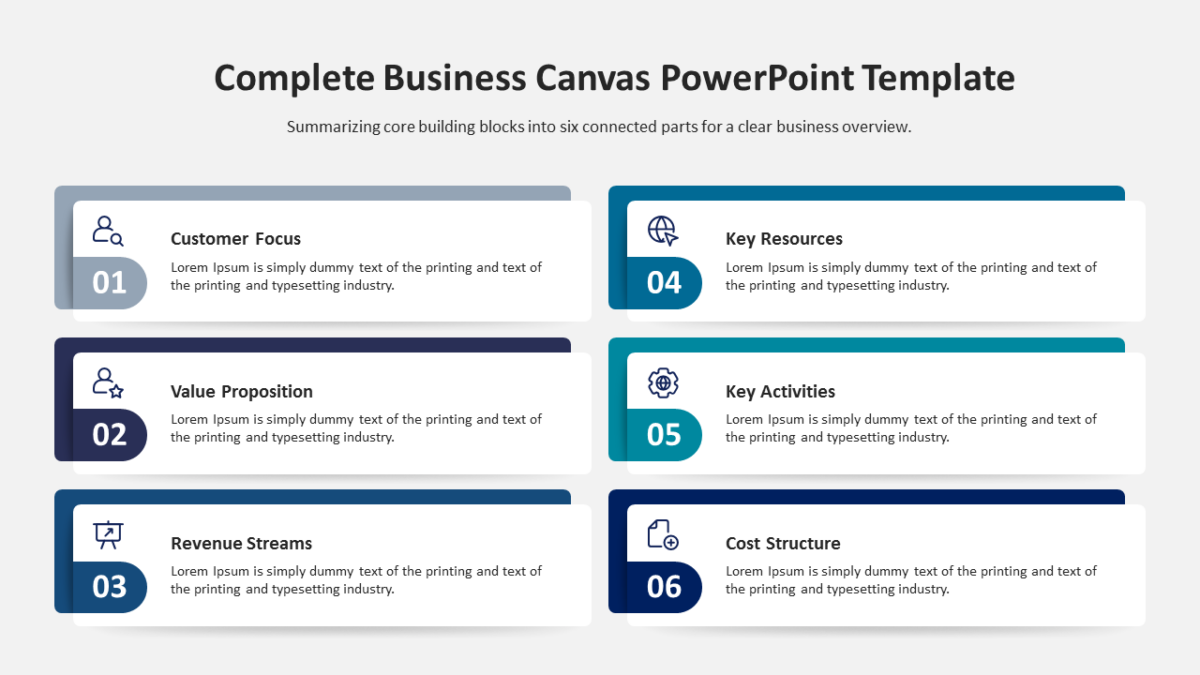
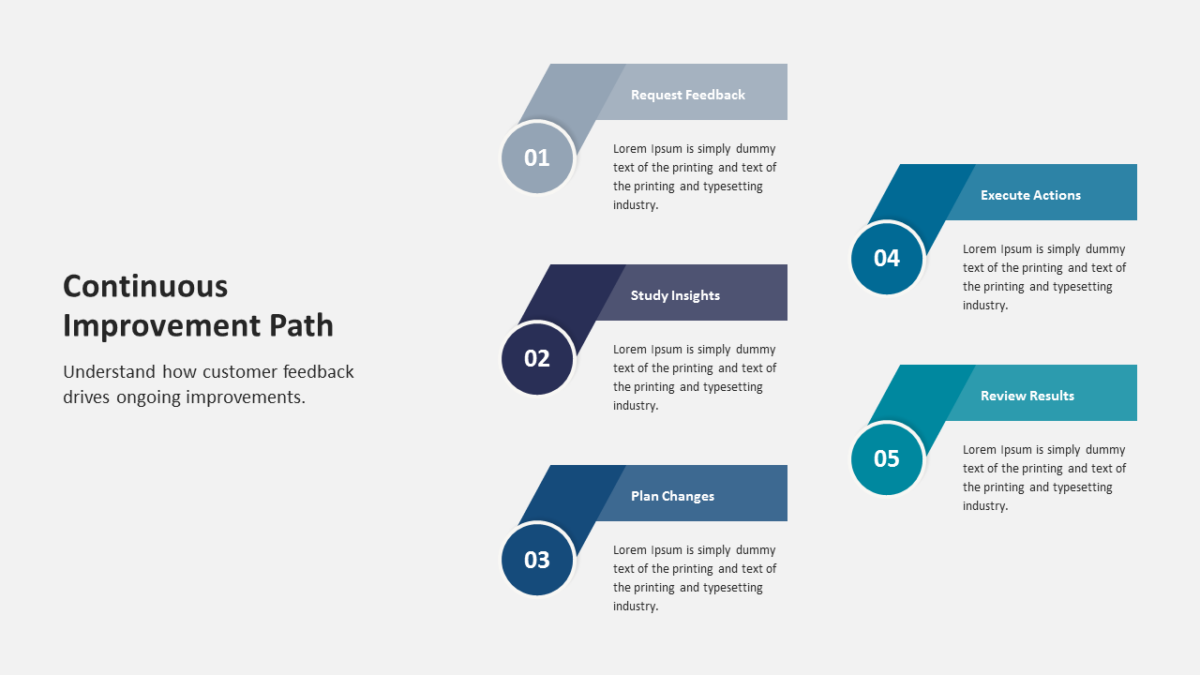
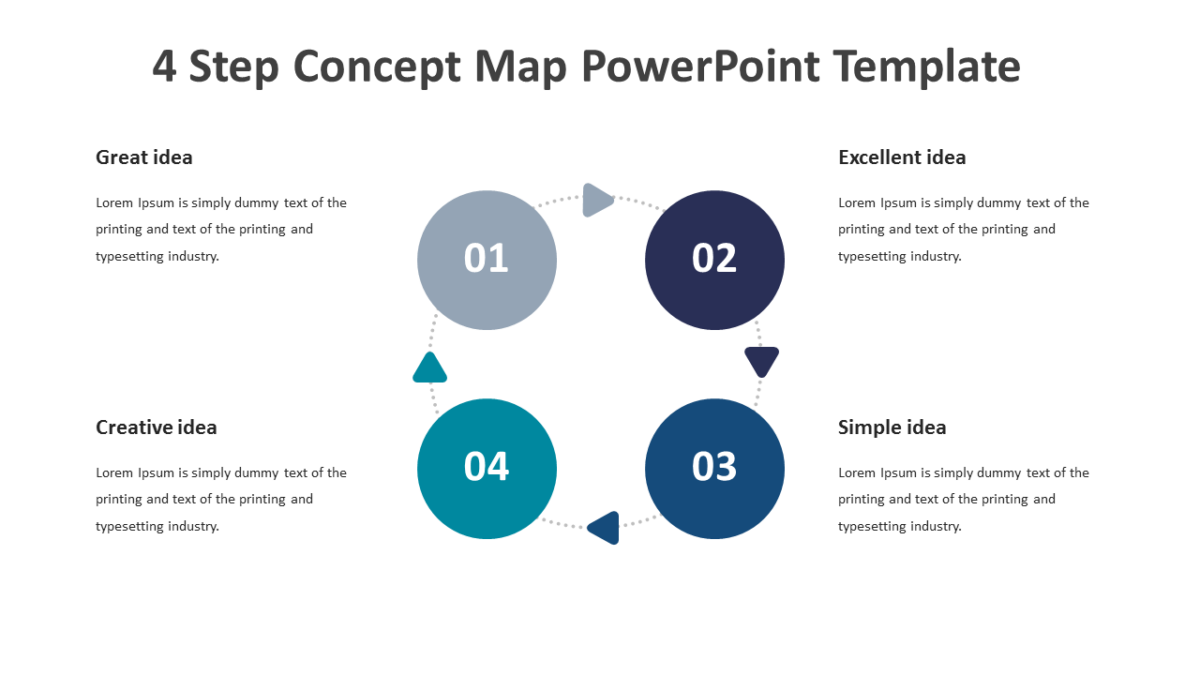
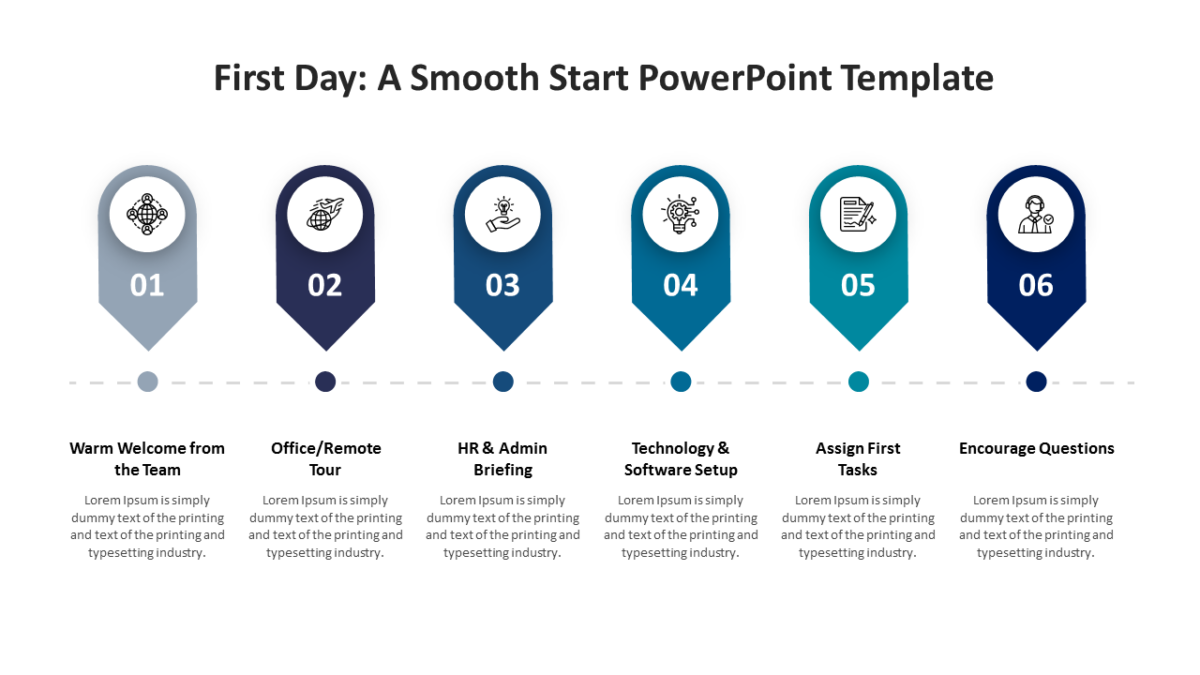
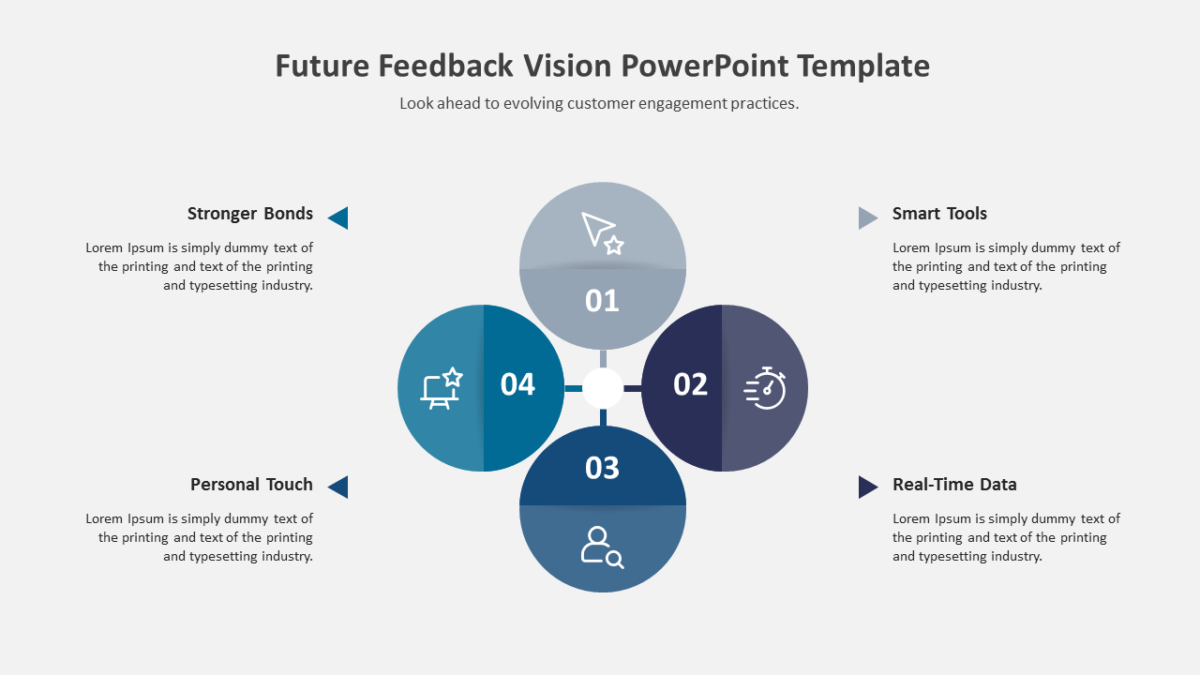
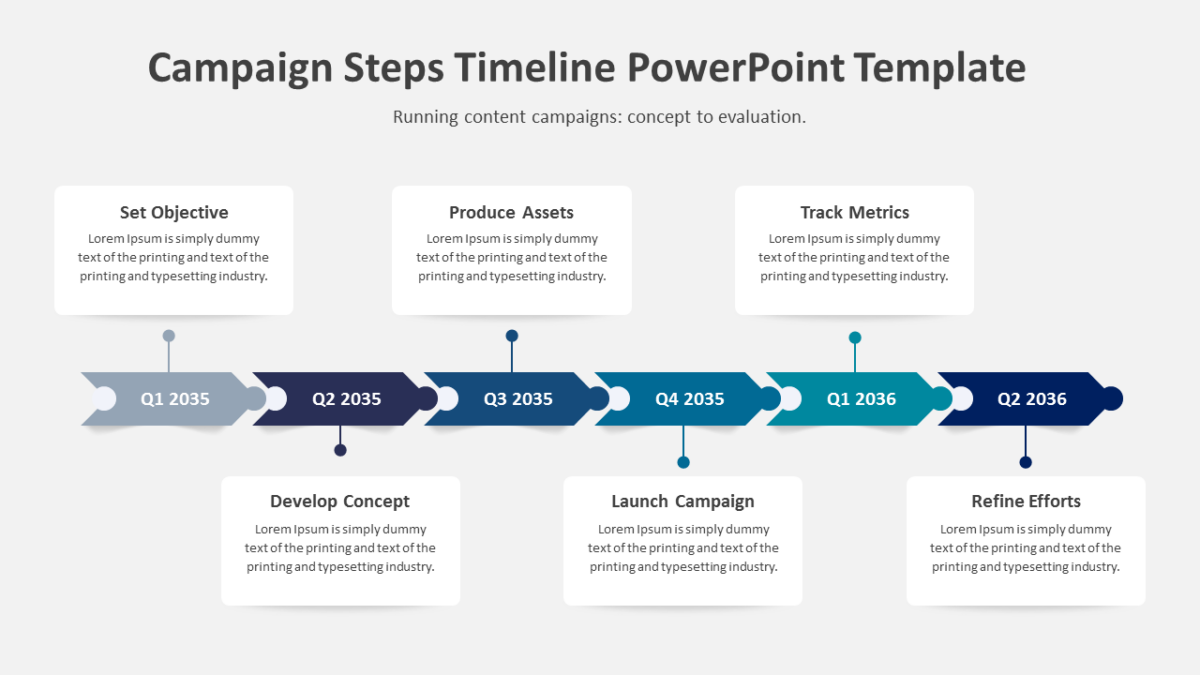
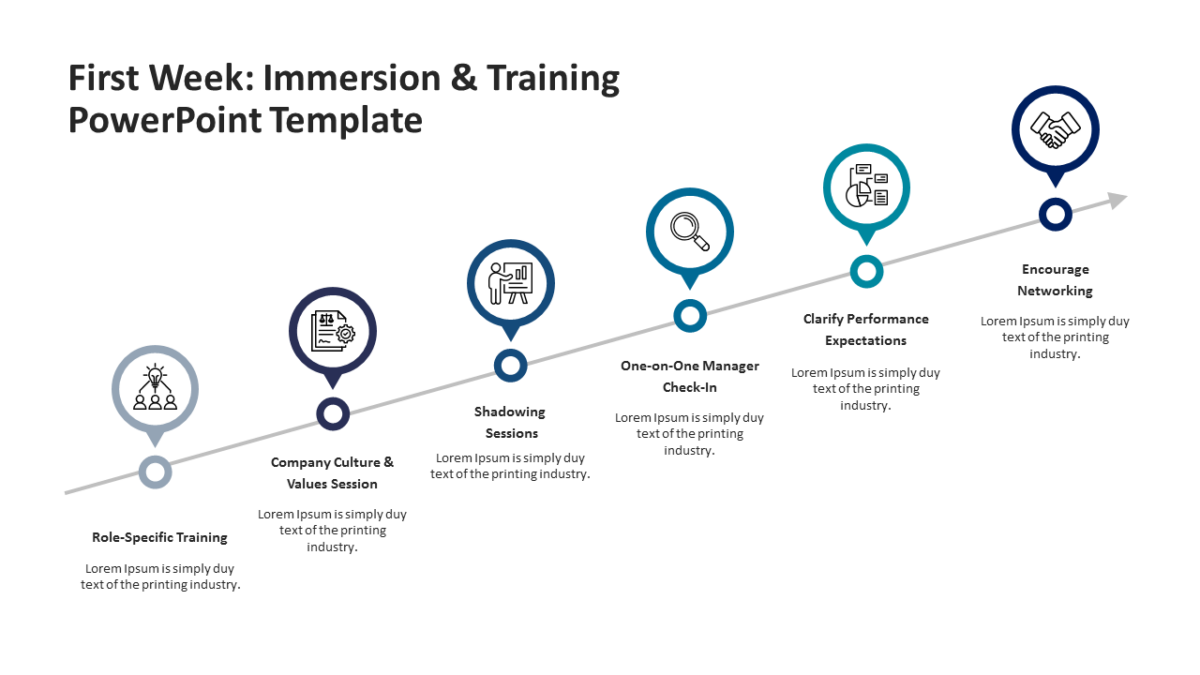
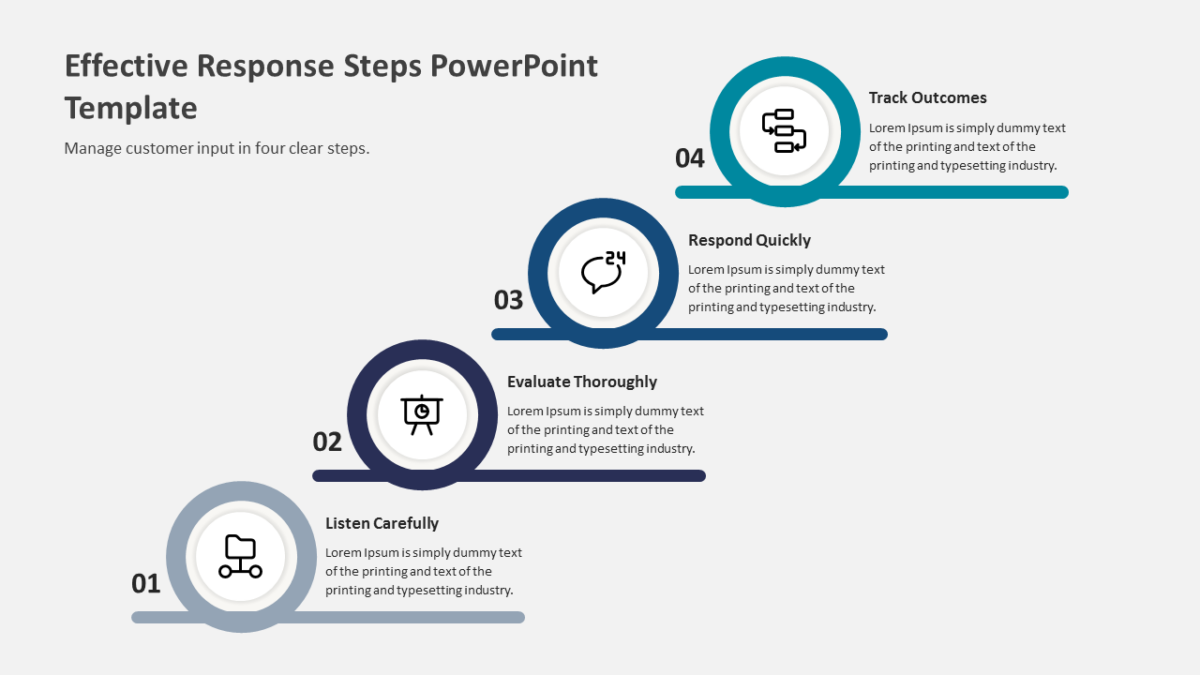
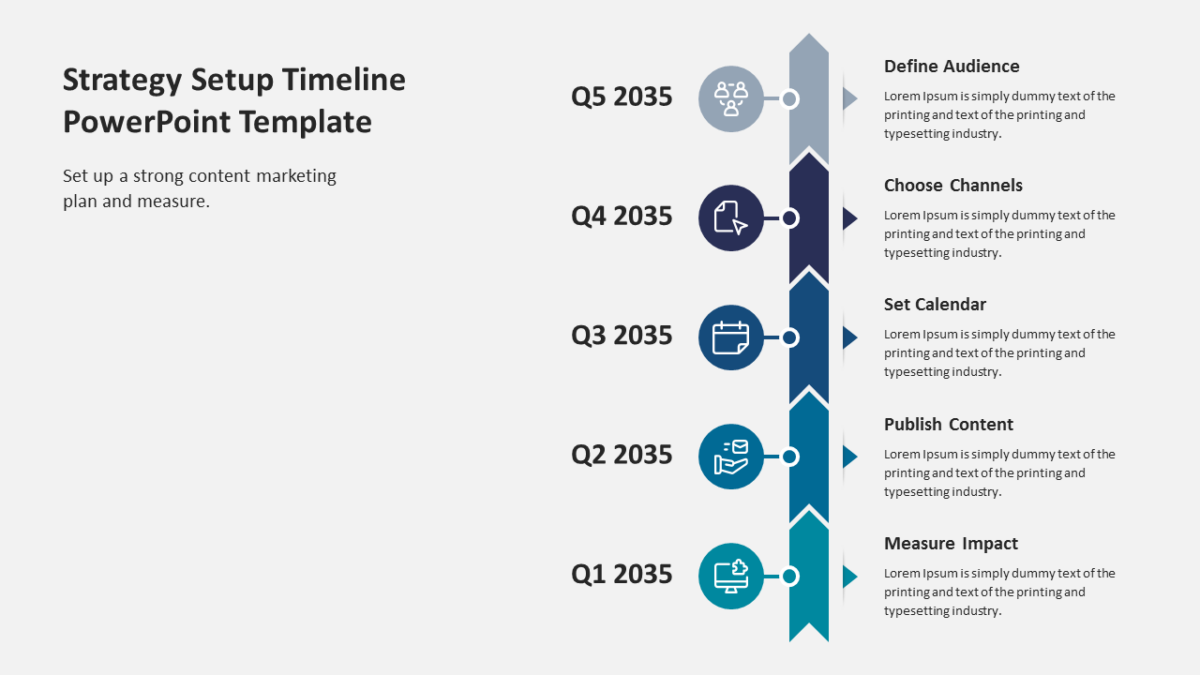
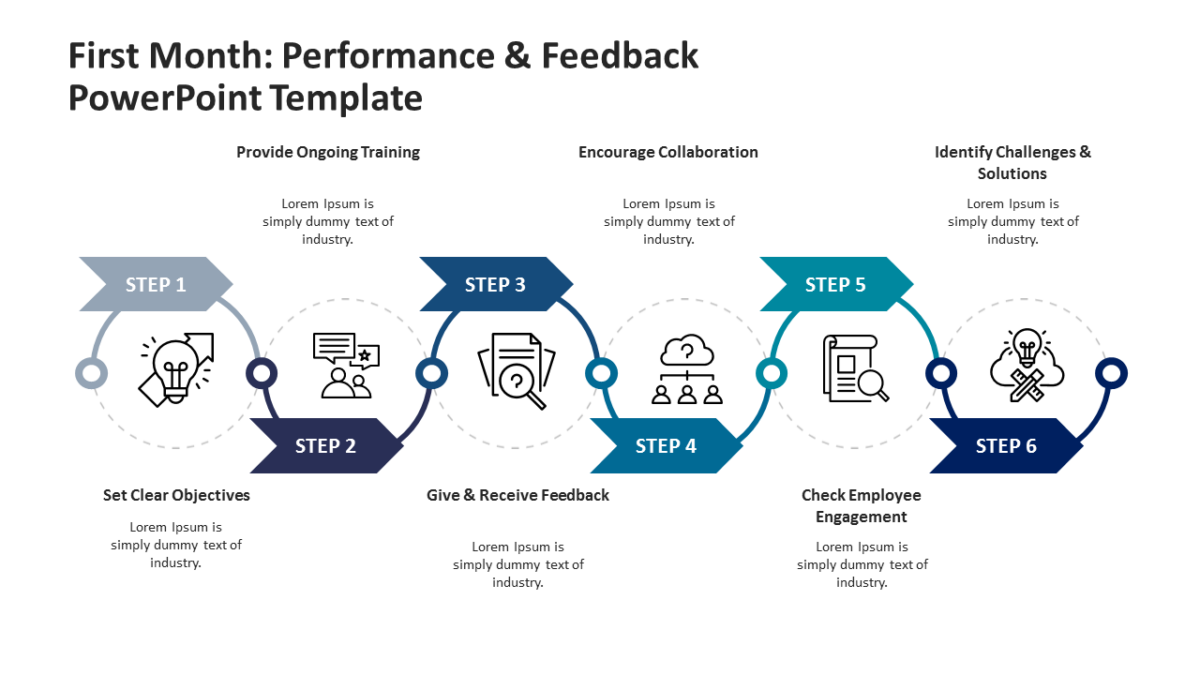
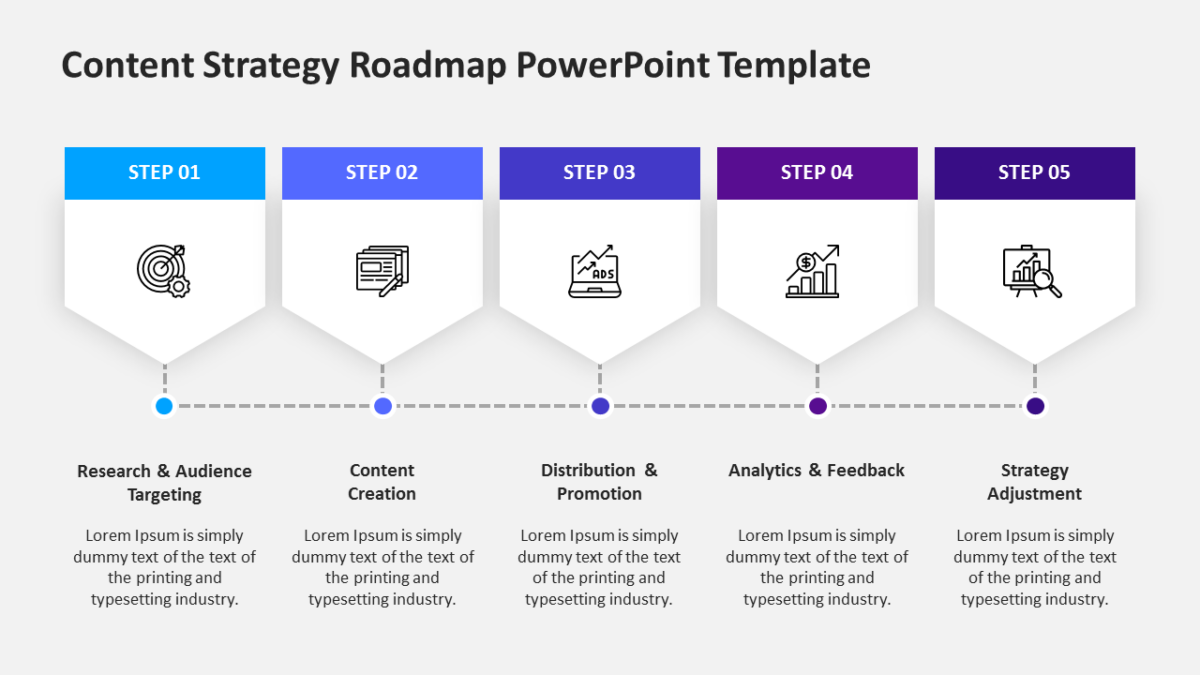
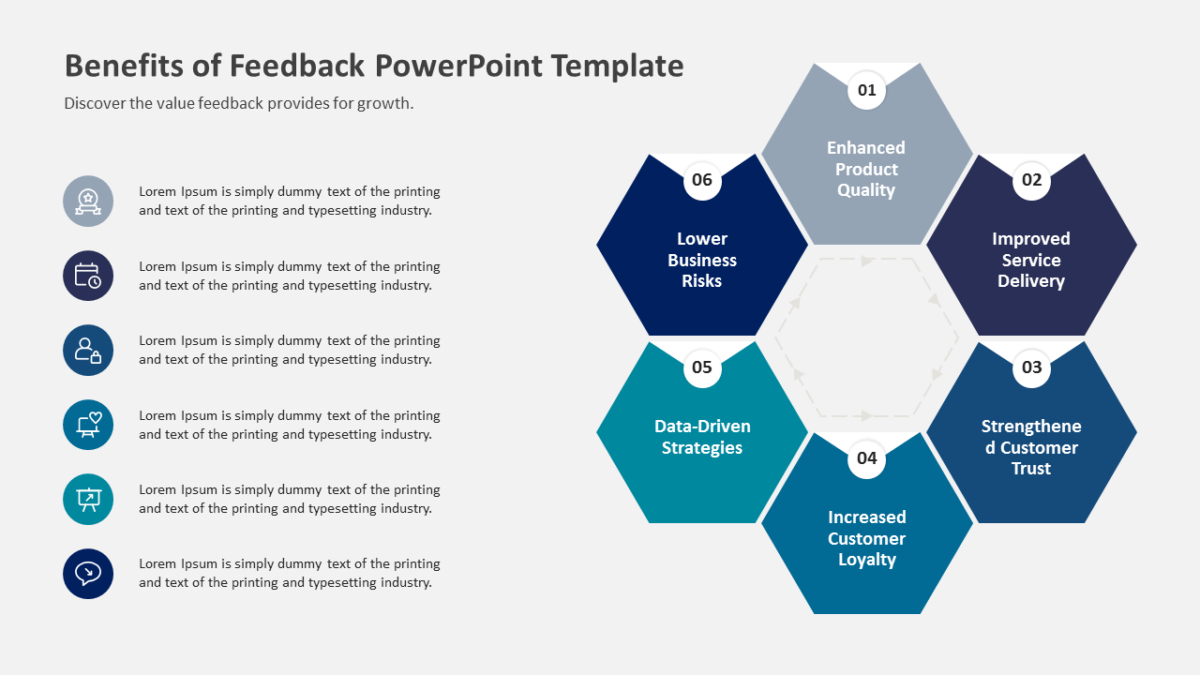
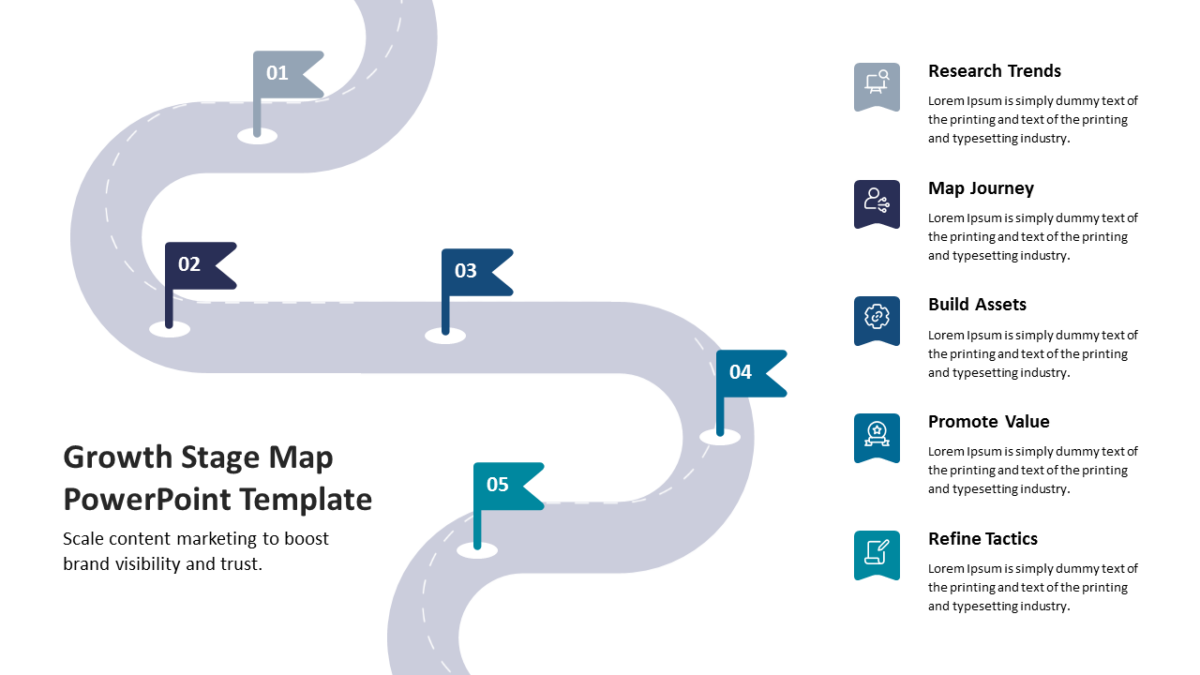
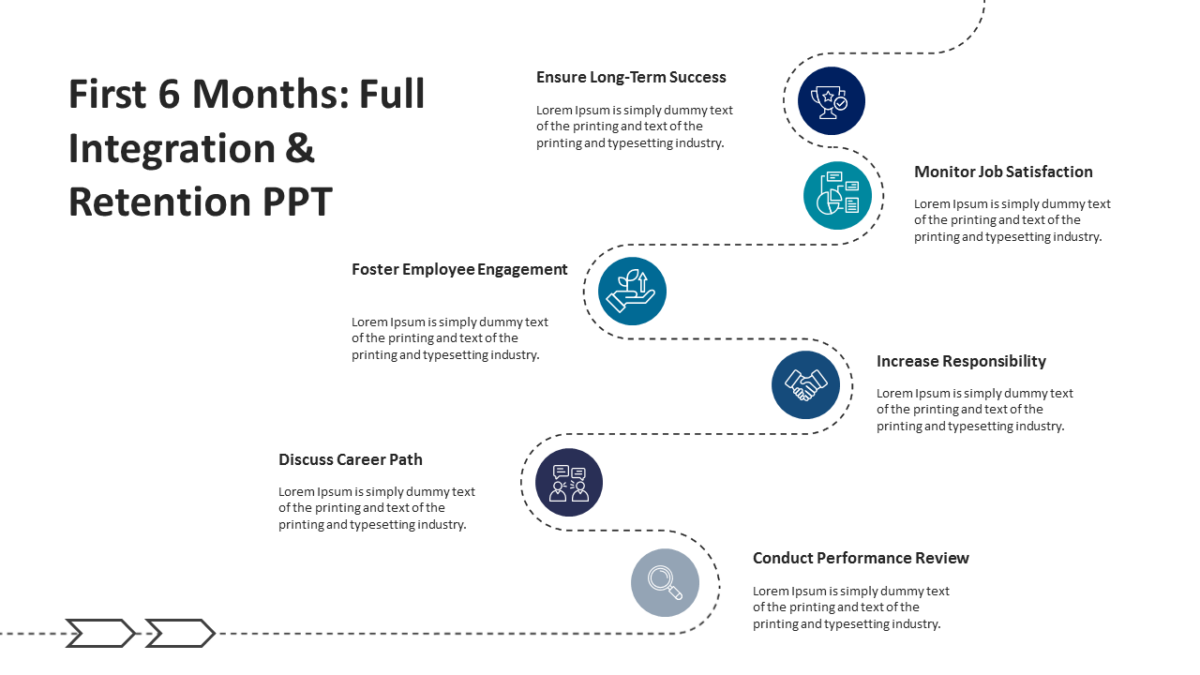
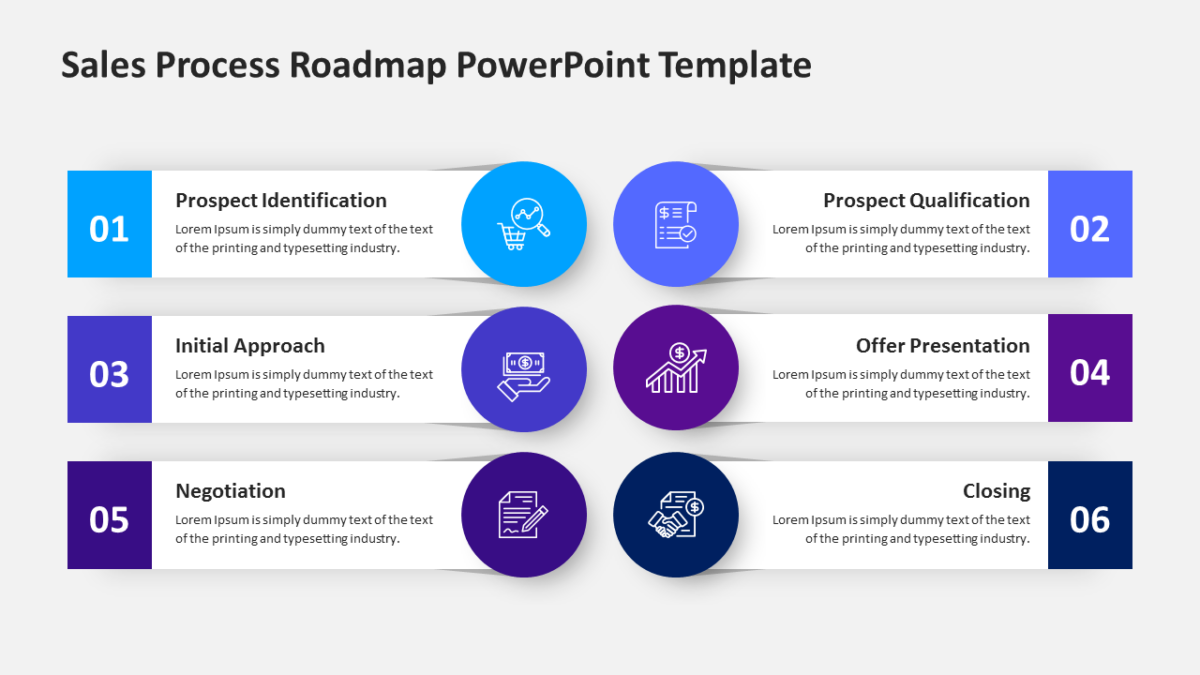
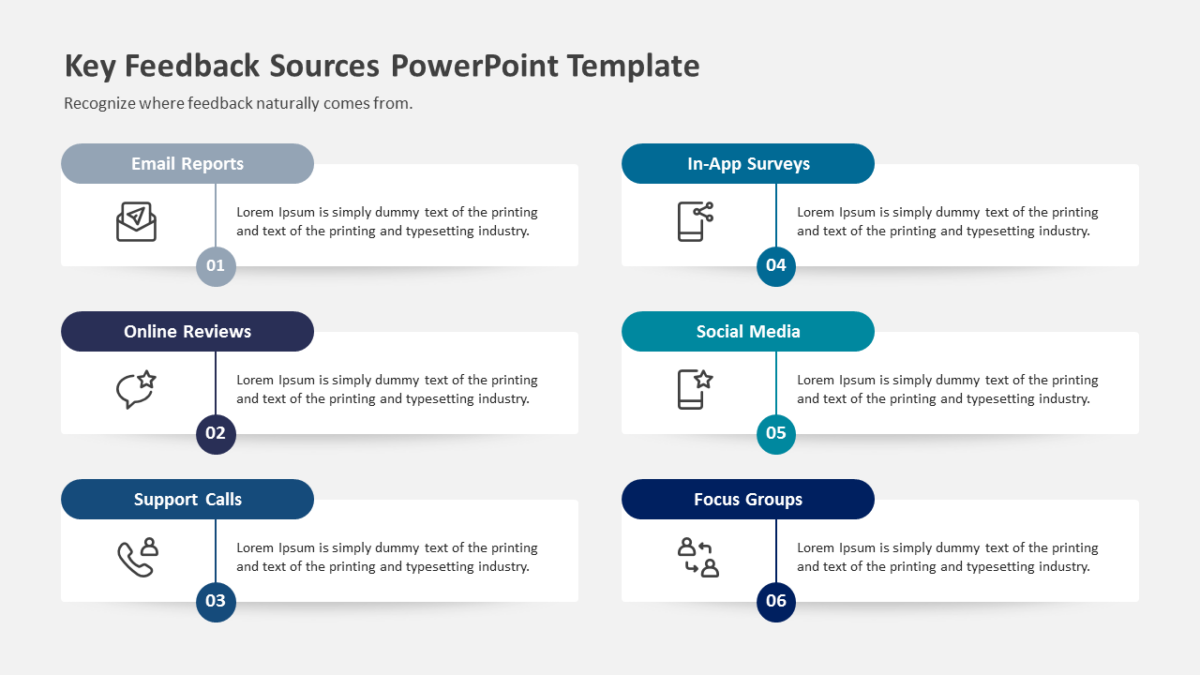
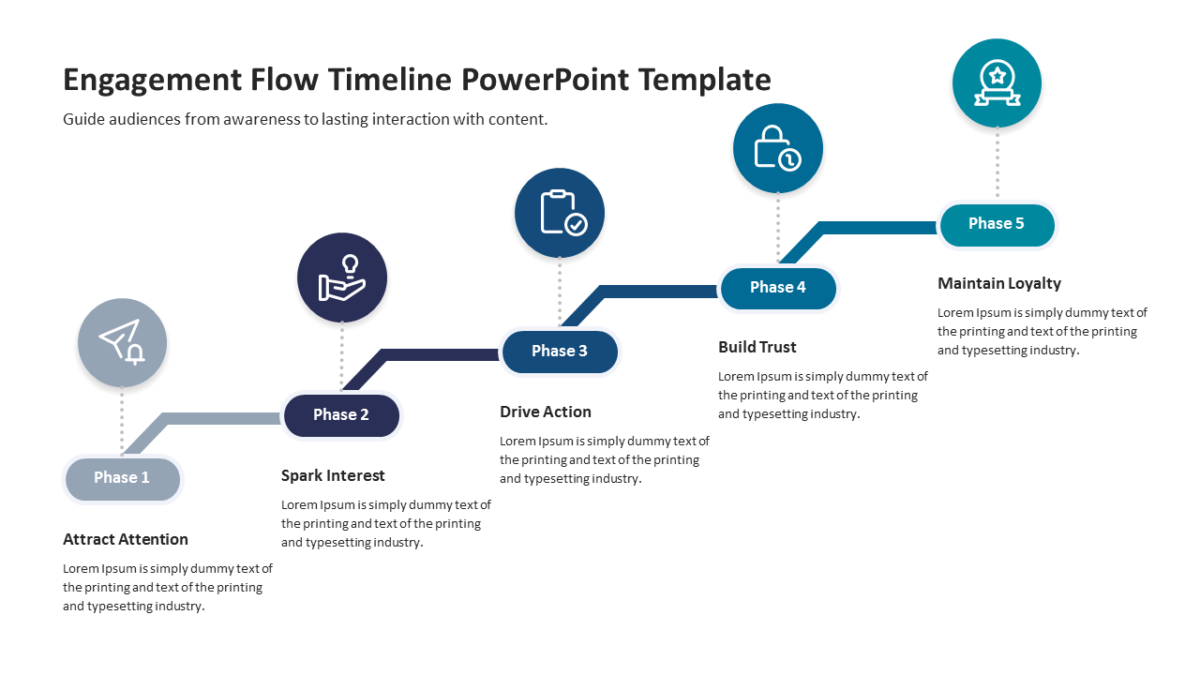
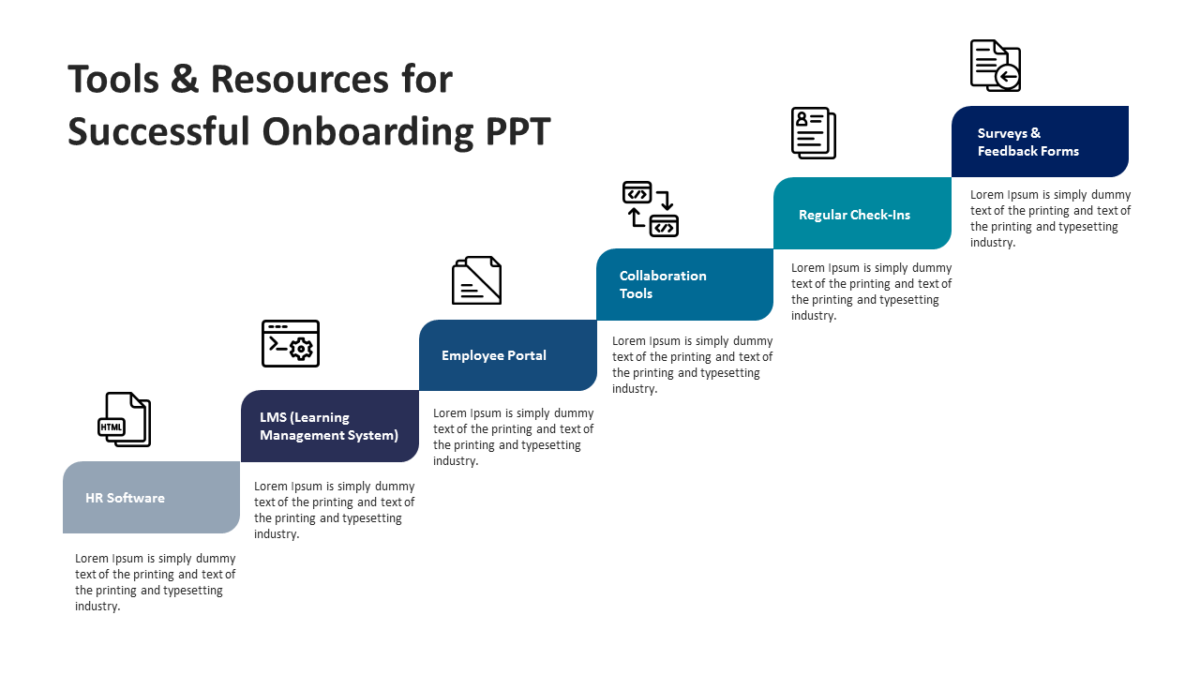
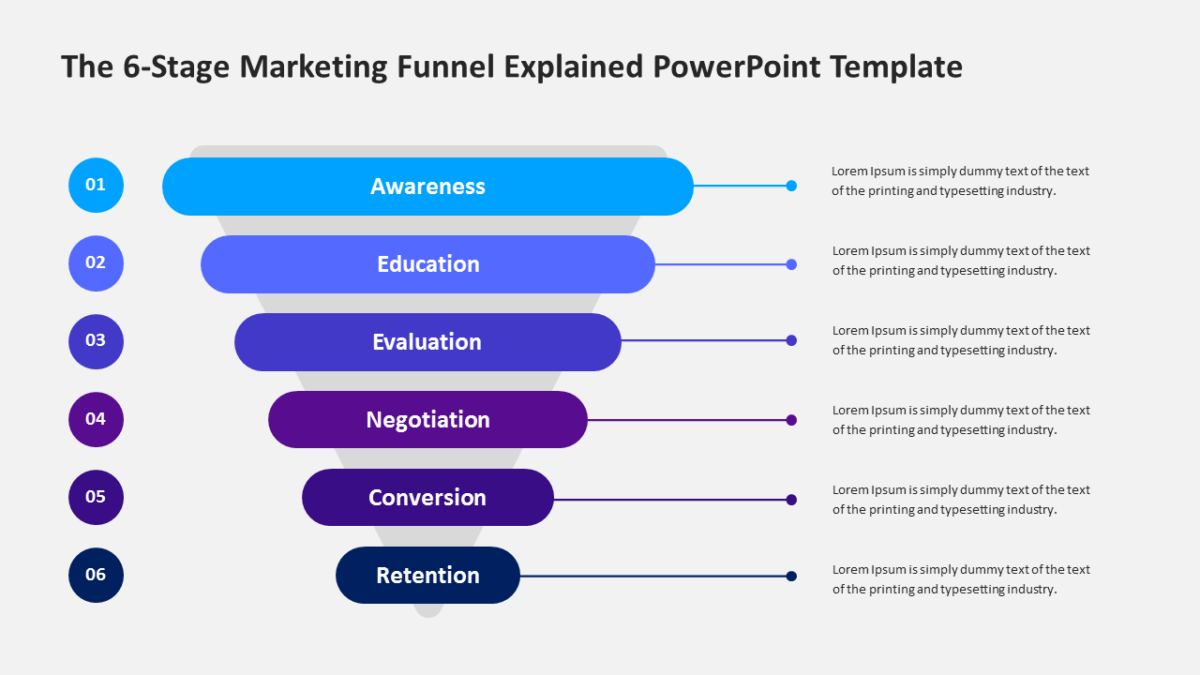
- Directional arrow shapes linking labeled blocks
- Consistent spacing between stages
- An icon slot inside each block
- Arrow direction editable independently of the blocks
All of it is editable, from the icon set to the fill colors to the text. 16:9 widescreen, compatible with PowerPoint, Google Slides and Keynote.
Consultants will use it most often. So will business analysts, and it holds up for executives too. Place it where a plain list would lose the sequence. If the count is wrong for your content, the other process flow templates cover the same ground.